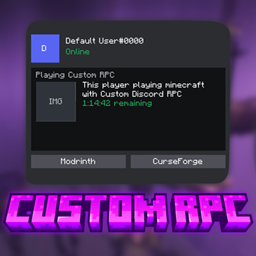
截图
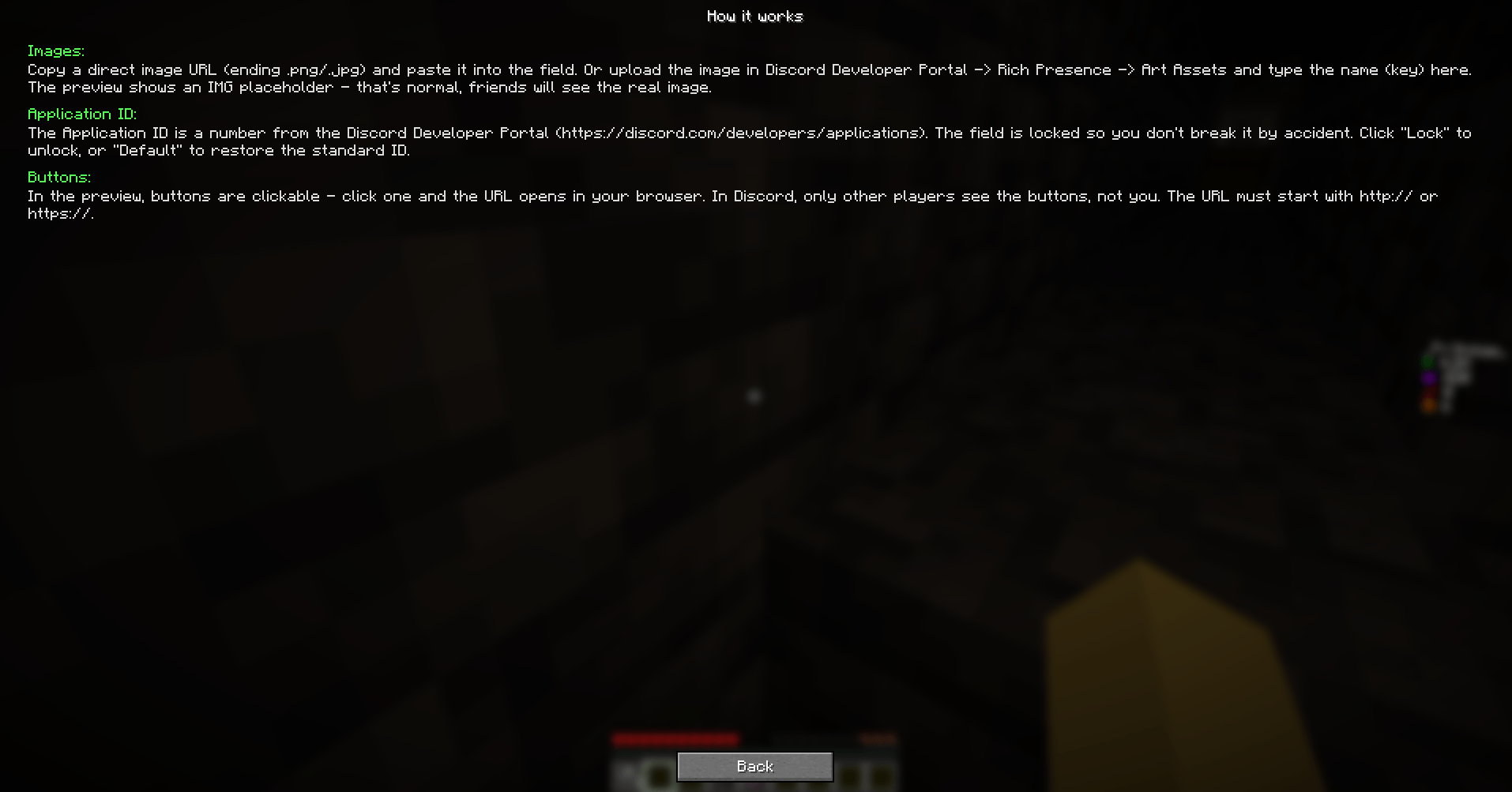
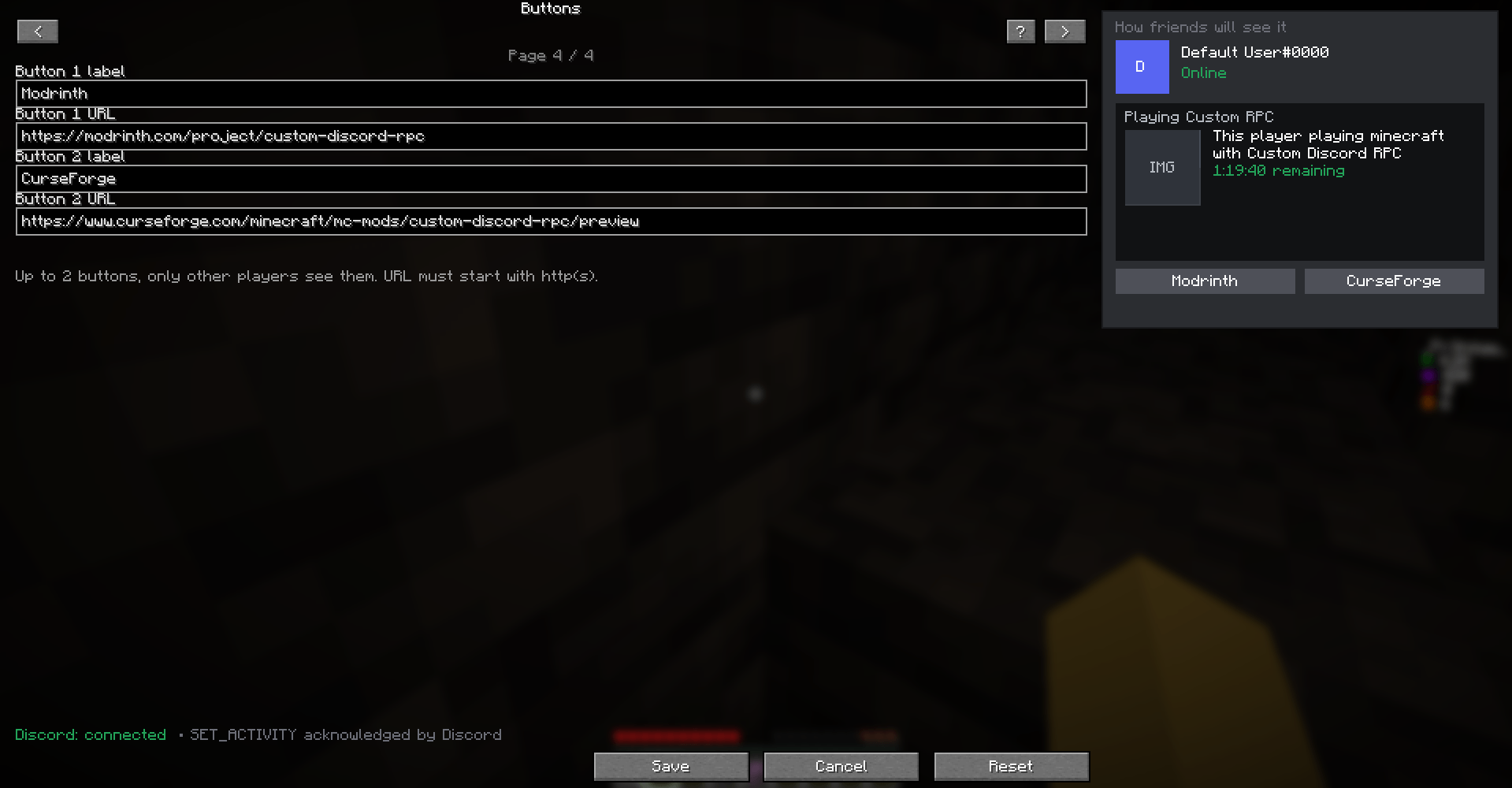
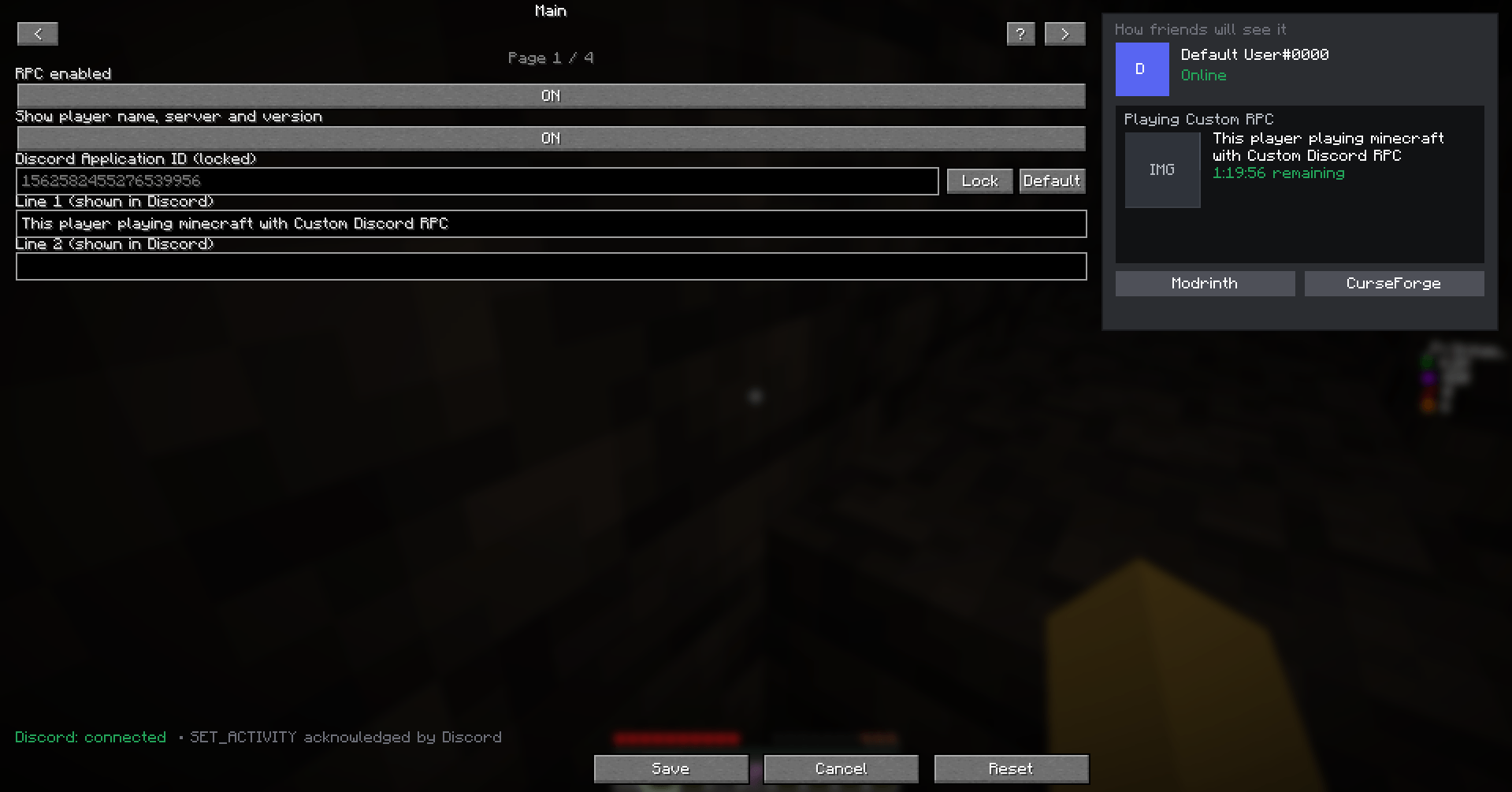
介绍
中文介绍正在准备中,下面暂时显示原文。

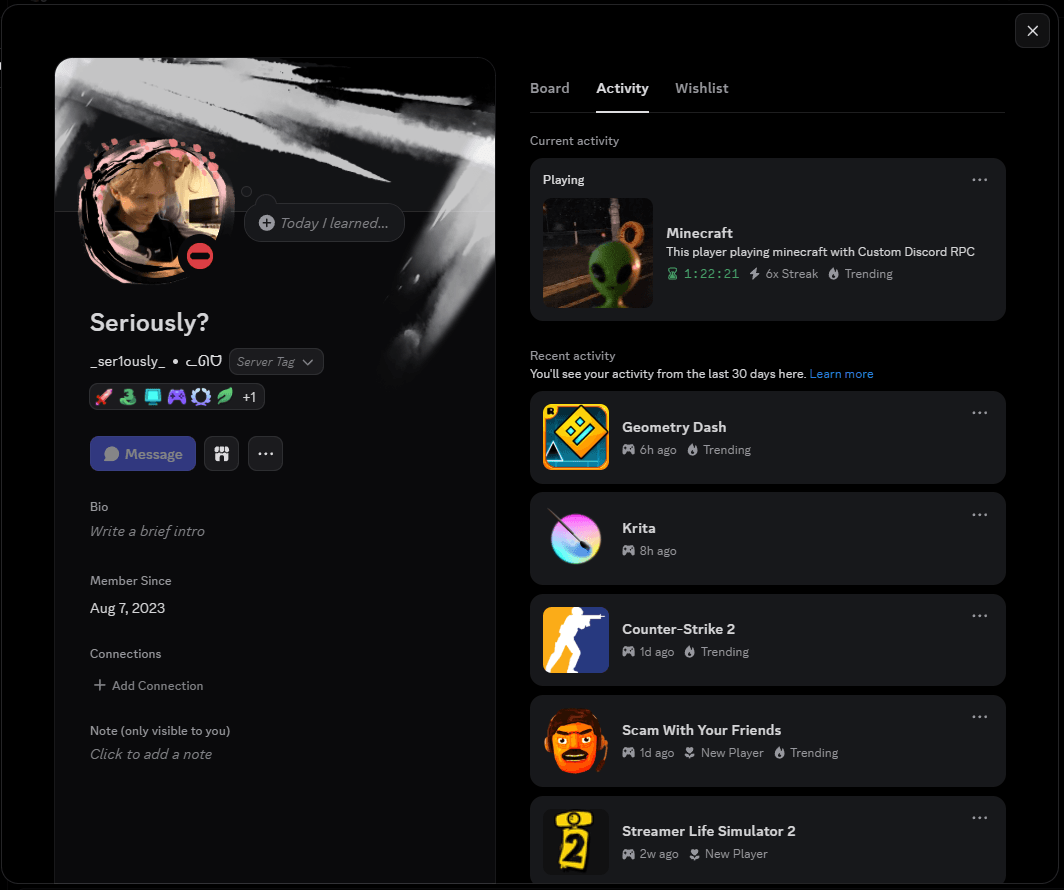
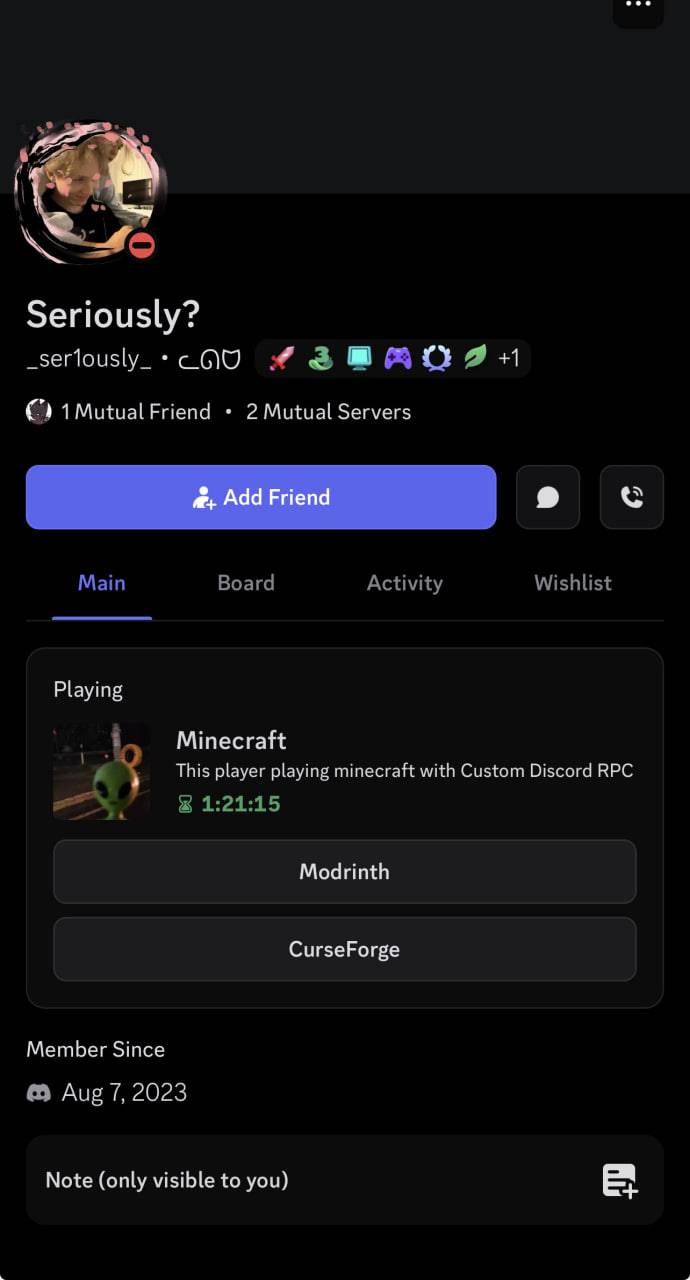
Fully customizable Discord Rich Presence for Minecraft.
Show your friends exactly what you want – your own text, images, timer, party size and buttons.

Features
- Custom Details and State text (what shows in your Discord profile)
- Large & small images with hover tooltips (URL or asset key from Developer Portal)
- Placeholders: {player}, {server}, {version} ( example: _Fr3nzyy_ , donutsmp.net , 1.21 )
- Party size (current/max players)
- Timer: count up or countdown
- Up to 2 clickable buttons (visible to other players)
- Live preview of your Discord profile in-game
- In-game GUI — press K to open
- Client-side only – no server install needed

- Install Fabric Loader and Fabric API
- Drop the mod into your
modsfolder - Launch the game, press K to open settings
- Edit text, images, buttons — watch the live preview on the right
- Hit Save and your Discord profile updates instantly
常见问题
Custom Discord RPC 支持哪些 Minecraft 版本?
Custom Discord RPC 支持 Minecraft Java 版 1.21,可用的加载器:Fabric。下载时注意选择和你游戏版本一致的文件。
Custom Discord RPC 怎么安装?
先用 PCL2 或 HMCL 启动器安装对应版本的 Fabric,再把下载的 .jar 文件放进游戏目录的 mods 文件夹,重新启动游戏即可。开启了版本隔离的,mods 文件夹在 versions/版本名 下面。
kiryawhynot 的其他作品
查看全部 →
Shulker Helper
by kiryawhynot
This mod allows you to view the contents of a shulker box without opening it.
836
13 天前
CurseForge
Shulker Helper
by kiryawhynot
This mod allows you to view the contents of a shulker box without opening it.
836
13 天前
CurseForge

Players Totems
by kiryawhynot
This mod automatically replaces the Totem of Undying texture with your own skin.
28
17 天前
CurseForge
评论
登录后评论和评分