
BearEdit
A worldedit datapack for 1.20.2+ which is easy to use - no commands required! :D
截图
介绍
Introducing BearEdit, the best world edit datapack for Minecraft 1.20.2+. With no finicky commands or chat based UI, this datapack makes building more efficient. No past experience is required – BearEdit is designed to be as simple as possible, while still being super powerful. Here’s what we’ve got:
Features
- No commands or confusing UI – everything can be done in seconds without interrupting your flow.
- No resource pack or mod you have to download!
- No lag, like at all
- Works in multiplayer
- Works with any blocks, even modded ones.
- Works in 1.20.2 and above
Build Tool item
The Build Tool item is the way to control the datapack. You can only use it in creative mode. To get the item, run /function be:give.
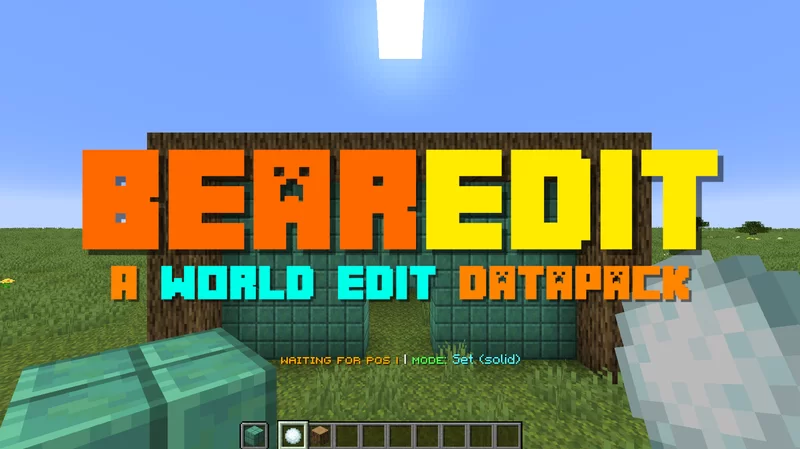
If you hold the item, you should see text above your hotbar, showing the current status and selected mode.
This item is super duper simple to use. In fact, it’s no more than 3 steps to understand:
- Select the mode using F
- Pick a block by putting it in your offhand, if applicable
- Right click on a block to select the start position. Do the same for the end position.
The item has these main controls:
- Right click on a block to select a position, or to run the action. If you right click in midair, it selects the current position.
- F (Swap Hands) to cycle through the Build Tool’s modes
- Q (Drop Item) resets the current stored positions/data
- Shift + F (Sneak + Swap Hands) will open the Mode Selector Chat GUI to select which mode you want to use.
If you get stuck, all the controls can be seen by hovering over the item in your inventory.
Modes
Here are all the modes currently in the datapack:
| Mode | Description |
|————–|———–|
| Set Solid | Fills the area with the chosen block, replacing anything in the way |
| Set (Hollow) | Fills the outer layer of the area with the chosen block, leaving the inside as it is. |
| Remove Blocks | Removes all blocks in the area, essentially setting it to air. |
| Draw Line | Draws a straight line from the start to the end positions made of the chosen block. |
| Replace | Replaces all of one type of block with another in the selected area. |
Settings
These functions will toggle settings in the pack:
| Command | Description |
|————–|———–|
| /function be:settings/keep_positions | Toggles whether to keep the positions after you run an action, or reset them. |
| /function be:settings/outline | Toggles whether the selected are should have an outline. |

常见问题
BearEdit 支持哪些 Minecraft 版本?
BearEdit 支持 Minecraft Java 版 1.20.2–1.21.11,共 7 个版本,可用的加载器:Fabric / Forge / NeoForge / Quilt。下载时注意选择和你游戏版本一致的文件。
BearEdit 怎么安装?
先用 PCL2 或 HMCL 启动器安装对应版本的 Fabric / Forge / NeoForge / Quilt,再把下载的 .jar 文件放进游戏目录的 mods 文件夹,重新启动游戏即可。开启了版本隔离的,mods 文件夹在 versions/版本名 下面。运行环境:客户端 / 服务端。
Silabear 的其他作品
查看全部 →
Realistic Item Drops
This datapack makes dropped items display with physics and rest nicely on the ground (using fun stuff with armor stands)!

VillEdit
Create custom villagers with the VillEdit datapack! This is an easy custom villager creator which works without mods.

Potato PC
Adds a literal potato pc with a literal potato operating system

Drawing
Draw things in your Minecraft world!
评论
登录后评论和评分