Blaze Soward
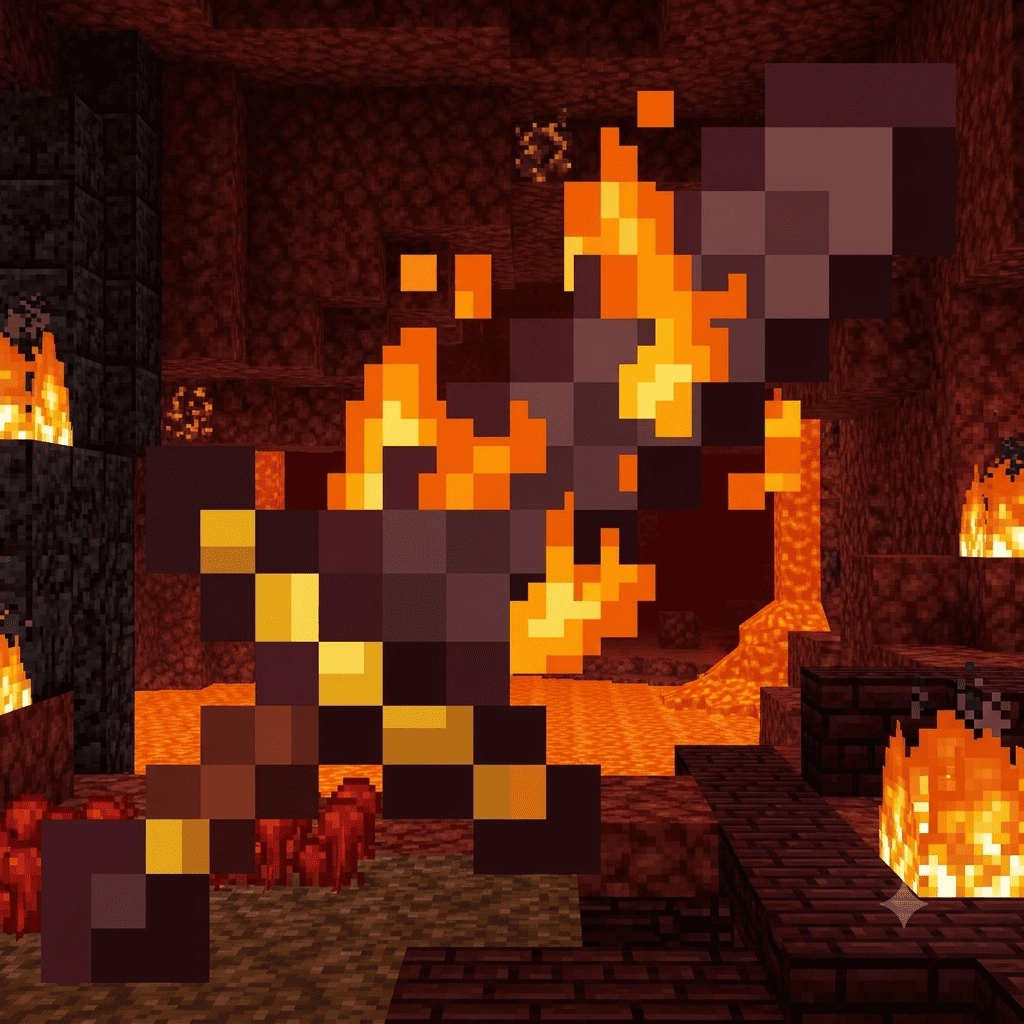
"Adds a blazing effect to all vanilla swords. Swords ignite enemies and emit fire particles."
截图
介绍
中文介绍正在准备中,下面暂时显示原文。
Blaze Sword
Blaze Sword adds a fiery combat effect to all vanilla swords — Wooden, Stone, Iron, Golden, Diamond, and Netherite. No new items are added; instead, every existing sword gains new behavior when you swing and hit with it.
Features
- Fire burst on swing — every time you swing a sword, a burst of fire particles erupts from the blade in the direction you’re facing.
- Two fire types based on your action:
- 🟠 Orange Fire (Normal) — triggered on a regular attack. Ignites the target for a short duration and deals a small amount of bonus damage.
- 🔵 Blue Fire (Empowered) — triggered when you attack while sneaking (Shift). Ignites the target for longer and deals more bonus damage than orange fire.
- Works on any vanilla sword — no new item, recipe, or resource is required. Just hold a sword and attack.
- Server-authoritative — all fire effects and damage calculations run on the server, so the effect looks consistent for every player in multiplayer.
How It Works
- Hold any vanilla sword in your main hand.
- Attack normally → orange fire burst appears, and the target catches fire briefly.
- Hold Shift while attacking → blue fire burst appears instead, dealing more damage and burning the target longer.
Compatibility
- Requires Fabric API.
- Does not modify the base
SwordItemclass or add new items/blocks, so it should be compatible with most other combat and item mods. - Works in both singleplayer and multiplayer (dedicated server + client, or client-side with a compatible server).
Requirements
| Requirement | Version |
|---|---|
| Minecraft | 1.21.11 |
| Fabric Loader | 0.19.3+ |
| Fabric API | Required |
| Java | 21+ |
Source & Support
- Source code: https://github.com/Assyifaul04/BlazeSword
- Report bugs or suggest features: https://github.com/Assyifaul04/BlazeSword/issues
License
Released under the MIT License.
常见问题
Blaze Soward 支持哪些 Minecraft 版本?
Blaze Soward 支持 Minecraft Java 版 1.21.11,可用的加载器:Fabric。下载时注意选择和你游戏版本一致的文件。
Blaze Soward 怎么安装?
先用 PCL2 或 HMCL 启动器安装对应版本的 Fabric,再把下载的 .jar 文件放进游戏目录的 mods 文件夹,重新启动游戏即可。开启了版本隔离的,mods 文件夹在 versions/版本名 下面。
评论
登录后评论和评分