DRAGON CARFT
A vanilla-inspired RPG modpack featuring progressive quests, exciting boss fights, exploration, valuable loot, and rewarding milestones while keeping the classic Minecraft survival experience.
截图
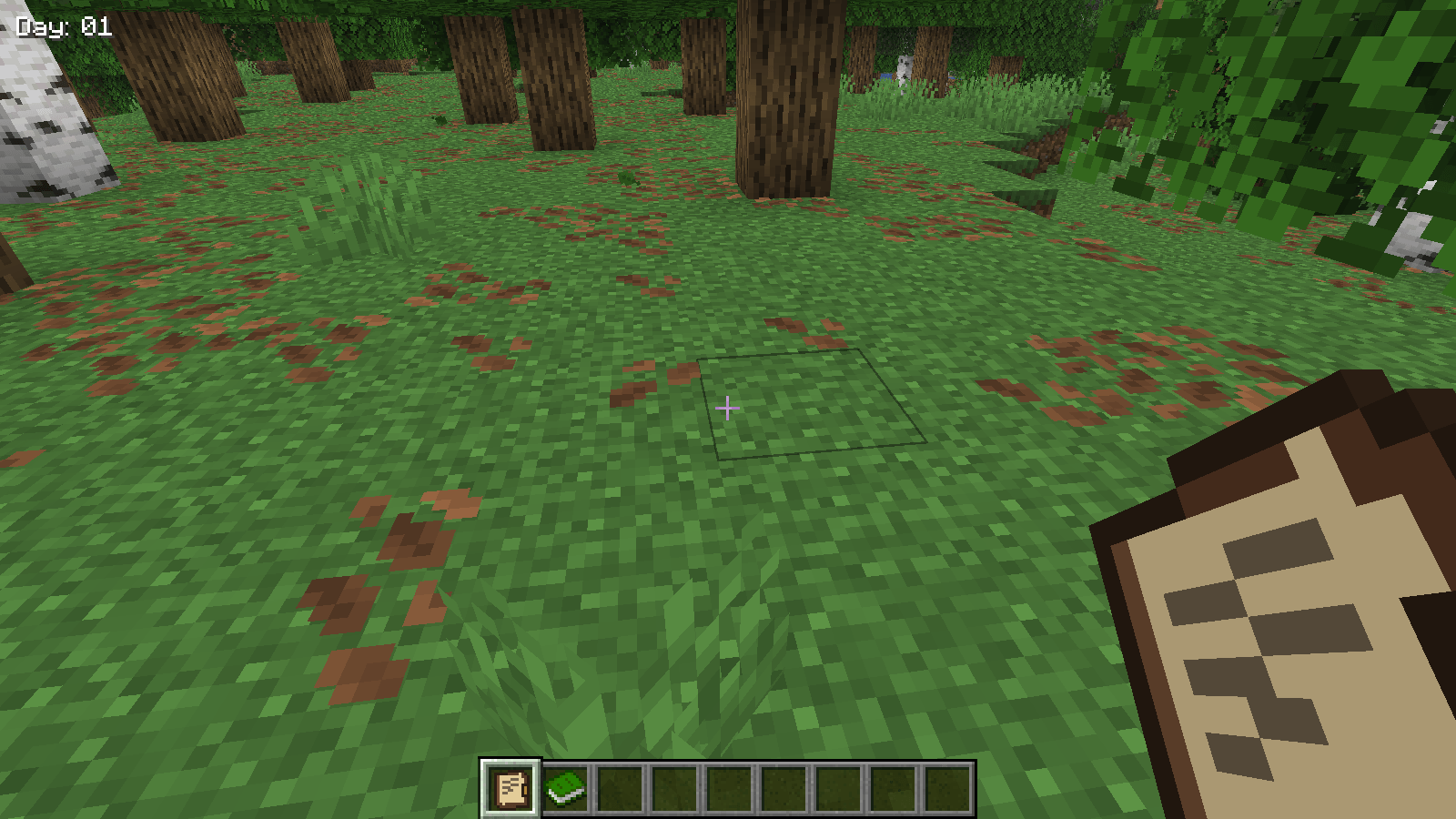
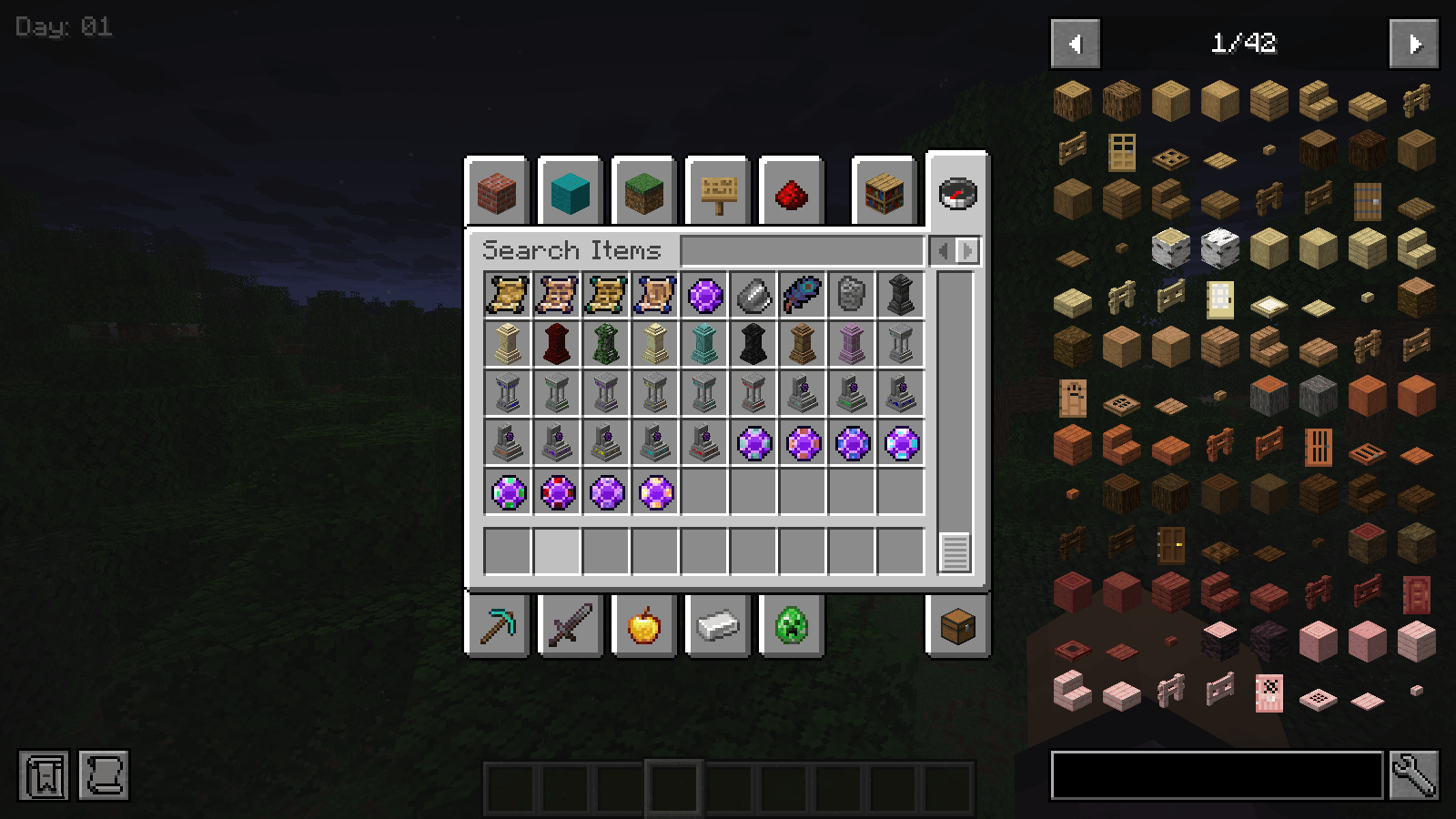
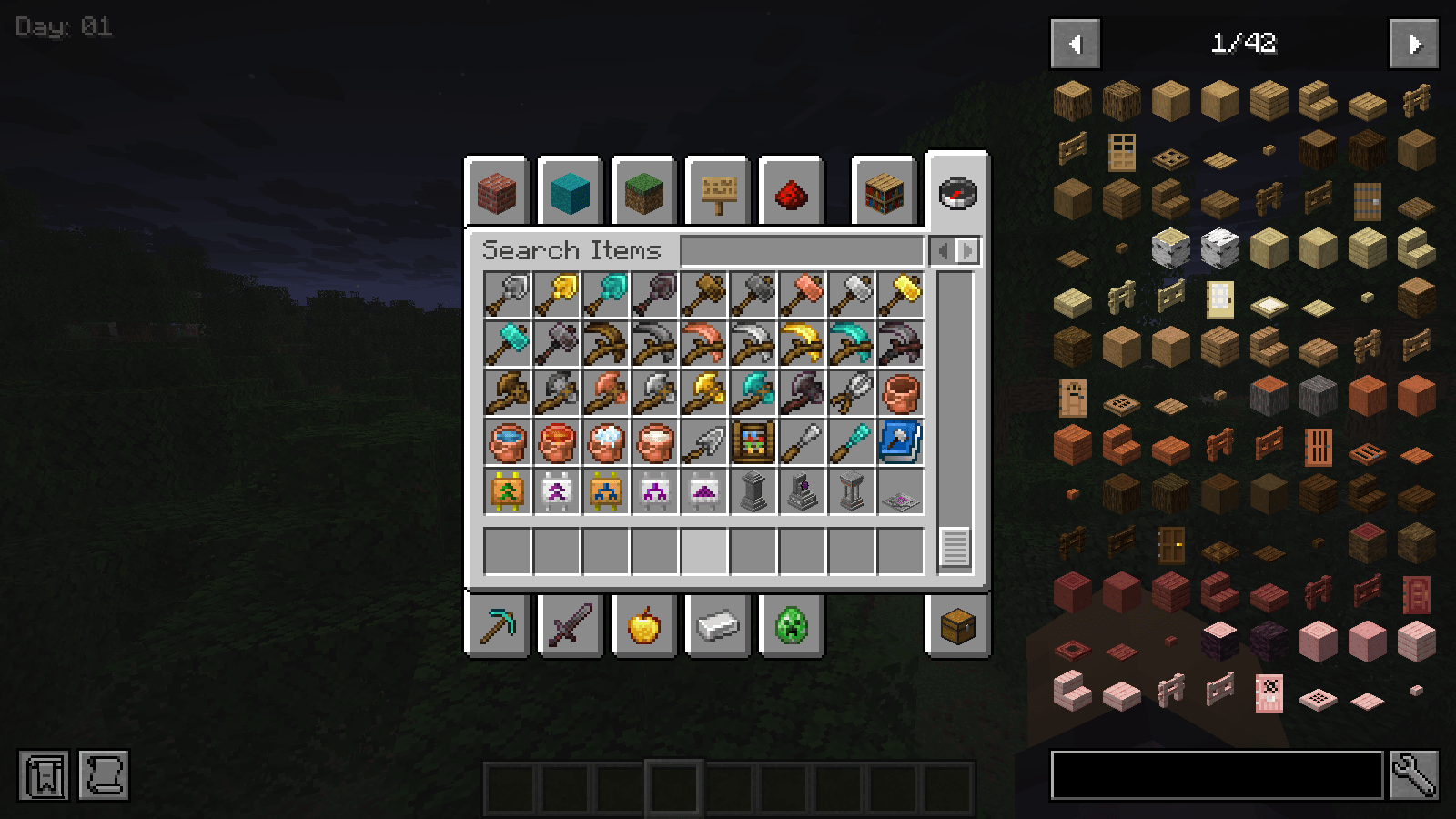
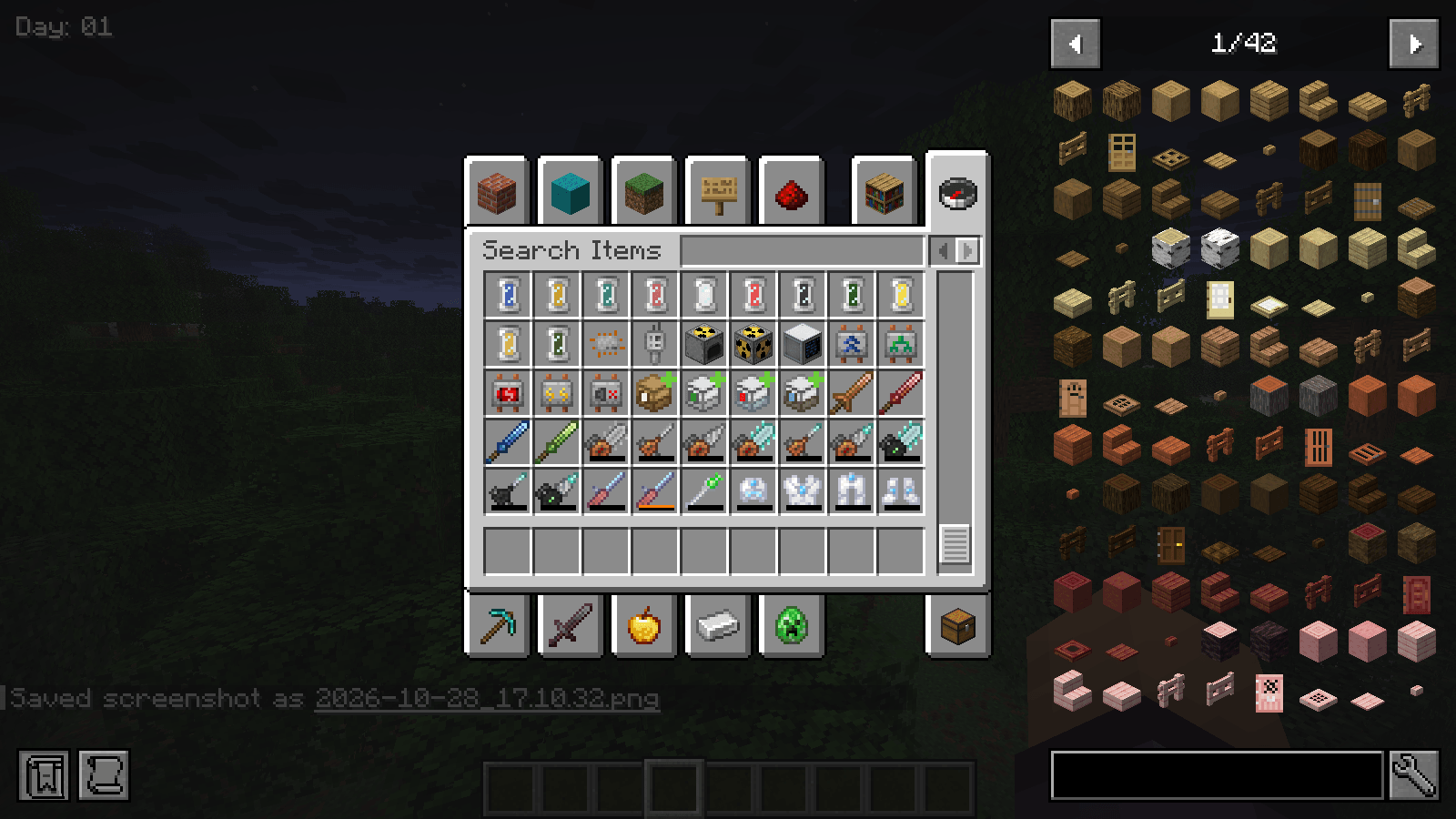
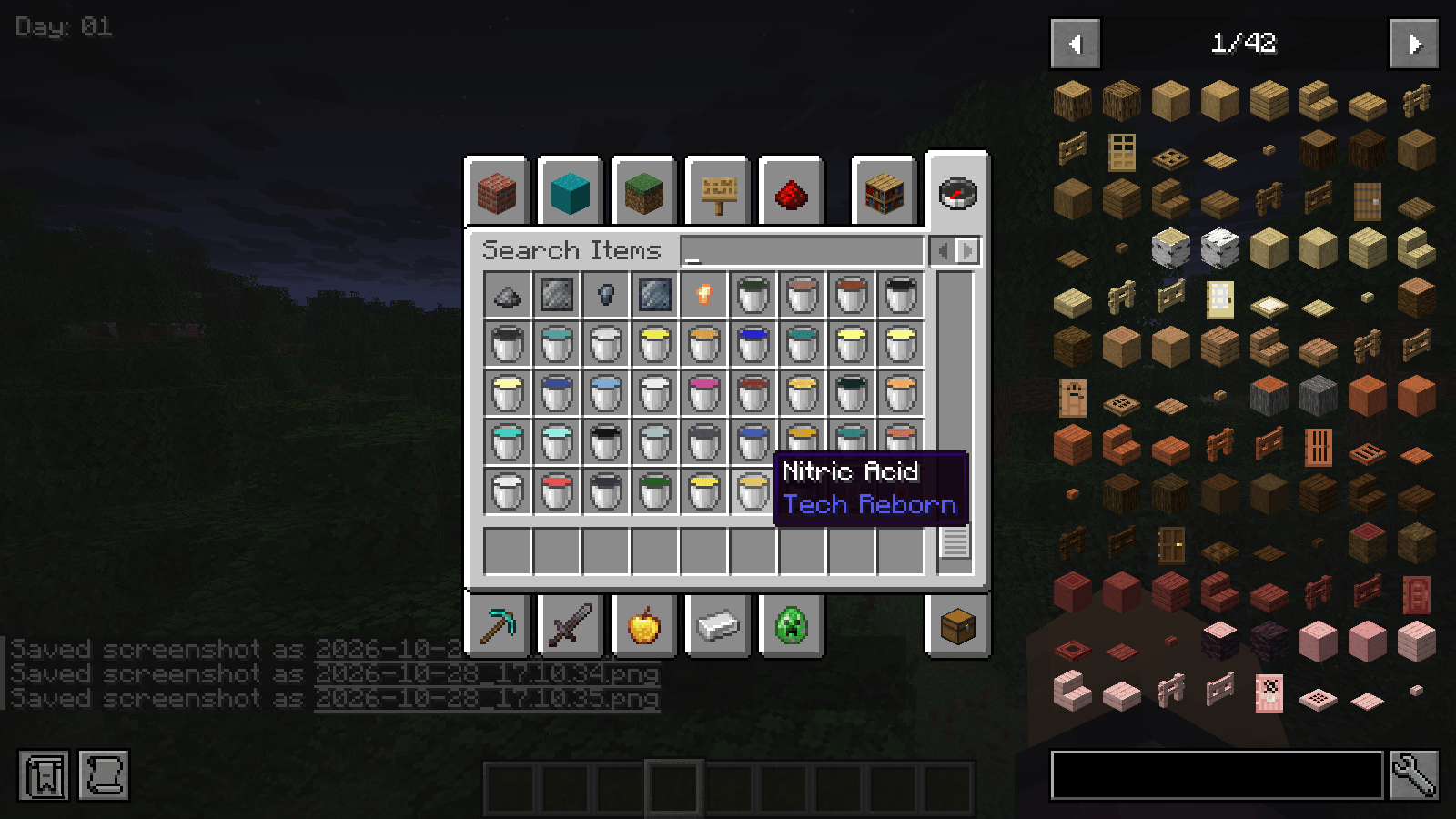
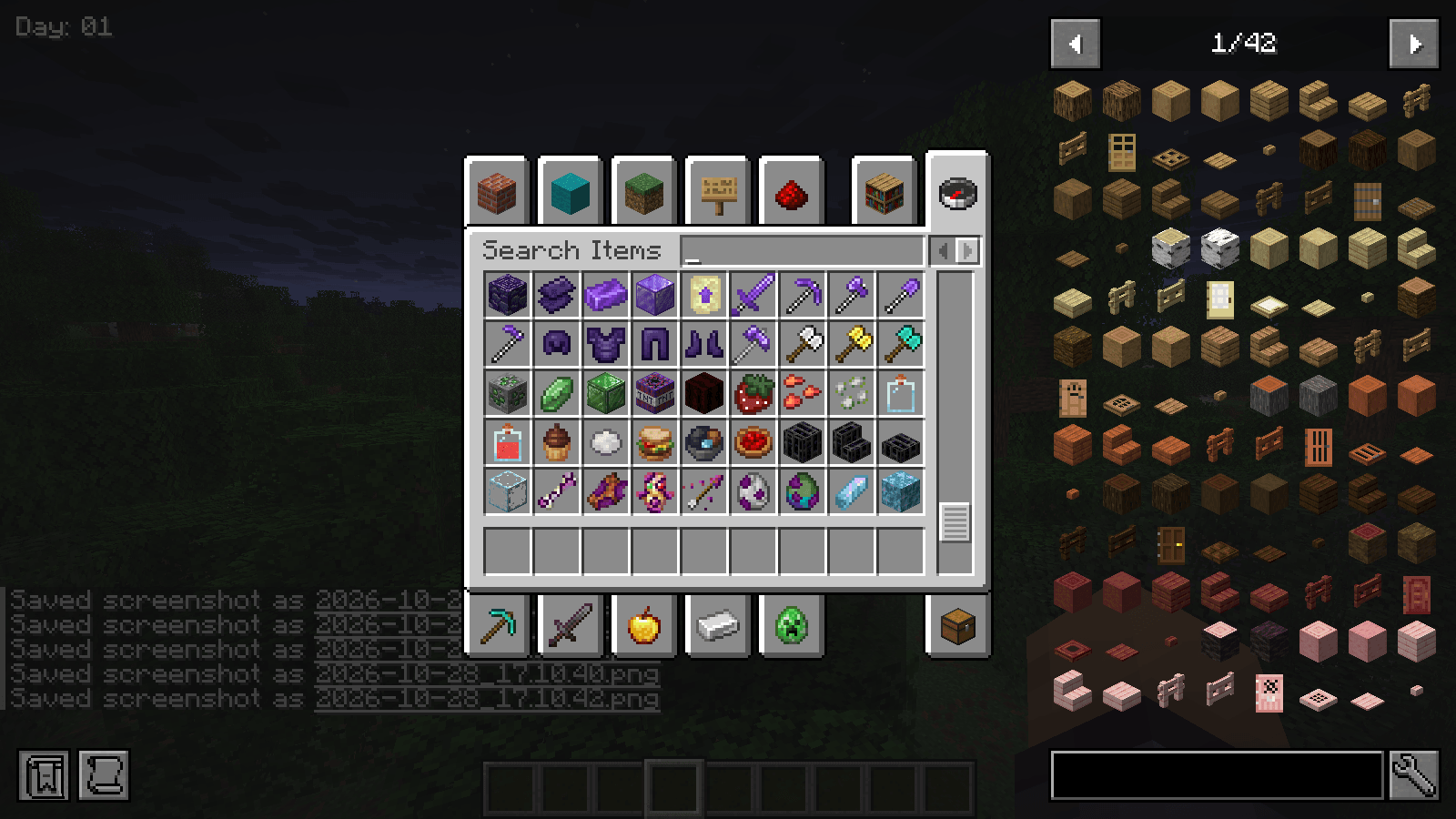
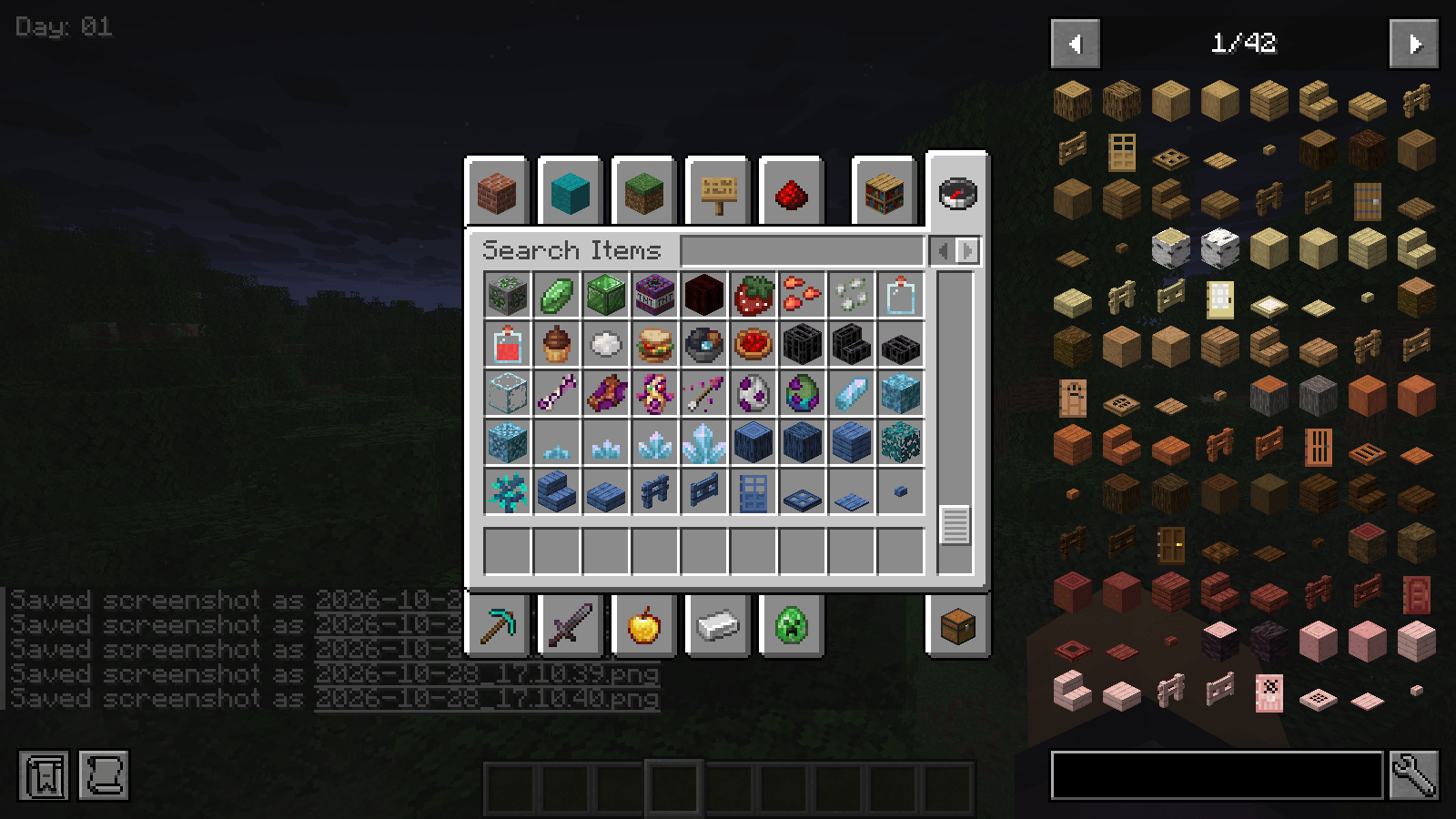
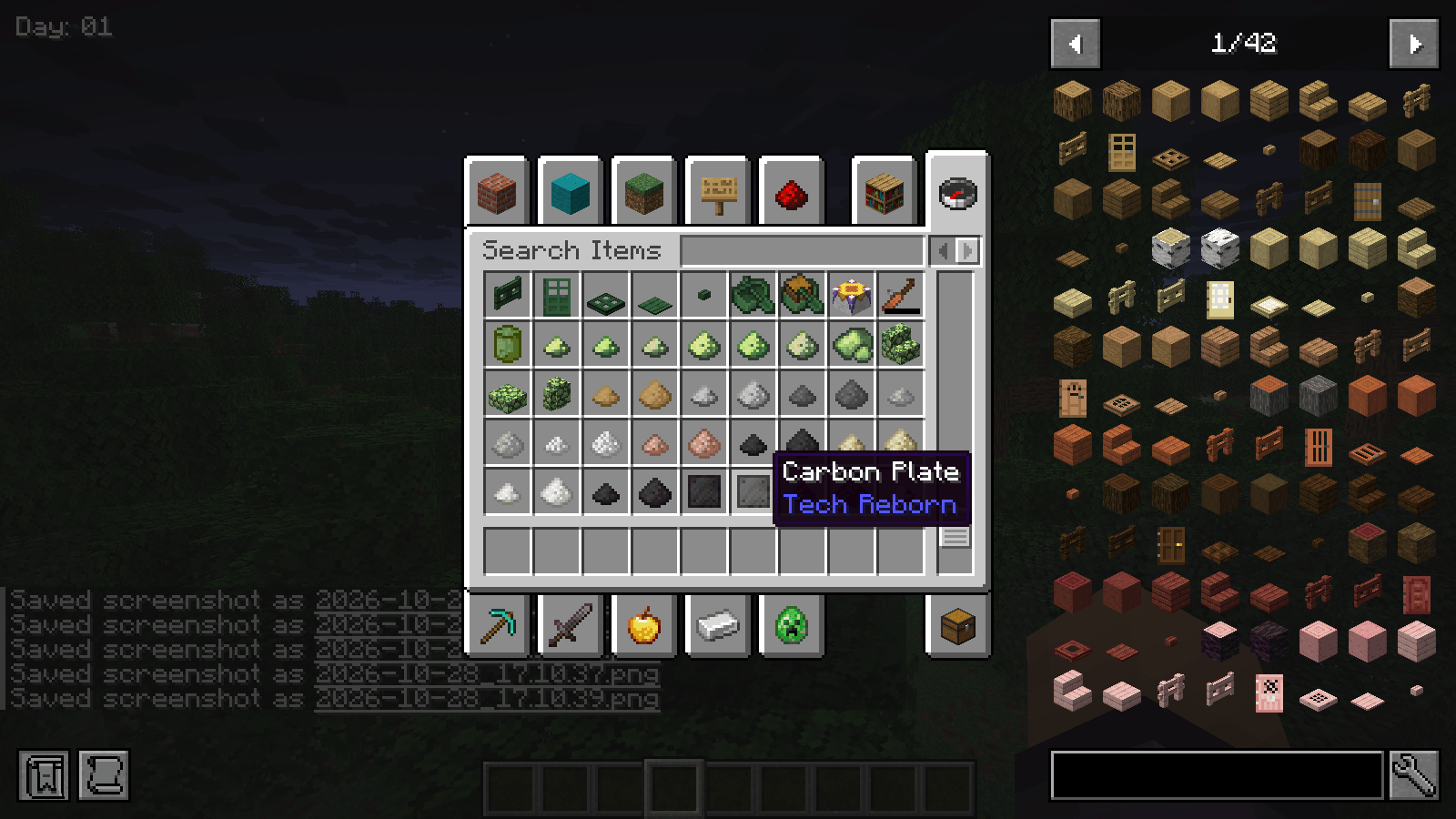
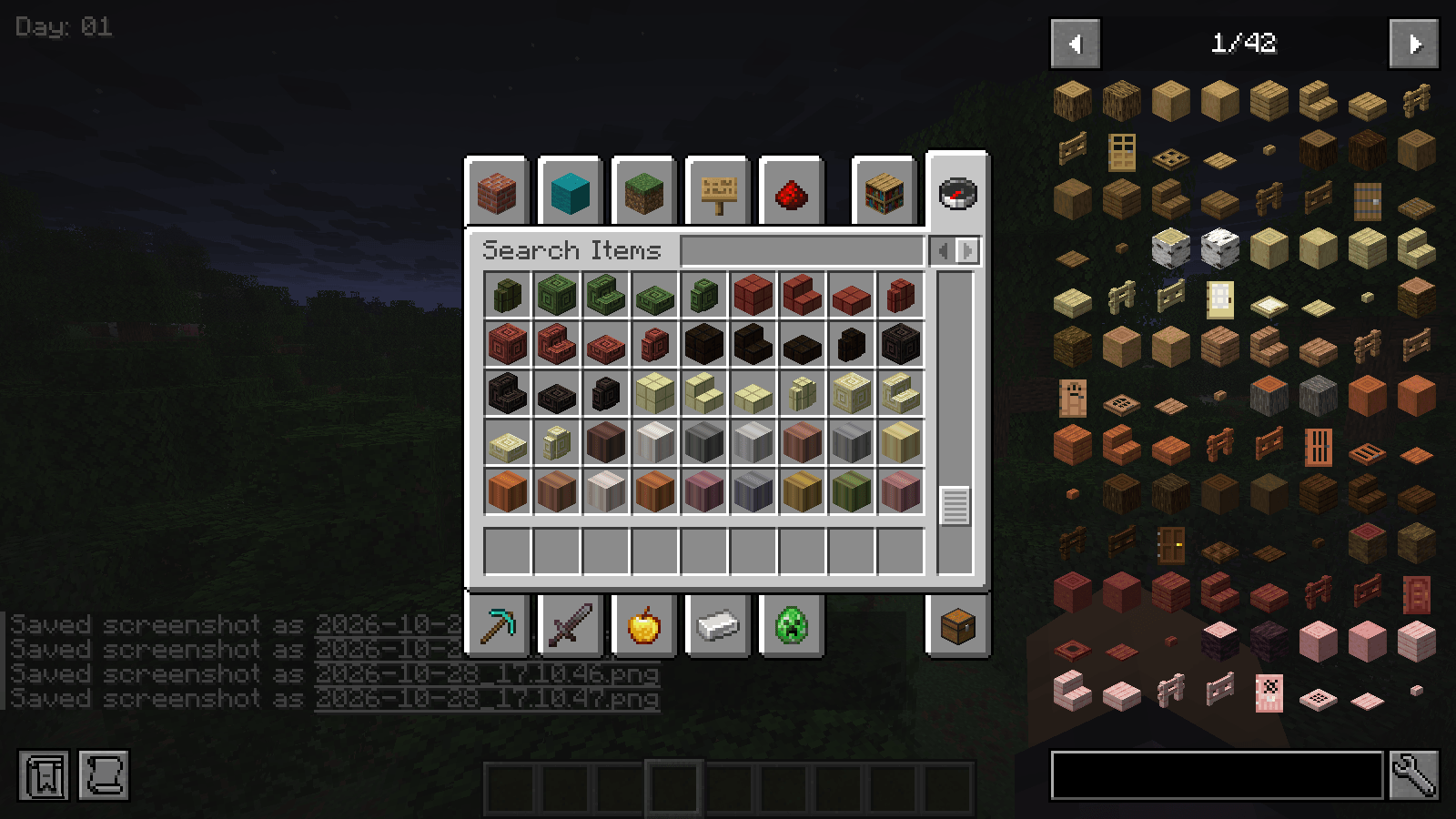
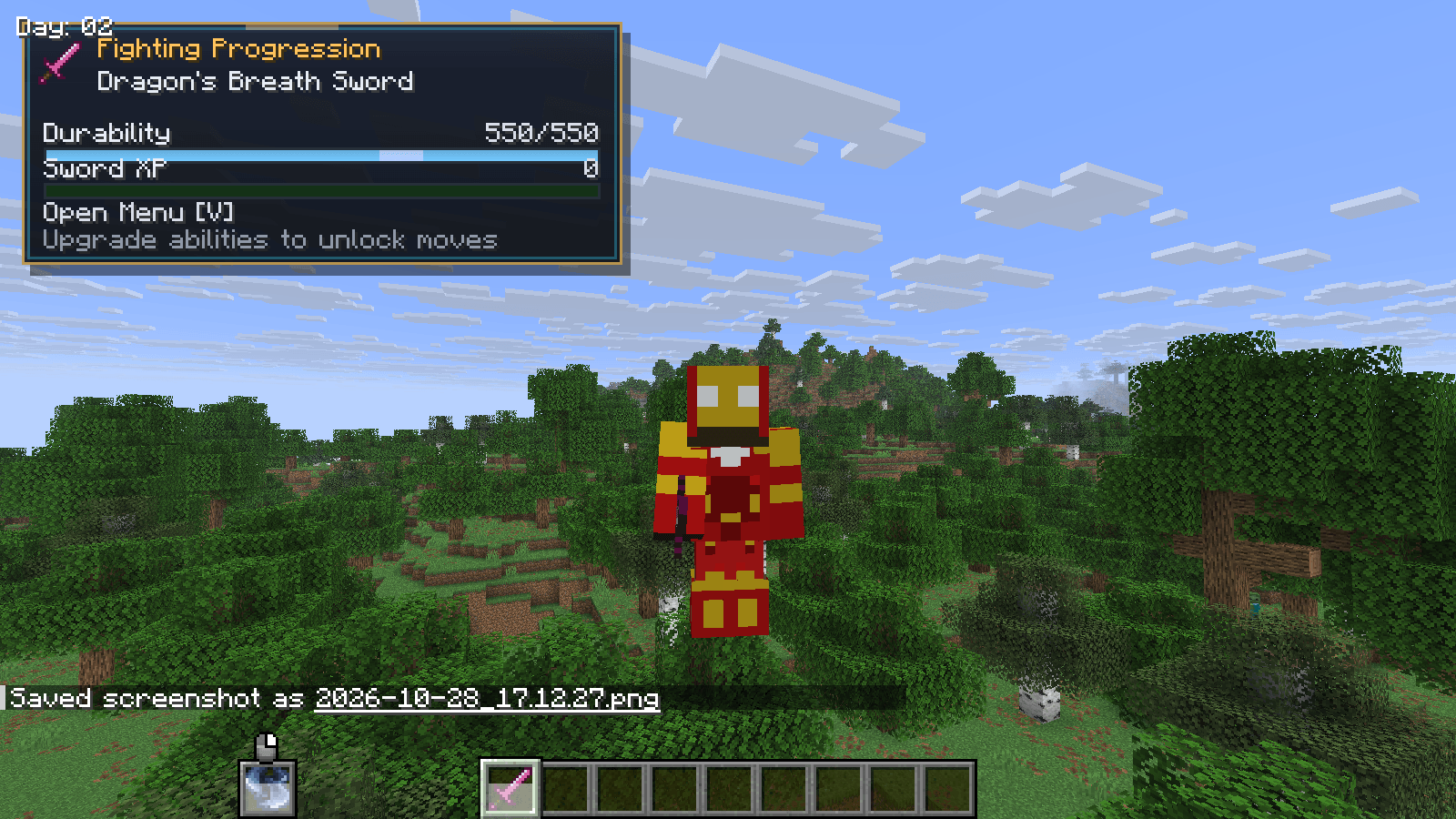
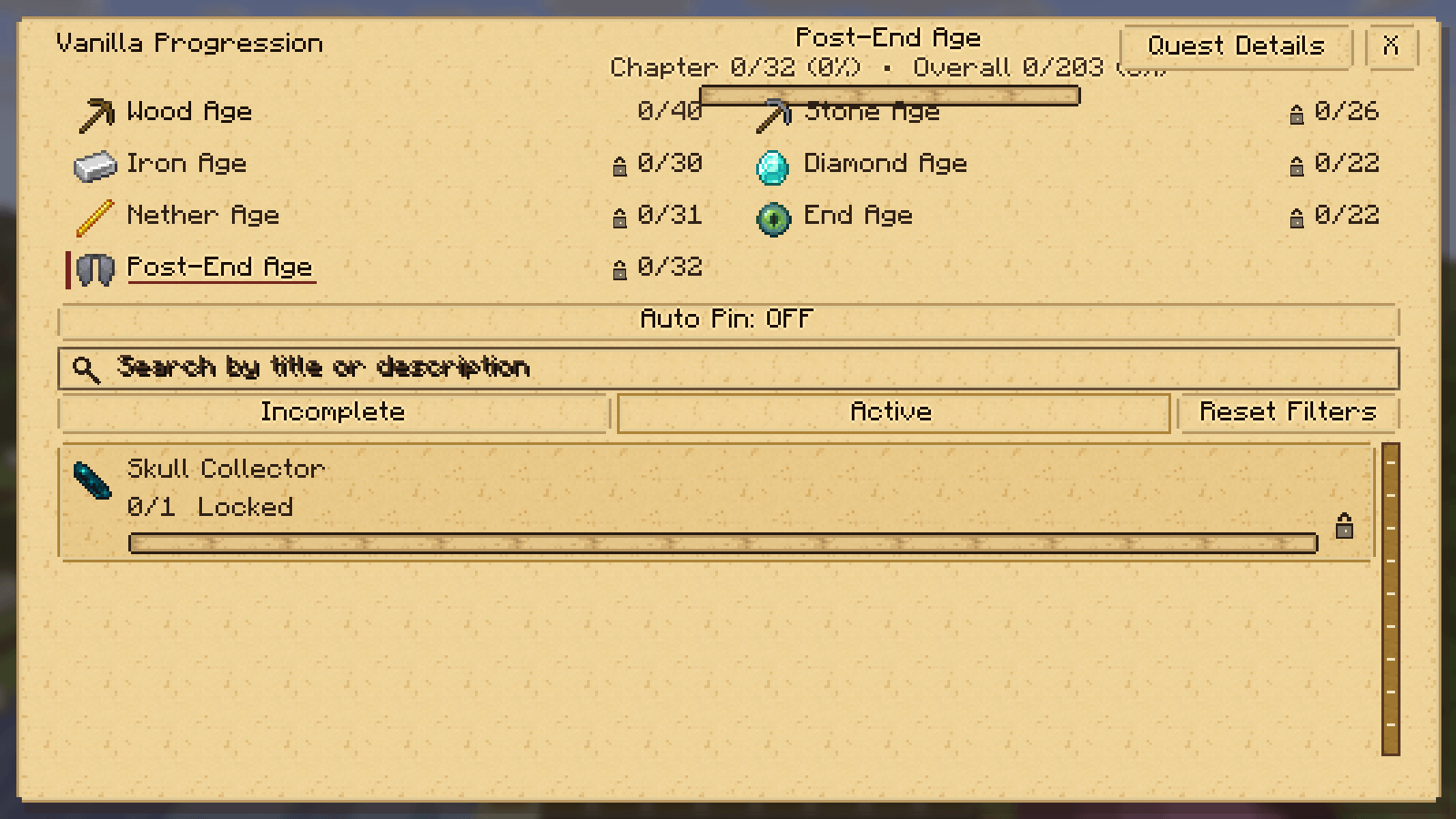
介绍
Vanilla Progression RPG
About This Modpack
Take your Minecraft survival adventure to the next level while keeping the classic vanilla Minecraft feeling!
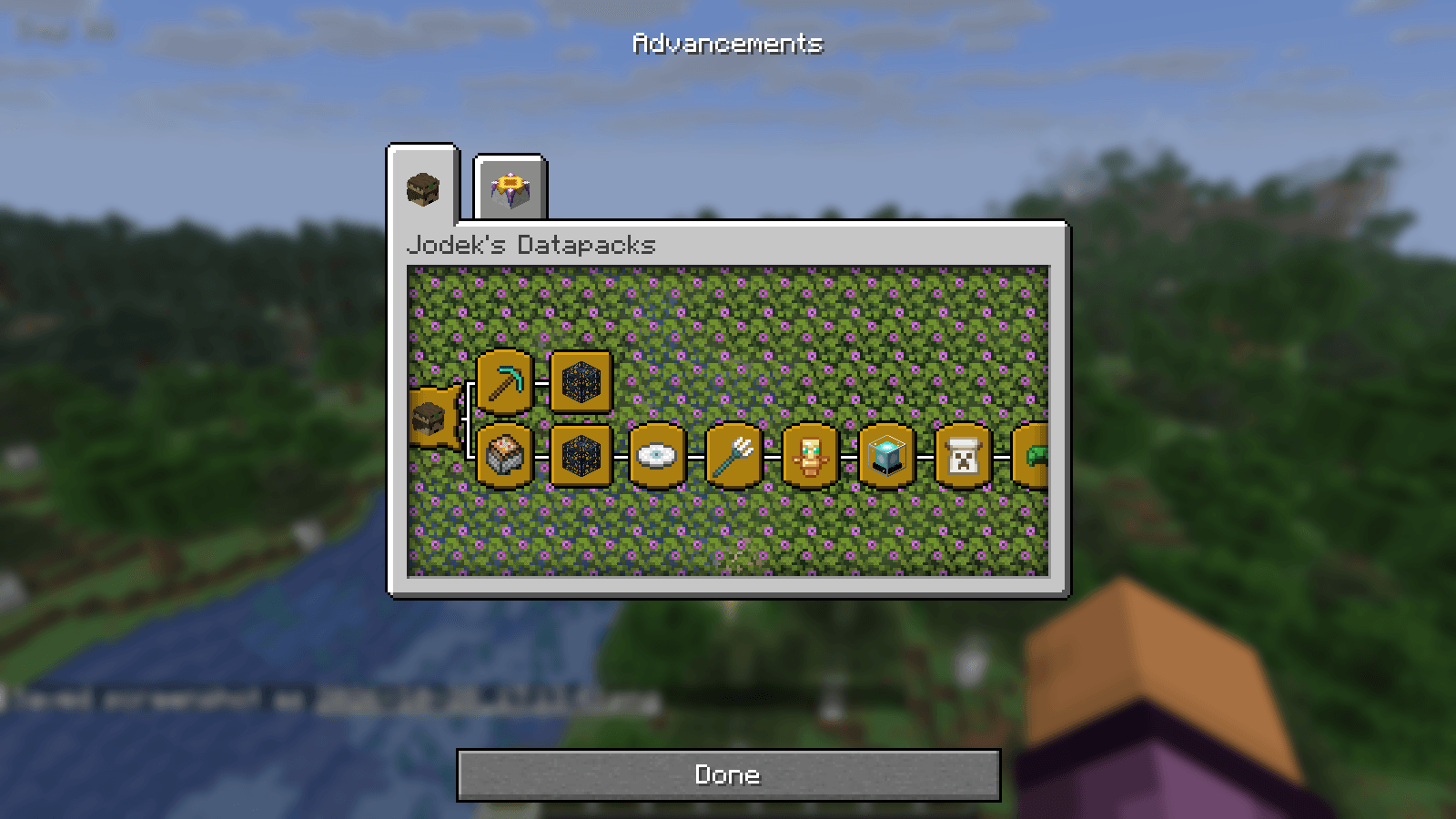
Vanilla Progression RPG is a vanilla-inspired RPG modpack built around exploration, progression, challenging bosses, valuable loot, and rewarding milestones. It aims to enhance the familiar Minecraft survival experience without turning it into a completely different game.
Explore new possibilities, improve your equipment, discover valuable resources, challenge powerful enemies, and set new goals as you progress through your world. Whether you enjoy building, crafting, exploring, or fighting bosses, this modpack gives you more reasons to keep adventuring.
Features
– Vanilla-Inspired Gameplay: Enjoy enhanced Minecraft survival while preserving its familiar feel.
– Adventure and Exploration: Discover new places and opportunities.
– Progression: Improve your equipment and work toward new milestones.
– Boss Battles: Prepare for challenging encounters.
– Loot and Rewards: Discover valuable items and useful resources.
– Survival and Building: Gather resources, craft equipment, build your base, and prepare for your next adventure.
Installation Guide
This modpack is distributed as a compressed folder containing multiple “.jar” mod files.
Step 1: Download and Extract
Download the modpack from CurseForge and extract the compressed folder using 7-Zip, WinRAR, or another archive extraction tool.
Step 2 : Open the Mods Folder
On Windows, press “Win + R”, enter the following path, and press Enter:
“%appdata%\.minecraft\mods”
Create the “mods” folder if it does not exist.
Step 3: Copy the Mod Files
Copy the modpack’s .jar files into the mods folder. Do not extract the individual .jar files.
If the modpack includes additional configuration folders, datapacks, or other required files, copy them to their appropriate locations as well.
Step 4 : Launch Minecraft
Open your Minecraft launcher, select the Fabric profile matching the required Minecraft version, and launch the game.
Important Notes
Use Fabric mods compatible with the Minecraft version specified by this modpack.
Do not mix Forge or NeoForge mods into the installation.
Install any required dependencies.
Back up your existing worlds before installing or updating mods.
Credits
All included mods belong to their respective authors. Please support the original creators and respect their individual permissions and redistribution requirements.
Enjoy your adventure and discover how far you can progress!
常见问题
DRAGON CARFT 支持哪些 Minecraft 版本?
DRAGON CARFT 基于 Minecraft Java 版 26.2,使用 Fabric 加载器。
DRAGON CARFT 怎么安装?
点本页「前往下载」拿到整合包文件(Modrinth 的是 .mrpack,CurseForge 的是 .zip),在 PCL2 或 HMCL 启动器里选择「导入整合包」,启动器会自动装好 Minecraft、加载器和全部模组。建议在启动器里给游戏分配 4–6 GB 内存。
DRAGON CARFT 开服需要多大内存?
推荐服务器内存 12 GB。在线人数多、或者建了大量机器和区块加载器时,可以再加 2–4 GB。
怎么和朋友一起玩 DRAGON CARFT?
点本页的「一键开服」,选好配置后会自动安装 DRAGON CARFT 的服务端,几分钟就能开好。把服务器地址发给朋友,大家用同一个版本的整合包连进去就行。

评论
登录后评论和评分