
Bonnie’s Source Engine Java
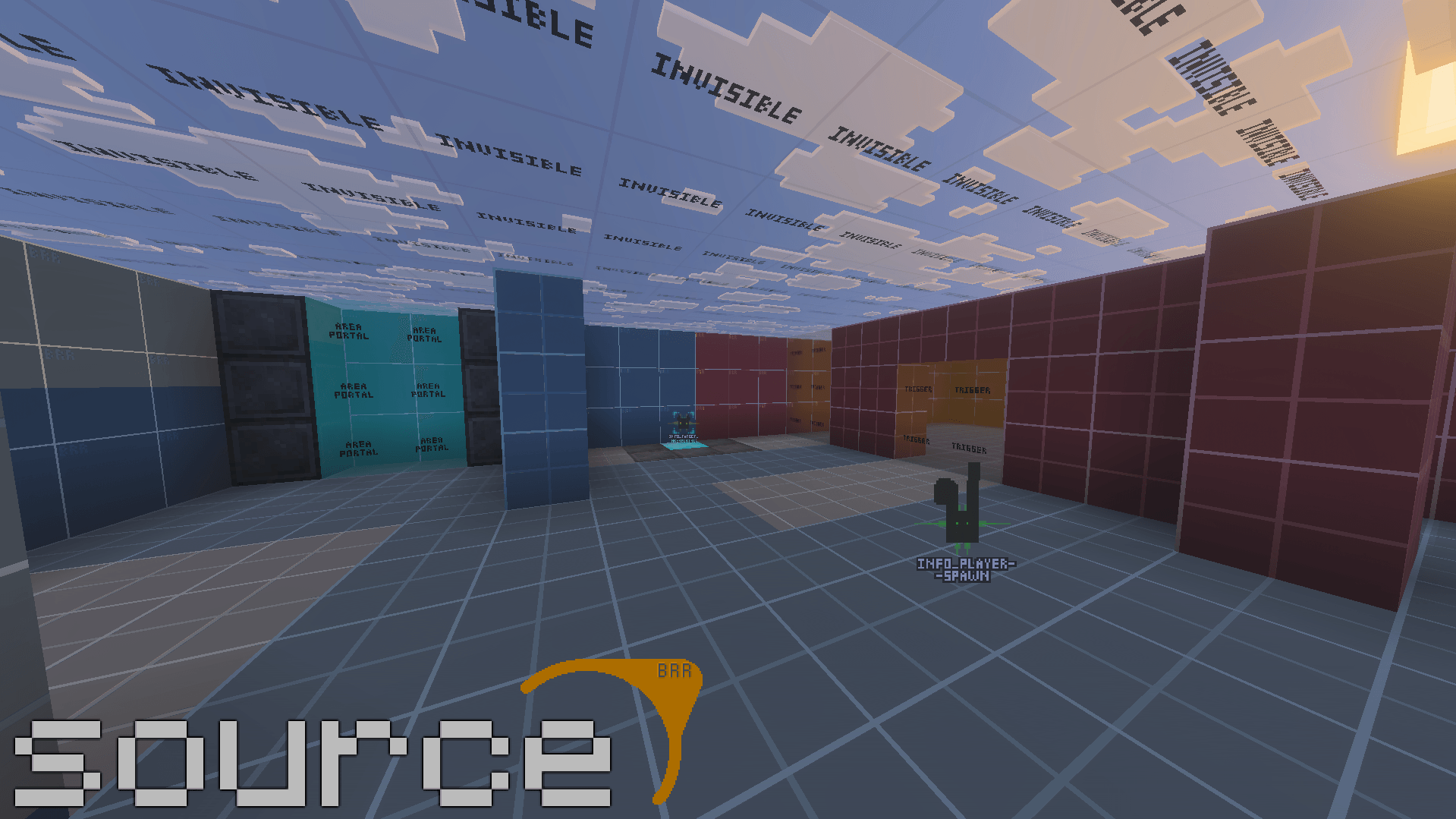
Inspired by the Source Engine, it brings a variety of blocks that help your map come to life! Making your minigames will become simple. Comes with preset assets as well from my own maps
截图
介绍
Bonnie’s Source Engine
Created by BonnieRobloxRIP
Run. Think. Shoot. Live. Source.









Table of Contents
- Overview
- Download Notes
- Why People Use It
- Feature Highlights
- Block Overview
- Tool Blocks
- Info Blocks
- Logic Blocks
- Filter Blocks
- Game Blocks
- More Than Just Source-Style Tools
- Commands and Admin Tools
- Good Fit For
- Documentation
- Usage and Credits
- Final Notes
Overview
Bonnie’s Source Engine is a Minecraft Java Edition mod for NeoForge, inspired by the workflow of Source Engine mapping tools and redesigned to work inside Minecraft. It gives map creators a structured set of in-world blocks and utilities for building minigames, story maps, puzzle maps, horror projects, multiplayer encounters, and heavily scripted custom experiences.
This is not just a decorative content pack. It is a builder-facing toolkit with configurable trigger zones, teleport routing, invisible collision helpers, logic systems, spawn management, chat utilities, custom UI, map tools, weapons, and a handful of extra sandbox features that do not try to imitate Source at all.
Originally a Bedrock add-on, this is the Java Edition version of the same project. Looking for Bedrock? It’s over here.
Download Notes
- Requires Minecraft 1.21.1 with NeoForge 21.1.x. No other mods are needed.
- For multiplayer, install the mod on both the server and every player’s client.
- Engine blocks are invisible when placed by default, but they become visible while you are holding them, which makes setup much easier.
- If you want them visible all the time while building, use
/brr engine_blocks_always_visible true. - If you want to temporarily shut the tool blocks down while placing or editing, use
/brr tool_blocks_enabled false. - Block configuration requires Creative Mode plus operator permissions (or being the owner of a singleplayer world).
Why People Might Use It
- Build real gameplay logic directly in the world instead of wiring everything through command blocks alone.
- Create cleaner map workflows with named blocks, inputs, outputs, and reusable systems.
- Mix gameplay scripting, world tools, utilities, chat features, and cosmetic extras in one mod.
- Use the mod as a foundation for larger Bonnie Team style projects or your own custom maps.
Feature Highlights
- Custom block UI with dedicated tabs for class data, outputs, inputs, and advanced editing.
- Tool Blocks that can define physical areas for triggers, teleports, collision, and utility behavior.
- Logic Blocks for timers, branching, score checks, counters, random events, automation, and co-op logic.
- Named output and input system so blocks can communicate without hardcoding everything into one place.
- Area-based building workflow for minigames, adventure maps, story sequences, and puzzle logic.
- Optional dynamic lighting and colored light blocks.
- Custom chat and username systems with nametags, anti-spam tools, mute tools, and visibility toggles.
- Extra content including weapons, plushies, props, fun utility items, and various mapmaking helpers.
Block Overview
These are the main blocks most players and map creators will care about first.
Tool Blocks
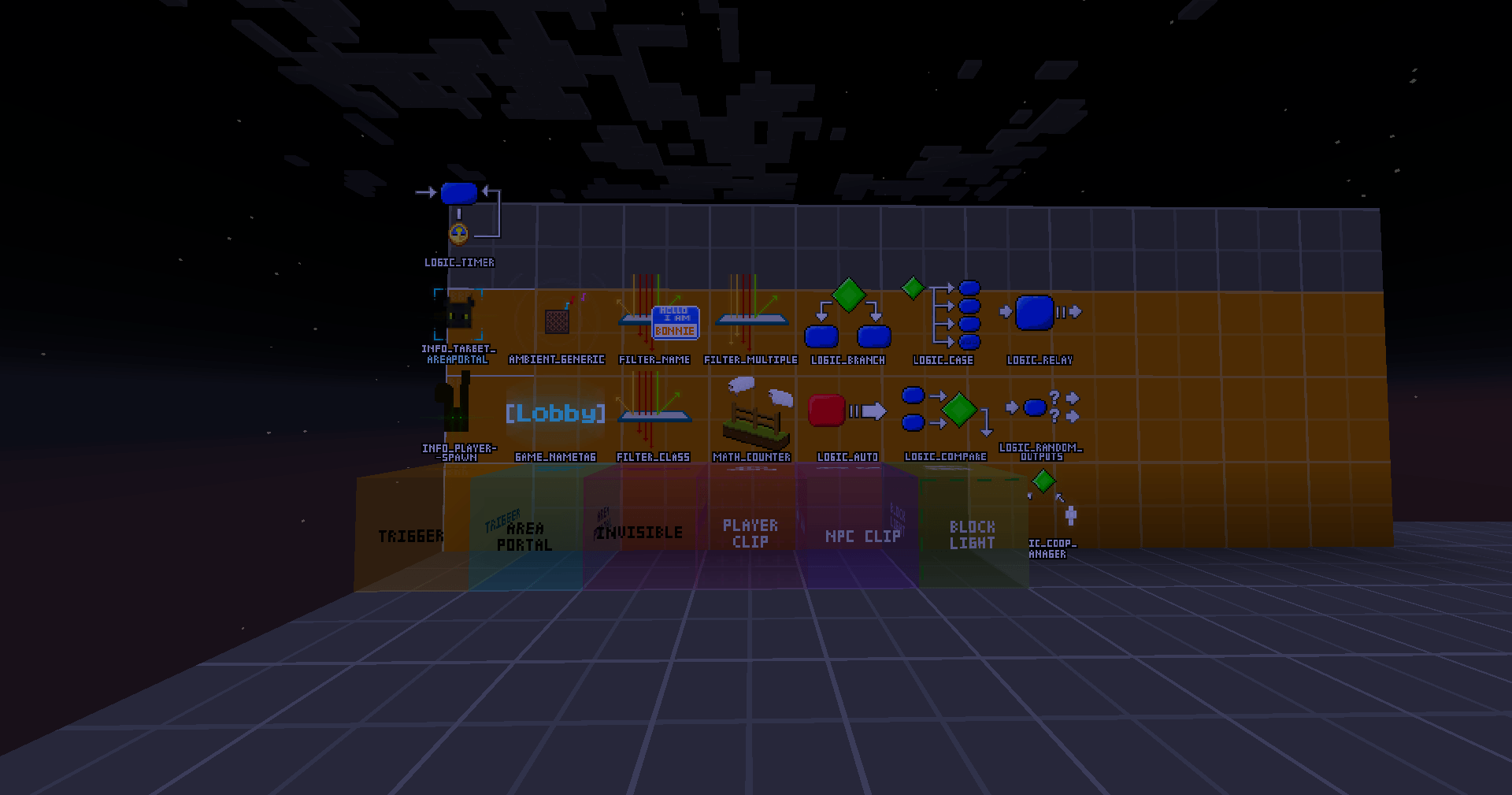
- Trigger – Runs conditions inside a zone and can fire outputs or commands when those checks pass or fail.
- Area Portal – Teleports matching players or entities to coordinates or to a named destination marker.
- Invisible – Acts like a controllable invisible barrier that can be enabled or disabled through logic.
- Player Clip – Blocks players from crossing an area while still allowing specific exceptions such as operators, gamemodes, or selectors.
- NPC Clip – Keeps non-player entities out of an area while leaving room for selected exceptions.
- Blocklight – Utility helper used to suppress unwanted light bleed in map builds.
Info Blocks
- Info Playerspawn – Controls world spawn behavior and can also assign spawn points to selected players.
- Info Target AreaPortal – Serves as a named teleport destination for Area Portal blocks.
Logic Blocks
- Logic Auto – Runs startup or repeating logic automatically, useful for boot sequences and recurring events.
- Logic Relay – Passes inputs on to its outputs, so one signal can kick off a whole chain of events.
- Logic Branch – Checks a condition and splits behavior into true or false results.
- Logic Case – Lets one block store multiple cases so different conditions can trigger different actions.
- Logic Compare – Watches scoreboard values and reacts when they become higher, lower, equal, or not equal to a target.
- Logic Random Outputs – Picks from random result slots, which is useful for chance events, loot logic, or encounter variation.
- Logic Timer – Fires outputs or commands after a configurable delay for loops, pulses, and timed map events.
- Logic Coop Manager – Tracks paired states and is useful for co-op mechanics, dual switches, and synchronized objectives.
- Math Counter – Stores a number that other blocks can add to, subtract from, or set, and fires outputs when it hits its limits.
Filter Blocks
- Filter Name / Filter Class / Filter Multiple – Decide which players or entities are allowed to activate a block, by name, by type, or by combining several filters.
Game Blocks
- Game Nametag – Applies custom player name or chat styling to matched players, making ranks, role labels, and lobby formatting easier.
More Than Just Source-Style Tools
Bonnie’s Source Engine also includes content that is not trying to be faithful to Source at all, but still adds value to the pack.
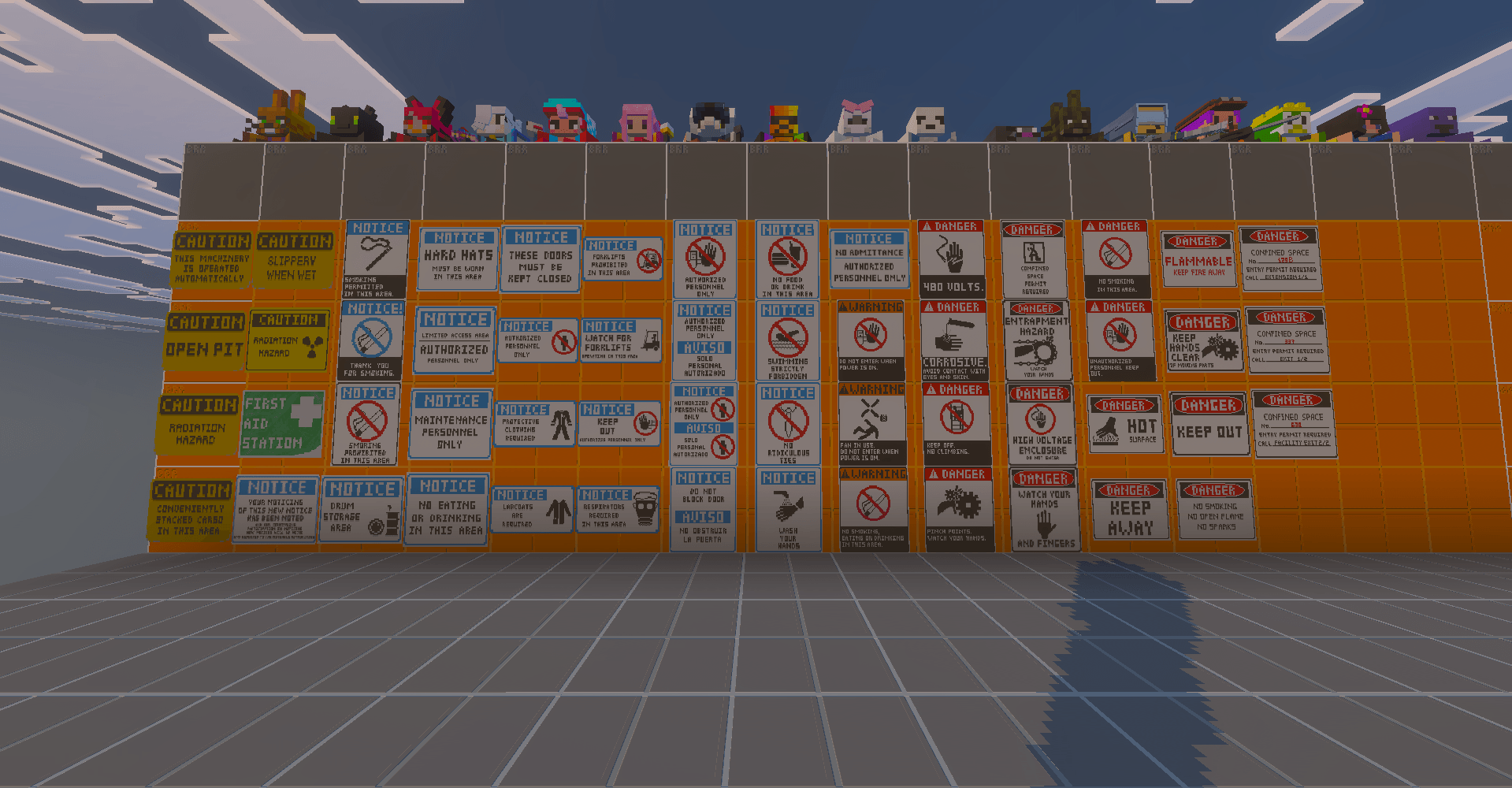
- Plushies – Decorative and cute blocks based on me, a few friends, and other characters.
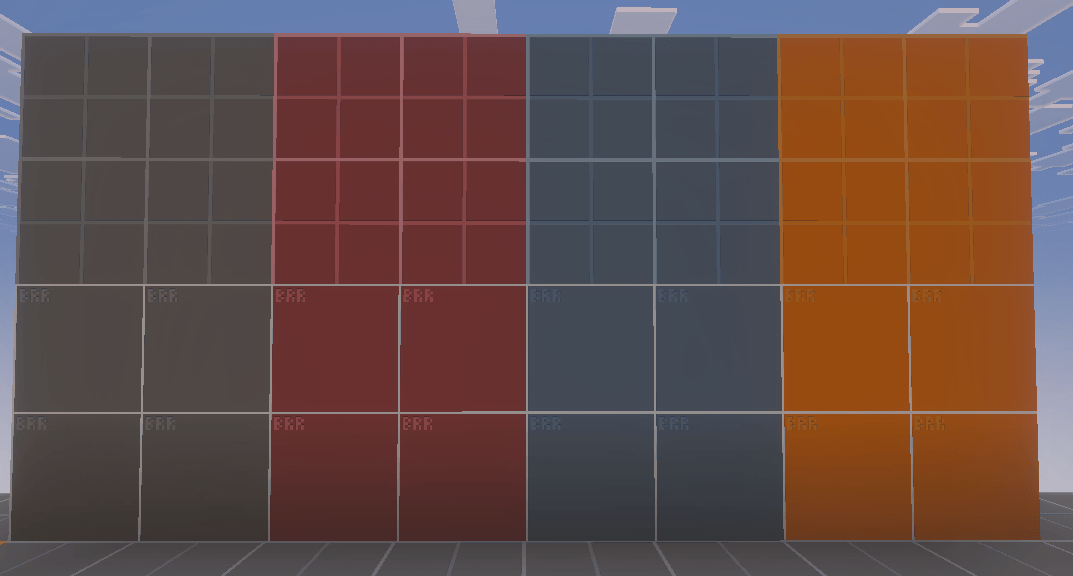
- Props – Black Mesa props, signs, grates, developer tiles, and colored lights for detailing your maps.
- Dino Speecher – A separate utility item for players who aren’t able to chat normally.
- Weapons – Includes several Black Mesa weapons and more to come from other Source games.
- Misc items – Small extras made for fun and additional gameplay mechanics.
Commands and Admin Tools
The mod includes useful world-management and chat controls alongside the block systems. Every command has full tab completion, and player arguments accept vanilla selectors like @a or @p. Each command also works with a brr: prefix (for example /brr:mute) in case another mod uses the same name.
/brr engine_blocks_always_visible [true|false]keeps engine blocks visible while building./brr tool_blocks_enabled [true|false]globally enables or disables tool block behavior./brr dynamic_lights [true|false]toggles the dynamic lighting system./statusshows every current setting at a glance./fire [name] [input]sends an input to named blocks by hand, which is handy for testing./find [name]and/goto [name]locate named engine blocks and take you to them./username_mode [normal|hidden|randomized]hides player usernames for cleaner presentation, or randomizes them for fun or special events./set_chat_cooldown [seconds]changes the anti-spam cooldown./set_spam_message [text]sets a custom anti-spam notice. Use/set_spam_message resetto restore the default./mute [player] [seconds] [reason]and/unmute [player] [reason]provide in-world moderation tools./emojisopens the mod’s emoji interface.
Adventure-mode control options are also available through /adventure [option] [true|false], including toggles for entity hits, player hits, containers, buttons, doors, levers, trapdoors, redstone components, shelves, pots, note blocks, candles, daylight sensors, jukeboxes, item frames, pressure plates, incompatible respawns, and a combined can_use_all option.
Good Fit For
- Minigame maps
- Story-driven adventure maps
- Horror projects
- Puzzle maps
- Co-op challenge maps
- Lobby systems and hub worlds
- Maps that need technically advanced mechanics
- Projects that need both map tools and gameplay scripting in one pack
Documentation
This page is meant to give a solid overview for downloaders. If you want the full breakdown of block fields, conditions, output behavior, or advanced setup, use the official [Wiki](wiki link).
Usage and Credits
If you plan to release a public map using this mod, follow my approval requirements.
- Public uploads require direct approval from BonnieRobloxRIP.
- Released projects should properly credit BonnieRobloxRIP and The Bonnie Team.
- For approval requests, feedback, bug reports, or feature suggestions, use our Discord server.
Final Notes
Bonnie’s Source Engine is still experimental and actively evolving. Expect features to expand, UI to improve, and systems to be refined over time. If you want a Java mod that gives you more control over map logic, custom interactions, world tooling, and a few extra fun surprises on top, this is what the pack is built for.
If you want to see all planned updates to all BRR Projects, check out our roadmap!
常见问题
Bonnie’s Source Engine Java 支持哪些 Minecraft 版本?
Bonnie’s Source Engine Java 支持 Minecraft Java 版 1.21.1,可用的加载器:NeoForge。下载时注意选择和你游戏版本一致的文件。
Bonnie’s Source Engine Java 怎么安装?
先用 PCL2 或 HMCL 启动器安装对应版本的 NeoForge,再把下载的 .jar 文件放进游戏目录的 mods 文件夹,重新启动游戏即可。开启了版本隔离的,mods 文件夹在 versions/版本名 下面。
BonnieRobloxRIP 的其他作品
查看全部 →
Automatic Resources Remastered
厌倦了总要挖材料,或是急需时材料刚好用完?现在可以在家自制发电机了!

Galacticraft Automatic Resources
Automatic Resources Remastered的附属模组。添加能生成模组中部分材料的方块。

Mystical Agriculture Automatic Resources
制作强力资源生成器!这个模组为 Mystical Agriculture 添加了 6 种资源生成器,或许能派上用场。

Extra Planets Automatic Resources
Making your space journey less stressful!
评论
登录后评论和评分