
截图
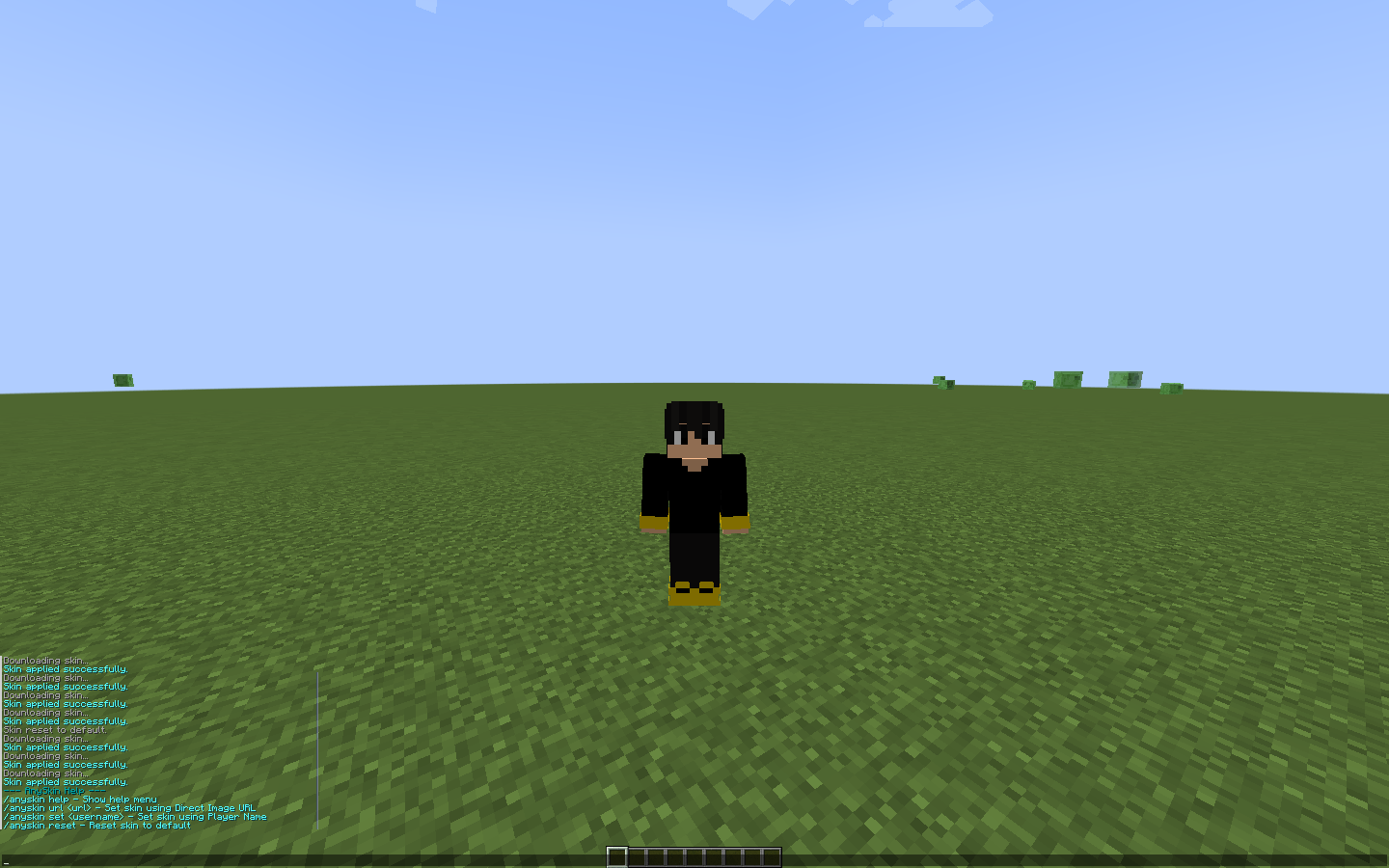
介绍
✨ AnySkin — Custom Skins for Everyone!AnySkin is a lightweight, high-performance client-side Fabric mod that lets you change, apply, and render custom skins instantly in-game — whether you are playing on premium or cracked servers!
**⚠️ Requirement: Fabric API is strictly required for this mod to work smoothly. ** 🔥 Key Features🎭 Instant Skin Swap: Change your skin in real-time without restarting the game.🌐 URL & Username Support: Load skins directly using custom PNG image links or player usernames.⚡ Ultra Lightweight: Optimized rendering with zero FPS drop or stuttering.🔄 Easy Reset: Switch back to your default skin anytime with a simple command.🛠️
Commands CommandDescription /anyskin help Displays the help menu with all available commands. /anyskin set <username> Applies the skin of any player by their username .
/anyskin url <PNG_URL> Applies a skin directly from a direct PNG image link.
/anyskin reset Resets your skin back to default.
🌐 The AnySkin Website is Coming Soon!This mod is an official part of the upcoming AnySkin Ecosystem! We are building a dedicated AnySkin Website where you’ll be able to upload, manage, and share your skin libraries effortlessly.📺 Stay Tuned: As soon as the website goes live, an announcement video will be uploaded on YouTube. Make sure you’re subscribed so you don’t miss the notification! 📥 Installation Download and install Fabric Loader for your Minecraft version.Download Fabric API and drop it into your .minecraft/mods folder.Download AnySkin and drop the .jar file into your .minecraft/mods folder.Launch the game and enjoy your custom skins! 🚀
常见问题
AnySkinn 支持哪些 Minecraft 版本?
AnySkinn 支持 Minecraft Java 版 1.21.4,可用的加载器:Fabric。下载时注意选择和你游戏版本一致的文件。
AnySkinn 怎么安装?
先用 PCL2 或 HMCL 启动器安装对应版本的 Fabric,再把下载的 .jar 文件放进游戏目录的 mods 文件夹,重新启动游戏即可。开启了版本隔离的,mods 文件夹在 versions/版本名 下面。


评论
登录后评论和评分