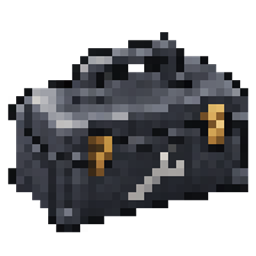
GregTech Maintenance Toolbox
An eight-slot toolbox for GregTech CEu Modern featuring quick radial tool selection, portable storage, maintenance hatch repair, easy nearby access to placed toolboxes, sixteen dye colors, configurable sounds, and full English and Russian language support.
截图
介绍
GregTech Maintenance Toolbox
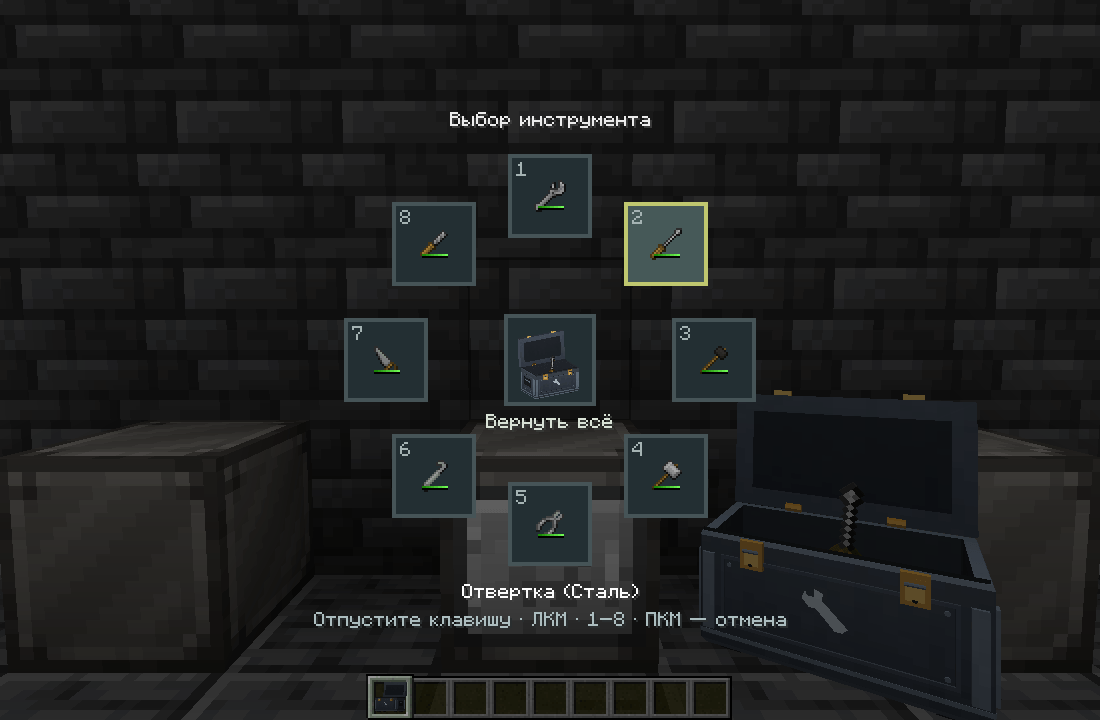
Keep your GregTech tools organized and ready to use. This addon introduces an eight-slot toolbox with a radial tool selector, animated model, and maintenance hatch integration.
Features
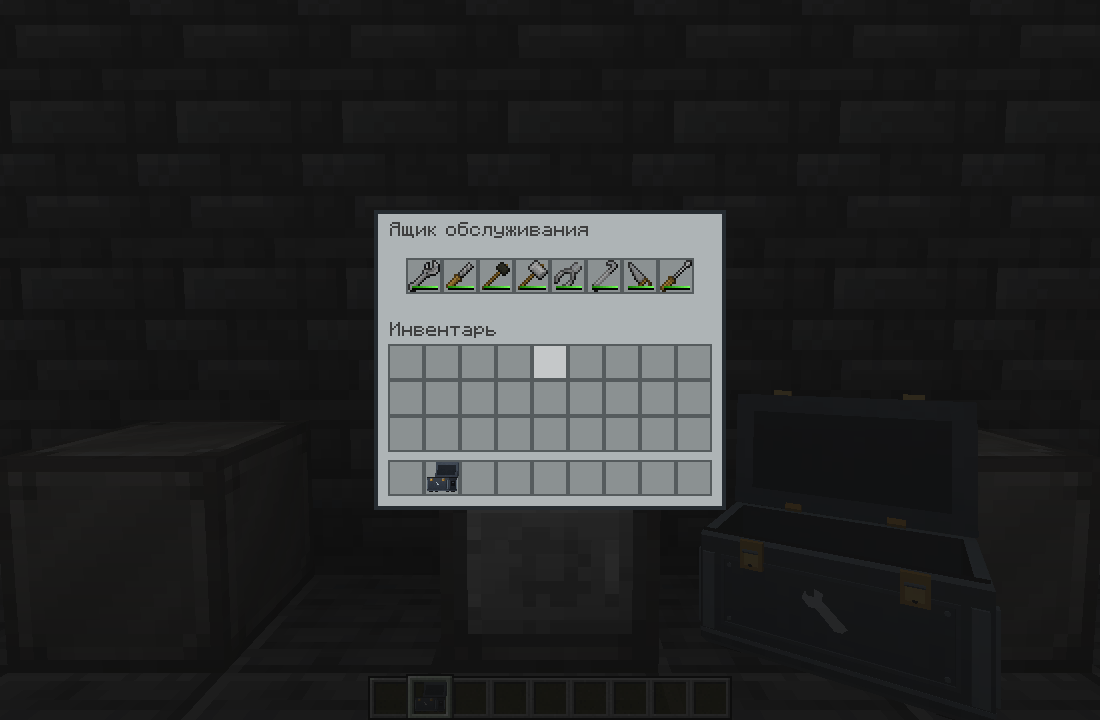
- Eight tool slots for wrenches, screwdrivers, soft mallets, hammers, wire cutters, crowbars, saws, and files.
- Radial tool selection: hold Left Alt, point at a tool, and release to equip it.
- Quick storage: select an empty wheel slot while holding a tool to place it inside.
- Return All: collect supported tools from your hands and inventory into available toolbox slots.
- Maintenance hatch support: click the hatch’s standard maintenance gear to use suitable stored tools. Normal GregTech durability wear applies.
- Crafting integration: use the toolbox in supported recipes that require GregTech crafting tools.
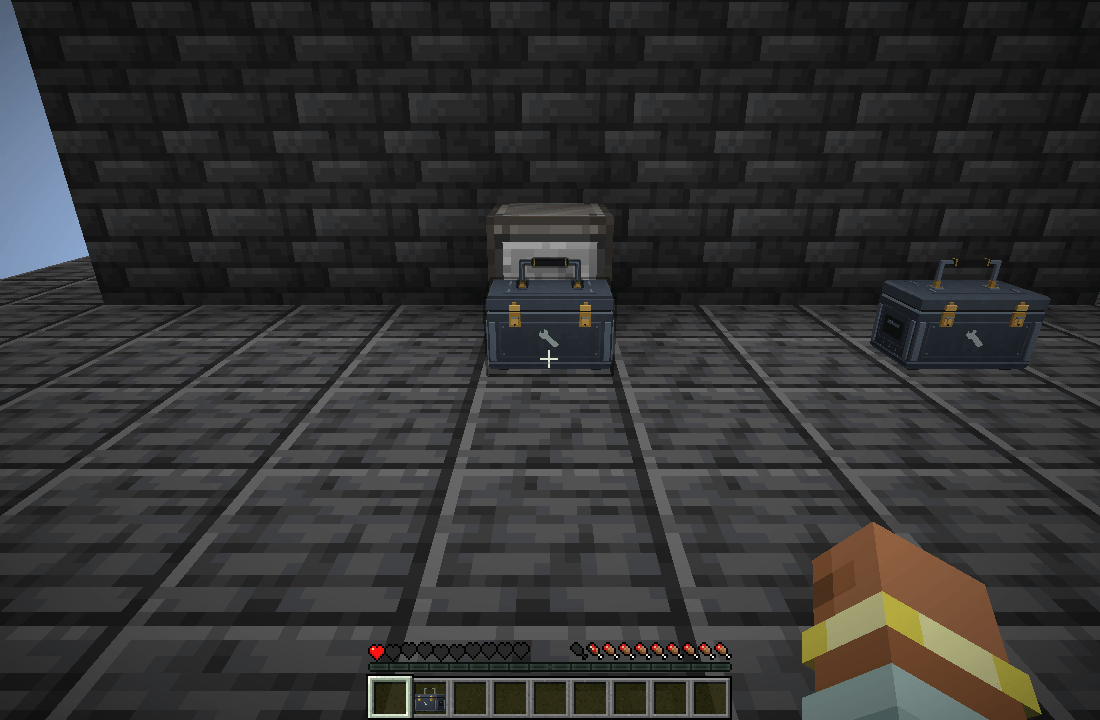
- Placeable toolbox: set it on the ground and access its tools within a configurable radius—16 blocks by default.
- Easy collection: Shift-right-click a placed toolbox with an empty hand to pick it up with its contents.
- Sixteen dye colors: recolor your toolbox through crafting or a GregTech chemical bath using 144 mB of liquid dye.
- Contents preview: hold Shift while hovering over the toolbox in your inventory.
- Customizable controls and sounds: rebind the wheel key and independently toggle lid sounds and tool sounds.
- English and Russian translations.
Controls
| Action | Control |
|---|---|
| Open toolbox storage | Right-click |
| Open the tool wheel | Hold Left Alt |
| Select a tool | Point and release Alt, left-click, or press 1–8 |
| Cancel tool selection | Right-click |
| Place the toolbox | Shift + right-click a block |
| Collect a placed toolbox | Shift + right-click with an empty hand |
| Preview stored tools | Hold Shift while hovering over the item |
With an empty main hand, the tool wheel opens only when an accessible placed toolbox is nearby.
Requirements
- Minecraft Java Edition 1.20.1
- Forge 47.4.13 or newer within Forge 47
- Java 17
- GregTech CEu Modern and its required dependencies
Install this addon on both the client and server.
Tested with GregTech CEu Modern 7.5.3. The mod accepts newer GregTech versions, but their compatibility has not been verified. This release does not support Fabric or NeoForge.
TerraFirmaGreg Support
TerraFirmaGreg is optional. When TFG is installed, the toolbox recipe uses wrought-iron sheets; otherwise, it uses wrought-iron plates. Check your recipe viewer for the active recipe.
Create is not required.
Configuration
Open Mods → GregTech Maintenance Toolbox → Config to adjust the wheel binding and sound settings.
The placed-toolbox access radius can be configured through placedToolboxRange in the world’s serverconfig/maintenance_toolbox-server.toml. The default is 16 blocks, with a supported range of 1–64.
Credits
Created by Quasar_o. Licensed under MIT.
Bundled sound effects are derived from rubberduck’s 100 CC0 Metal and Wood SFX. Tool hover sounds use the installed GregTech sound resources. The toolbox features an original model and an AI-assisted metal texture.
This is an unofficial community addon, not affiliated with or endorsed by the GregTech CEu, TerraFirmaGreg, or Create teams.
常见问题
GregTech Maintenance Toolbox 支持哪些 Minecraft 版本?
GregTech Maintenance Toolbox 支持 Minecraft Java 版 1.20.1,可用的加载器:Forge。下载时注意选择和你游戏版本一致的文件。
GregTech Maintenance Toolbox 怎么安装?
先用 PCL2 或 HMCL 启动器安装对应版本的 Forge,再把下载的 .jar 文件放进游戏目录的 mods 文件夹,重新启动游戏即可。开启了版本隔离的,mods 文件夹在 versions/版本名 下面。
评论
登录后评论和评分