
截图


介绍


Deep Origins – GUI overhaul is a Minecraft Java resource pack which redesigns the game’s graphical user interface while keeping the deep origins of the Vanilla style.
This pack doesn’t require OptiFine. Instead, it changes Vanilla core shaders and textures to improve the GUI’s appearance.

“Enchanted menus” – New options background

“Menus – Enchanted” is a resource pack created by DartCat25 (Planet Minecraft) which changes the boring default dirt background by a procedurally generated one which mimics Minecraft’s ore generation. It is achieved by modifying core shaders, meaning it doesn’t require any mod to function.
Additional info :
Changes :
- Fixed compatibility with 1.20 and fixed some rendering issues in mod settings or menus. However, this pack is no longer compatible with Background Transitions.
- Tabs are retextured to match the new options background.
Redesigned containers

The anvil, beacon, blast furnace, brewing stand, cartography table, crafting table, dispenser, dropper, enchanting table, furnace, grindstone, hopper, horse, loom, shulker box, smithing table, smoker and stonecutter GUI were redesigned to match the blocks themselves. They are now more consistent and pleasant to use.
Brewing stand GUI heavily inspired from Advanced GUI by Blasjel (PMC)
Villager XP bars now match with the player’s XP bar.
The recipe book was also redesigned to look more like a book, rather than a simple panel. The recipe book iconwas changed to match the knowledge book’s texture.
Another, darker, recipe book is also available as an add-on. Click here to access it.
Consistent button highlights

Changes the blue-highlighted textures of all buttons to a white outline, to match them with the main menu widgets. The recipe book button is now rectangular and no longer has a black outline.
Thanks to vanillatweaks.net for the resource pack, server and world selection button textures.
Updated icons

Toast, stats and spectator mode icons now match 1.14+ textures.
Thanks to vanillatweaks.net for those icons.
Checkmark and cross icons were changed to look the same everywhere.
Changed enchanting table level icons to make them look like experience orbs.
Changed language setting icon to make it more consistent and modern.
New empty slot icons
Changed “Delete Item” creative inventory icon to a trash can (from TrashSlot mod)
Changed some realms icons to match them with the rest.
Colorful unknown server icon and ping indicator.
Thanks to vanillatweaks.net for the colored ping indicator.

Semi-translucent GUI parts
Made some HUD parts (such as the XP bar) semi-translucent. The background of the hotbar was also changed.
Potion effect icons are now semi-translucent to make them less obstructive.

More text shadows

Adds text shadows to the F3 debug screen, action bar text and in some GUI elements to make them more readable. Gray and black text have no shadows so you can still read them easily.
Thanks to DartCat25 for some help in the code.


Thanks to:
- DartCat25 (Planet Minecraft) for some help in the shaders code.
- vanillatweaks.net for updated toast, stats, spectator textures and colored ping indicators.


Beta releases :
Deep Origins GUI overhaul Beta v1.1b
- Redesigned anvil, beacon, blast furnace, brewing stand, cartography table, crafting table, dispenser, dropper, enchanting table, furnace, grindstone, hopper, horse, loom, shulker, smithing table, smoker and stonecutter GUI.
Deep Origins GUI overhaul Beta v1.0b
- Original Beta release
- Available from 1.20 to 1.20.4
Copyright © 2024, Devoneox
MIT (X11) license
常见问题
Deep Origins GUI overhaul 支持哪些 Minecraft 版本?
Deep Origins GUI overhaul 支持 Minecraft Java 版 1.20–1.20.4,共 5 个版本。下载时注意选择和你游戏版本一致的文件。
Deep Origins GUI overhaul 怎么安装?
把下载的 .zip 文件(不用解压)放进游戏目录的 resourcepacks 文件夹,进游戏后在「选项 → 资源包」里把它移到右边启用。
Devoxxel 的其他作品
查看全部 →
Deep Origins Overlays
细腻的方块过渡 | 需要 Fusion
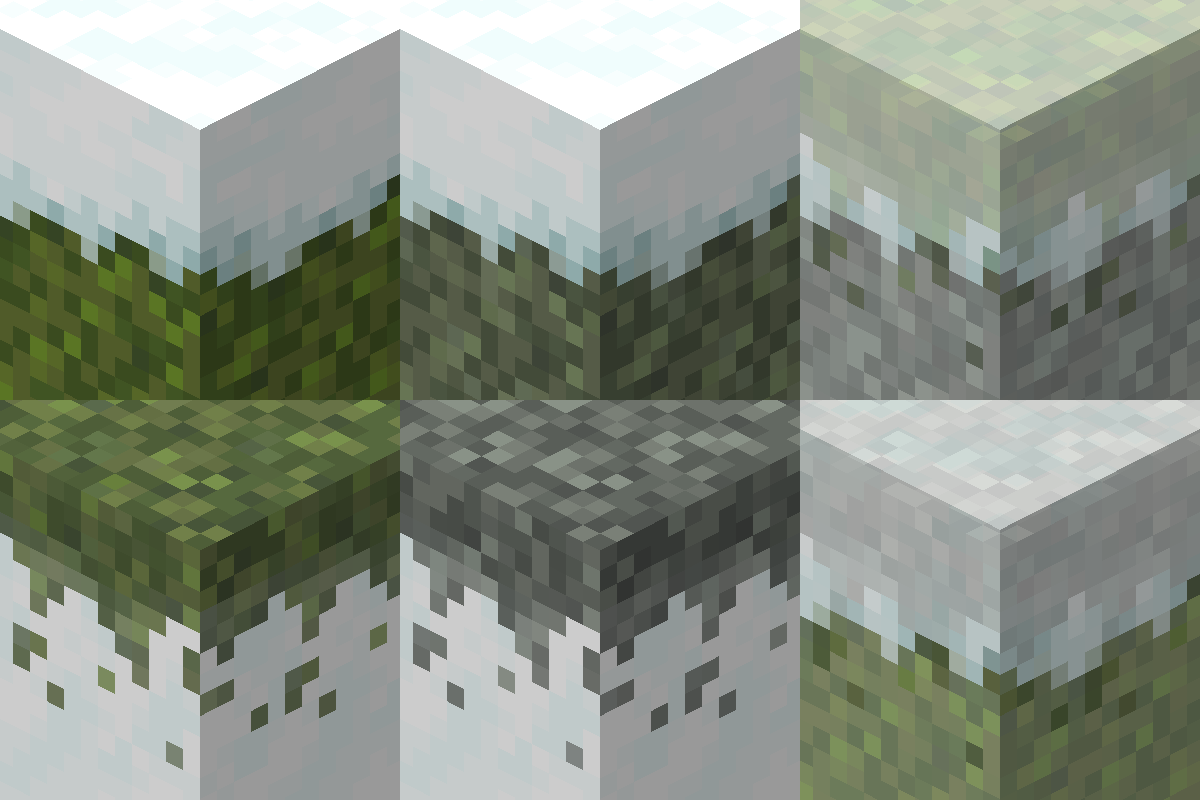
Snow & Moss Overhangs
适用于各种材质的雪和苔藓地毯悬垂边缘|需要 Fusion

Alternate recipe book – Deep Origins GUI Overhaul
为 Deep Origins GUI Overhaul 添加深色配方书界面

Deep Origins GUI Tweaks
Consistent GUI tweaks for Minecraft 1.20
评论
登录后评论和评分