
介绍
If you’re building a modpack or simply playing in worlds where you aren’t sure if a mod is missing—and you don’t want your blocks to disappear—this mod is for you. As we all know, missing mods are unforgiving: if you remove a mod that had items, blocks, or entities anywhere in the world, they vanish without a trace, even if you reinstall the mod later. I made this mod to prevent exactly that.
It detects and preserves any block, entity, or item belonging to a missing mod by replacing missing blocks with a custom “missing texture” block (which is actually a texture I drew myself, haha!). This allows everything to automatically restore its original place when you reinstall the mod. You can also figure out which mod the missing block belonged to just by looking at it, or replace missing blocks directly by right-clicking them while holding the block you want to substitute them with.
It also includes a console to view all missing blocks and permanently delete them if you don’t plan on reinstalling the mod… though, ironically, you could just uninstall this mod to let vanilla clean them up automatically, haha.
Ultimately, this mod aims to make mapmaking and modpack creation easier, ensuring you never lose builds or important progress over an accidental mistake.
常见问题
Safety Blocks 支持哪些 Minecraft 版本?
Safety Blocks 支持 Minecraft Java 版 1.20.1,可用的加载器:Forge。下载时注意选择和你游戏版本一致的文件。
Safety Blocks 怎么安装?
先用 PCL2 或 HMCL 启动器安装对应版本的 Forge,再把下载的 .jar 文件放进游戏目录的 mods 文件夹,重新启动游戏即可。开启了版本隔离的,mods 文件夹在 versions/版本名 下面。
AdamArctic 的其他作品
查看全部 →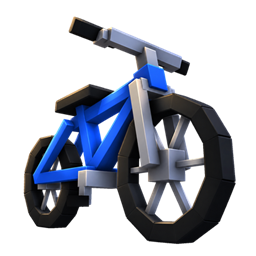
Real Bicycles
Finally, Bikes have arrived in Minecraft!
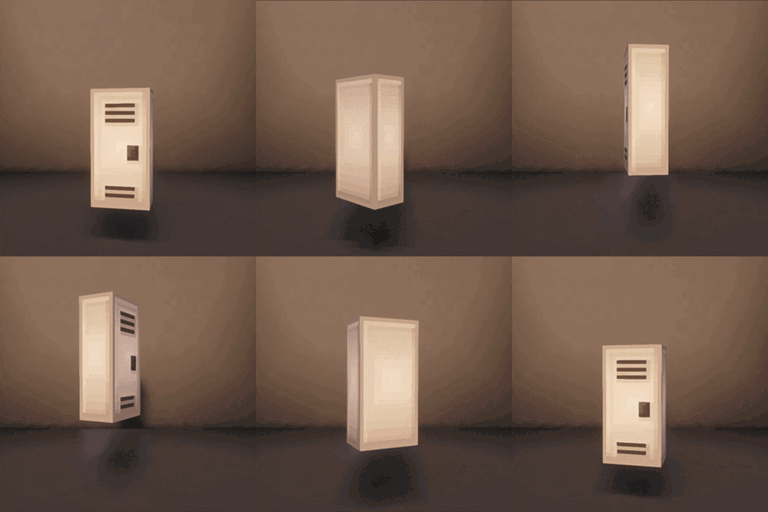
lockers plus
lockers with 18 color options

Free Height
Place any block at any height!

Phanoshot
Create and implement a panoramic photo for your menu in seconds.
评论
登录后评论和评分