
camlock
Lock your camera in place and walk in front of it, like Replay Mod, live while you play.
截图

介绍
# Camera Lock
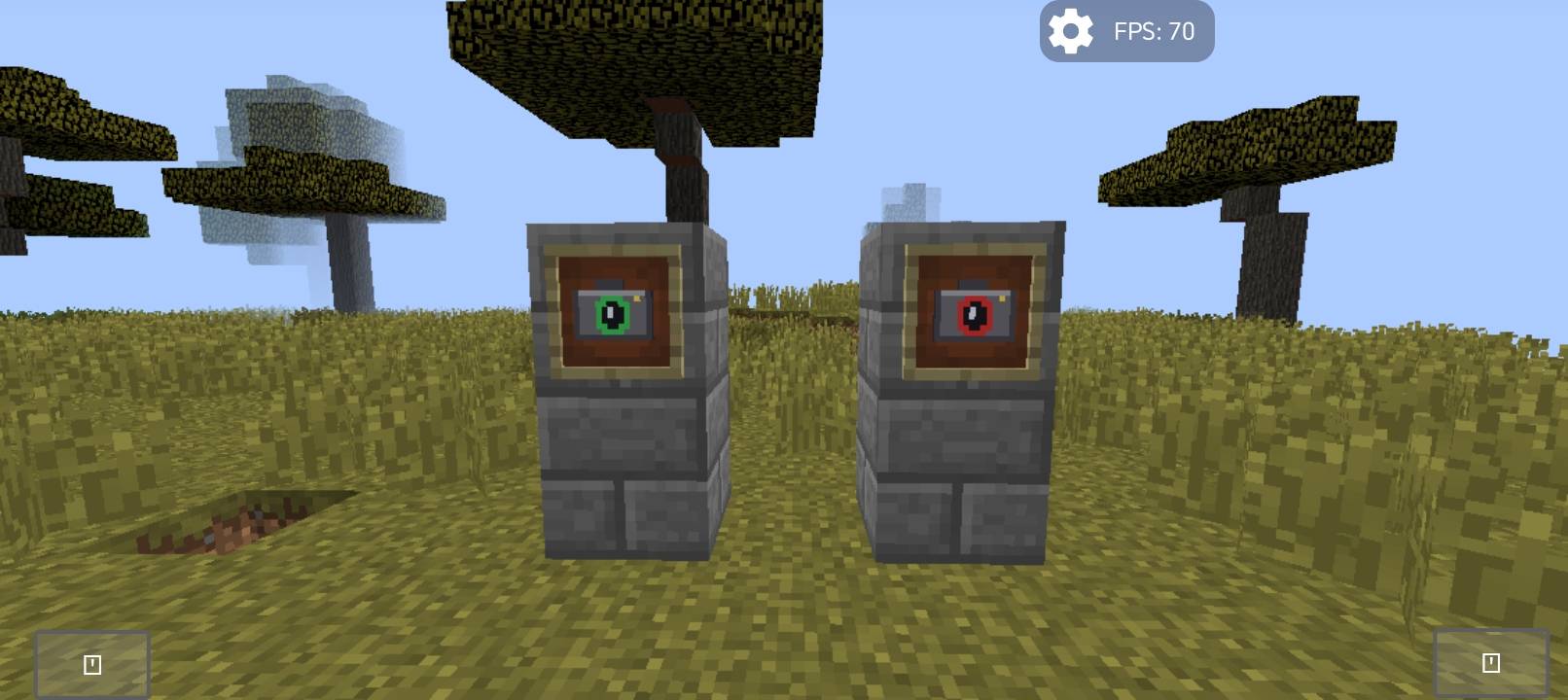
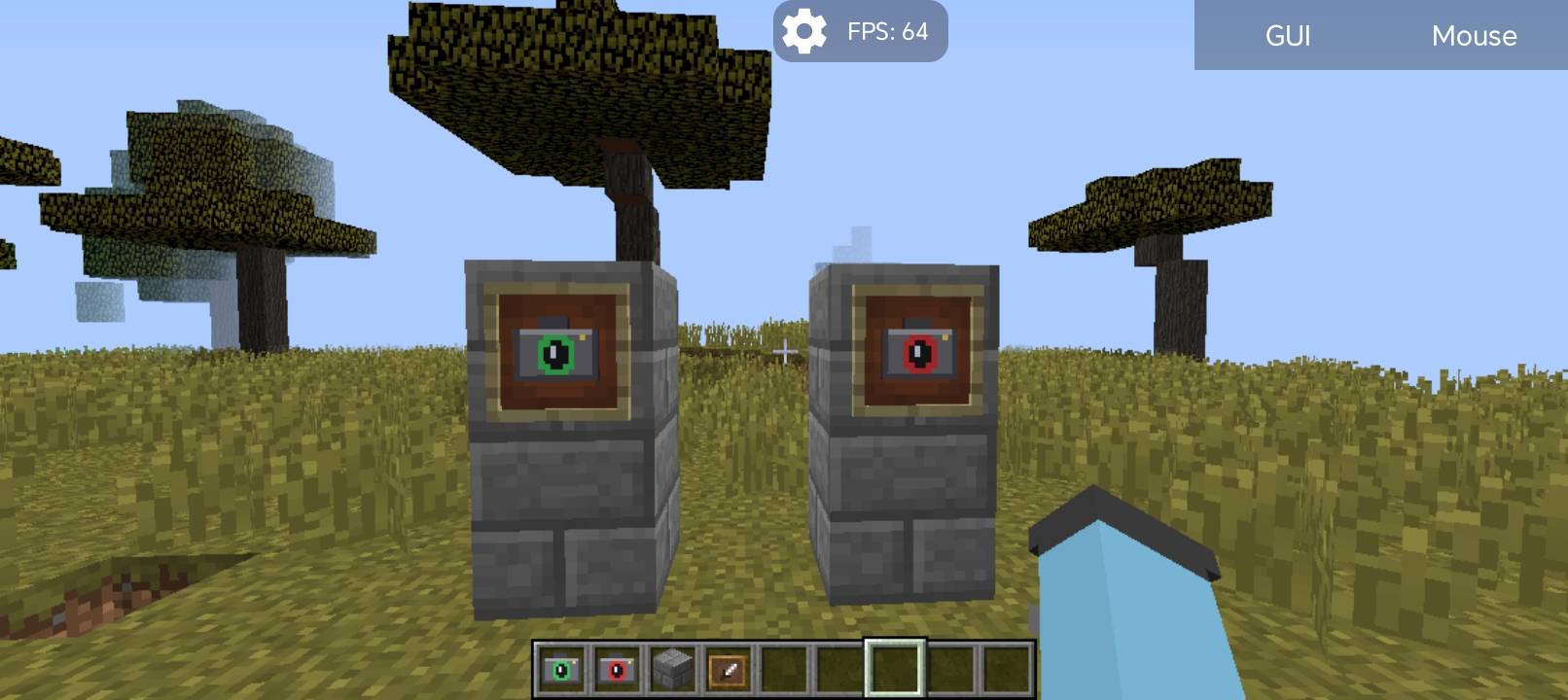
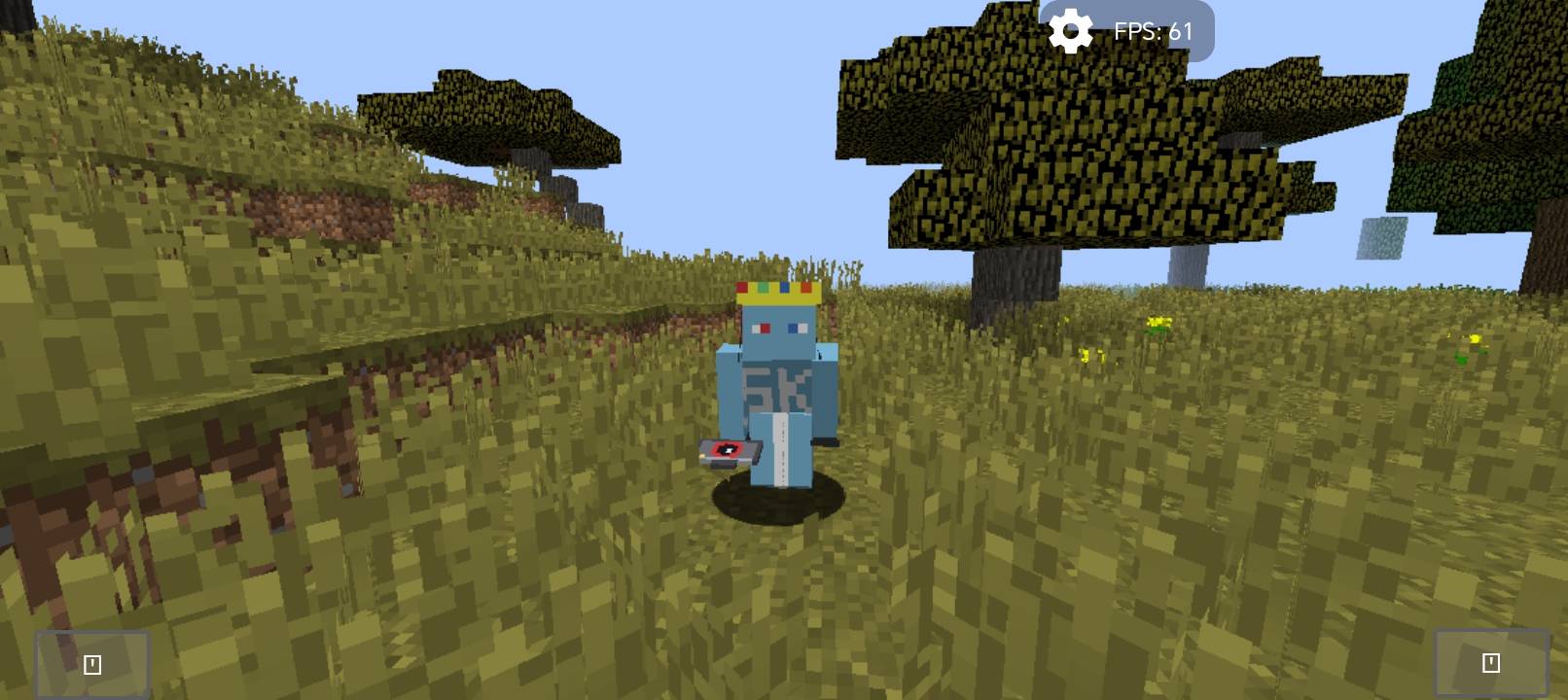
Camera Lock adds two simple items that turn your game into a film set. Place a fixed camera anywhere, then walk away and appear in front of it like a separate person — no recording or rendering needed.
## Features
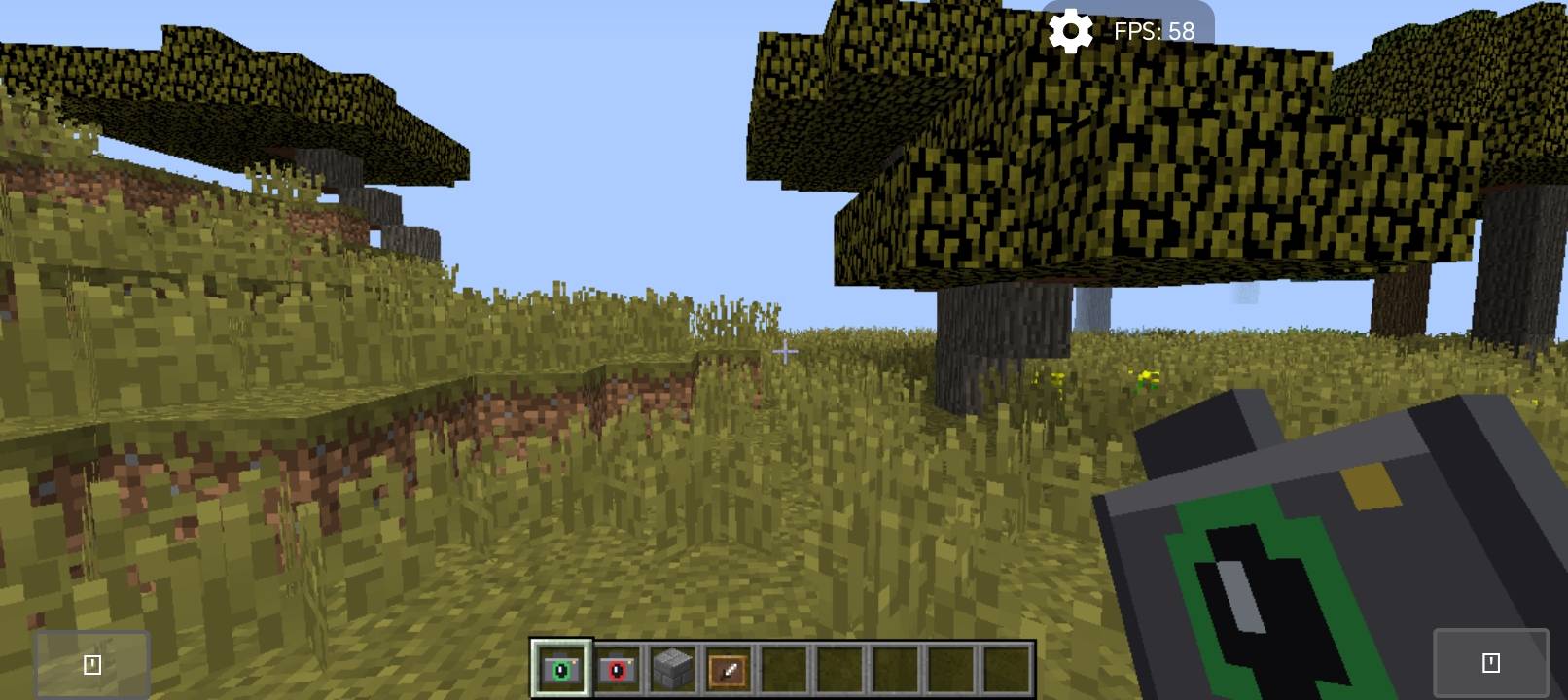
– Camera Lock item: right-click to freeze the camera at your exact position and view direction (even looking straight down).
– Camera Unlock item: right-click to return the camera to your character.
– Your player stays fully controllable: walk, run, turn and face the camera to talk.
– Use the Lock item again from another spot to move the camera there.
– Your hand is hidden while locked so you see your full body.
– Works in singleplayer and on servers (client-side only).
## Perfect for
YouTube videos, intros, talking to the camera, trailers and showcases.
## Crafting
– Camera Lock: Eye of Ender + Iron Ingot
– Camera Unlock: Eye of Ender + Redstone
(also found in the Tools creative tab)
## Notes
– Minecraft 1.12.2 with Forge only.
– Third person view (F5) is disabled while the camera is locked.
- Attacking and placing blocks follow your character’s direction, not the screen centre.
===========================================================
# Camera Lock — تثبيت الكاميرا
يضيف المود ايتمين بسيطين يحوّلان لعبتك إلى موقع تصوير. ثبّت الكاميرا في أي مكان، ثم ابتعد وستظهر شخصيتك أمامها كأنها شخص مستقل، بدون تسجيل ولا رندر.
## المميزات
– ايتم تثبيت الكاميرا: كليك يمين لتثبيت الكاميرا في مكانك واتجاه نظرك بالضبط (حتى لو كنت تنظر للأسفل).
– ايتم إلغاء التثبيت: كليك يمين لترجع الكاميرا للشخصية.
– تبقى الشخصية تحت تحكمك: امشِ واركض والتفّ نحو الكاميرا وتحدّث.
– استخدم ايتم التثبيت من مكان آخر لنقل الكاميرا إليه.
– تختفي اليد أثناء التثبيت لترى جسمك كاملًا.
– يعمل في العالم الفردي وعلى السيرفرات (من جهة اللاعب فقط).
## مناسب لـ
فيديوهات اليوتيوب، المقدمات، التحدث للكاميرا، والتريلرات.
## الكرافت
– تثبيت الكاميرا: عين الإندر + سبيكة حديد
– إلغاء التثبيت: عين الإندر + ريدستون
(وموجودان أيضًا في تاب Tools بالكريتف)
## ملاحظات
– ماينكرافت 1.12.2 مع Forge فقط.
– منظور F5 معطل أثناء التثبيت.
– الضرب ووضع البلوكات يتبعان اتجاه الشخصية وليس مركز الشاشة.
常见问题
camlock 支持哪些 Minecraft 版本?
camlock 支持 Minecraft Java 版 1.12.2,可用的加载器:Forge。下载时注意选择和你游戏版本一致的文件。
camlock 怎么安装?
先用 PCL2 或 HMCL 启动器安装对应版本的 Forge,再把下载的 .jar 文件放进游戏目录的 mods 文件夹,重新启动游戏即可。开启了版本隔离的,mods 文件夹在 versions/版本名 下面。
sky_mc 的其他作品
查看全部 →
one block to the sky
这个 Minecraft 世界只由一个方块构成。只要不断挖掉这个方块,就能扩大岛屿,而且方块会重新出现并发生变化。
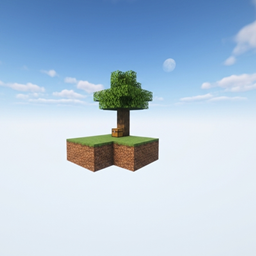
Skyblock to the sky
适用于 1.21 及以上版本的纯原版空岛地图。从零开始生存,扩建你的浮空岛!
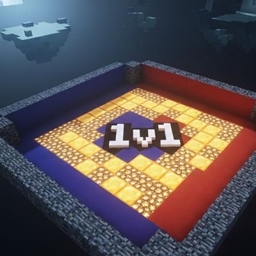
pvp 1v1 Duel Arena
pvp 1v1

super craft SCM
A custom lightweight modpack for low-end devices. Features a unique questline and fun mods.
评论
登录后评论和评分