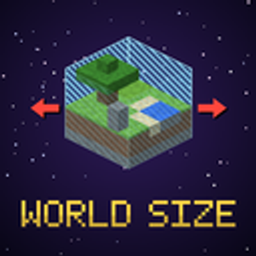
World Size Matter
Choose your world size when creating a world: Small, Medium, Huge or Gigantic. A border centered on 0,0 limits the map, and nothing generates past it: no land, no structures, just void. The Nether is scaled 1/8, so portals stay inside.
介绍
# World Size
Pick how big your world is, right from the Create New World screen.
World Size adds a new **World Size** button to the World tab, just above “Generate Structures”. Click it to cycle through the sizes, then create your world as usual.
## Sizes
| Size | Overworld & End | Nether |
|—|—|—|
| Default | Infinite (vanilla) | Infinite (vanilla) |
| Small | ±10,000 blocks | ±1,250 blocks |
| Medium | ±25,000 blocks | ±3,125 blocks |
| Huge | ±50,000 blocks | ±6,250 blocks |
| Gigantic | ±100,000 blocks | ±12,500 blocks |
All distances are measured from 0,0 in every direction.
## Features
– **A real edge to your world.** A world border is set at the chosen size, centered on 0,0.
– **Nothing past the limit.** Beyond the border there is no terrain, no bedrock, no caves, no structures, no trees and no mobs. It’s pure empty void.
– **Clean cut at the edge.** Land stops exactly at the border line. Trees and buildings can’t stick out past it, and water and lava can’t flow into the void.
– **Nether scaled to match.** The Nether limit is 1/8 of the Overworld size, so every portal you build stays inside the border.
– **All biomes and structures.** World generation inside the border is untouched vanilla, so every biome and structure can still appear.
– **Remembers your choice.** The menu keeps your last chosen size for the next world you create.
– **Safe for your other worlds.** Only new worlds created with a size are limited. Existing worlds and “Default” worlds are never changed.
– **English and French** translations included.
## Requirements
– Minecraft Java Edition 26.1.2 or 26.2
– Fabric Loader 0.19.3+
– Fabric API
## Notes
– The size can only be chosen when a world is created.
– If you change the border later with /worldborder, new chunks generate normally again.
– Made with MCreator.
常见问题
World Size Matter 支持哪些 Minecraft 版本?
World Size Matter 支持 Minecraft Java 版 26.1.2–26.2,共 2 个版本,可用的加载器:Fabric。下载时注意选择和你游戏版本一致的文件。
World Size Matter 怎么安装?
先用 PCL2 或 HMCL 启动器安装对应版本的 Fabric,再把下载的 .jar 文件放进游戏目录的 mods 文件夹,重新启动游戏即可。开启了版本隔离的,mods 文件夹在 versions/版本名 下面。
KurfurstBIA 的其他作品
查看全部 →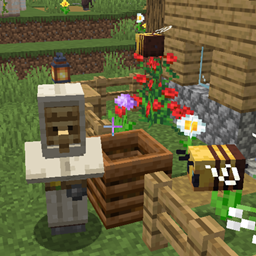
Florist Villager
Adds a florist-beekeeper villager to Plains and Taiga villages: he takes the job from a composter with a beehive nearby, wears a straw beekeeper mask, trades flowers and honey, and lives in his own vanilla-style house with a flower garden and beehives.
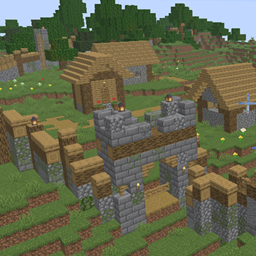
Stockade villages
Villages in Minecraft are open to anything that wanders in. Stockades gives larger villages a defensive wall that looks like the villagers built it themselves. Each wall follows its village and its ground, and is built from materials of its biome.
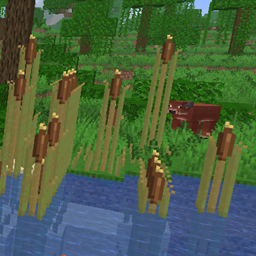
Cattails
Adds cattails that spawn in dense clumps along rivers, swamps and ponds. They grow up to 4 blocks tall on grass and sand, even in shallow water, change color by biome, grow over time, and 6 make 1 paper.
评论
登录后评论和评分