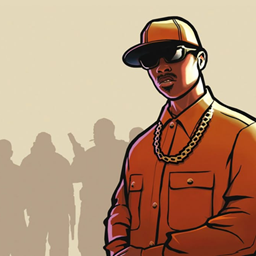
GTA San Andreas – Menu GUI
"Ah shit, here we go again." Bring legendary 2000s nostalgia right to your title screen!
截图
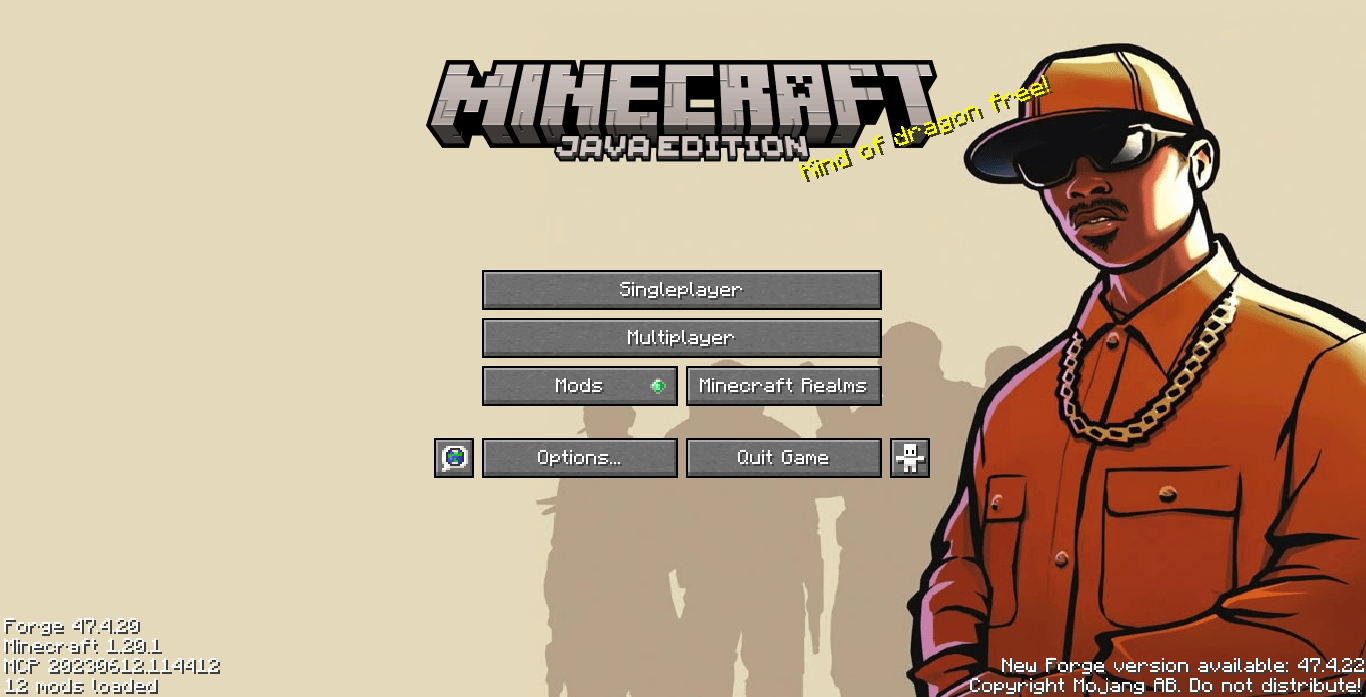
介绍
GTA San Andreas – Menu GUI
“Ah shit, here we go again.” Bring legendary 2000s nostalgia right to your title screen! GTA San Andreas – Menu GUI replaces Minecraft’s default main menu panorama with iconic, classic artwork inspired by the legendary street-life action games.
Features
-
Classic Nostalgia: Replaces the main menu background with a crisp, iconic artwork overlay.
-
Lightweight & Fast: Only alters the title screen background for optimal loading performance.
-
100% Safe & Compatible: Modifies only the main menu overlay—in-game HUDs, inventories, blocks, and mobs remain completely untouched.
Installation
-
Drop the
.zipfile into your.minecraft/resourcepacksfolder. -
Go to Options > Resource Packs in-game and activate it.
-
Move GTA San Andreas – Menu GUI to the top of your list so it overrides default menu backgrounds!
常见问题
GTA San Andreas – Menu GUI 支持哪些 Minecraft 版本?
GTA San Andreas – Menu GUI 支持 Minecraft Java 版 1.20–26.2,共 23 个版本。下载时注意选择和你游戏版本一致的文件。
GTA San Andreas – Menu GUI 怎么安装?
把下载的 .zip 文件(不用解压)放进游戏目录的 resourcepacks 文件夹,进游戏后在「选项 → 资源包」里把它移到右边启用。
Freestyle_modding 的其他作品
查看全部 →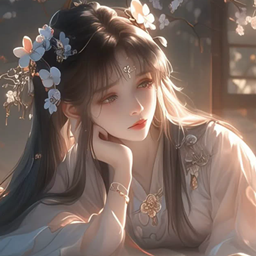
Cute Anime Girl Main Menu GUI
将 Minecraft 的主菜单全景图替换为动漫女孩
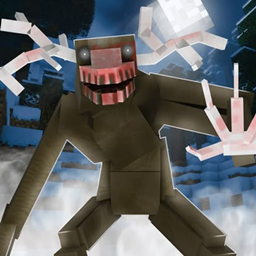
Cranker – Menu GUI
Turn your main menu into a scene straight out of a Minecraft horror nightmare!
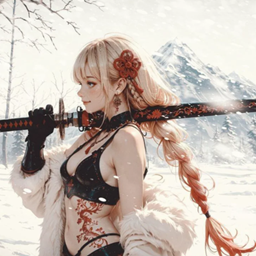
Winter Katana – Menu GUI
Give your title screen a cold, sharp, and cinematic transformation!

Ningguang – Menu GUI
Replaces the default Minecraft main menu panorama with an elegant artwork of Ningguang resting in a traditional setting. Lightweight & UI-only!
评论
登录后评论和评分