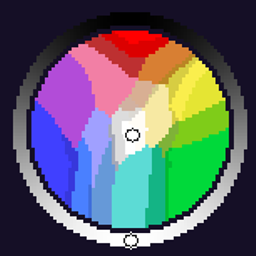
Color Wheel
An ultimate color-picking utility created specifically for digital artists in Minecraft using the Daub painting plugin.
截图
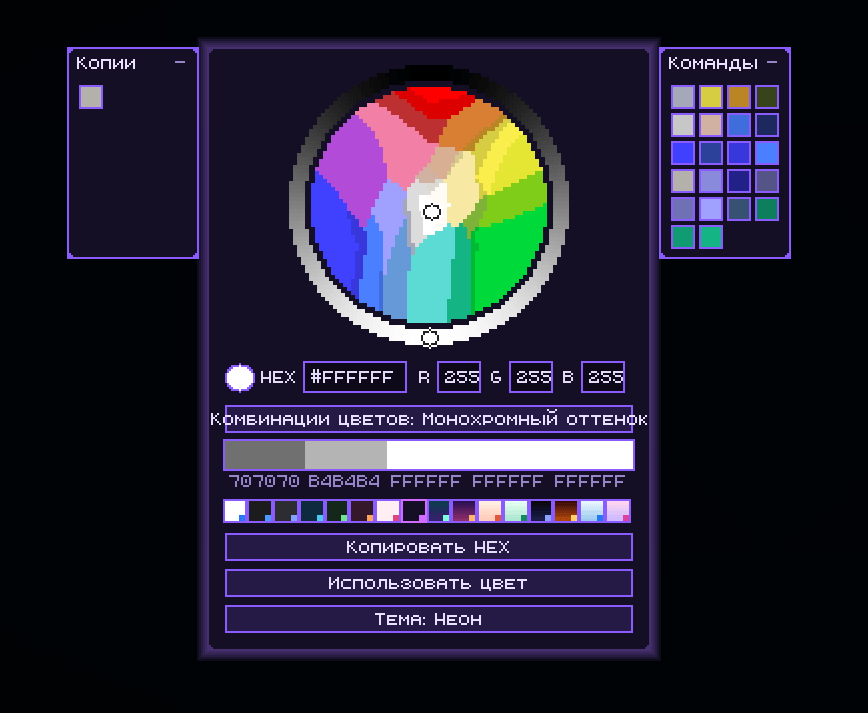
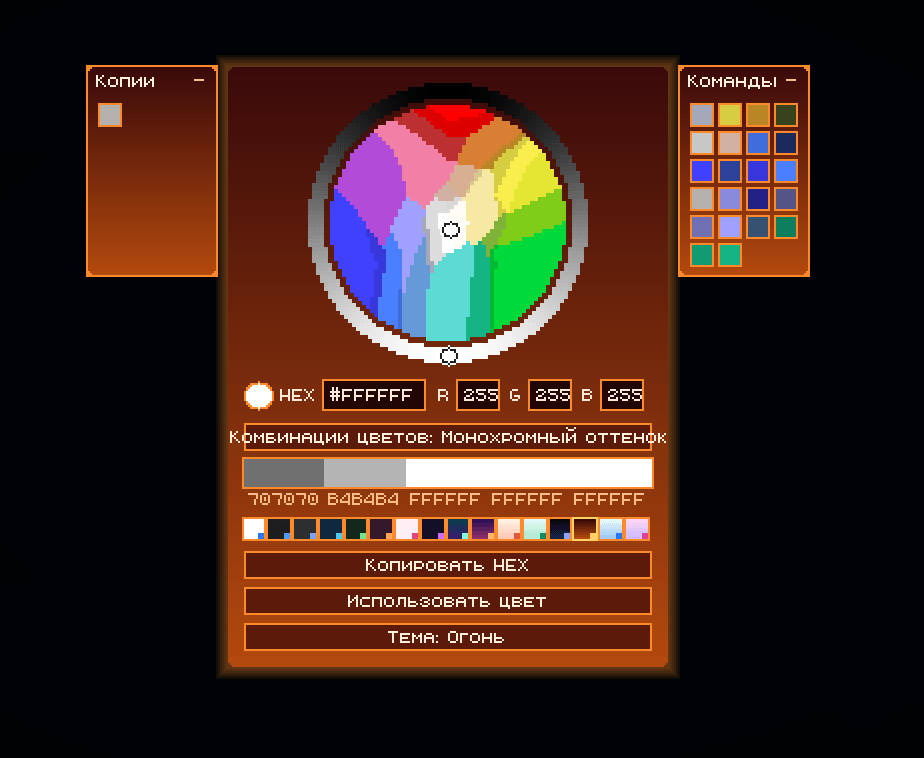
介绍
中文介绍正在准备中,下面暂时显示原文。
🎨 WheelColorPicker (for Daub)
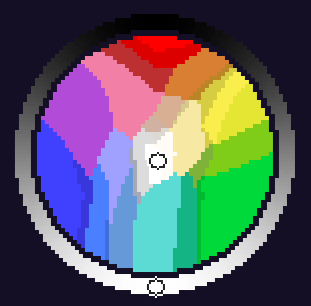
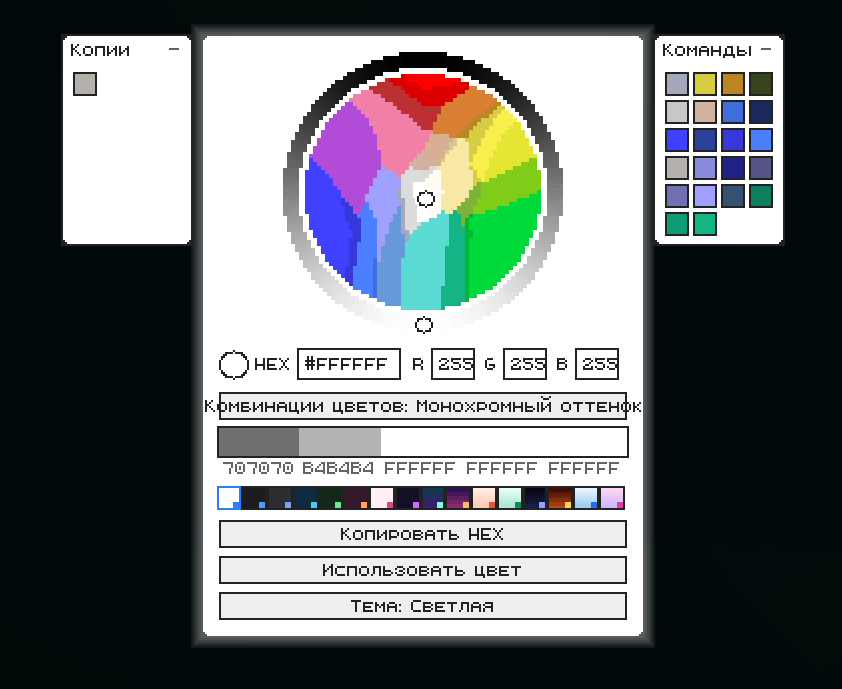
An ultimate color-picking utility created specifically for digital artists in Minecraft using the Daub painting plugin. This mod completely replaces linear sliders with a beautiful, responsive radial color wheel tailored for game-supported tones. It streamlines your painting workflow by letting you mix, track, and apply colors directly into your art sessions.
✨ Features
- 🎨 Built for Daub Artists: Specially designed for perfect integration and compatibility with the Daub drawing plugin.
- 🔄 244 Minecraft Colors: The radial wheel is mathematically optimized to reflect the 244 core colors perfectly supported by Minecraft’s engine.
- 📋 Dual History Layout (Toggleable Panels):
- Left Panel (Copies): Keeps a live history of every HEX color you have copied.
- Right Panel (Commands): Tracks your sent/used color commands.
- Clean look: Click the collapse button (
-) at the top of either side panel to hide them instantly when you need to focus on the wheel.
- 🌌 16 UI Themes: Personalize your workspace! Cycle through 16 custom built-in background themes, including a striking Cyberpunk Neon mode.
- ⚡ Instant Clipboard Sync: The “Copy HEX” button sends the exact color hash (e.g.,
#FFFCF5) to your OS clipboard for rapid external use. - 🖌️ Color Combinations: The interface dynamically shows monochrome shades and matching swatches underneath the main inputs.
常见问题
Color Wheel 支持哪些 Minecraft 版本?
Color Wheel 支持 Minecraft Java 版 26.2,可用的加载器:Fabric。下载时注意选择和你游戏版本一致的文件。
Color Wheel 怎么安装?
先用 PCL2 或 HMCL 启动器安装对应版本的 Fabric,再把下载的 .jar 文件放进游戏目录的 mods 文件夹,重新启动游戏即可。开启了版本隔离的,mods 文件夹在 versions/版本名 下面。
评论
登录后评论和评分