EasyChat
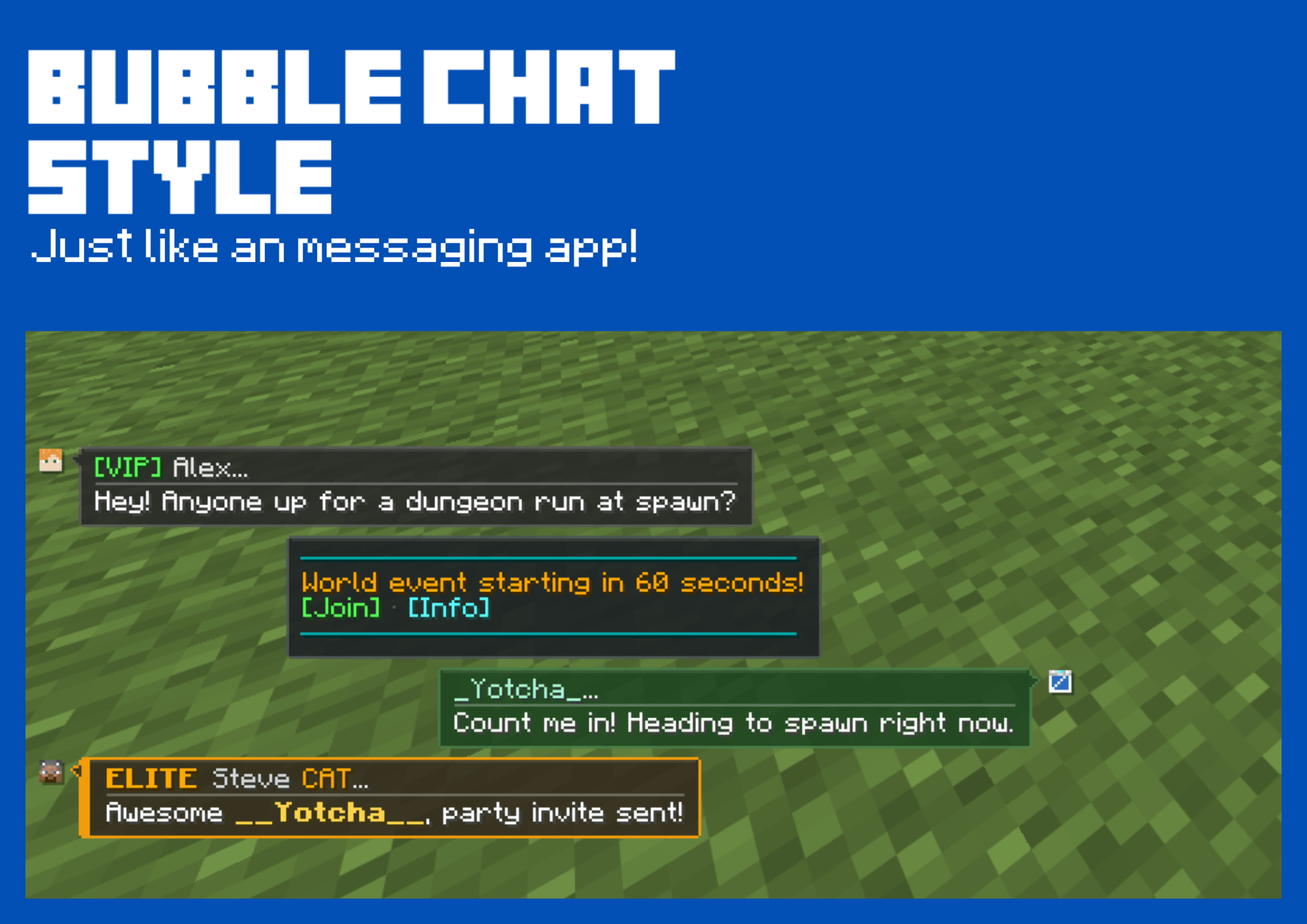
EasyChat completely modernizes the Minecraft chat experience, replacing the traditional scrolling text box with a sleek, modern chat-bubble interface inspired by popular messaging apps like iMessage and WhatsApp.
截图
介绍
EasyChat Beta Release!
About EasyChat
EasyChat completely modernizes the Minecraft chat experience, replacing the traditional scrolling text box with a sleek, modern chat-bubble interface inspired by popular messaging apps like iMessage and WhatsApp. Enjoy a cleaner, more organized, and visually stunning way to communicate with friends and servers.
Two unique chat style
Choose the look that fits your playstyle with two built-in chat styles:
- Modern Bubbles: Transforms your chat into a sleek messaging-app interface (inspired by iMessage and WhatsApp) with clean chat bubbles for a fresh, modern aesthetic.
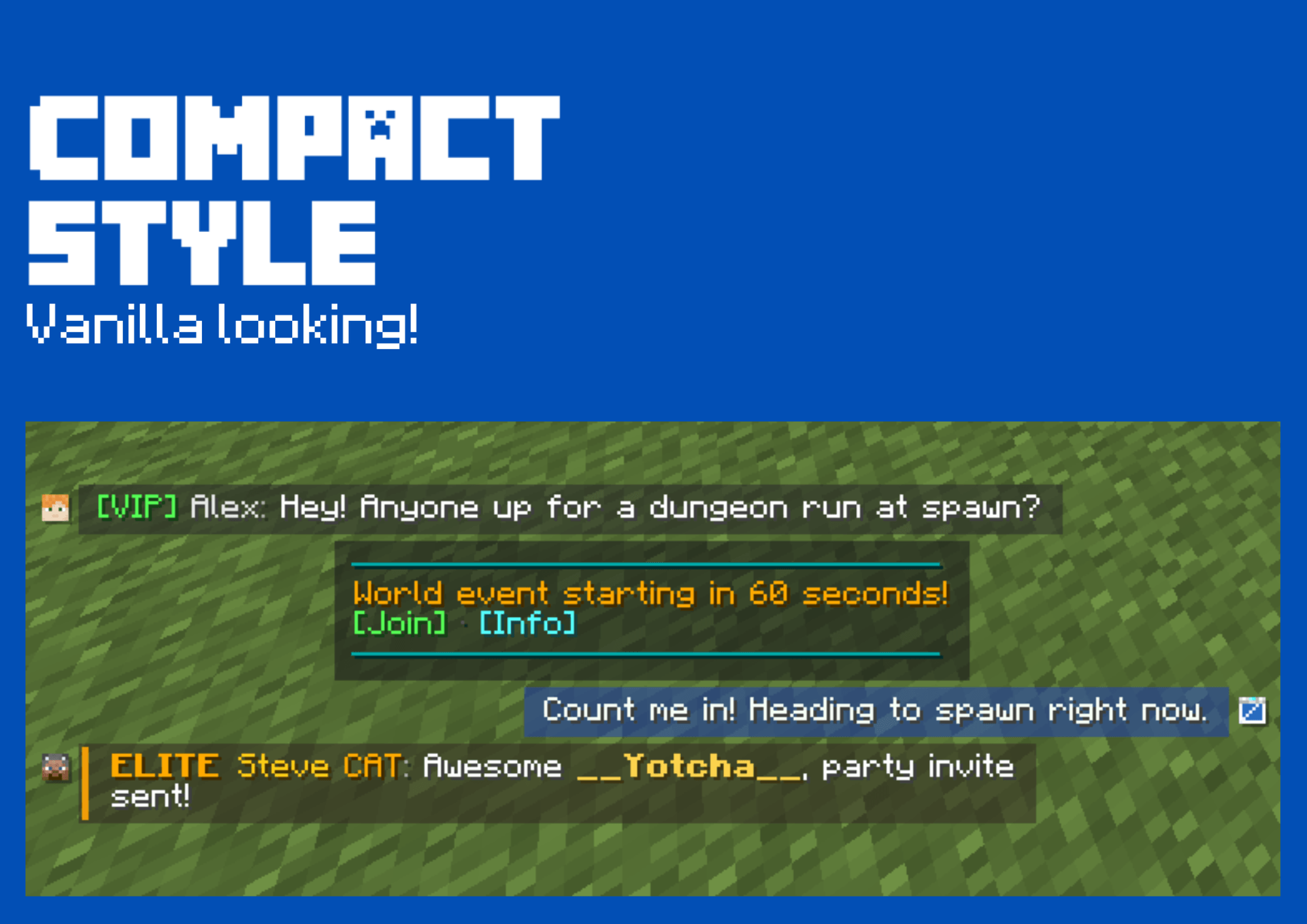
- Compact: A refined, vanilla-enhanced look that keeps the familiar traditional feel while integrating EasyChat’s clean design improvements.
Fully customizable:
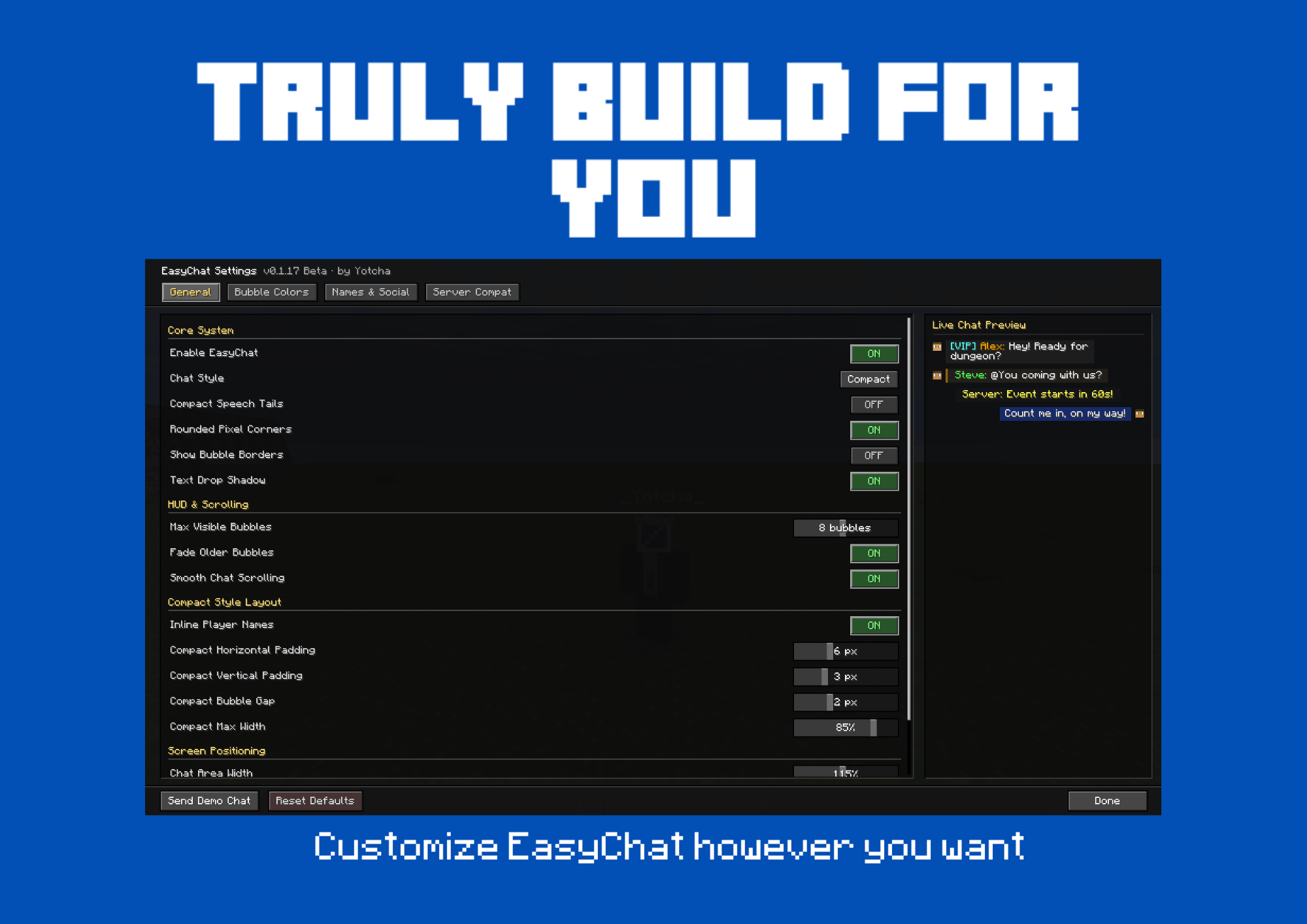
EasyChat is built with you in mind. Whether you want to completely transform your HUD with a brand-new messaging app style or keep things close to vanilla with a sleek twist, the choice is entirely yours. Tailor your chat experience to match your exact vibe!
Quick In-Game Toggle
Not feeling the bubble layout right now? No need to restart your game or dig through complex config files. Just press J to open the settings menu and toggle EasyChat on or off instantly whenever you want!
Why EasyChat?
Vanilla Minecraft chat hasn’t changed much in years: everything is crammed into a left-aligned, stacked text wall where player messages, server announcements, and command outputs blend into one hard-to-read blur.
EasyChat completely modernizes in-game communication. Inspired by modern mobile messengers like iMessage and WhatsApp, EasyChat organizes chat into a clean 3-lane bubble layout:
- Right Lane (Green): Your own outgoing messages.
- Left Lane (Slate / Multi-Color): Other players’ messages with their skin avatar and server ranks.
- Center Lane (Neutral Box): System notices, broadcast alerts, and command output.
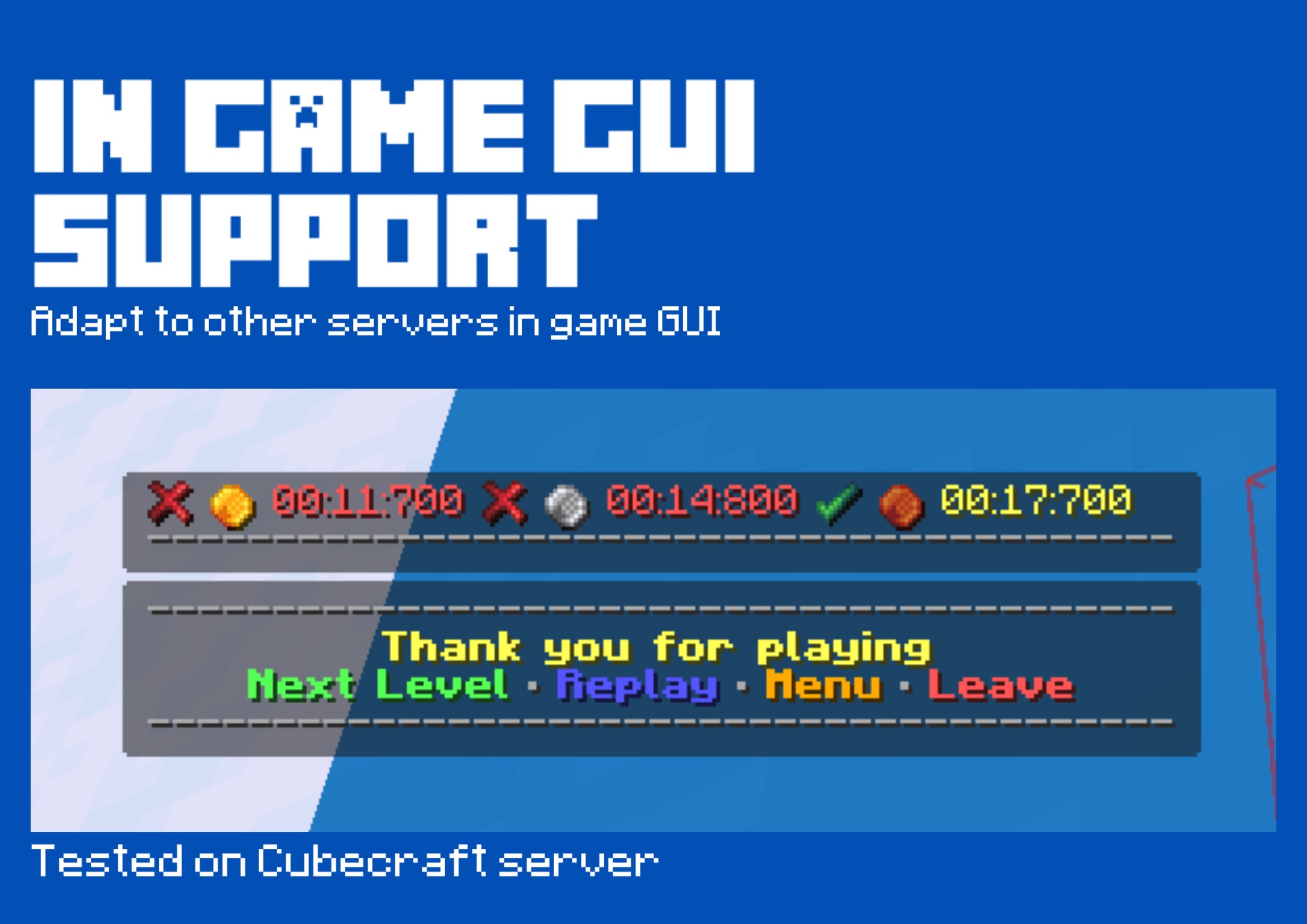
EasyChat is 100% client-side — it works out of the box on singleplayer worlds, private SMPs, and major public multiplayer networks without any server plugins required!
常见问题
EasyChat 支持哪些 Minecraft 版本?
EasyChat 支持 Minecraft Java 版 26.1–26.3,共 5 个版本,可用的加载器:Fabric。下载时注意选择和你游戏版本一致的文件。
EasyChat 怎么安装?
先用 PCL2 或 HMCL 启动器安装对应版本的 Fabric,再把下载的 .jar 文件放进游戏目录的 mods 文件夹,重新启动游戏即可。开启了版本隔离的,mods 文件夹在 versions/版本名 下面。
评论
登录后评论和评分