
ESCHATON
“A progression-focused adventure mod featuring unique biomes, massive dungeons, challenging bosses, custom mechanics, and powerful rewards.”
截图
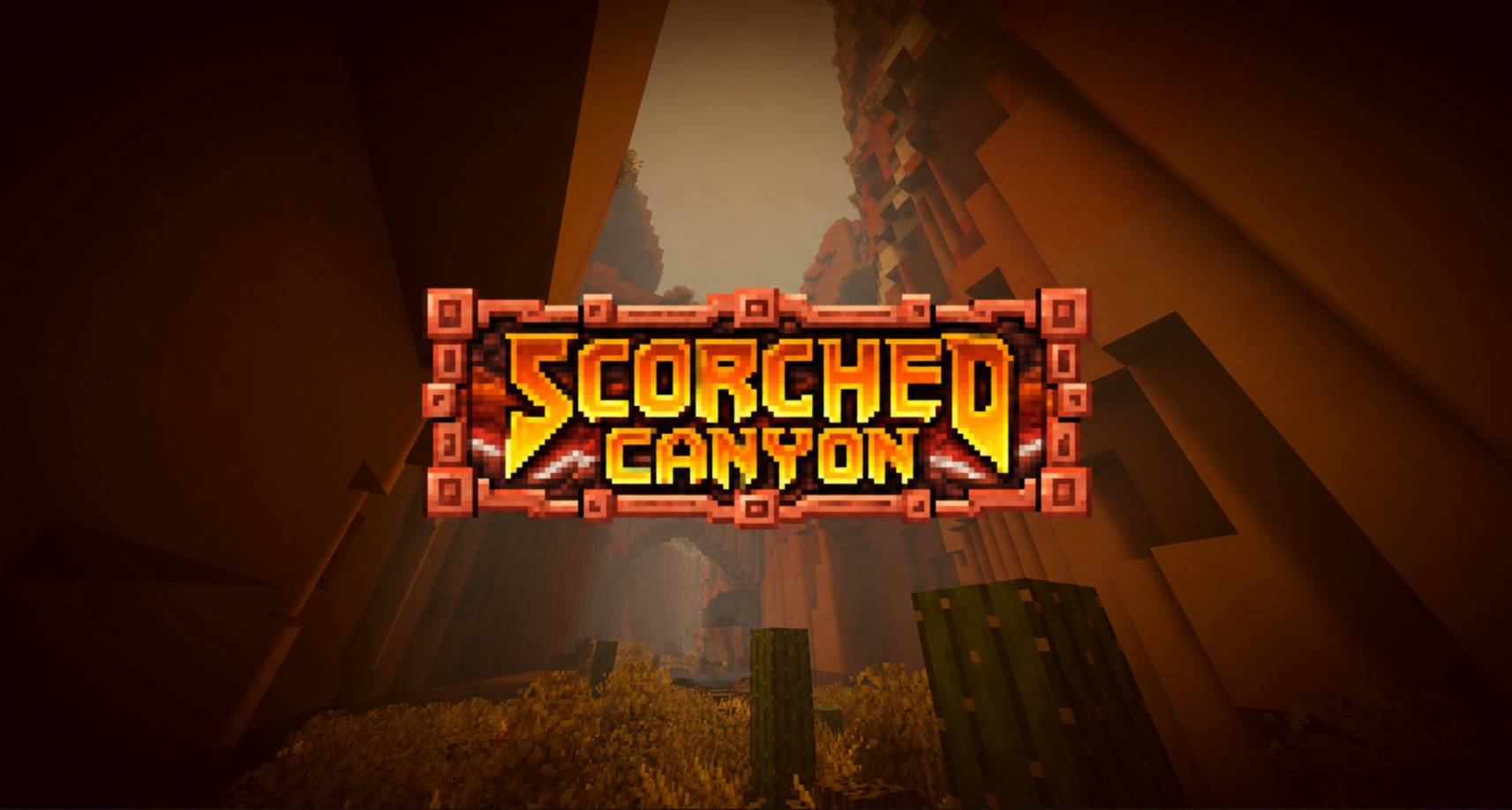
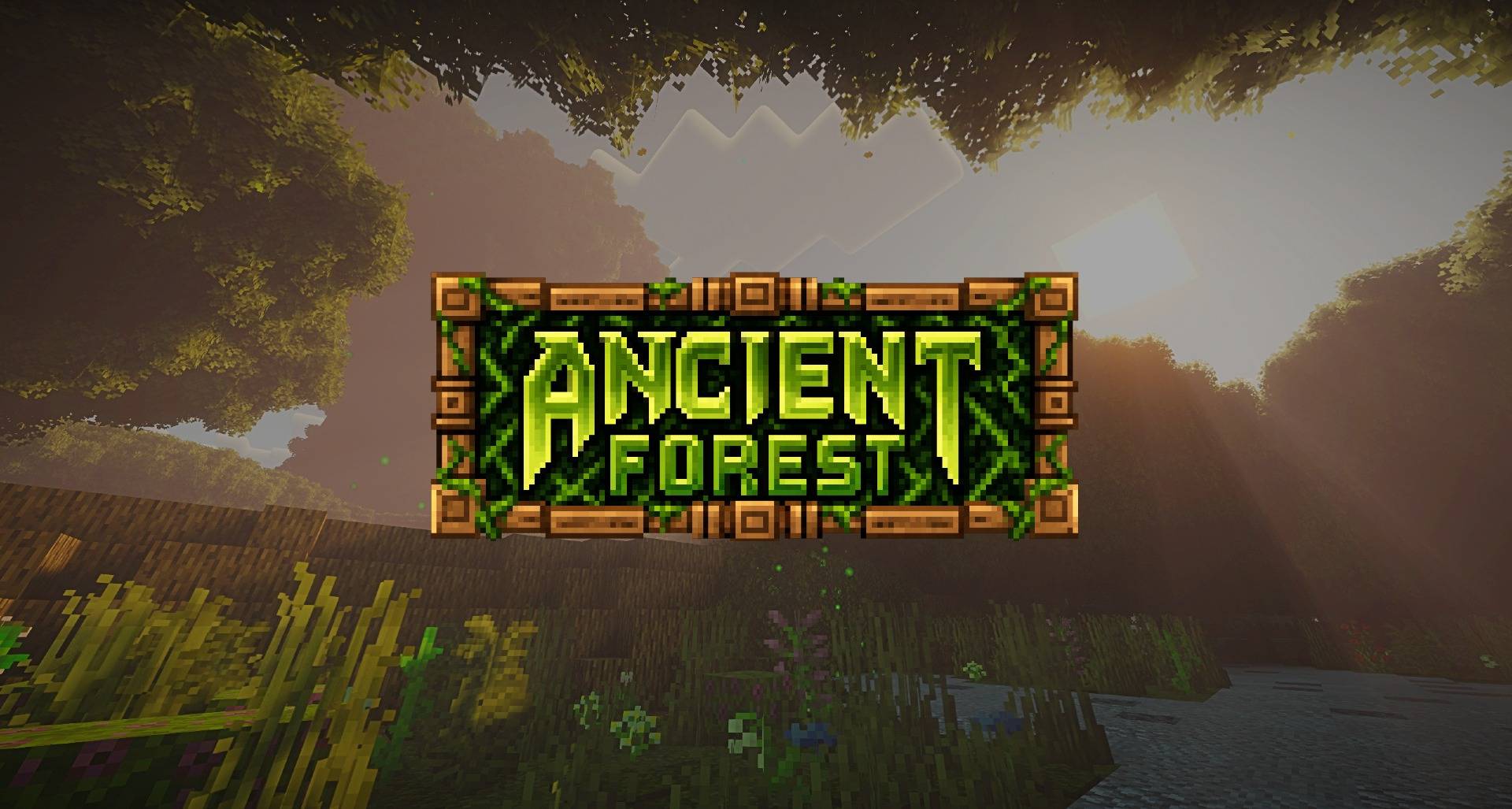
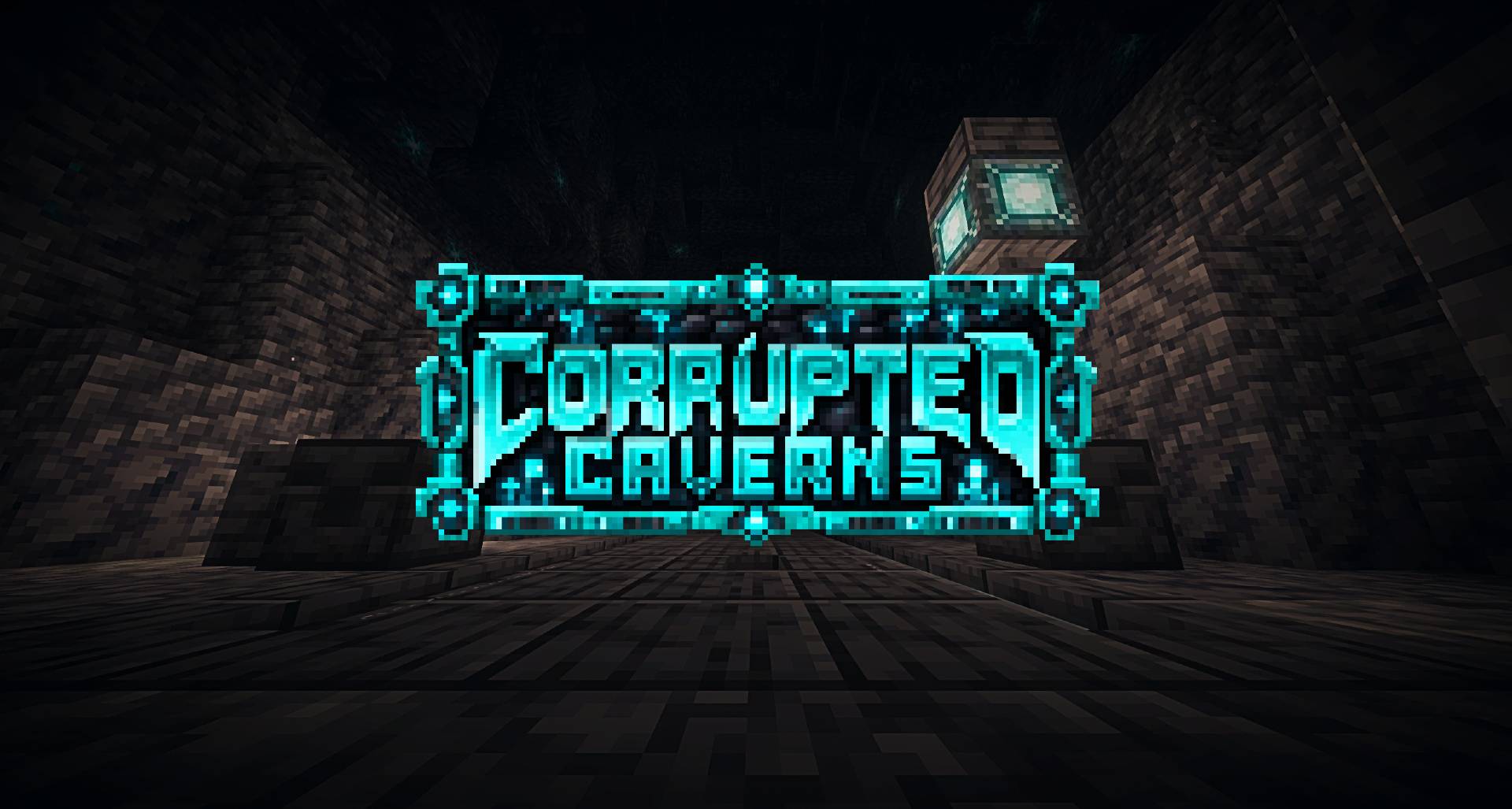
介绍

ESCHATON is a progression-focused adventure mod centered around exploration, atmosphere, discovery and challenging encounters.
Venture into unfamiliar places, uncover what lies hidden beneath the surface, and prepare for endgame boss fights beyond the Ender Dragon.
Eschaton features unique bosses with their own mechanics, progression systems and plenty of secrets to discover.
DISCLAIMER
ESCHATON is currently in Alpha and still in the early stages of development. Content, balance, visuals and mechanics may change between versions, and bugs should be expected.
Planned Updates
❖Eschaton is planned to have 1 Boss representing each letter, so:
E-Planned
S-Stellaria (in Development)
C-Cerna
H-in Final Concept Development
A-Planned
T-Taranoth
O-Planned
N-Nyraveth
Taranoth Preview Spoiler:
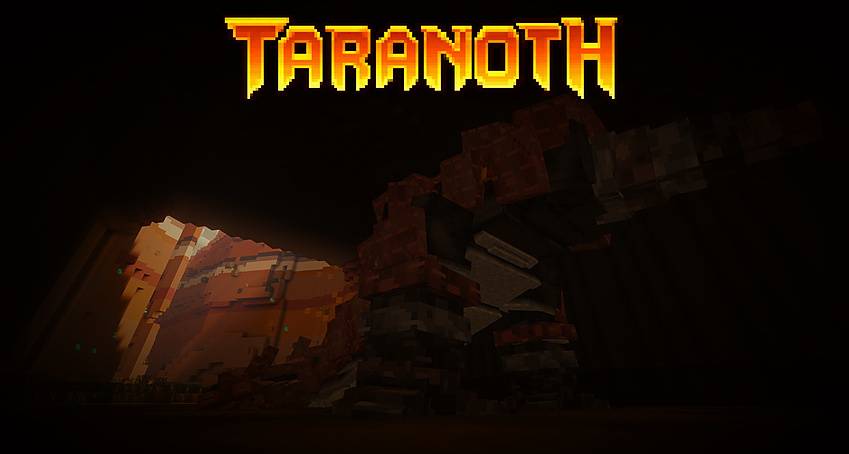
Cerna Preview Spoiler:
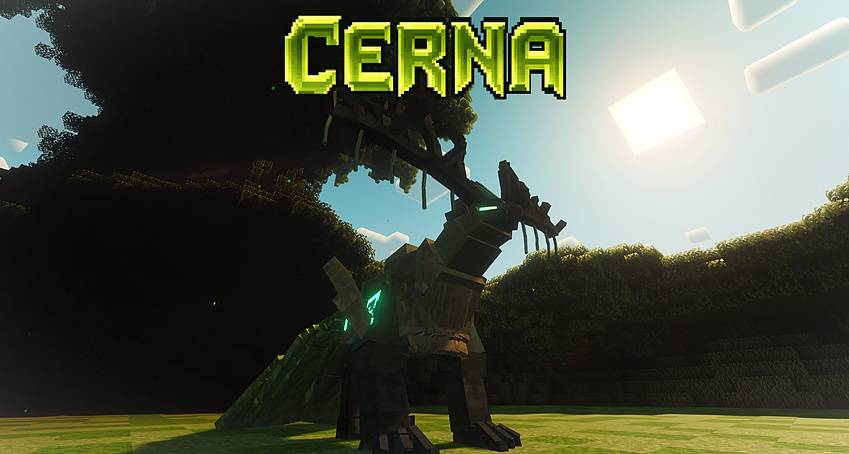
Nyraveth Preview Spoiler:
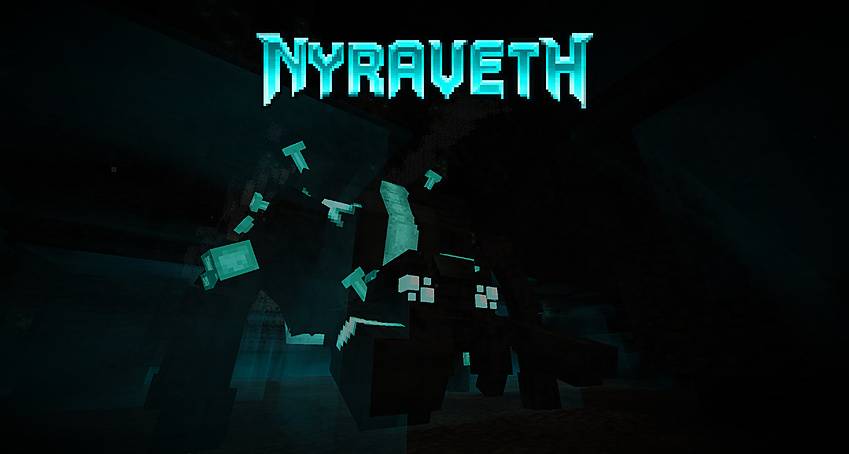
❖ Each boss will be accompanied by new equipment, biomes, progression relevance and additional content.
❖ Several non-main progression encounters are planned, including special encounters and minibosses.
❖ A far-reaching quest system with plenty of loot is planned.
❖ Existing features will continue to be expanded and refined as ESCHATON evolves.
❖ Ports to other modloaders and newer Minecraft versions are planned. Older versions are not planned.
Next Planned Content Update
The next major content update is planned around the fourth boss, representing the letter S, alongside a new dungeon, minibosses, side features and more. Development on this content is already underway.

Required Dependencies
- GeckoLib
- TerraBlender
- Curios API
Compatible with:
✅Terralith
✅Biomes o` Plenty
✅Oh the Biomes We`ve Gone
✅Regions Unexplored
✅Constant Music
✅Other Structure Mods
常见问题
ESCHATON 支持哪些 Minecraft 版本?
ESCHATON 支持 Minecraft Java 版 1.20.1,可用的加载器:Forge。下载时注意选择和你游戏版本一致的文件。
ESCHATON 怎么安装?
先用 PCL2 或 HMCL 启动器安装对应版本的 Forge,再把下载的 .jar 文件放进游戏目录的 mods 文件夹,重新启动游戏即可。开启了版本隔离的,mods 文件夹在 versions/版本名 下面。
评论
登录后评论和评分