
Ping Spike Indicator
作者:MikelCodez
Real-time network latency HUD, custom spike threshold alert banner, and numerical ping in Tab list.
截图

介绍
中文介绍正在准备中,下面暂时显示原文。
⚡ Ping Spike Indicator
A lightweight, modern client-side Fabric mod that monitors network latency in real time, alerts you the instant a ping spike occurs, and renders numerical ping directly in the player Tab list.
Built from scratch for competitive PvP, hardcore survival, and everyday multiplayer.
✨ Key Features
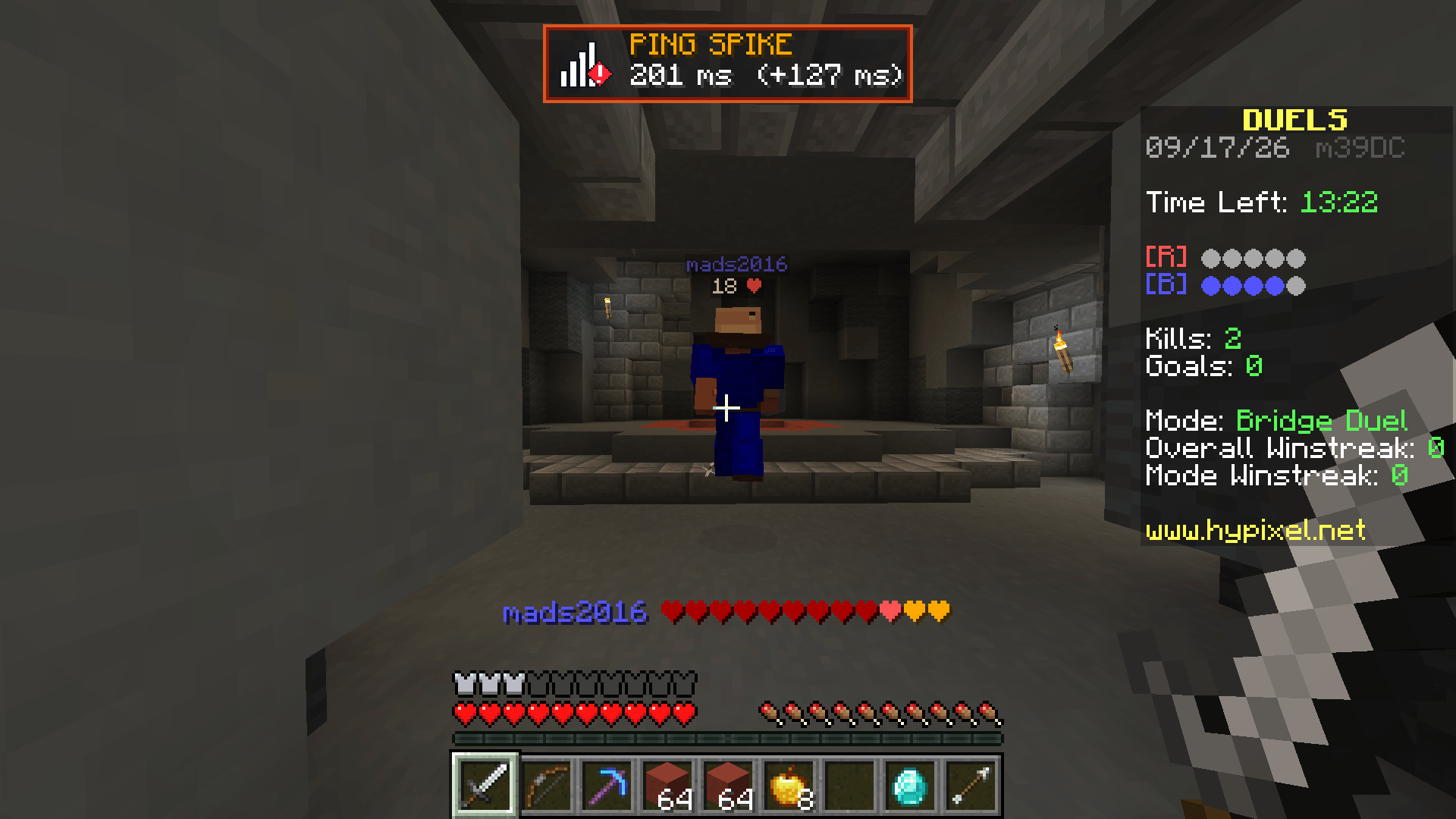
- 🚨 Instant Spike Alert Banner: Pop-up banner and audio chime the millisecond your latency surges above your baseline.
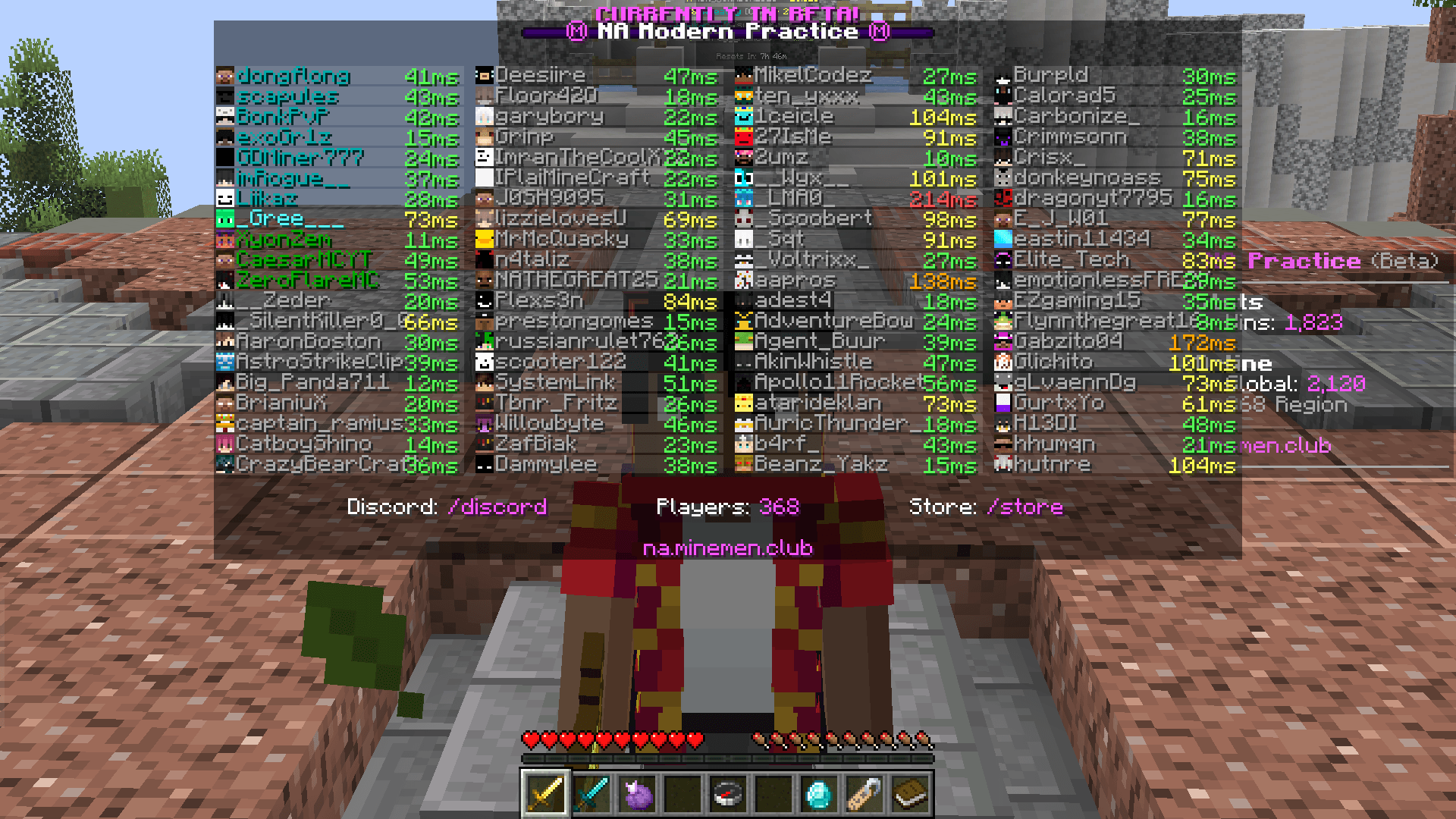
- 📊 Numerical Ping in Tab: Replaces the vague vanilla 5-bar signal icons with exact real-time milliseconds (
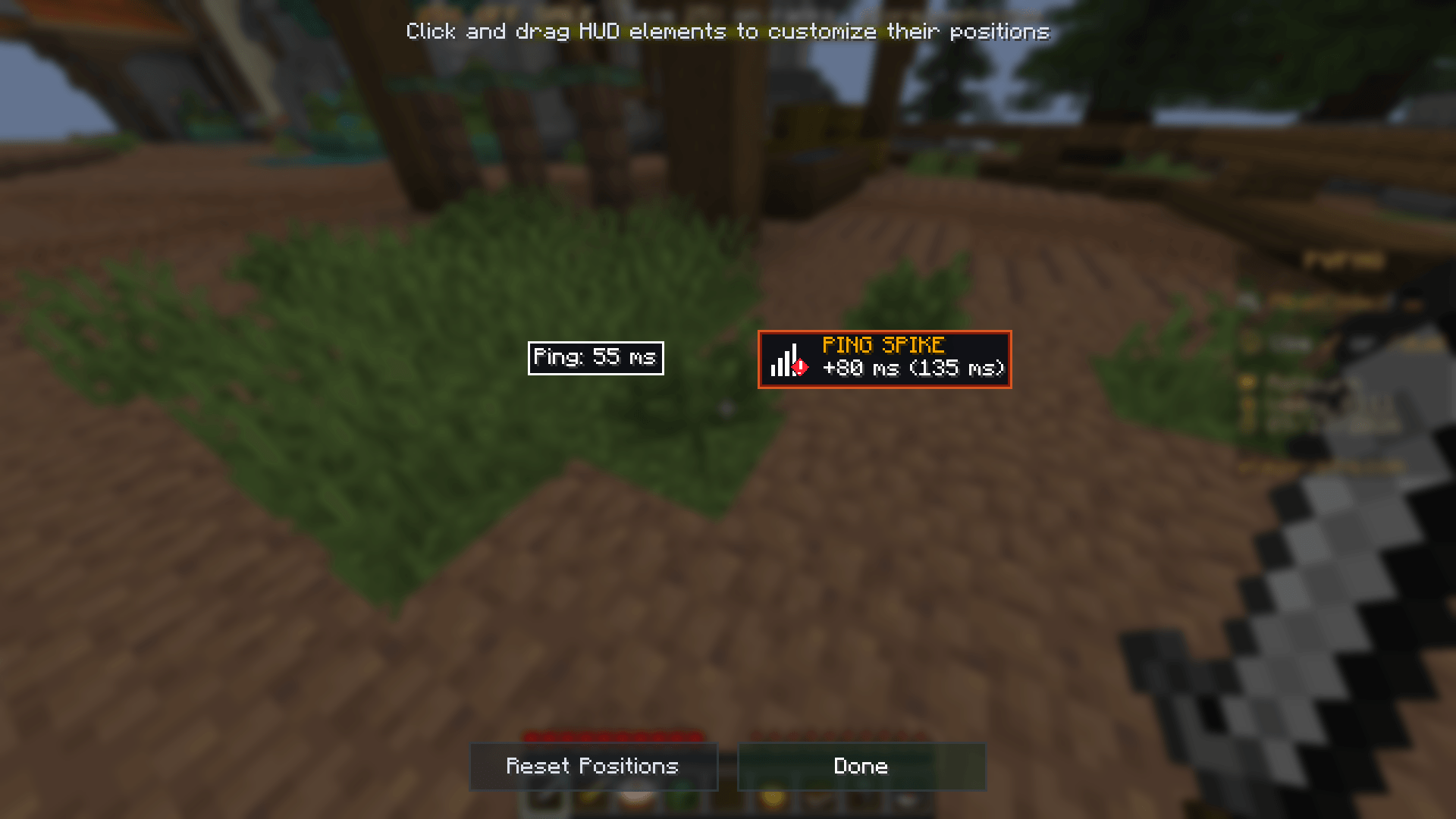
42 ms,128 ms) for every player. - 🎯 Interactive HUD Positioning: Press your configured hotkey to open a live GUI canvas where you can drag and drop your Alert Banner and Live Ping box anywhere on your screen.
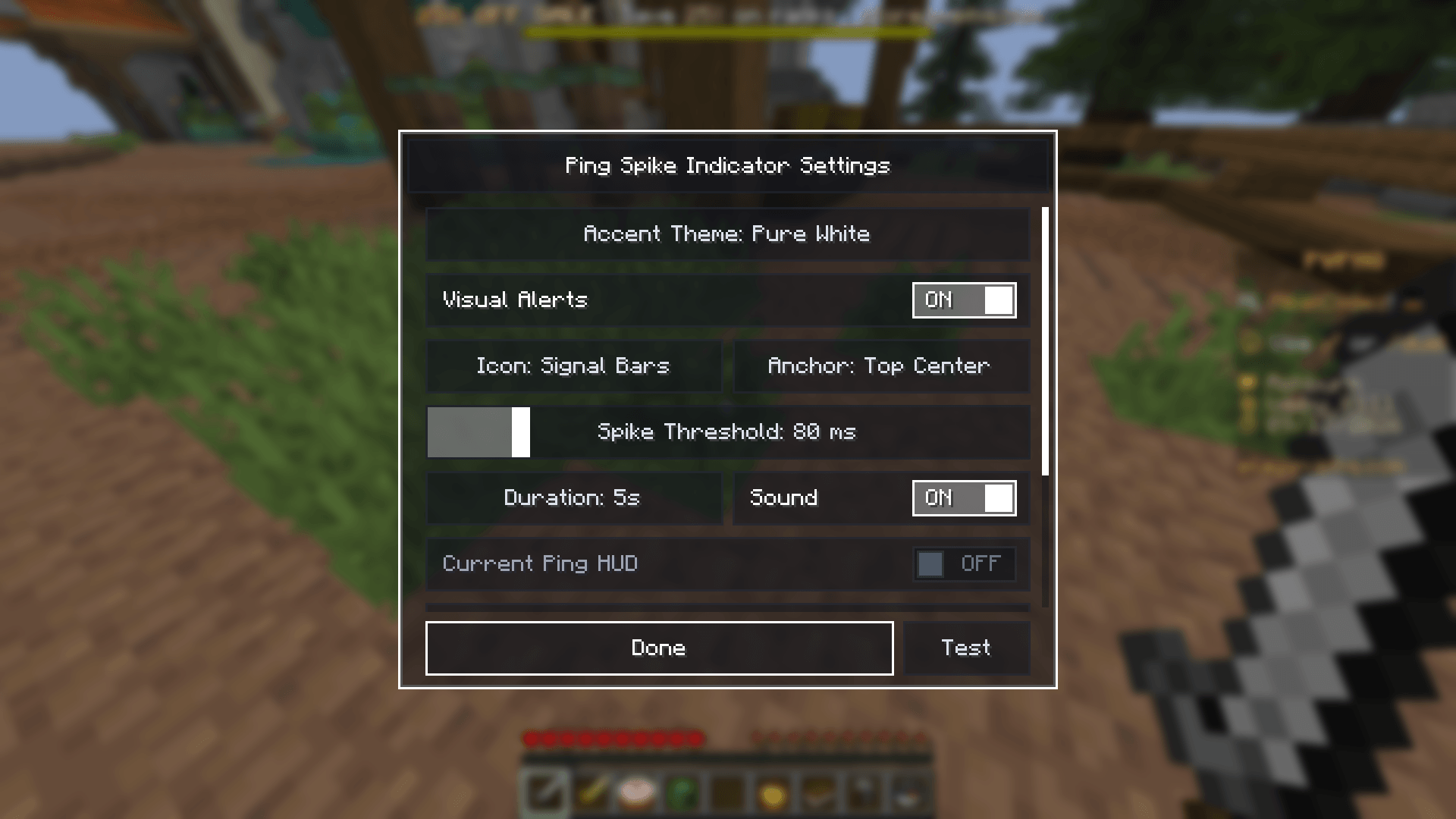
- 🎨 5 Accent Color Themes:
- Cyan Tactical (Default network glow)
- Ember Orange (Warm flame alert)
- Toxic Lime (High-visibility neon green)
- Void Purple (Deep crystal amethyst)
- Pure White (Clean monochrome platinum)
- ⚙️ Configurable Thresholds: Fine-tune spike sensitivity (+30ms to +200ms), alert duration, and sound volume.
- 🛡️ 100% Server Safe: Pure client-side rendering with zero network packet overhead. Safe and allowed on Hypixel, 2b2t, and competitive servers.
🎮 Controls & Shortcuts
- Open Settings Menu:
Right Shift(or via Mod Menu) - Open Drag & Drop HUD Canvas:
H(configurable in Controls)
🌐 Official Links
- Interactive Web Demo: pingspike.mikelcodez.xyz
- Source Code: GitHub
常见问题
Ping Spike Indicator 支持哪些 Minecraft 版本?
Ping Spike Indicator 支持 Minecraft Java 版 1.21.11,可用的加载器:Fabric。下载时注意选择和你游戏版本一致的文件。
Ping Spike Indicator 怎么安装?
先用 PCL2 或 HMCL 启动器安装对应版本的 Fabric,再把下载的 .jar 文件放进游戏目录的 mods 文件夹,重新启动游戏即可。开启了版本隔离的,mods 文件夹在 versions/版本名 下面。
评论
登录后评论和评分