
Zxygo’s Anchor Util
Anchor Util that helps you learn how anchors work and the damage you can take at different positions relative to a anchor and different armor and enchantments
截图


介绍
Business email: [email protected] |
Business discord: zxygomc.mod
Open to partnerships/sponsors ^
Zxygo’s Anchor Util is a utility mod that shows people a relative damage indicator of a anchor comapred to the position and distance of a player compared to a anchor, along with taking in factors like the armor and enchantments a player is using. It shows a simple box outline that changes color depending on your relative position and distance, along with armor and enchantments, and it allows for many uses.
Check out my other mod: Zxygo’s Crystal Util
NOTE: This mod may be seen as cheating on some servers and provides a unfair advantage. This mod is simply to be used as a learning tool for people getting into Crystal PVP. It exists as a tool that players can use, not a cheat. I don’t support hacking or cheating of any kind
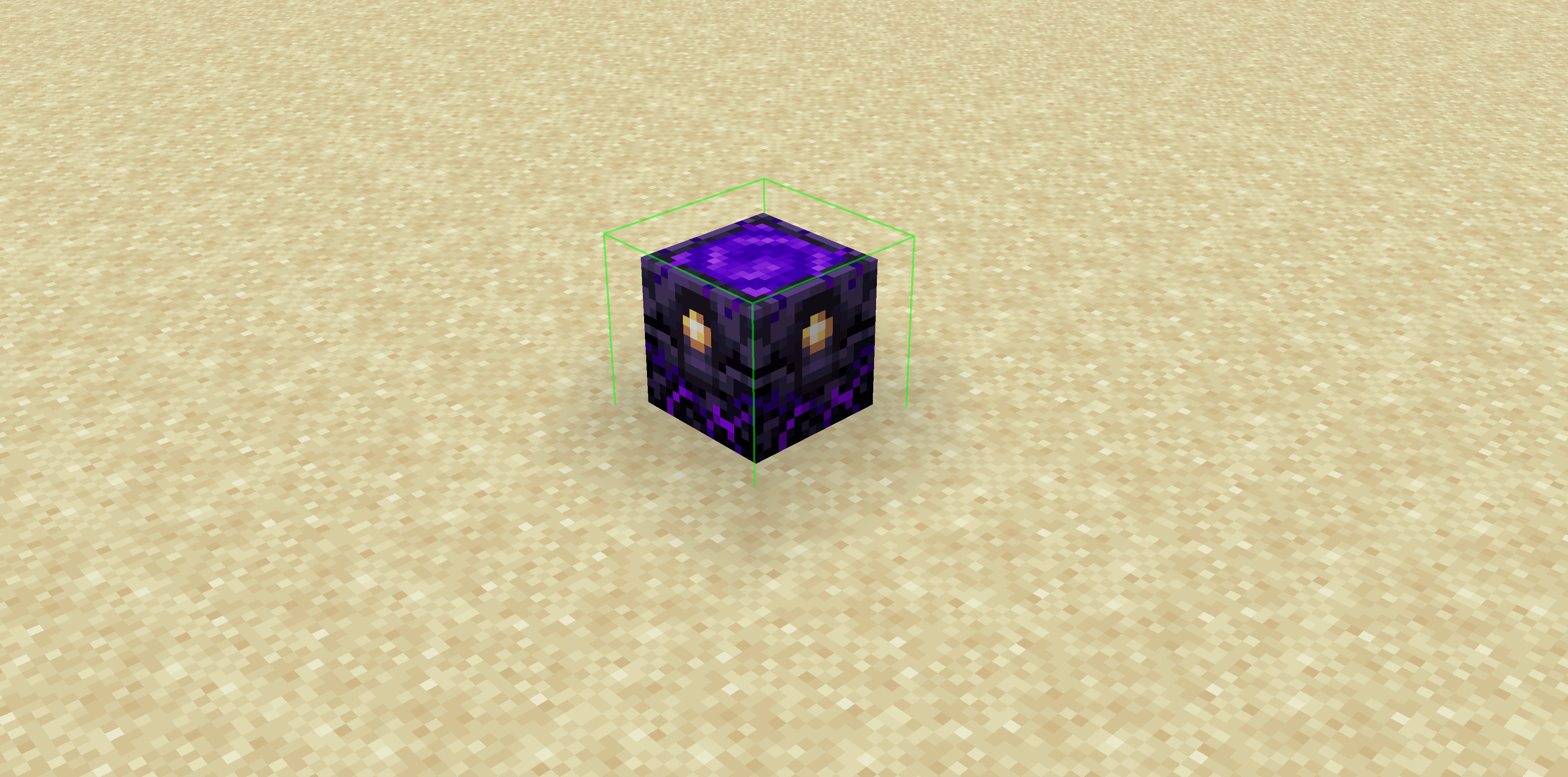
Features
Color-Coded Danger Levels
- Red: (deadly)
- Yellow: (dangerous)
- Green: (safe)
Fully Customizable
- Toggle the indicator on/off anytime
Clean & Optimized
- Minimal performance impact
- Works seamlessly in multiplayer
Mod Menu Integration
- Simple Mod Menu Integration
How It Works
Zxygo’s Anchor Util analyzes the position and distance of anchors relative to your player, along with the other factors like blocks placed between you and the anchor, armor, and enchantments like protection on the armor. This allows for a calculation for the indicator and then a color depending on the calculation.
For example, if you have a obsidian block in front of the anchor between you, then it will be a green (least damage).
常见问题
Zxygo’s Anchor Util 支持哪些 Minecraft 版本?
Zxygo’s Anchor Util 支持 Minecraft Java 版 1.21–1.21.4,共 3 个版本,可用的加载器:Fabric。下载时注意选择和你游戏版本一致的文件。
Zxygo’s Anchor Util 怎么安装?
先用 PCL2 或 HMCL 启动器安装对应版本的 Fabric,再把下载的 .jar 文件放进游戏目录的 mods 文件夹,重新启动游戏即可。开启了版本隔离的,mods 文件夹在 versions/版本名 下面。运行环境:仅客户端。

评论
登录后评论和评分