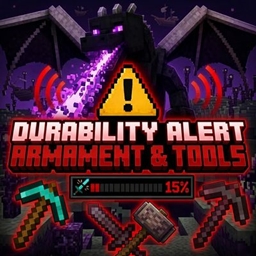
Durability Alert – Dragon Warning
Warns you when your held weapons, tools, and other durable items are running low on durability with on-screen alerts and a powerful Dragon warning sound.
截图
介绍
(ENGLISH)
Durability-Alert-Dragon is a client-side mod for Minecraft 1.21.8 (Fabric) that warns you when the item in your hand is about to break.
Features:
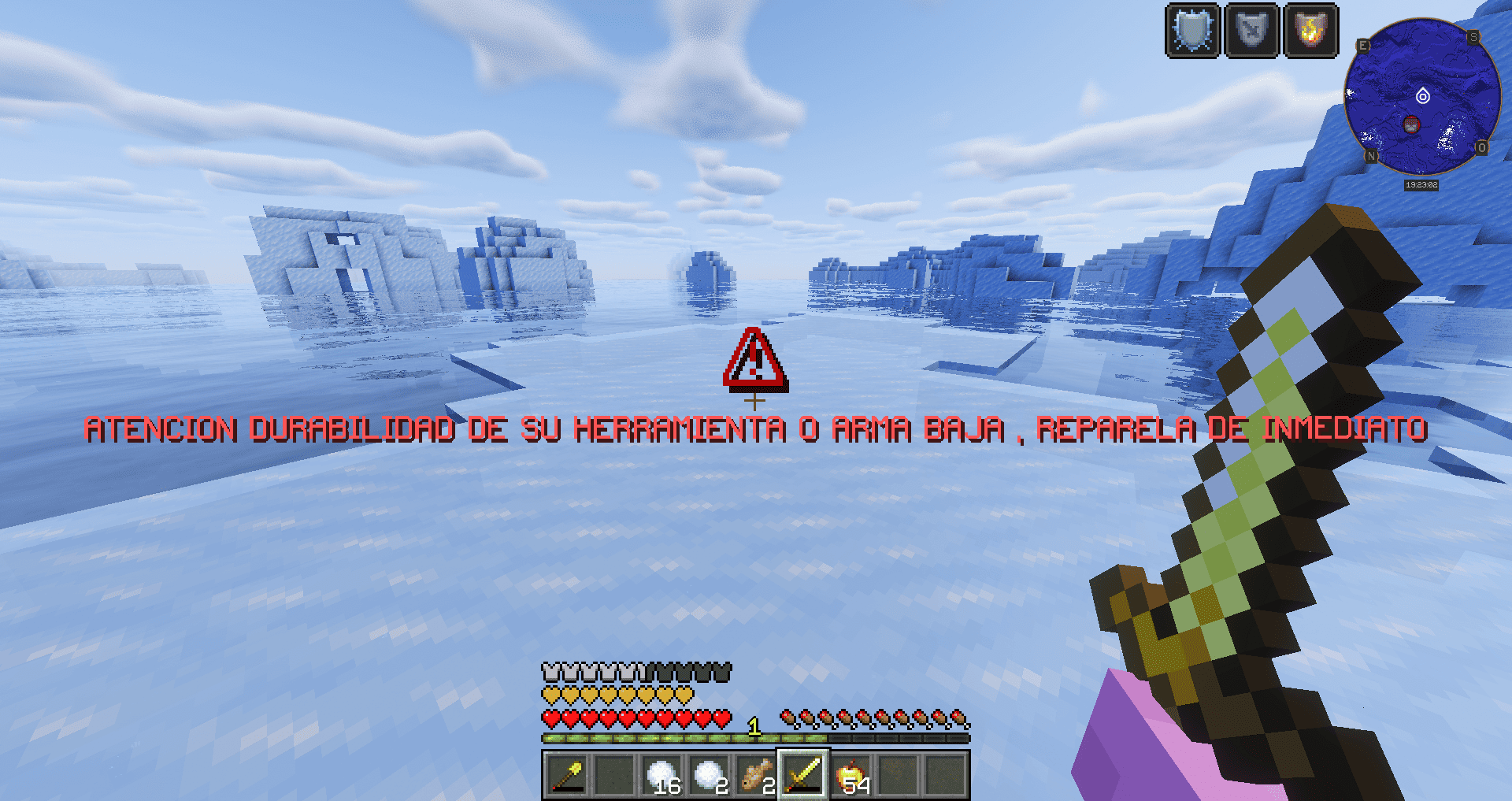
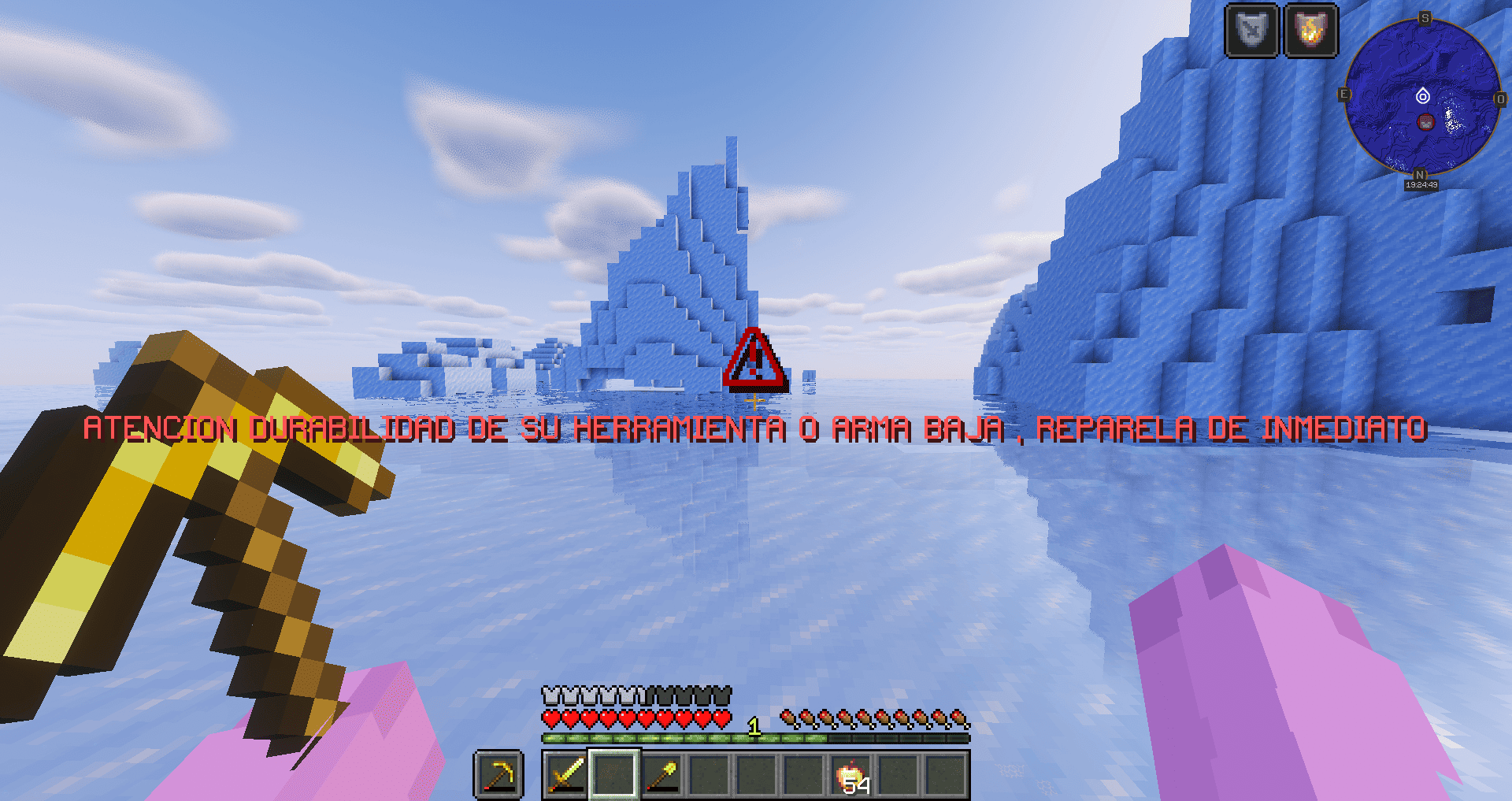
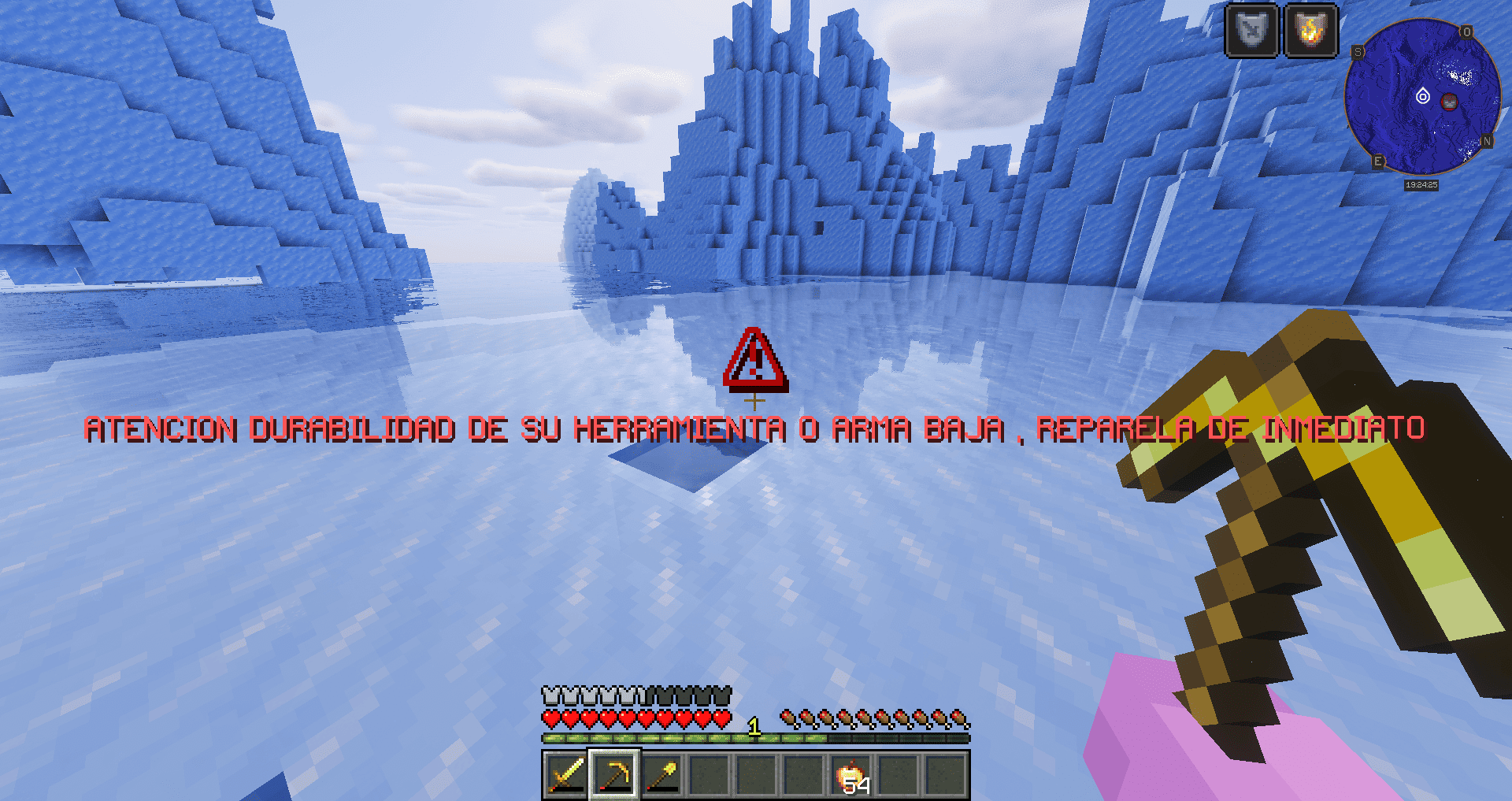
• Displays a large on-screen warning when durability drops to 15% or lower
• Spanish alert message: “ATENCION DURABILIDAD DE SU HERRAMIENTA O ARMA BAJA, REPARELA DE INMEDIATO”
• Plays an alert sound
• Includes a slight camera shake to draw more attention
• The warning stays visible for 10 seconds
• Works with both main hand and off-hand
• Client-side only (no need to install it on the server)
Perfect for avoiding the loss of important tools or weapons just because you didn’t notice they were about to break.
Requirements:
• Minecraft 1.21.8
• Fabric Loader 0.16.14 or higher
• Fabric API
• Java 21 or higher
(SPANISH)
Durability-Alert-Dragon es un mod de cliente para Minecraft 1.21.8 (Fabric) que te avisa cuando el ítem que tienes en la mano está a punto de romperse.
Características:
• Muestra un aviso grande en pantalla cuando la durabilidad baja al 15% o menos
• Mensaje de alerta en español: “ATENCION DURABILIDAD DE SU HERRAMIENTA O ARMA BAJA, REPARELA DE INMEDIATO”
• Reproduce un sonido de alerta
• Incluye un ligero temblor de cámara para llamar más la atención
• El aviso permanece visible durante 10 segundos
• Funciona tanto en la mano principal como en la secundaria
• Solo cliente (no es necesario instalarlo en el servidor)
Ideal para no perder herramientas o armas importantes por no darte cuenta de que estaban a punto de romperse.
Requisitos:
• Minecraft 1.21.8
• Fabric Loader 0.16.14 o superior
• Fabric API
• Java 21 o superior
常见问题
Durability Alert – Dragon Warning 支持哪些 Minecraft 版本?
Durability Alert – Dragon Warning 支持 Minecraft Java 版 1.21.8,可用的加载器:Fabric。下载时注意选择和你游戏版本一致的文件。
Durability Alert – Dragon Warning 怎么安装?
先用 PCL2 或 HMCL 启动器安装对应版本的 Fabric,再把下载的 .jar 文件放进游戏目录的 mods 文件夹,重新启动游戏即可。开启了版本隔离的,mods 文件夹在 versions/版本名 下面。
评论
登录后评论和评分