Builder’s Archive
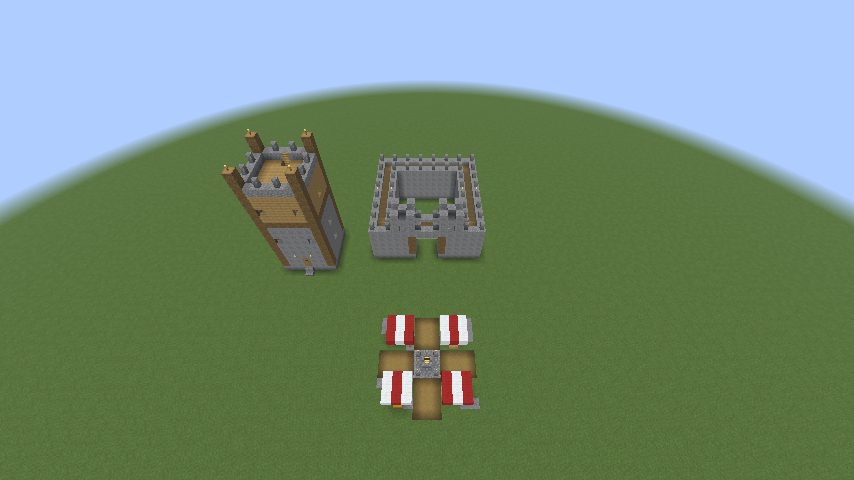
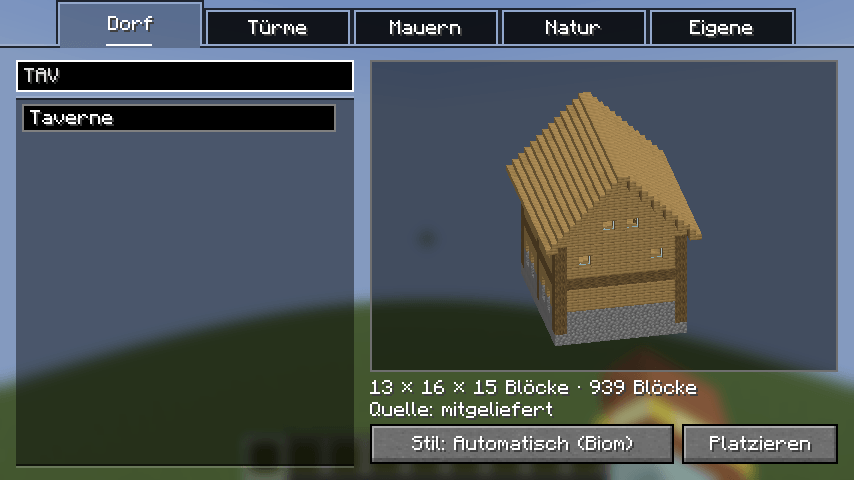
Build smarter with Builder's Archive! 🏗️ Instant placement in Creative or 3D holographic guides for Survival. Share blueprints with friends on servers to build together! Import .schem/.nbt files and shape the terrain effortlessly. 🏰🌲
截图
介绍
🏗️ Builder’s Archive: Your Ultimate Architecture Assistant
Stop guessing and start creating. Builder’s Archive is a comprehensive architectural guide that bridges the gap between complex blueprints and your Minecraft world. By working directly with your files without the need for a bulky internal database, it remains lightweight, fast, and transparent.
🛠️ One Tool, Two Ways to Build
Depending on your game mode, Builder’s Archive adapts to your needs:
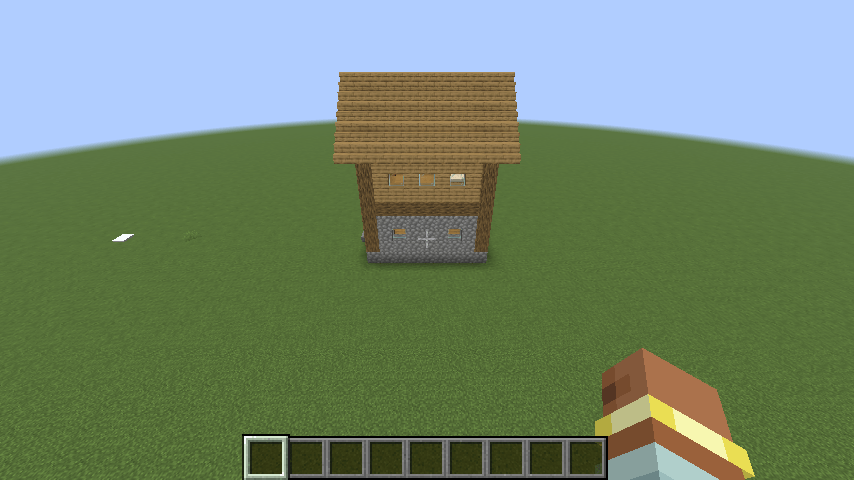
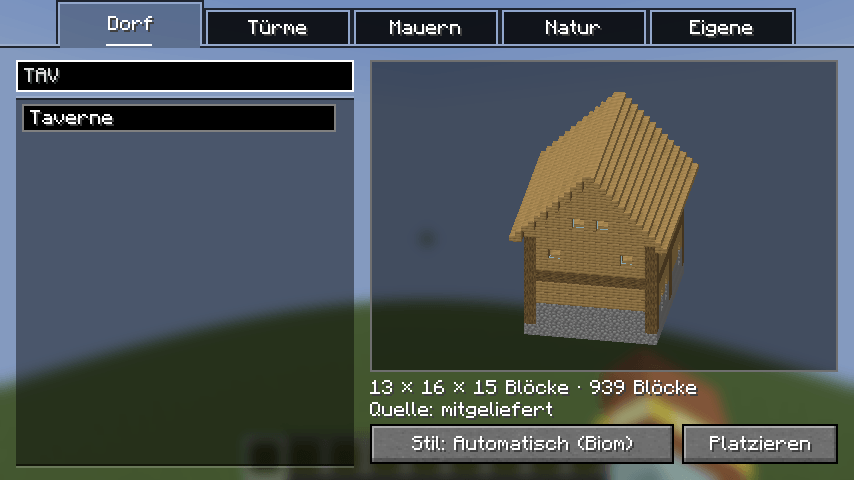
- Creative Mode (Instant Construction): For those who want immediate results. Simply select a model and place the blocks instantly. Your vision becomes reality in a heartbeat.
- Survival Mode (The Collaborative Blueprint): Build the right way, the first time. In Survival, the mod acts as an interactive guide that you can share with others:
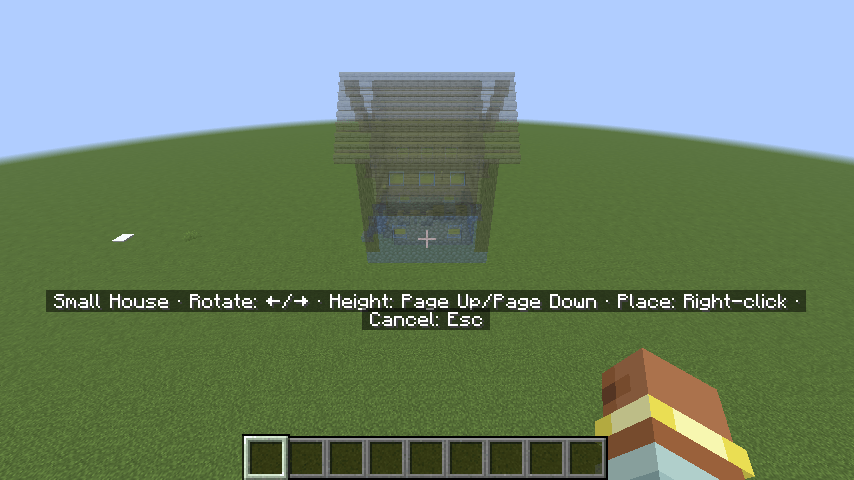
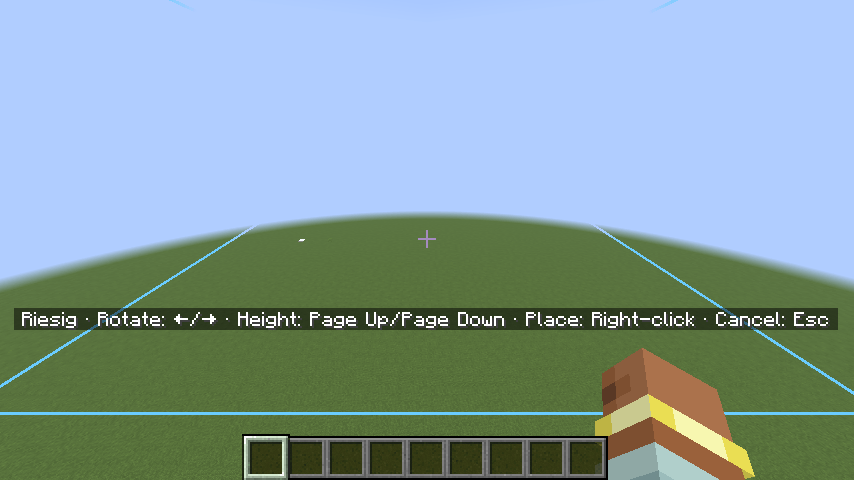
- Synchronized 3D Holograms: Project a full 3D model of the building into your world. Crucially, these holograms are visible to other players on your server, allowing you to coordinate and build massive projects together as a team.
- Integrated Material Calculator: No more wasted trips to the mines. The mod calculates exactly how many blocks of each type are required for the project and displays the list clearly.
- Precision Planning: “Drag” the model into place to decide the perfect location and orientation before you place a single block.
📂 Lightweight & Open Architecture
Builder’s Archive believes in simplicity and transparency.
- No Internal Database: The mod does not maintain its own database. Instead, it reads your blueprints directly from the filesystem, ensuring maximum performance.
- External Blueprint Import: Expand your library effortlessly. Simply add your own
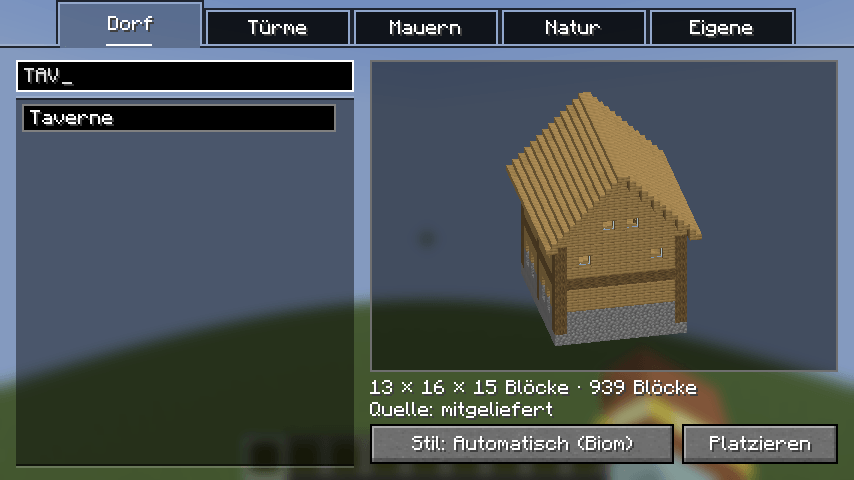
.schemor.nbtfiles to the mod’s folders, and they will be immediately available for preview and construction.
🏠 Dynamic Features
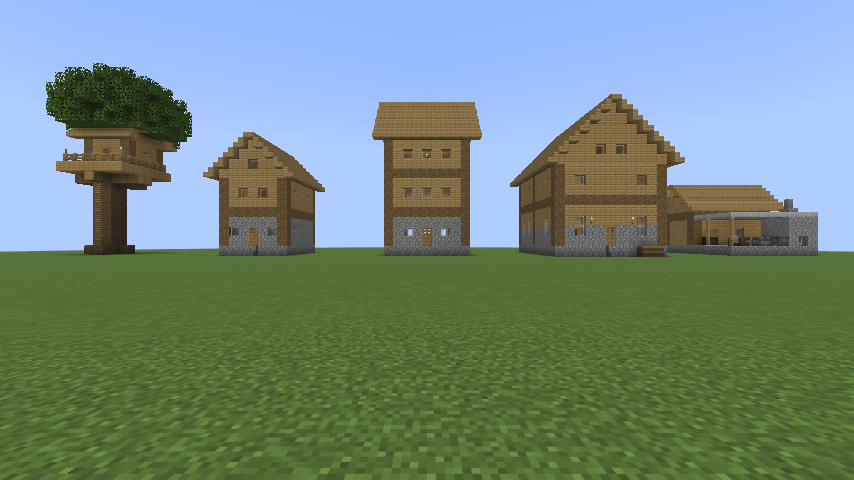
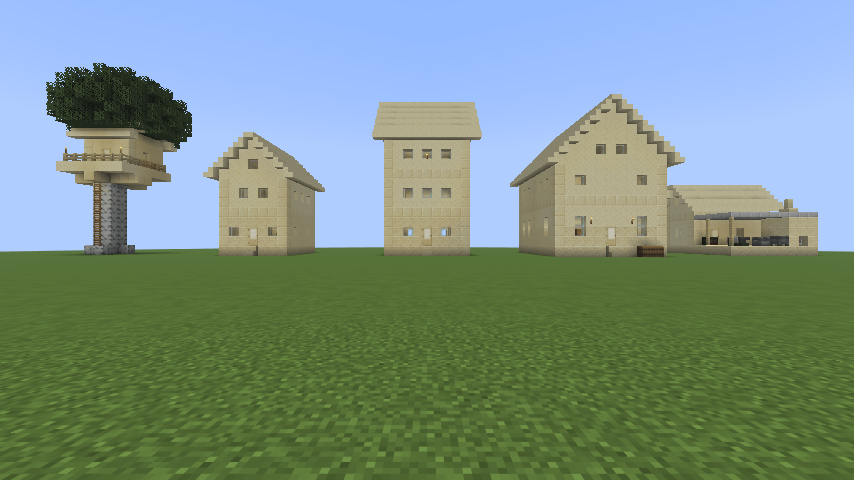
- Adaptive Styling: Buildings automatically adjust their materials based on the biome, ensuring a perfect fit in forests, deserts, or snowy plains.
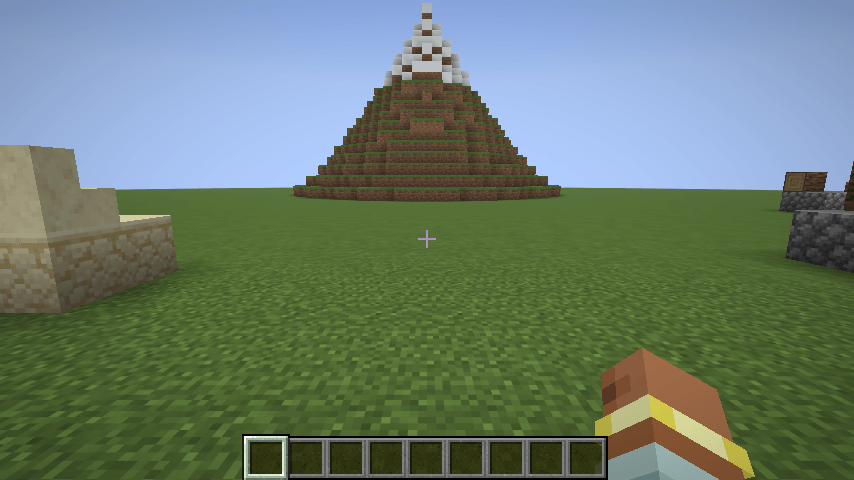
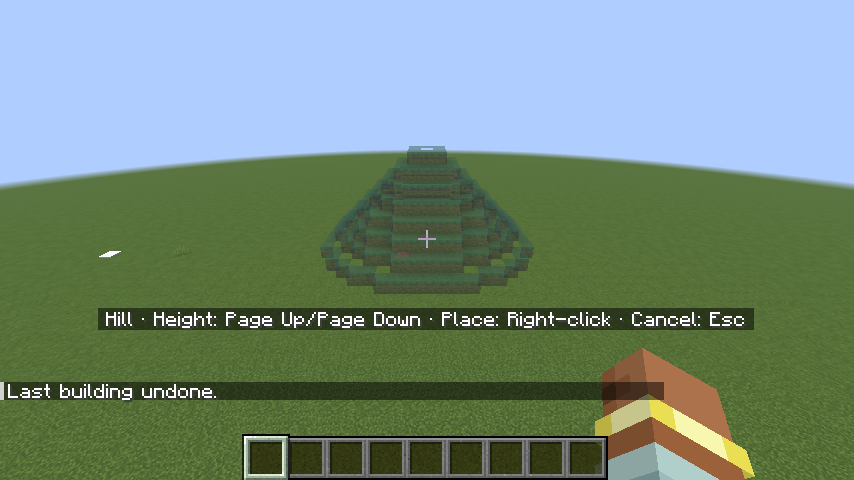
- Terrain Sculpting: Don’t just build on the land—shape it. Create customizable hills and mountains with intuitive sliders for height and width.
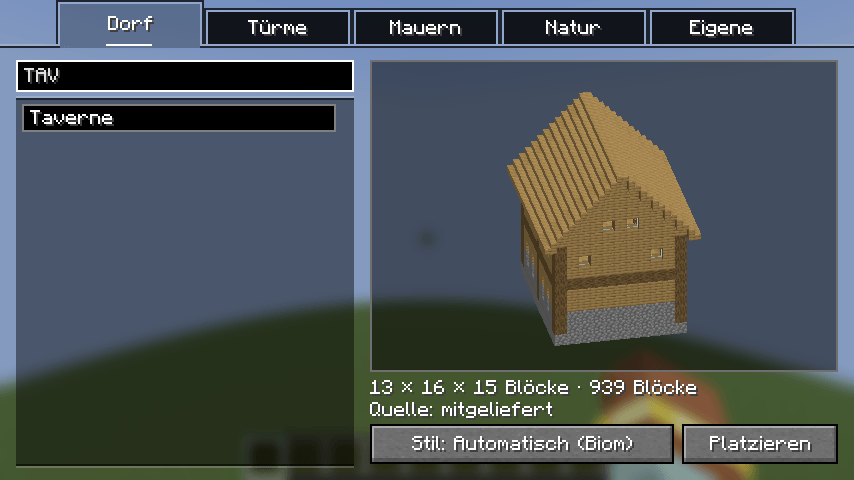
- Total Control: With full rotation and elevation support, you have absolute authority over every angle of your creation.
💎 Why Builder’s Archive?
Whether you are a creative mastermind or a survivalist building a legacy with friends, Builder’s Archive provides the professional tools you need. It takes the stress out of complex builds, eliminates material waste, and turns construction into a shared, social experience.
常见问题
Builder’s Archive 支持哪些 Minecraft 版本?
Builder’s Archive 支持 Minecraft Java 版 26.2,可用的加载器:Fabric。下载时注意选择和你游戏版本一致的文件。
Builder’s Archive 怎么安装?
先用 PCL2 或 HMCL 启动器安装对应版本的 Fabric,再把下载的 .jar 文件放进游戏目录的 mods 文件夹,重新启动游戏即可。开启了版本隔离的,mods 文件夹在 versions/版本名 下面。
RyzemitS0sse 的其他作品
查看全部 →
Pumpkin & Shadows
🎃 Bring Halloween to Minecraft! Discover custom-carved pumpkins, spooky gravestones, glowing string lights, and creepy scarecrows that follow your movements. Create haunted builds and bring spooky vibes to your world! 👻

Sloooots
Turn your world into a glittering entertainment hub! Experience the thrill of Las Vegas in Minecraft with Slot Machines, Roulette, Blackjack, and high-stakes Racing. Bet big, win bigger, and become a millionaire in the High Roller Casino! 🎰💎
评论
登录后评论和评分