
HeadHunter
Automatically detects, targets, and mines creeper heads within a configurable radius.
截图
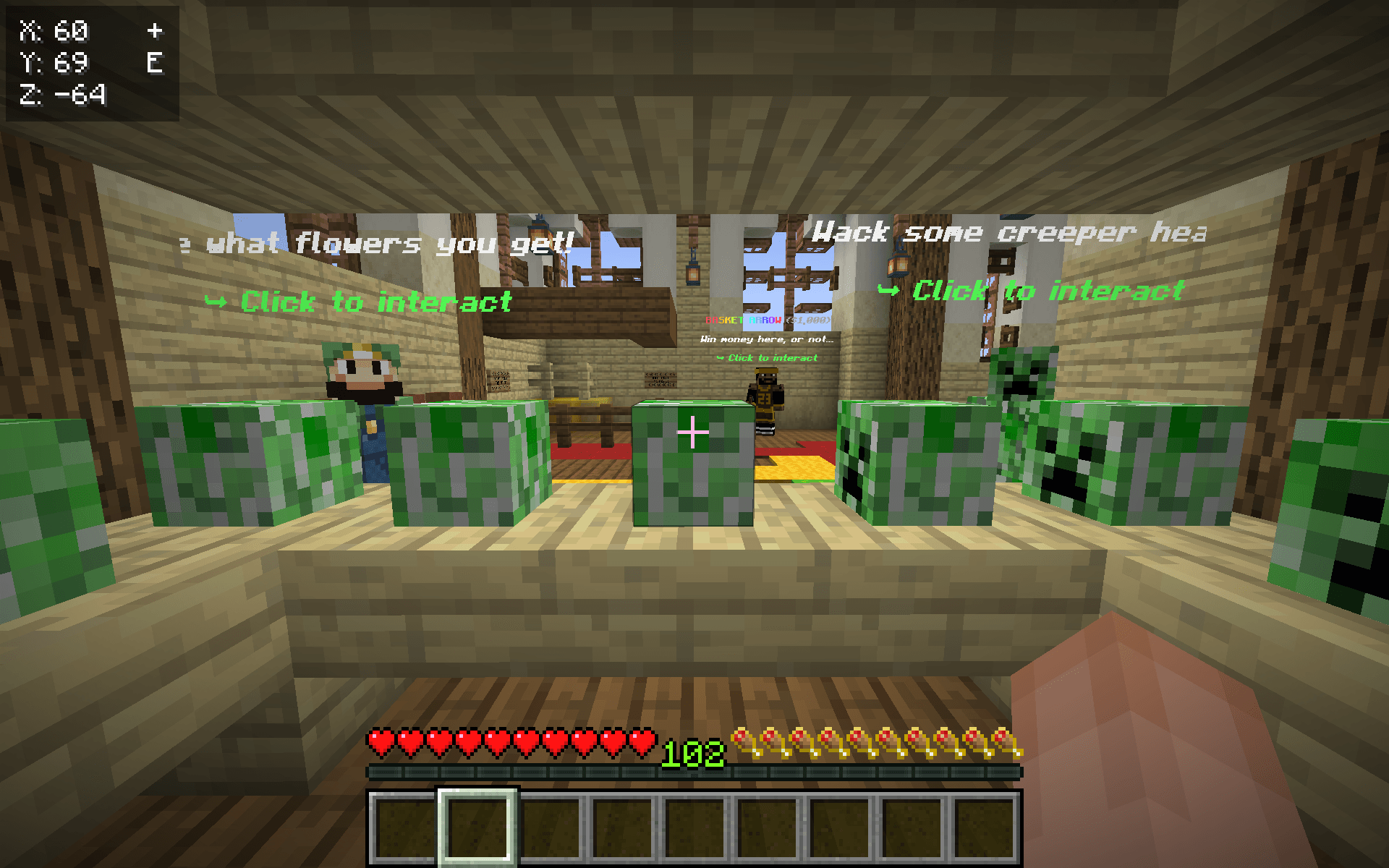
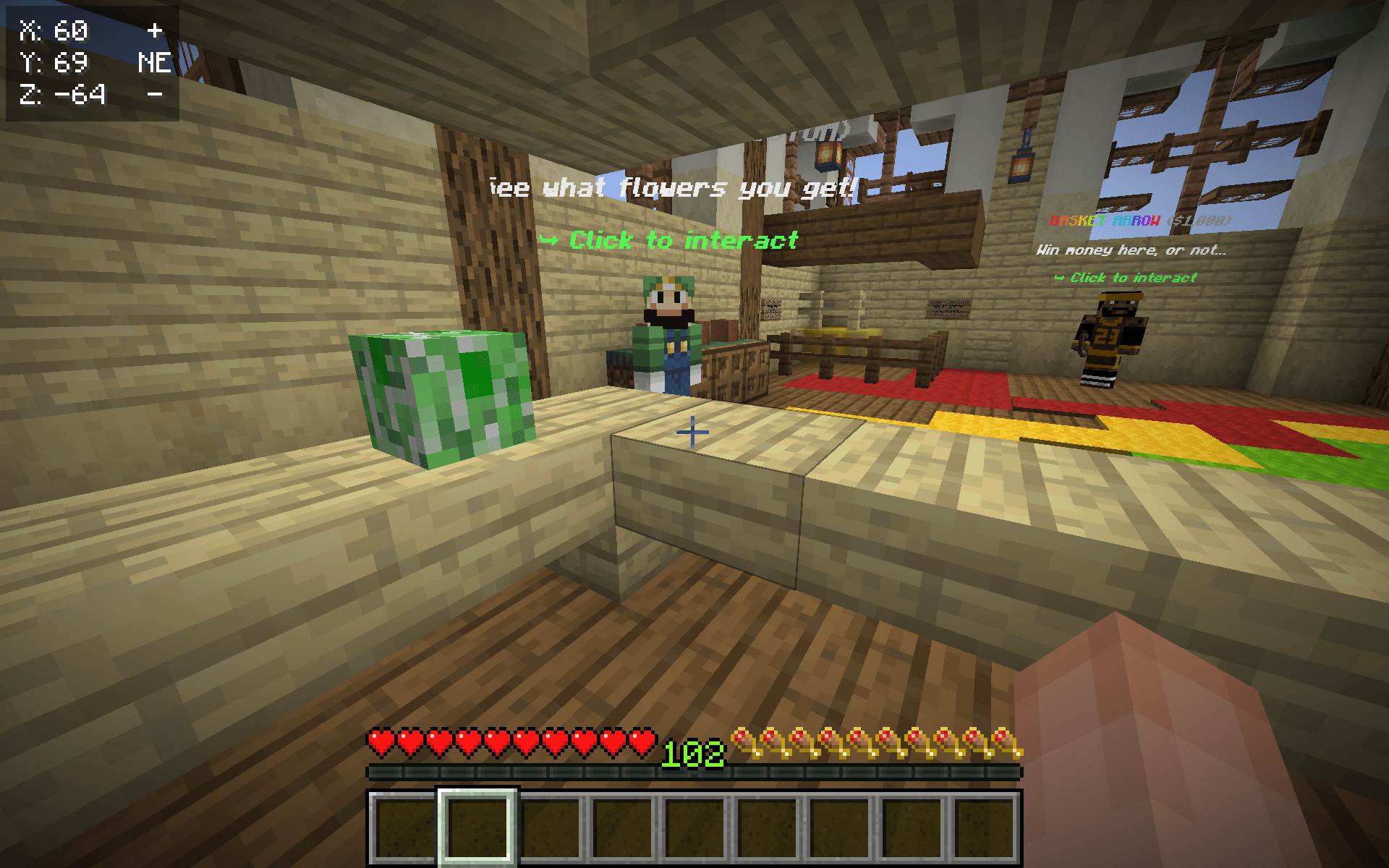
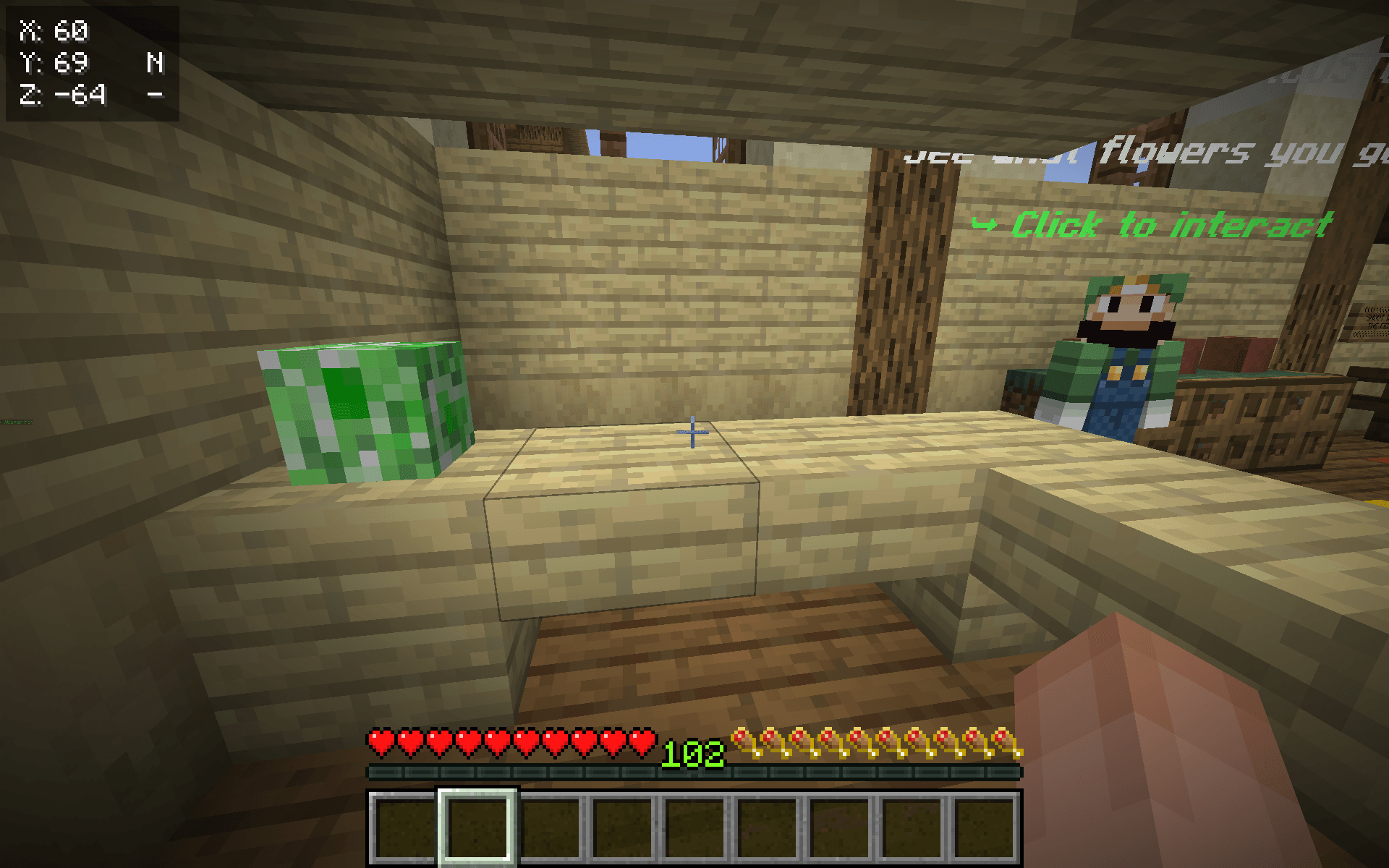
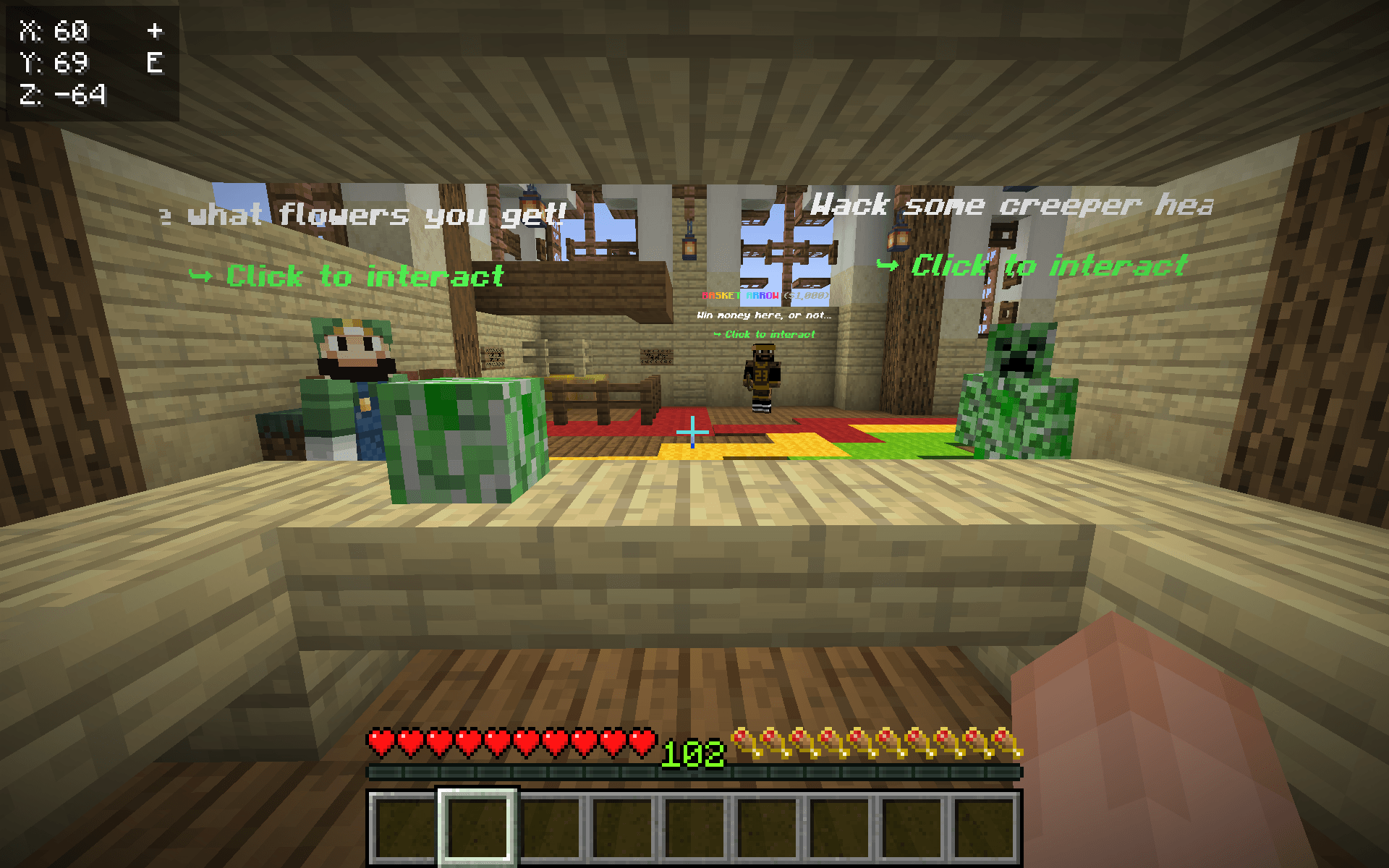
介绍
HeadHunter
Fast, automatic head targeting and mining for Minecraft.
HeadHunter is a lightweight client-side Fabric mod that automatically detects creeper heads within a 5-block radius, instantly rotates toward them, and begins mining them.
Designed for fast-paced “Whac-A-Mole” style gameplay, HeadHunter continuously searches for nearby heads and immediately switches to the next target when one is broken.
Features
- Automatically detects nearby creeper heads
- Instant target acquisition
- Automatically rotates toward targets
- Automatically starts and continues mining
- Immediately searches for the next head after one is broken
- 5-block detection radius
- Supports both normal and wall-mounted creeper heads
- Does not automatically move the player
- Simple toggle key
- Client-side
Controls
P — Toggle HeadHunter
When enabled:
Creeper Head Miner: ON
When disabled:
Creeper Head Miner: OFF
How It Works
- Enable HeadHunter with P.
- The mod continuously scans the area around the player.
- The closest creeper head within 5 blocks is selected.
- The player’s view instantly snaps toward the target.
- The mod begins mining the head.
- Once the head is destroyed, another nearby head is selected immediately.
- The process continues until HeadHunter is disabled.
Requirements
- Minecraft Java Edition 1.21.10
- Fabric Loader
- Fabric API
- Java 21
Important
HeadHunter is a client-side mod and does not automatically move the player.
Server-side interaction and reach restrictions still apply. Use the mod only on servers where automated targeting/mining is permitted.
Current Version
1.0.0
Initial release featuring automatic creeper-head detection, instant targeting, rotation, and mining.
常见问题
HeadHunter 支持哪些 Minecraft 版本?
HeadHunter 支持 Minecraft Java 版 1.21.10,可用的加载器:Fabric。下载时注意选择和你游戏版本一致的文件。
HeadHunter 怎么安装?
先用 PCL2 或 HMCL 启动器安装对应版本的 Fabric,再把下载的 .jar 文件放进游戏目录的 mods 文件夹,重新启动游戏即可。开启了版本隔离的,mods 文件夹在 versions/版本名 下面。
评论
登录后评论和评分