
Modern Tooltips
作者:CalmDragon
A clean, modern redesign of Minecraft’s item tooltips, with information that’s actually easy to read.
截图
介绍
中文介绍正在准备中,下面暂时显示原文。
Modern Tooltips
A clean, modern redesign of Minecraft’s item tooltips, with information that’s actually easy to read.
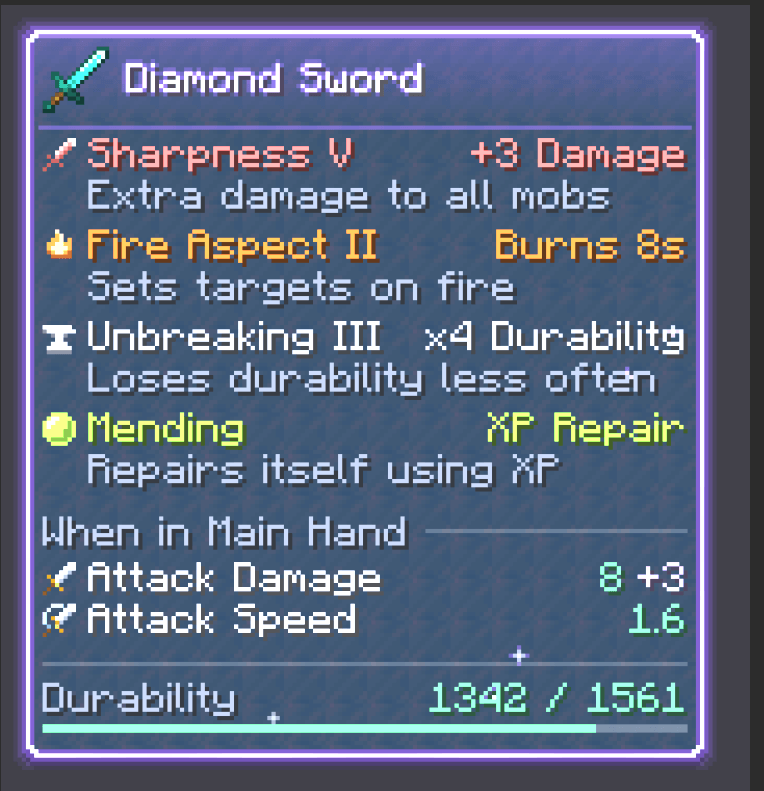
Modern Tooltips replaces the old purple-bordered tooltip box with a sleek dark panel. It reorganises everything inside it so you can see what an item does at a glance.
✨ Features
A modern look
- Dark panel with rounded corners and a soft drop shadow
- Border and header glow tinted by the item’s rarity
- The item’s icon sits next to its name, with a divider underneath
- Tooltips slide in smoothly when they appear
Material-themed gear
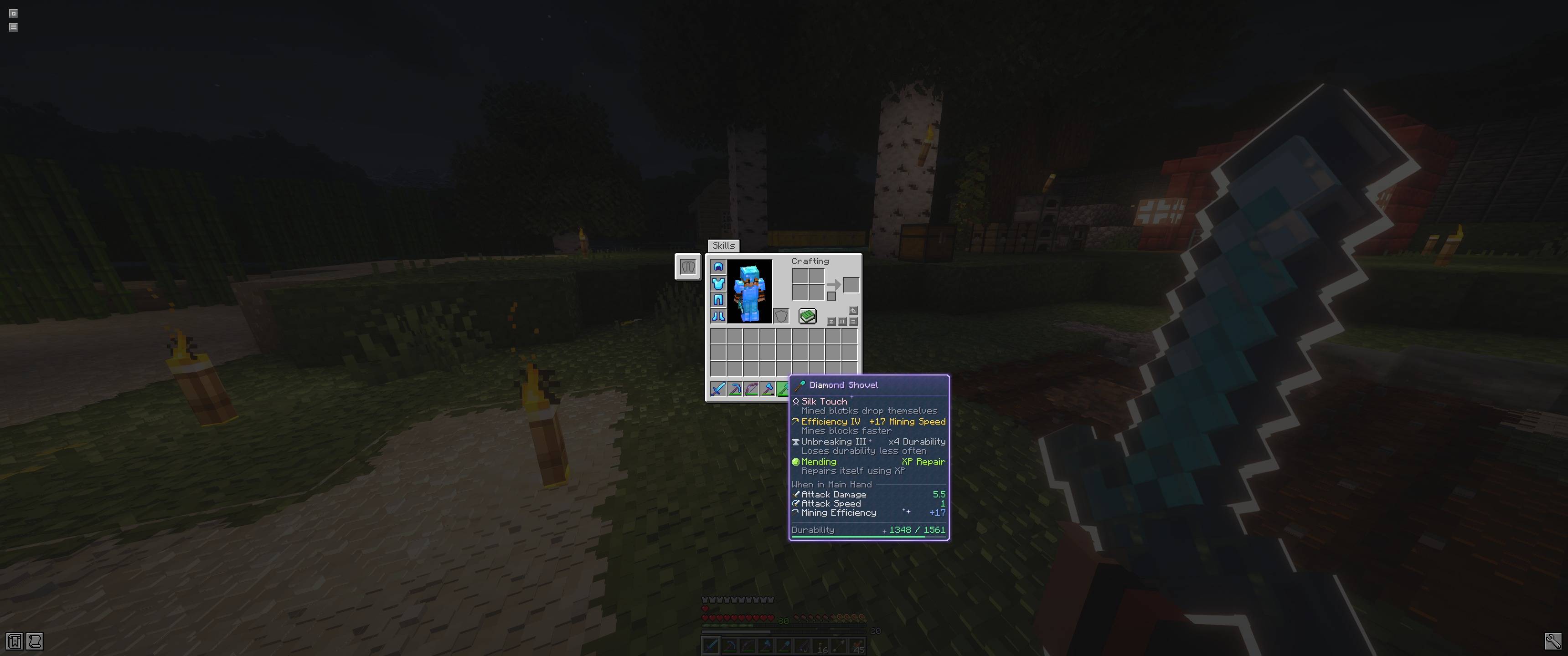
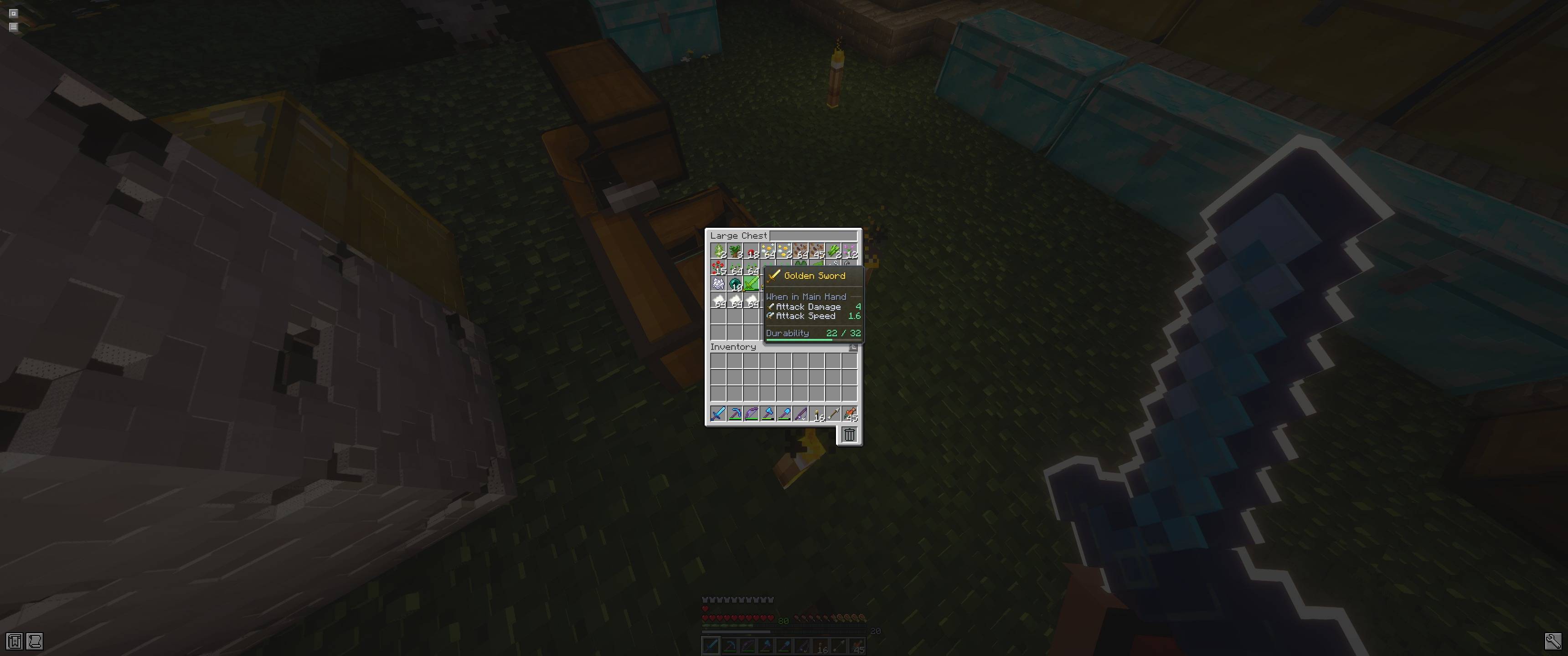
- Tools, weapons and armor show a faint texture of what they’re made of: diamond, netherite, iron, gold, copper, stone, wood, chainmail, prismarine for the trident, heavy core for the mace
- Gear names take their material’s colour, like diamond cyan, gold yellow or copper orange
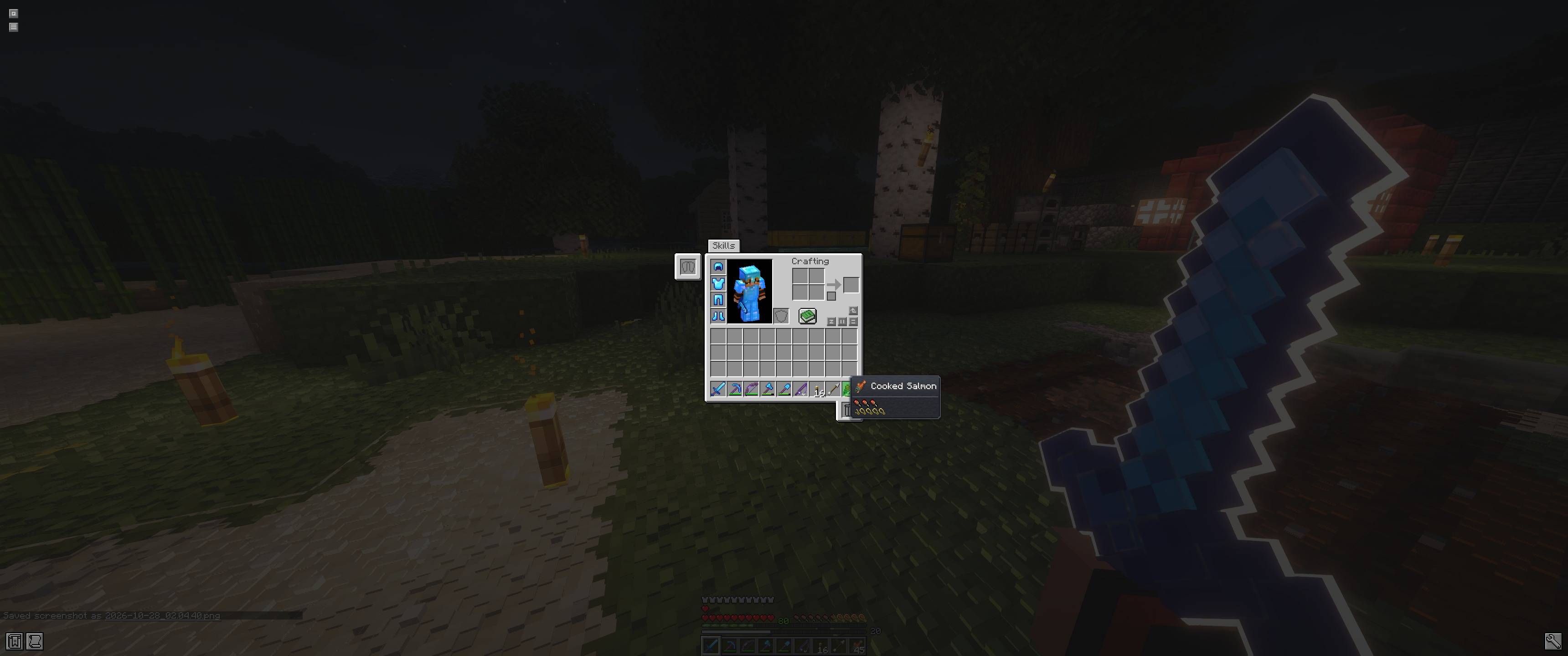
- Everything else gets a subtle stone background
Enchantments you can understand
- Every enchantment has its own pixel-art icon and its own colour
- The actual effect at its current level is shown: +3 Damage, −16% Damage, ×4 Durability, Burns 8s…
- A short description explains what each enchantment does
- Sharpness’s bonus is shown right next to your Attack Damage
Potions at a glance
- Each effect shows its vanilla effect icon, so resource packs that change them change them here too
- Effects are colour-coded with Minecraft’s own effect colours: Speed cyan, Regeneration pink, Poison green, and more
- The real effect at its level is shown: +40% Speed, +1 HP / 1.25s, −80% Damage, +8 Health…
- A short description and the duration sit underneath each effect
- Works for potions, splash and lingering potions, tipped arrows and suspicious stew
Clear stats
- Attack damage, speed, armor, toughness and more are laid out as tidy rows, with the value right-aligned
- Each stat has a little Minecraft-style icon: a sword for damage, a shield for armor, a heart for health, and more
- Section headings like “When in Main Hand” and “When Applied” with a clean divider line
- A durability bar shows how worn an item is, colour-coded green, yellow or red
Magical enchanted items
- Enchanted items get a glowing lavender rim with a soft pulsing halo
- The item name shimmers, with a glint sweeping across it
- Little sparkles twinkle across the tooltip
📦 Requirements
- Minecraft 26.2
- Fabric Loader (Fabric API is not required)
- Client-side only, so it works on any server
🔧 Compatibility
- Works in every inventory screen, including the creative inventory and creative search
- Items with a custom tooltip style from datapacks or mods keep their own look
- Lines it doesn’t recognise (lore, text from other mods) are left as they are
- Modded enchantments get a star icon, and show a description if the mod provides one in the format the Enchantment Descriptions mod uses
- Modded potion effects get a tinted bottle icon
- Likely to conflict with other mods that also redraw tooltips
常见问题
Modern Tooltips 支持哪些 Minecraft 版本?
Modern Tooltips 支持 Minecraft Java 版 26.2,可用的加载器:Fabric。下载时注意选择和你游戏版本一致的文件。
Modern Tooltips 怎么安装?
先用 PCL2 或 HMCL 启动器安装对应版本的 Fabric,再把下载的 .jar 文件放进游戏目录的 mods 文件夹,重新启动游戏即可。开启了版本隔离的,mods 文件夹在 versions/版本名 下面。

评论
登录后评论和评分