
截图
介绍
Introduction
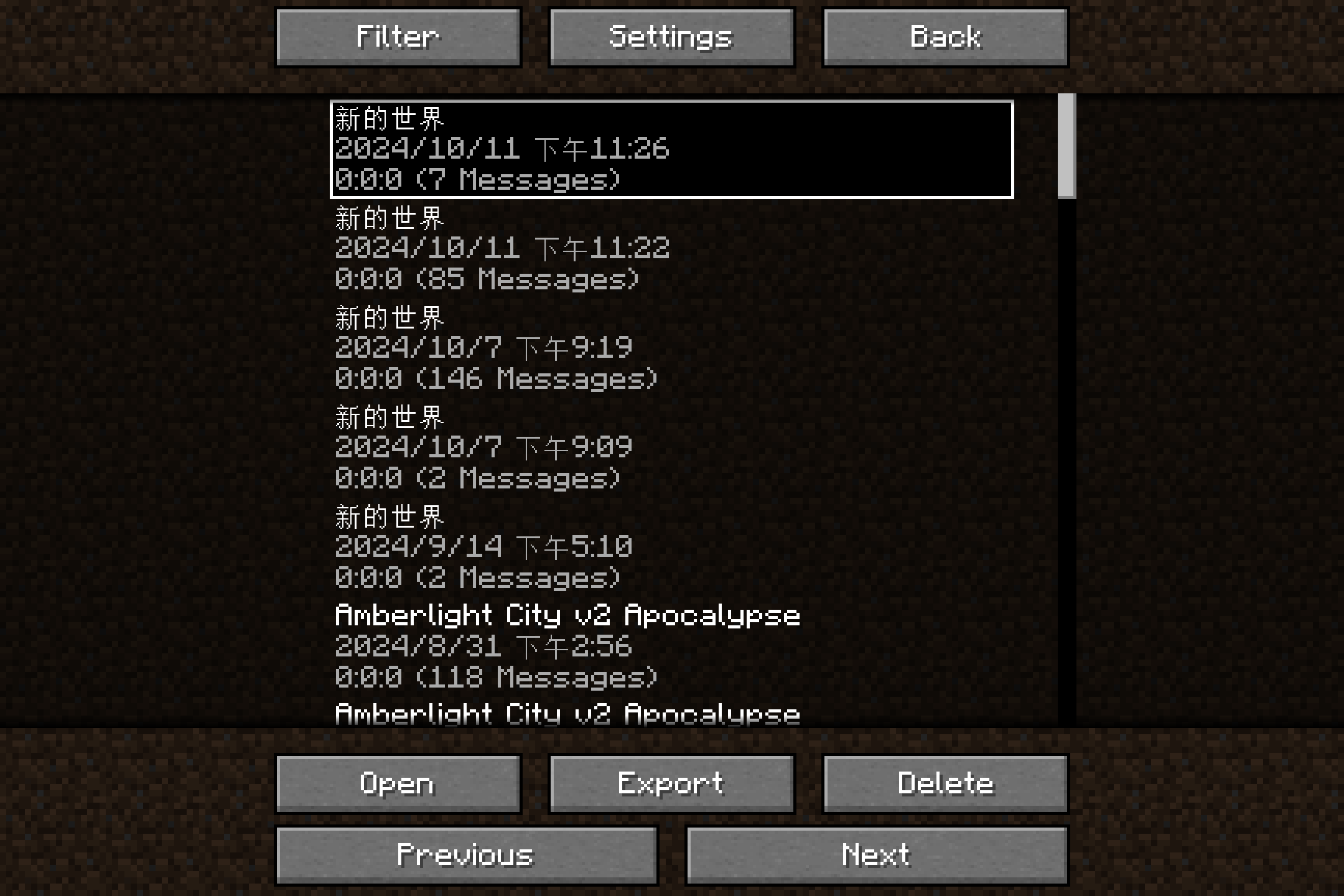
This Mod saves chat logs to the disk to prevent them from being lost when exiting.
Compared with the plain log file (i.e. logs in the “logs” folder), the saved logs here support additional styles including colors, fonts, and even hovering texts. Besides, the time information when messages are received, which is absent in the vanilla game, is available here.
Following features are available or planned now:
- Recording chat logs.
- Exporting chat logs as TXT or HTML.
- Enhance of vanilla chat HUD (like long chat history).
- Deleting existing sessions.
- Spliting existing sessions.
- Mark for events in sessions.
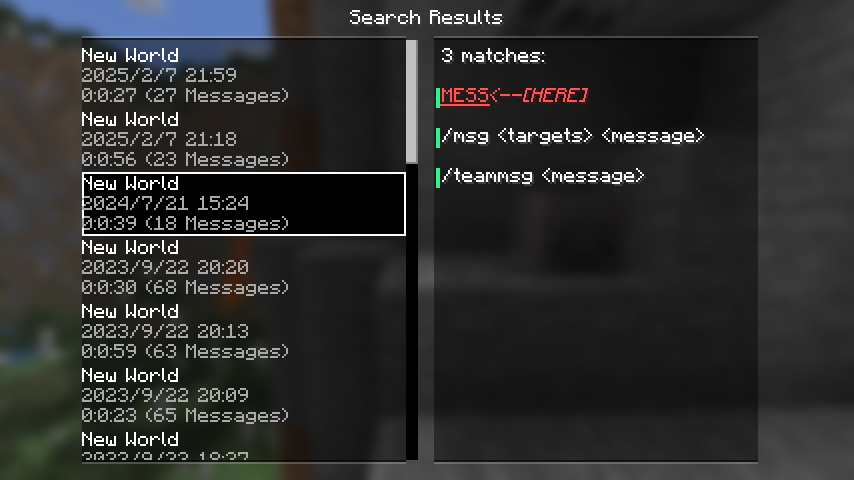
- Searching for sessions.
- Searching for message in all sessions (WIP).
- Mergeing a set of sessions, especally those recorded in the same place (WIP).
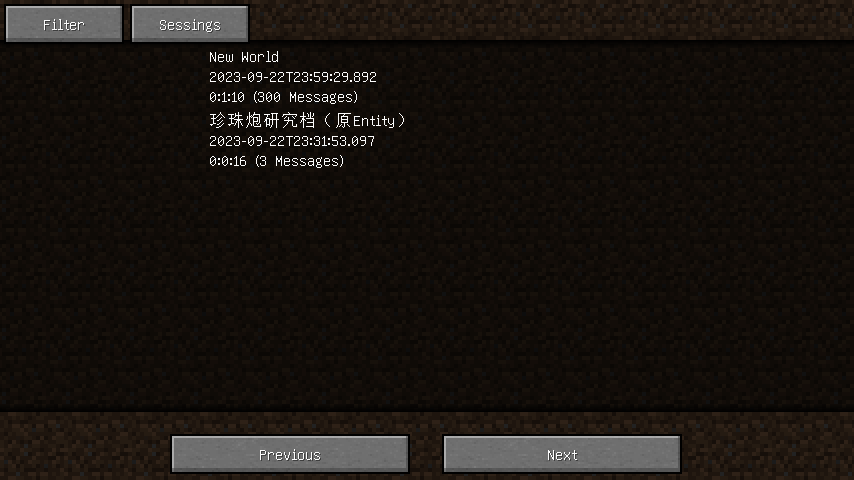
Filtering sessions
Also, searching for sessions or messages in the history is supported, you may filter sessions by:
- The save or server associated with the session.
- The day, month, or year in which the session started.
- Examples: 20240306, 202403, 2024
- The number of messages in the session.
- The format of integer ranges in entity selectors is used here.
- For example, ..20 stands for 0 to 20, while 20.. stands for 20 and above.
- The length of the session.
- The format of integer ranges in entity selectors is used here.
- Whether or not the session is recorded in a multiplayer server.
Settings
visibleLineCount: Overrides the maximum number of messages in the chatting HUD.autoSaveIntervalInMs: The interval of the auto-saving of chat logs, in milliseconds.
Tooltips
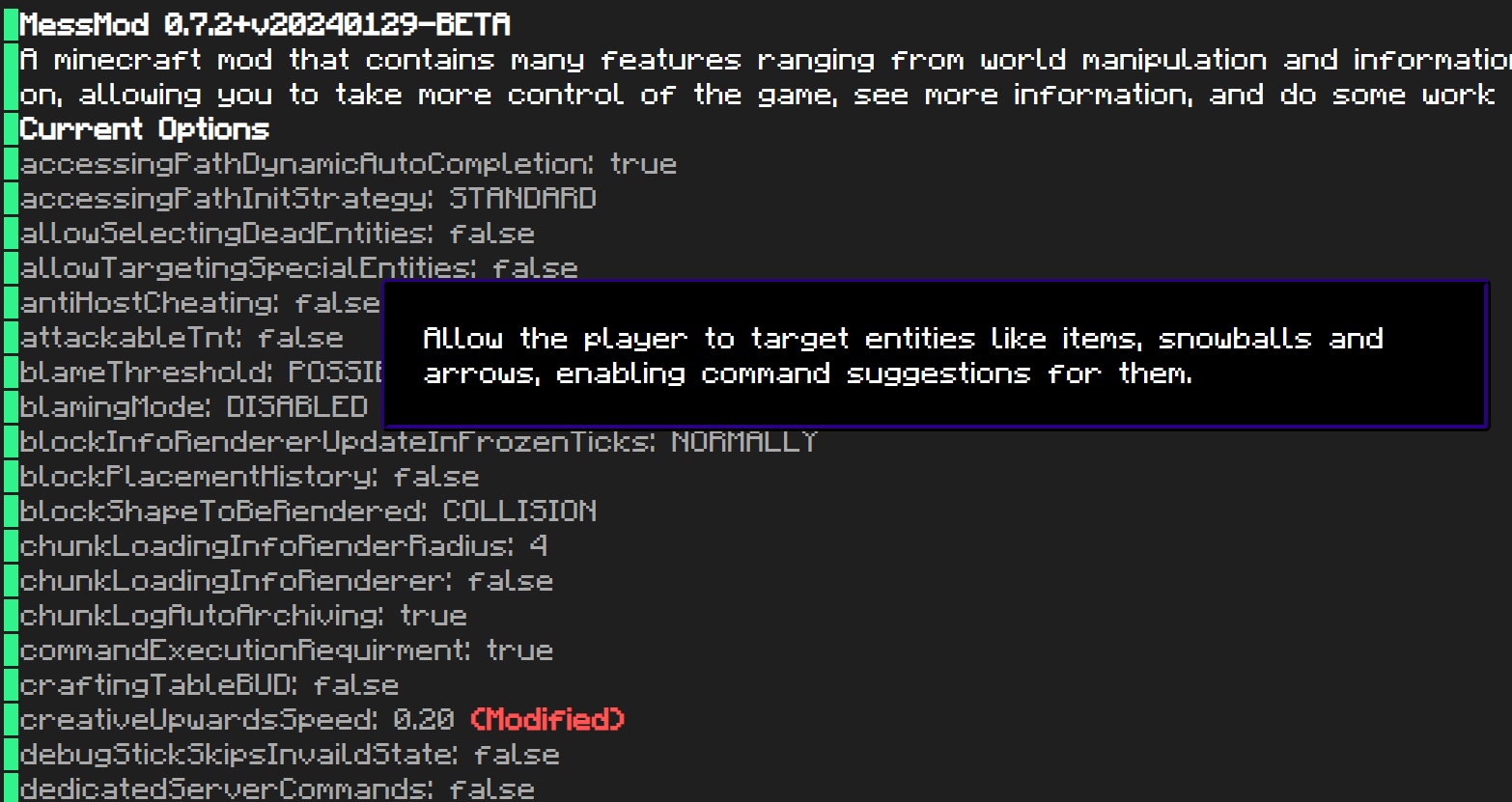
If a text in the chat logs has a click event or hover event, a hovering tooltip is displayed, with the argument of the event on it. When both click event and hover event are present in the same text, only the argument of the hover event is displayed initially, to get the argument of the click event, press the Alt key.
The texts on the tooltips can be copied by clicking the text with Ctrl down.
常见问题
Permanent ChatLogs 支持哪些 Minecraft 版本?
Permanent ChatLogs 支持 Minecraft Java 版 1.16–1.21.11,共 27 个版本,可用的加载器:Fabric。下载时注意选择和你游戏版本一致的文件。
Permanent ChatLogs 怎么安装?
先用 PCL2 或 HMCL 启动器安装对应版本的 Fabric,再把下载的 .jar 文件放进游戏目录的 mods 文件夹,重新启动游戏即可。开启了版本隔离的,mods 文件夹在 versions/版本名 下面。运行环境:仅客户端。
lovexyn0827 的其他作品
查看全部 →Loosen Litematica
Make block state checking in Litematica looser, by allowing alternative block states in the same group.
Loosen Litematica
Make block state checking in Litematica looser, by allowing alternative block states in the same group.

ChunkMap
A Minecraft mod to visualize chunk loading & generation.

MessMod
A minecraft mod that contains many features ranging from world manipulation and information providing to bug fixes and so on, allowing you to take more control of the game, see more information, and do some work easier.
评论
登录后评论和评分