TrafficCraft: Highway Signs addon
作者:K1nzza
Customizable highway signs for TrafficCraft, with in-game editor.
截图
介绍
中文介绍正在准备中,下面暂时显示原文。
Highway Signs addon for TrafficCraft
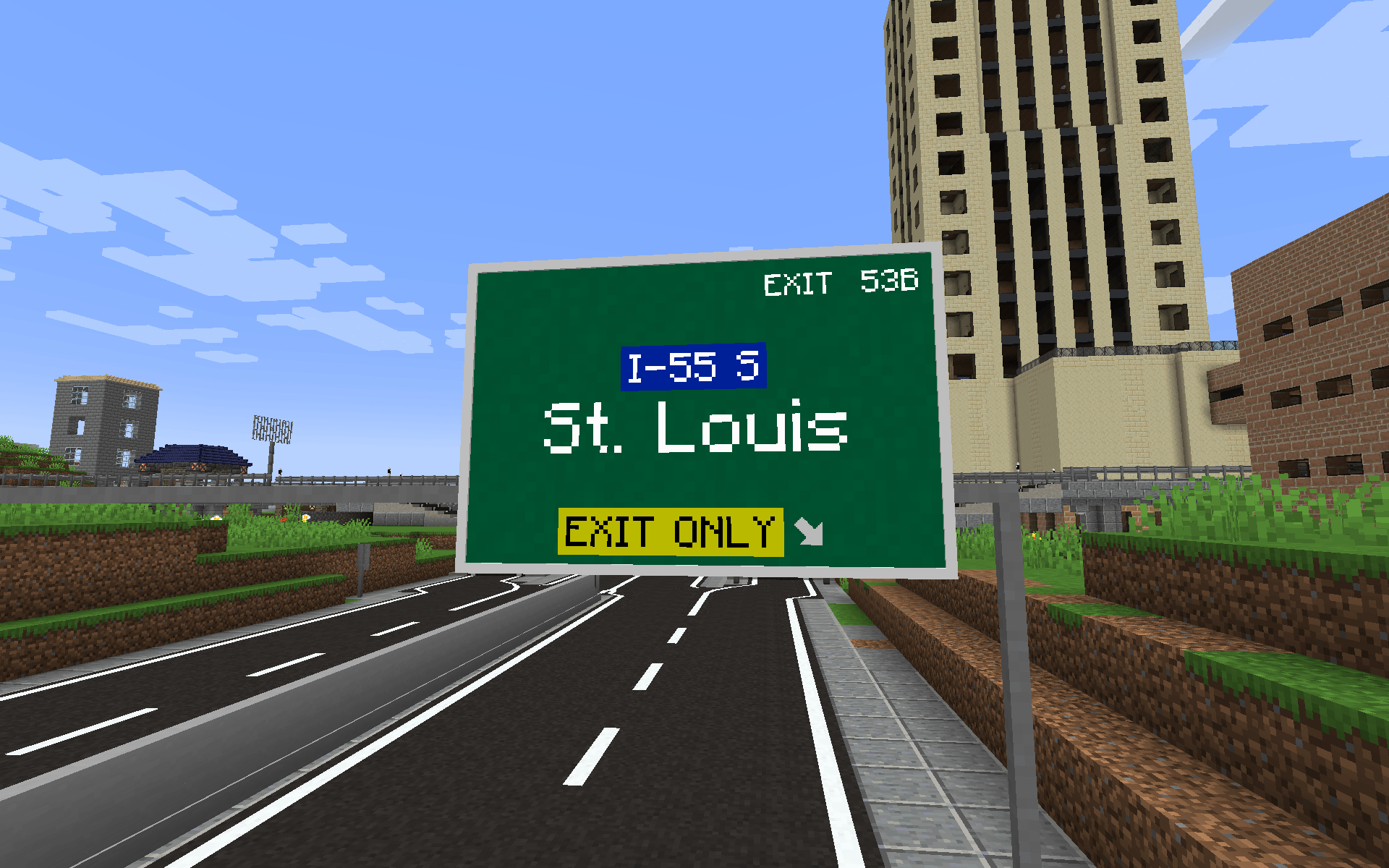
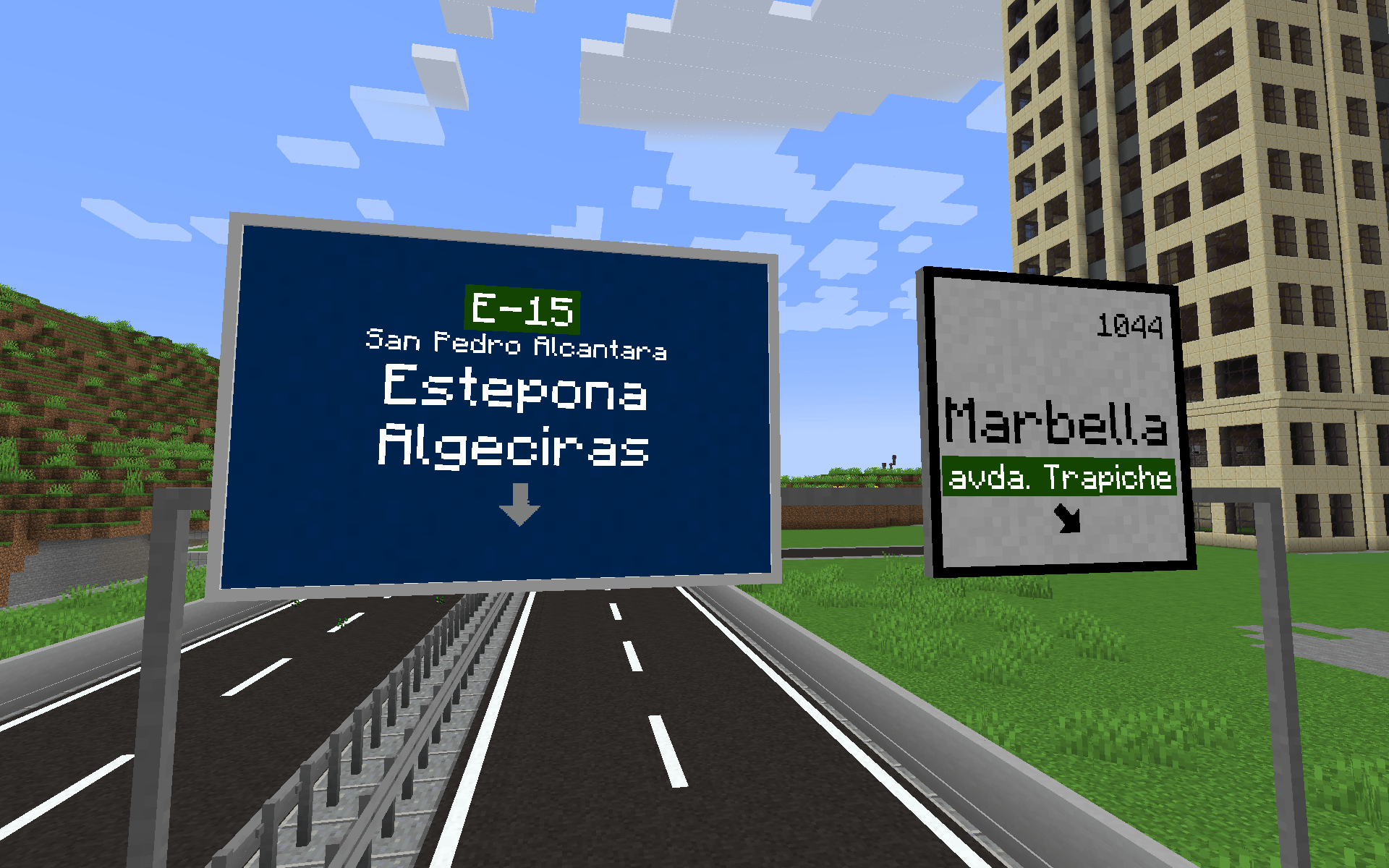
TrafficCraft addon that adds customizable highway signs to TrafficCraft mod. Add custom text in different sizes, change colors and backgrounds, add arrows and more. From 1×1 to 4×3 blocks size.
- Requires: 1.20.1 or 1.21.1 TrafficCraft version beta-1.2.0 or 1.1.3
How to use
- Craft or take the Highway Sign from TrafficCraft’s creative tab.
- Place it on the side of a TrafficCraft sign post. The sign must have a post directly behind it:
- on a vertical post, any side works;
- on a horizontal post (gantry), only the two sides across it.
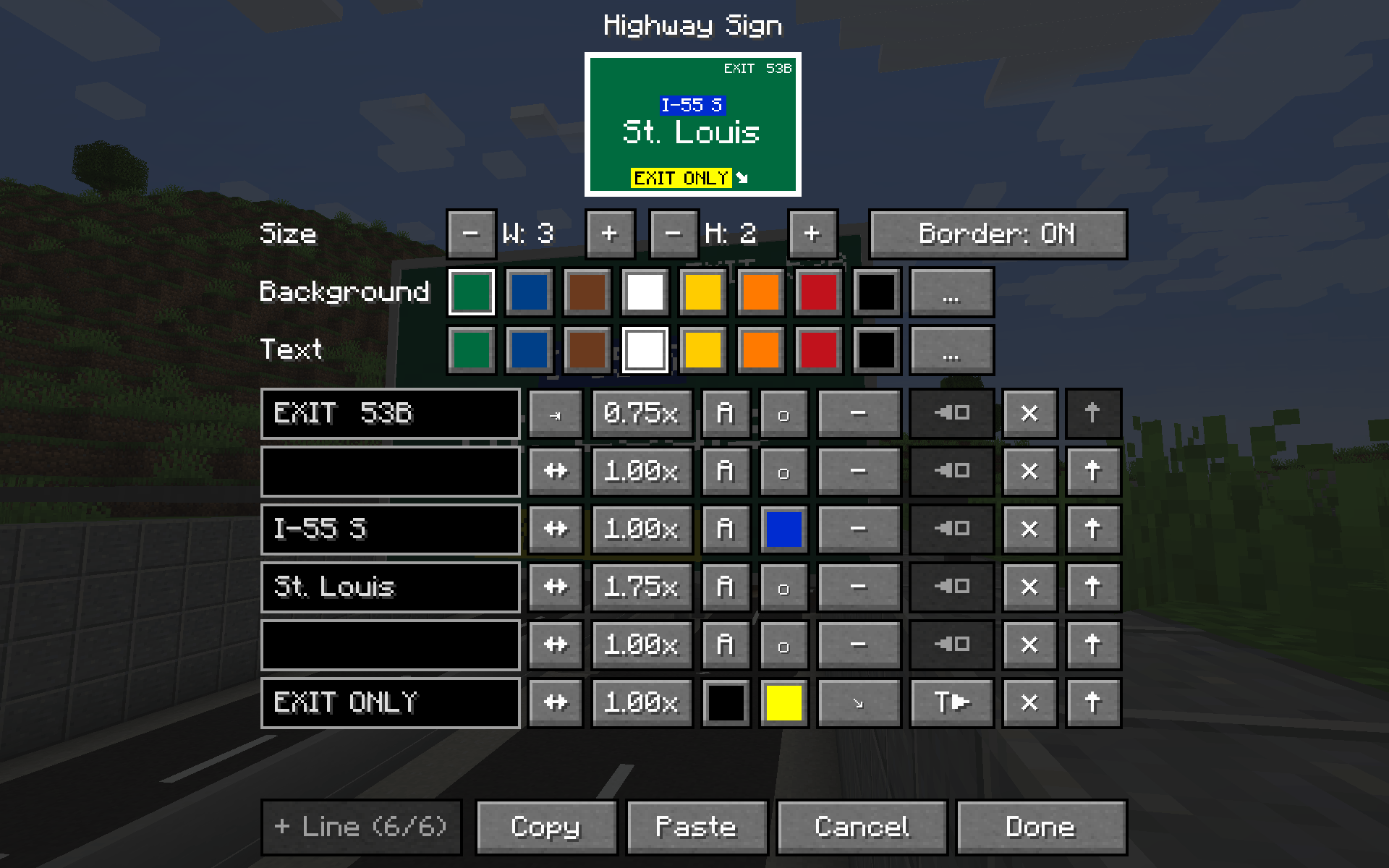
- Right-click the sign with a wrench to open the editor. In the editor you can set:
- size, from 1×1 to 4×3 blocks (width × height);
- colors and lines: 3 lines per block of height, 48 characters per line;
- per-line arrows, alignment, text size and colors;
- copy/paste of a whole sign.
- Changes apply when you press Done. At least one block of the resized sign must still be on a post.
Breaking any block of a sign removes the whole sign.
常见问题
TrafficCraft: Highway Signs addon 支持哪些 Minecraft 版本?
TrafficCraft: Highway Signs addon 支持 Minecraft Java 版 1.20.1–1.21.1,共 2 个版本,可用的加载器:Fabric / Forge / NeoForge。下载时注意选择和你游戏版本一致的文件。
TrafficCraft: Highway Signs addon 怎么安装?
先用 PCL2 或 HMCL 启动器安装对应版本的 Fabric / Forge / NeoForge,再把下载的 .jar 文件放进游戏目录的 mods 文件夹,重新启动游戏即可。开启了版本隔离的,mods 文件夹在 versions/版本名 下面。
评论
登录后评论和评分