OptiClear FPS+
A lightweight Fabric mod that improves FPS and visual clarity by reducing particles, optimizing fog, and adding simple performance tweaks.
截图

介绍
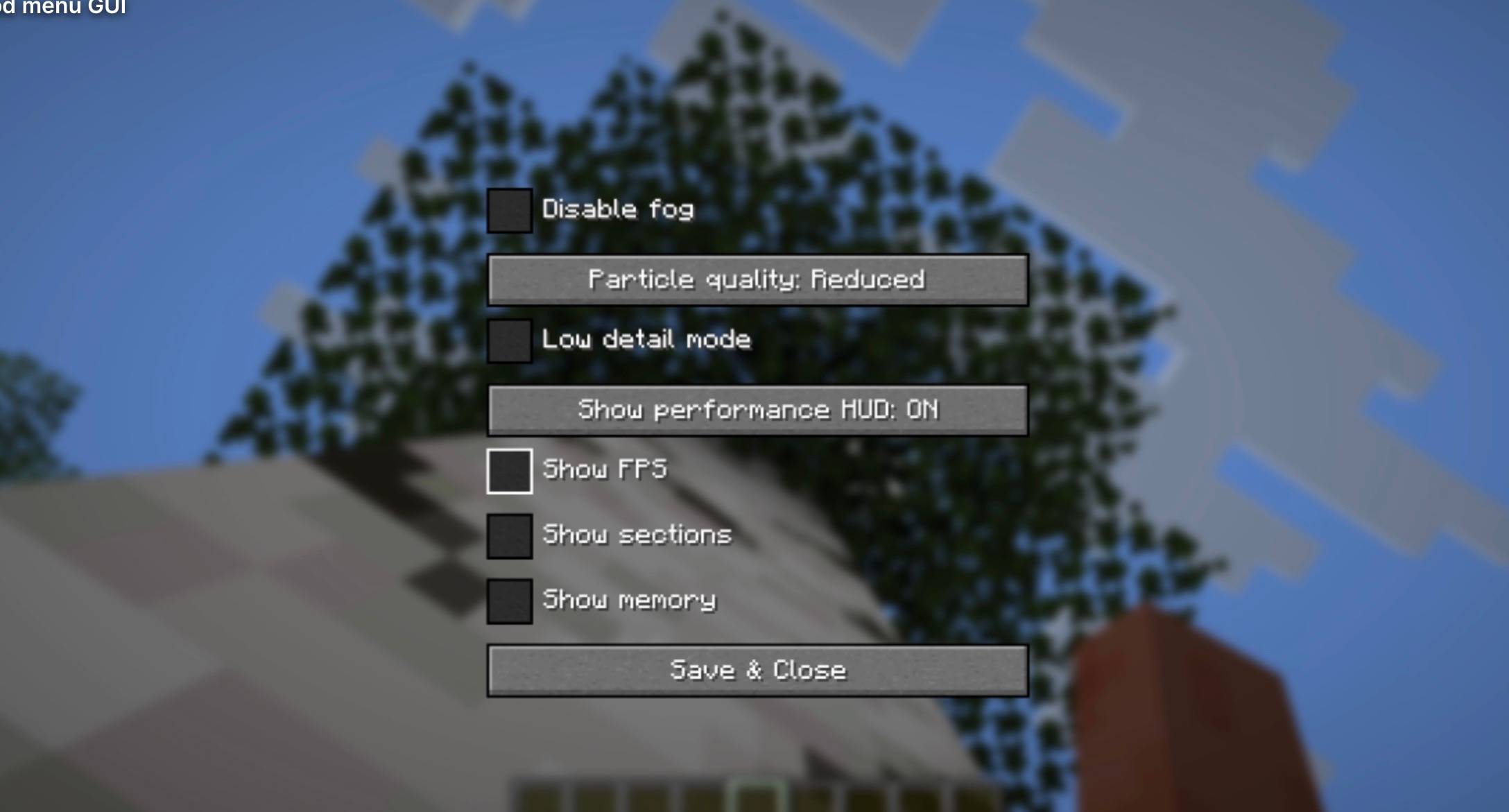
ClarityBoost Features
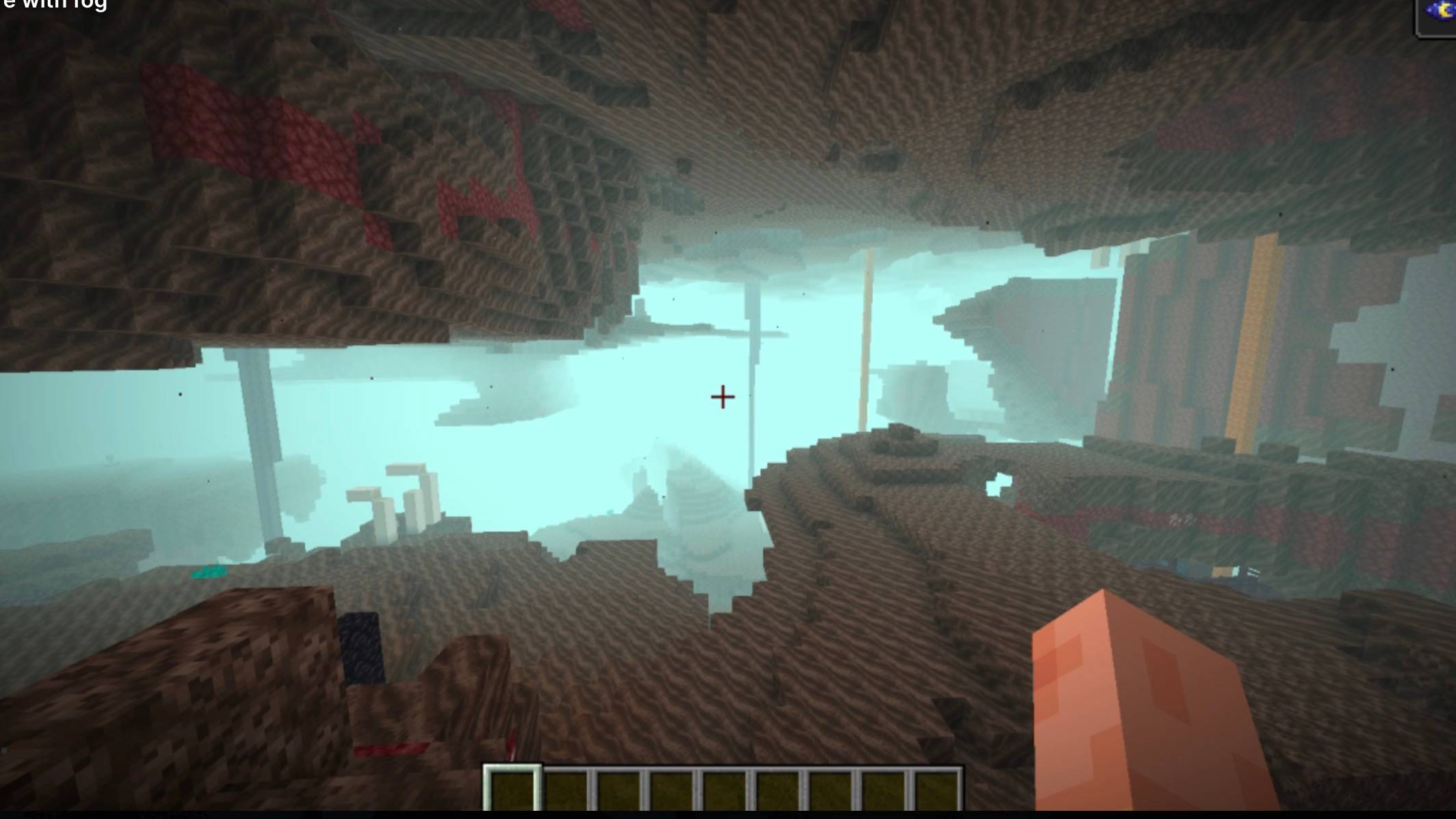
Fog Toggle Turn on and off Minecraft’s fog.
Particle Settings:
Off Reduced Default Low Detail Mode — Automatically lowers several vanilla graphics settings to improve FPS.
Performance HUD:
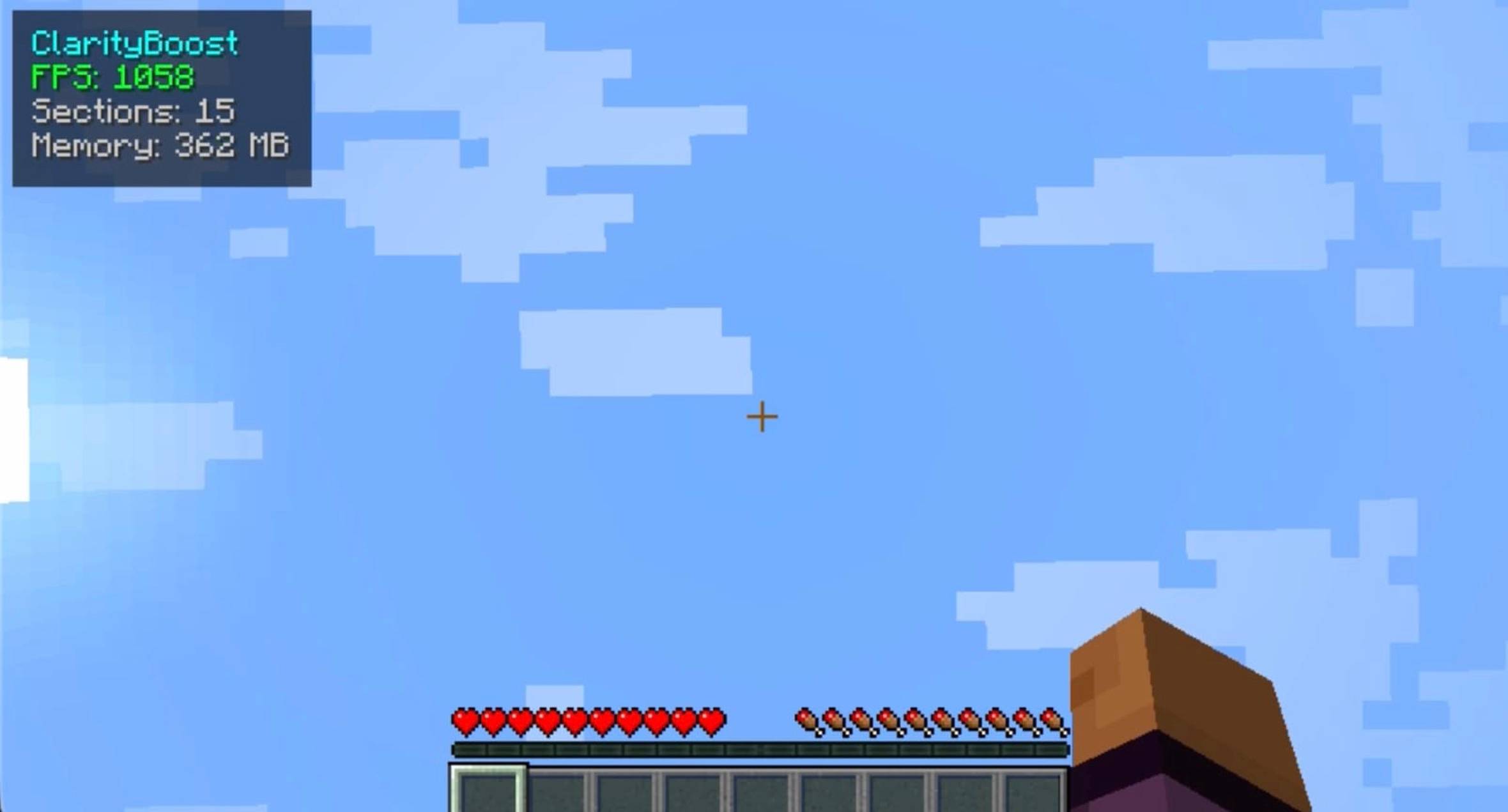
FPS Rendered chunks Memory usage
Custom Hotkeys:
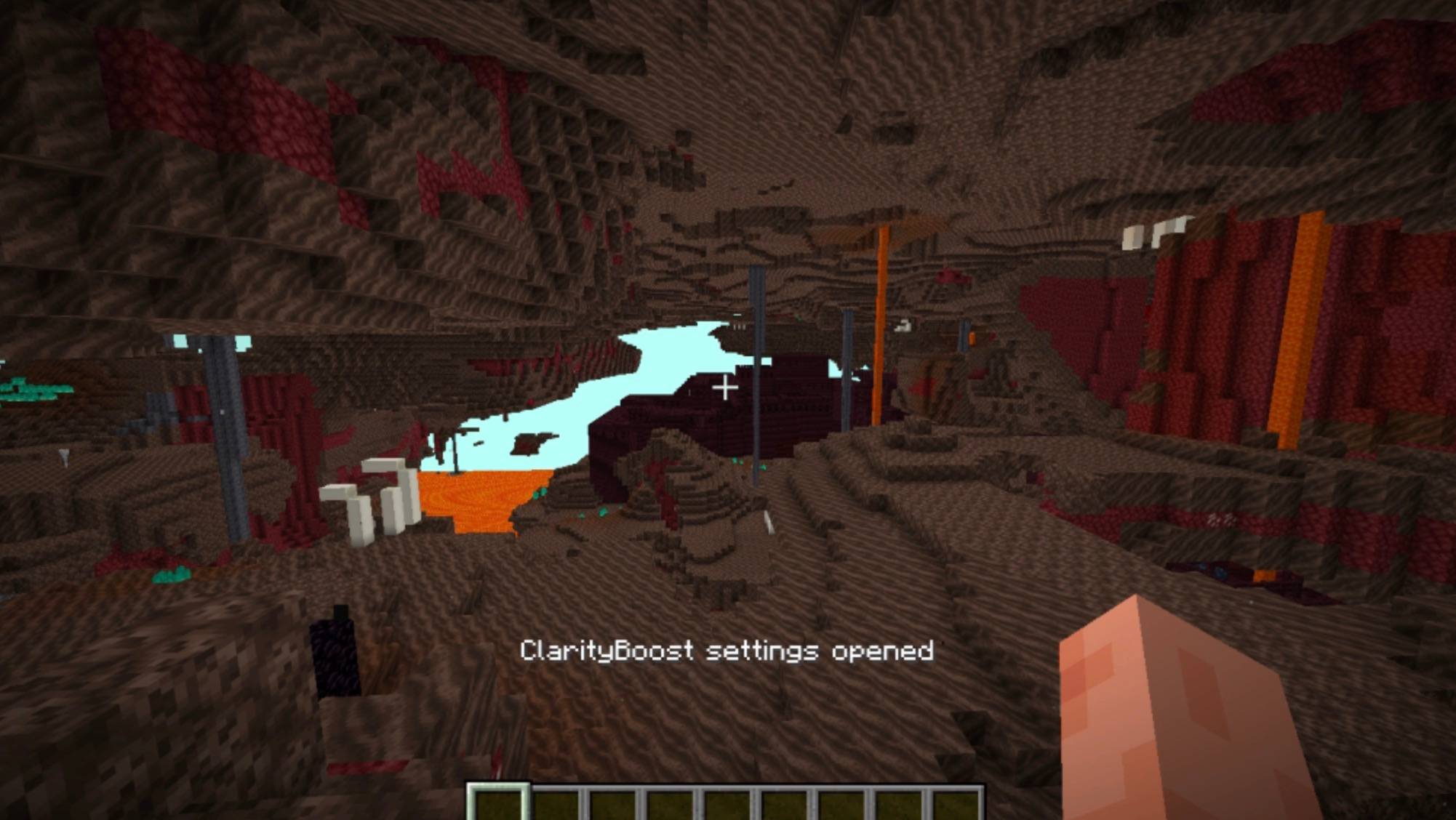
F7 — Toggle the performance HUD K — Open ClarityBoost settings
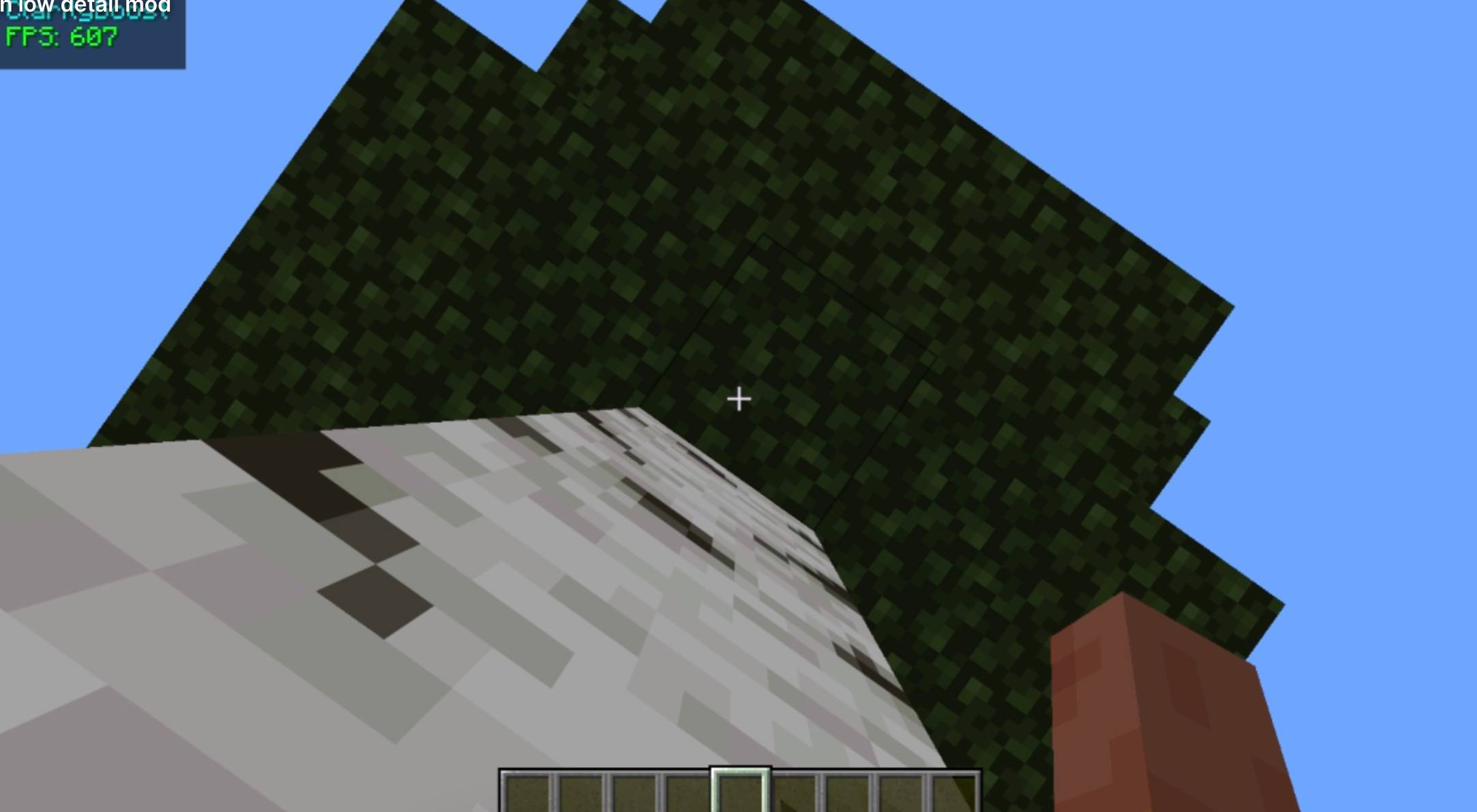
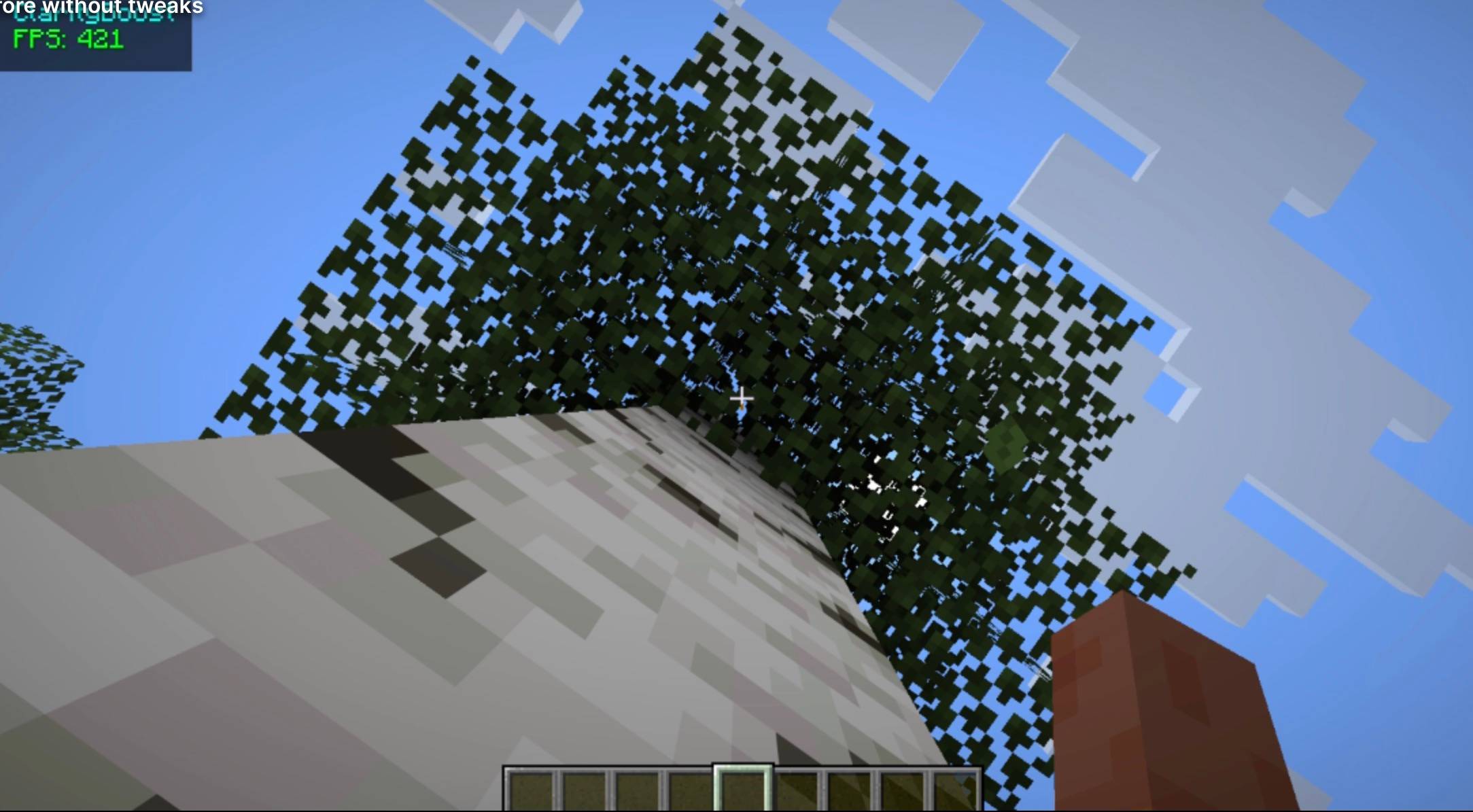
Low Detail Mode
When enabled, ClarityBoost automatically changes vanilla settings to prioritize performance:
Lower render distance Lower simulation distance Fast graphics Lower distant entity rendering Disabled entity shadows Disabled view bobbing Disabled clouds Minimal particles Disabled ambient occlusion Disabled vignette Faster chunk loading Disabled mipmaps Disabled anisotropic filtering
General tech stuff (if u care :P)
Client-side Fabric Focused on FPS, visibility, and simplicity Uses vanilla Minecraft settings rather than adding heavy visual changes Keeps the vanilla look while providing a noticeable performance improvement
常见问题
OptiClear FPS+ 支持哪些 Minecraft 版本?
OptiClear FPS+ 支持 Minecraft Java 版 1.21.11,可用的加载器:Fabric。下载时注意选择和你游戏版本一致的文件。
OptiClear FPS+ 怎么安装?
先用 PCL2 或 HMCL 启动器安装对应版本的 Fabric,再把下载的 .jar 文件放进游戏目录的 mods 文件夹,重新启动游戏即可。开启了版本隔离的,mods 文件夹在 versions/版本名 下面。
评论
登录后评论和评分