
Luck Converter
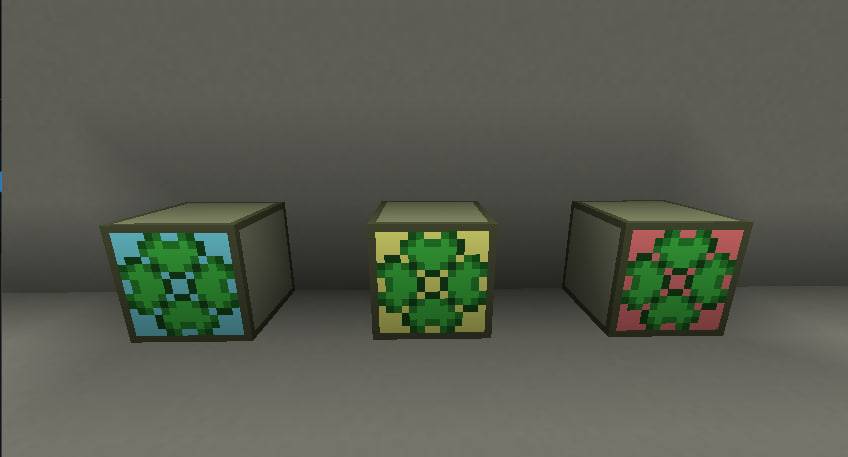
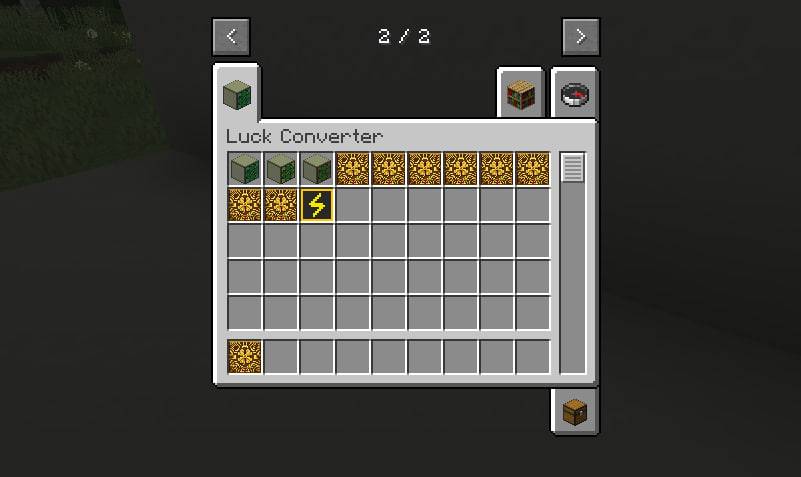
Luck Converter is a technical Minecraft mod for modpacks that adds a block to multiply ores using energy and luck modules. It features three module tiers (luck levels 1–50) and a flexible config file to perfectly balance custom gameplay.
截图
介绍
Luck Converter is a useful utility and resource processing mod for Minecraft, specifically designed to work in heavy, tech-focused mod packs.
The core mechanics revolve around a high-tech machine block that automates and significantly increases the yield of ore processing. Instead of multiplying traditional mechanical crushing or smelting, this mod uses the concept of magical or scientific "luck" combined with energy consumption to copy materials.
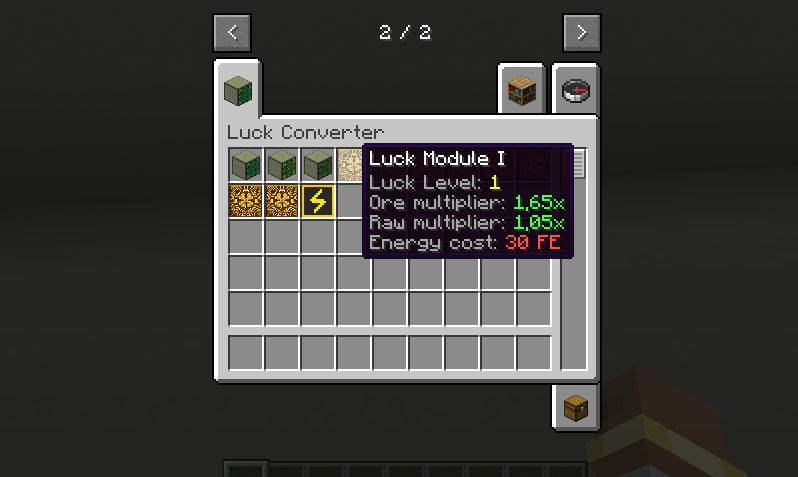
The mod’s progression system is controlled by Luck Modules, which are categorized into three distinct levels. These modules act as upgrade cards that players can insert into the main converter block. Depending on the level and configuration, the module’s luck intensity can be scaled from level 1 to level 50. In order to process raw ores and apply the multiplier, the converter requires a constant power supply (compatible with standard blacksmith networks found in major tech mods), which poses a logistical challenge in the mid- to late-game.
Luck Converter was built from the ground up with mod pack creators and server administrators in mind. It features an extensive configuration file (config) that allows for complete control over the mod’s behavior. Pack developers can easily set energy consumption rates, fine-tune the exact multipliers for each ore, blacklist or whitelist block, and scale the power of each mod level. This adaptability ensures that the mod can be seamlessly integrated into celestial blocks, hardcore survival kits, or casual kitchen sink mod packs without disrupting the intended financial economics and gameplay balance.
常见问题
Luck Converter 支持哪些 Minecraft 版本?
Luck Converter 支持 Minecraft Java 版 1.21.1,可用的加载器:NeoForge。下载时注意选择和你游戏版本一致的文件。
Luck Converter 怎么安装?
先用 PCL2 或 HMCL 启动器安装对应版本的 NeoForge,再把下载的 .jar 文件放进游戏目录的 mods 文件夹,重新启动游戏即可。开启了版本隔离的,mods 文件夹在 versions/版本名 下面。
maxus339 的其他作品
查看全部 →
Caramel Craft
Caramel Craft is a technology and adventure mod that adds machines with upgrade tiers, a powerful nuclear reactor, useful tools like a magnet and drill, many sweets such as caramel and chocolate, new structures, a Caramel Dimension, and a unique archaeolog

Random loot storm stuff
Add a lot of new things and mechanicanicls, also it's ports enderites equipment on 1.21.1 neoforge (unofficially)
评论
登录后评论和评分