Loadout TC
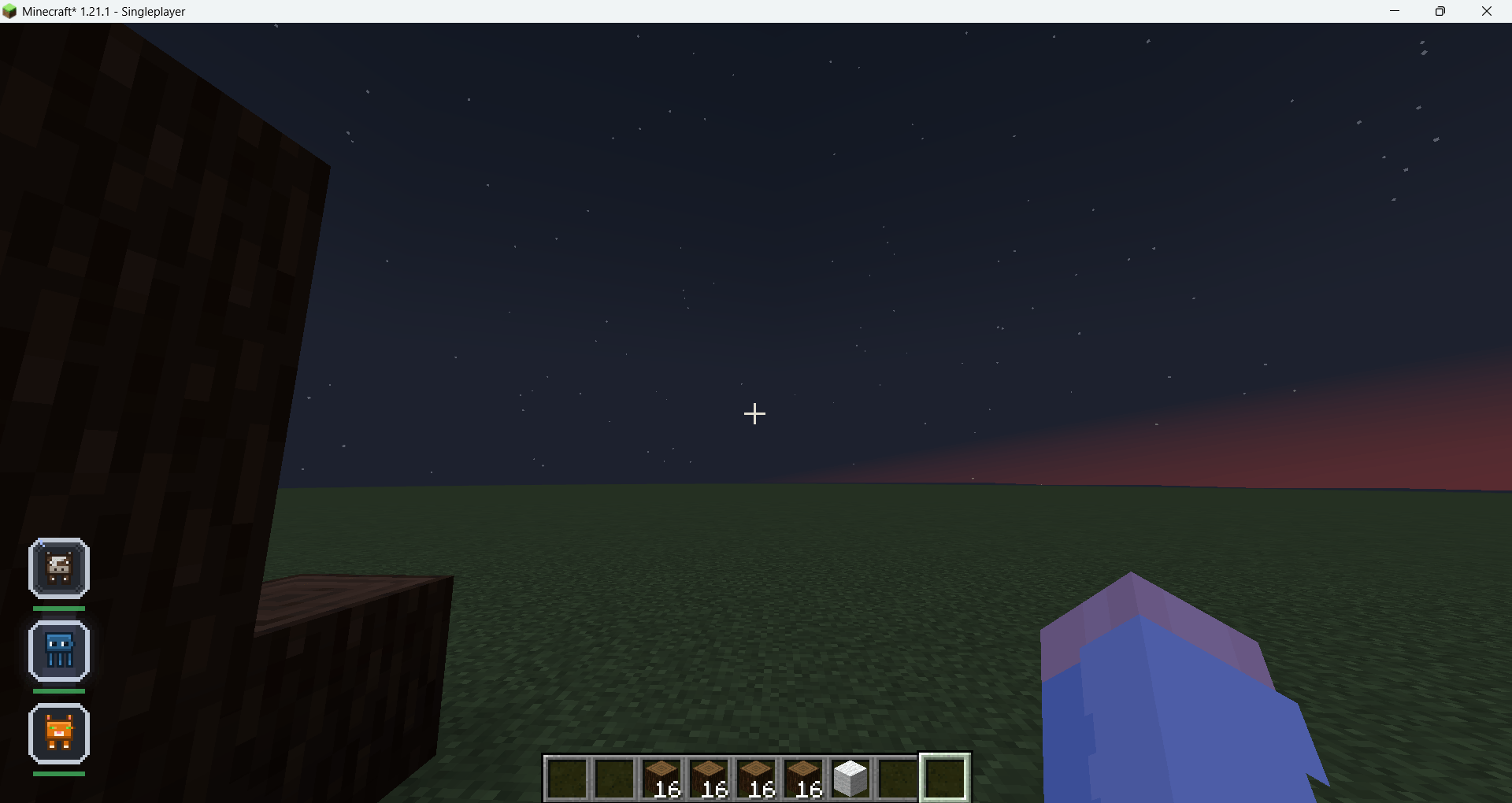
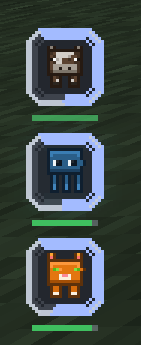
A clean, fully styleable equipment HUD for Fabric. Shows Vanilla, Accessories, Trinkets and Curios slots in one place — with durability, cooldown and ability layers, multiple draggable panels, and an in-game editor. Client-side only.
截图
介绍
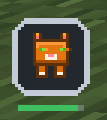
Adds one fully styleable equipment HUD. It reads Vanilla, Accessories, Trinkets and Curios slots, groups them into panels you can place anywhere on screen, and lets you restyle every part of it from an in-game editor.
Client-side only — nothing to install on the server, works on any vanilla server.

Features
- Panels — several independent HUDs on screen at once, each with its own slots and look. Split a panel, merge two, or let unclaimed slots fall into the default one.
- Slot menu — one tab per installed source, per-slot ticks, five sort orders, manual ordering, and a “move checked to panel” action.
- Style — four independent axes: panel (6 styles), slot (10 shapes), text (5), and layout (vertical, horizontal, grid, circle).
- Size — 0.5x to 3.0x, or
Autoto match the vanilla hotbar. The HUD scales itself down instead of running off screen. - Feedback layers — durability, vanilla cooldown and ability timers, each with its own style, colour, thickness, opacity, pulse and text mode.
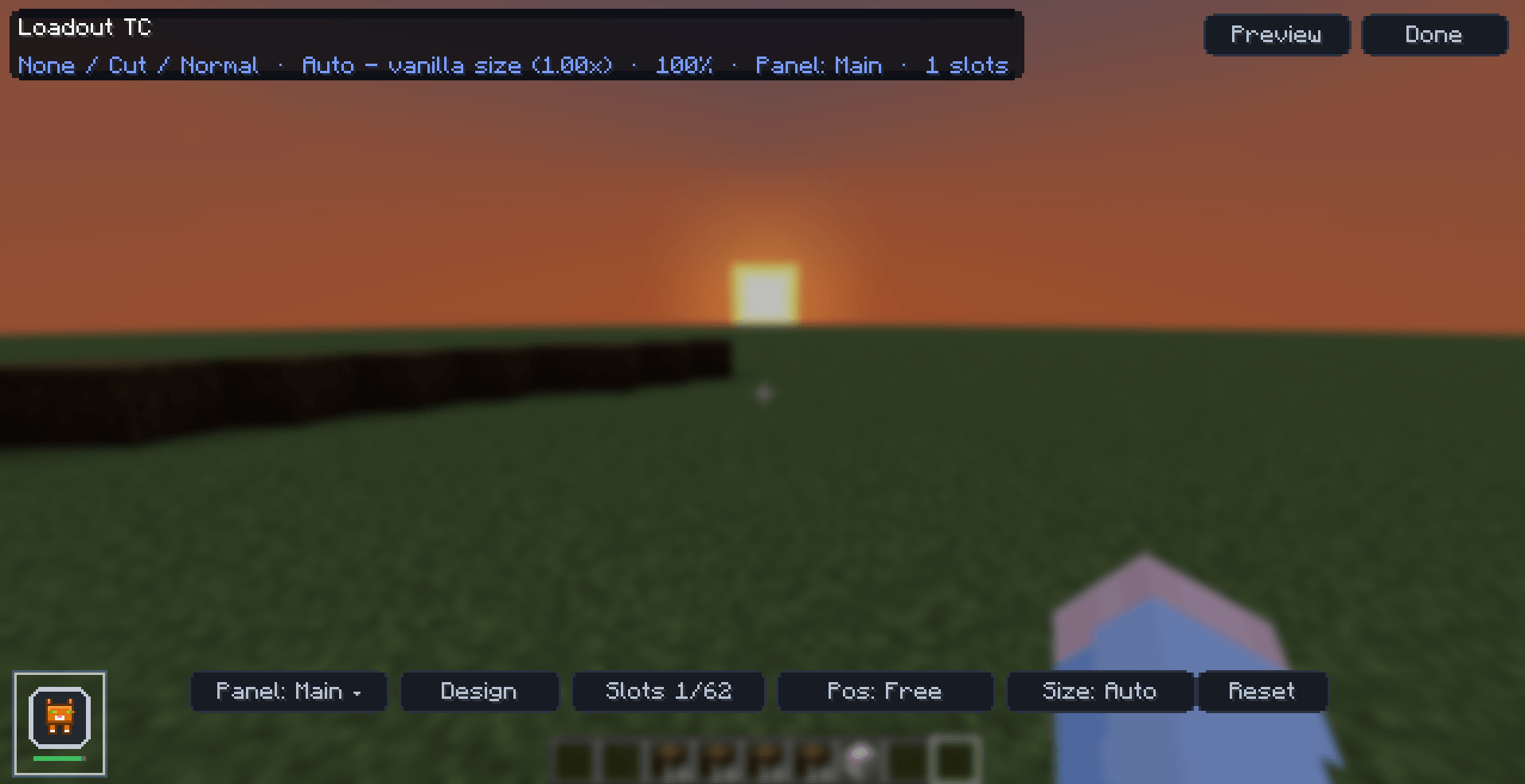
- In-game editor — live preview, everything saved to
config/loadouttc.json. - English and Vietnamese translations.
Installation
- Install Fabric Loader and Fabric API for Minecraft 1.21.1 (Java 21).
- Optionally install Accessories, Trinkets or Curios for extra slots.
- Drop the jar into your
.minecraft/modsfolder. - Launch the game and open the editor.
Controls
The default key is H.
- Drag the panel — move it
- Scroll — size
- Shift + scroll — opacity
- Ctrl + scroll — icon size
- Right-click a slot — select it for per-slot effects
FAQ
Does the server need this mod? No. It is client-side only and works on any vanilla or modded server.
Can I put it in a modpack? Yes, no permission needed.
Does it work with Curios on Fabric? Curios 9.5.1 for 1.21.1 is NeoForge-only. Loadout TC contacts it reflectively and only activates when the API is visible, for example through Sinytra Connector. Pure Fabric uses Accessories and Trinkets.
Where do I report a bug? GitHub issues or Discord.
For mod authors
Other mods can register slot sources, custom effects and ability timers through a small API. Slot sources can even self-register via a Fabric entrypoint, so Loadout TC never needs to know about your mod. See the API reference.
Links
常见问题
Loadout TC 支持哪些 Minecraft 版本?
Loadout TC 支持 Minecraft Java 版 1.21.1,可用的加载器:Fabric / NeoForge。下载时注意选择和你游戏版本一致的文件。
Loadout TC 怎么安装?
先用 PCL2 或 HMCL 启动器安装对应版本的 Fabric / NeoForge,再把下载的 .jar 文件放进游戏目录的 mods 文件夹,重新启动游戏即可。开启了版本隔离的,mods 文件夹在 versions/版本名 下面。
ToanCao 的其他作品
查看全部 →
Cobblemon: TC Living World
这款模组力求忠实还原动画系列和官方设定中的行为、事件与描述,让宝可梦世界尽可能真实地呈现。例如,鲤鱼般的生物可以跃过瀑布,飞鸟类生物也能……

TC VeinGlow PC
An advanced vein mining mod with radial menu, RGB-customizable block outline highlighter, custom mining shapes, and a skill system for harvesting, tree-felling, and liquid handling.

TC Cobble Flight
Wild Pokémon actually fly! Each one takes off, soars, and lands naturally. Fully configurable

TC Battle Growth
Gain experience immediately while fighting, instead of the old experience gain logic.
评论
登录后评论和评分