SimpleChests & Tumblers
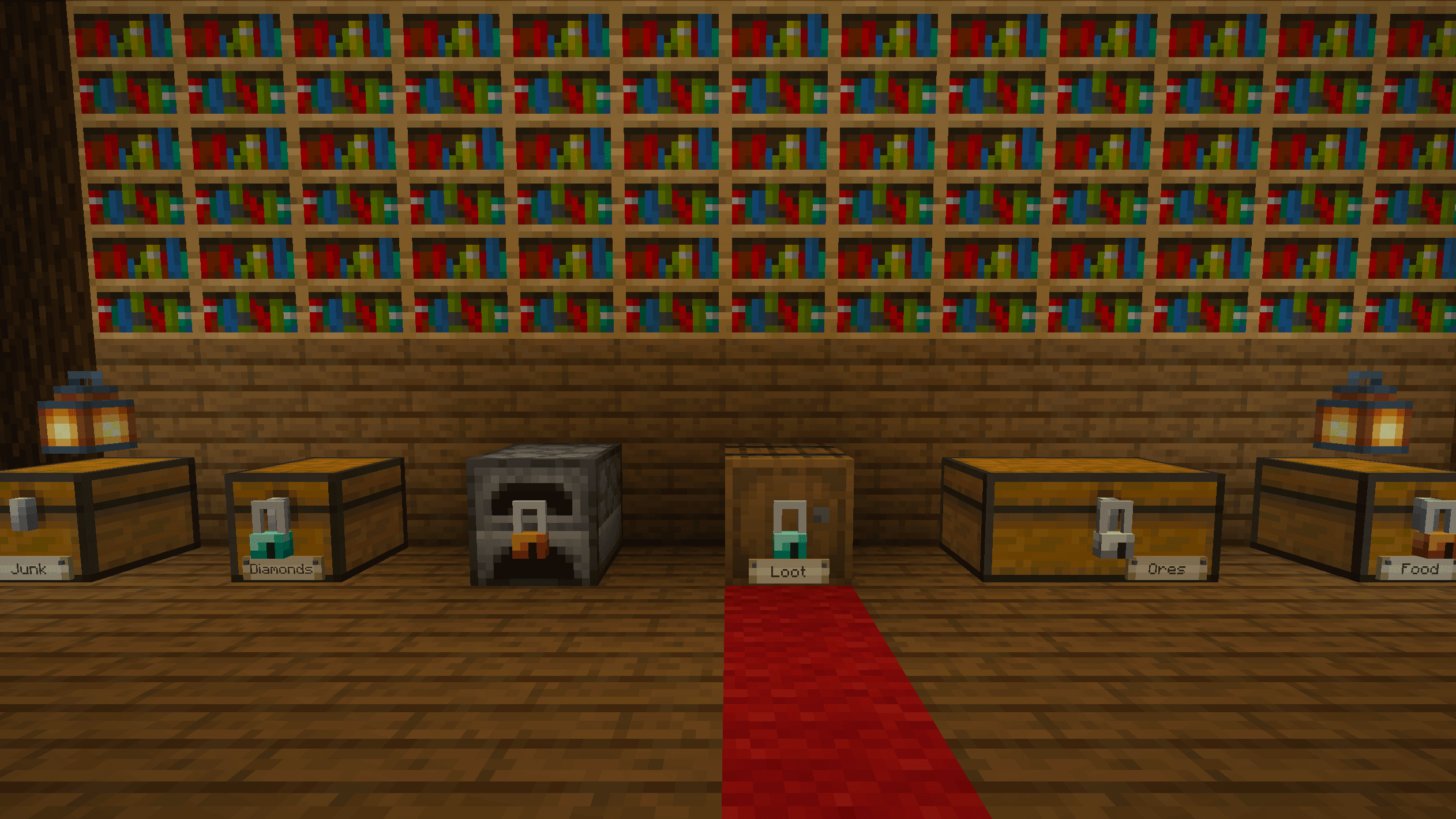
Hang a padlock on any chest, barrel or furnace and keep the key, or copy it for friends. Pin labels to your storage, dye and name your keys, and if you’ve lost one, pick the lock pin by pin.
截图
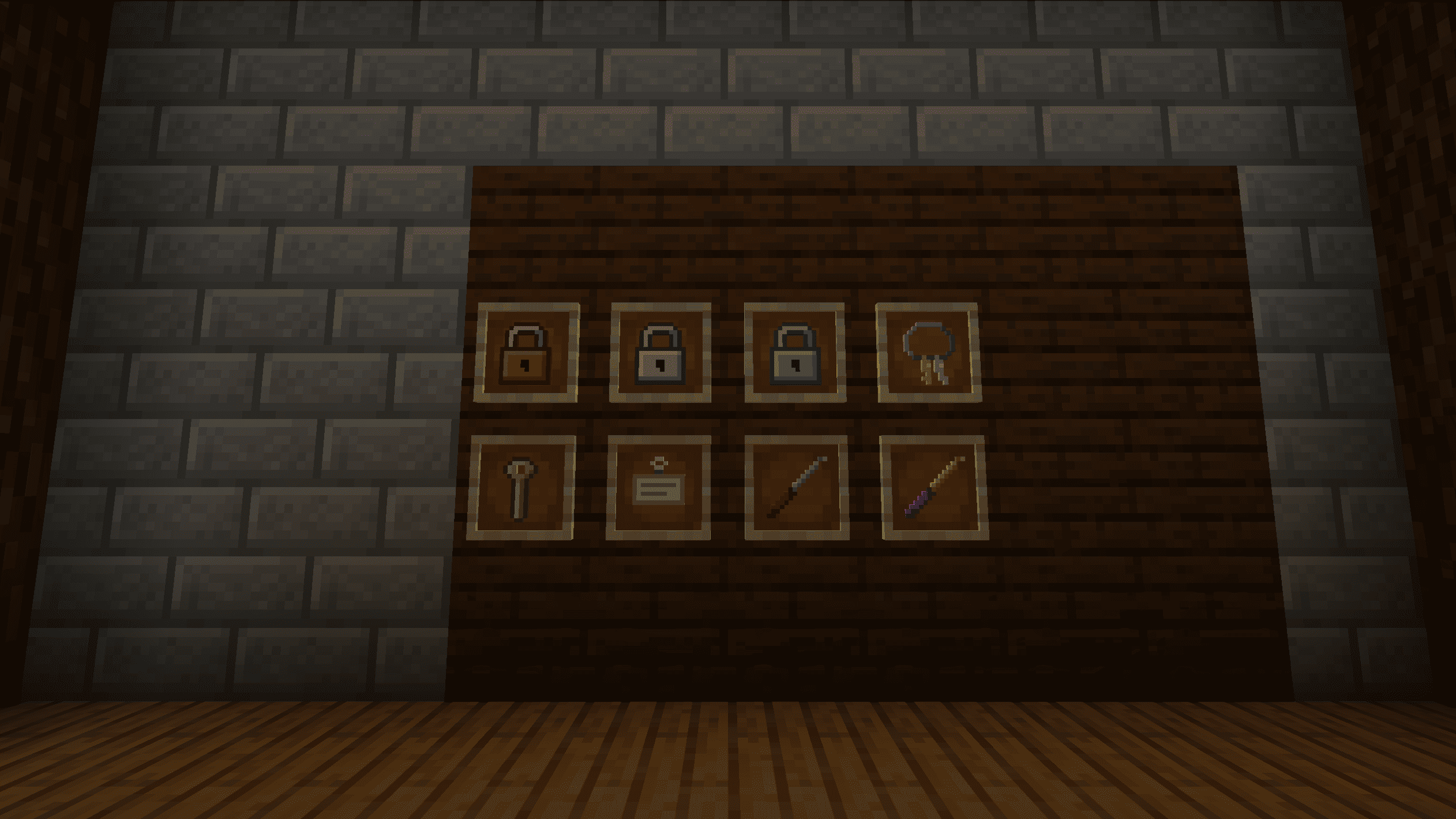
介绍
Features
Padlocks
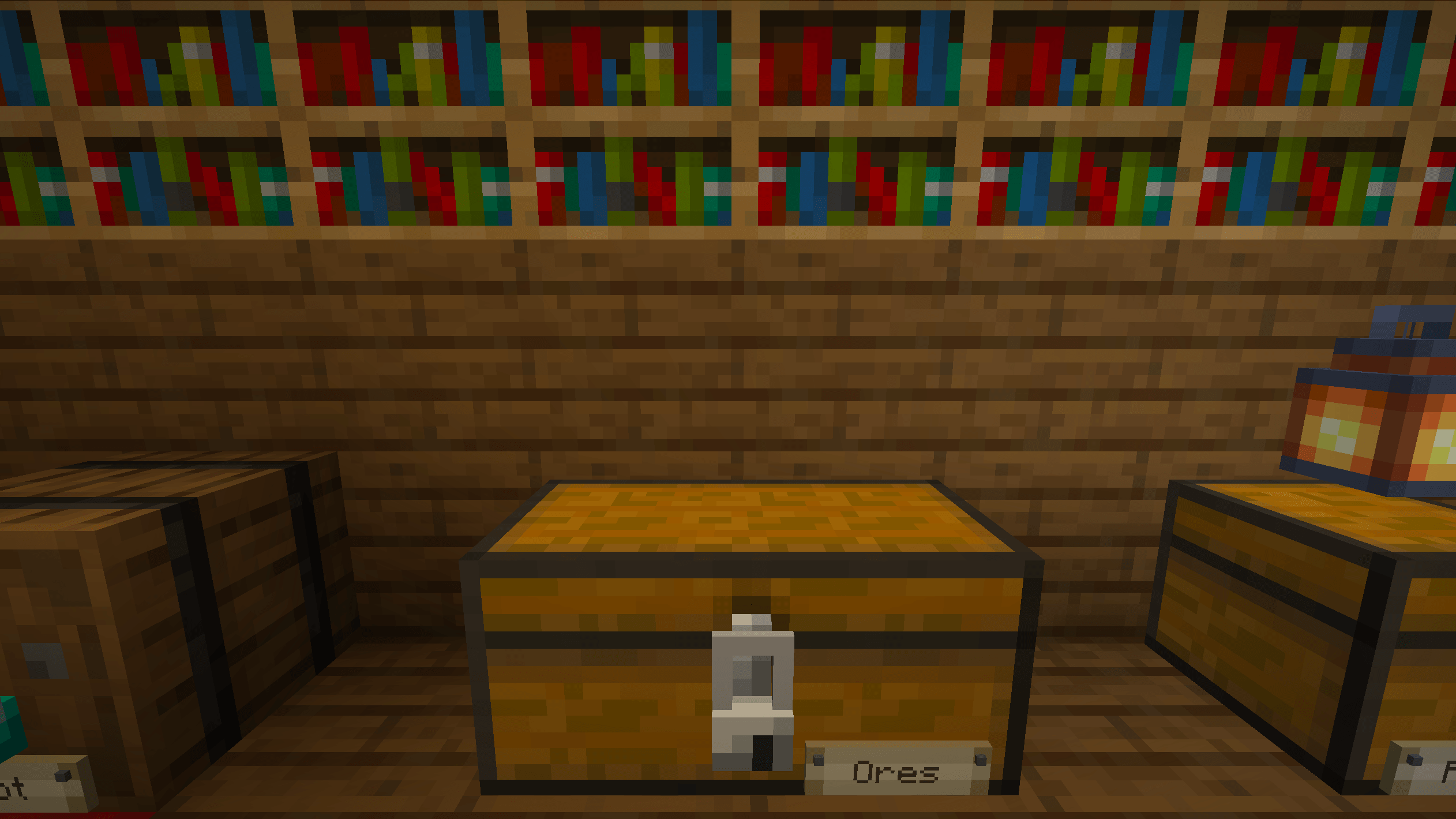
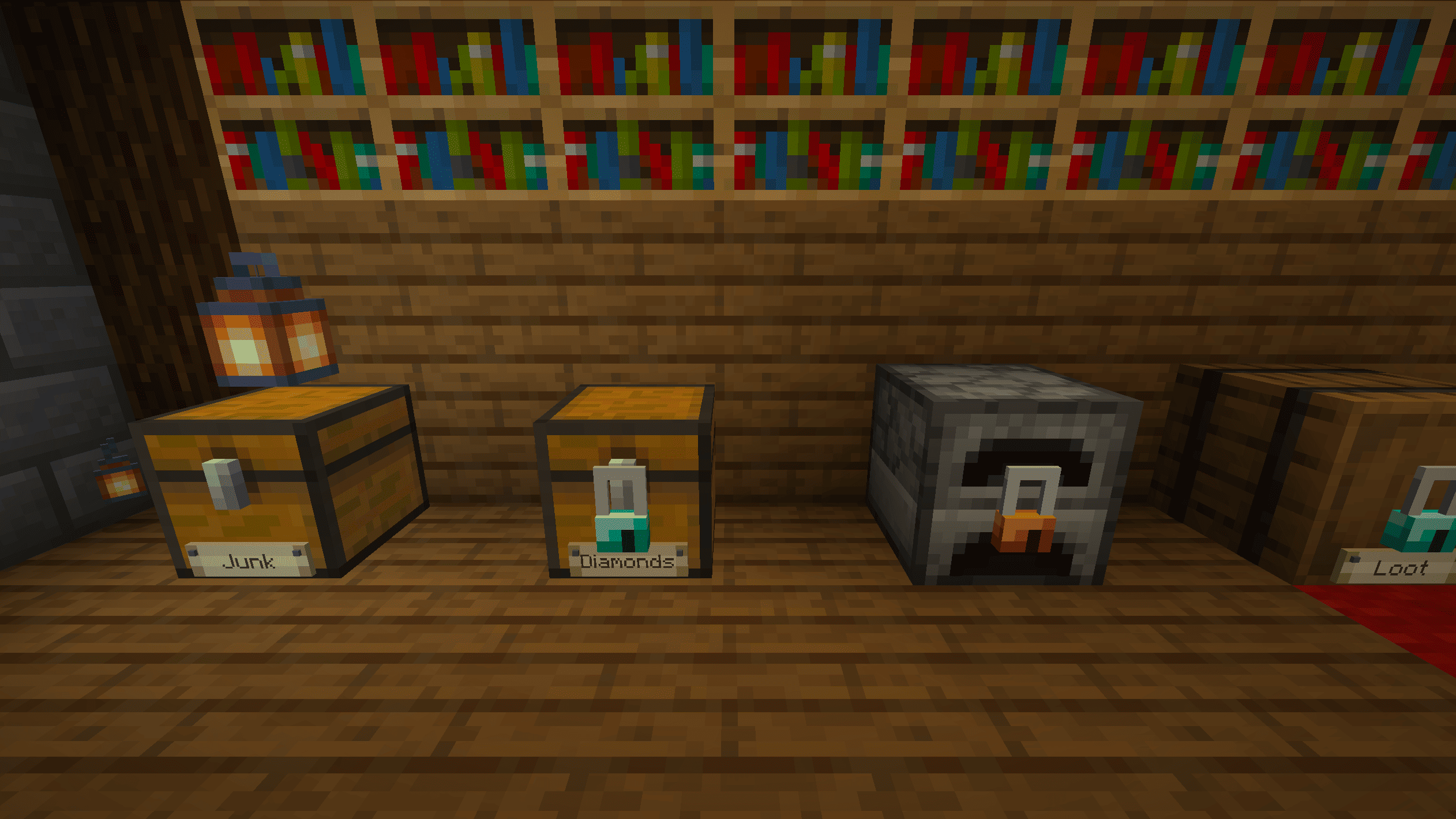
Sneak + right-click a chest, barrel or furnace while holding a padlock to hang it on the front face. The padlock comes with its matching key, and from then on the container only opens for whoever is holding that key.
Double chests share one lock. Locking either half locks both.
A locked container can’t be opened, emptied by hoppers or broken until it’s unlocked. To take the padlock off, sneak + right-click it with the right key and it drops back as an item, ready to reuse.
Keys
Each key is cut for one lock. Anyone holding it can open that lock, so who you give it to is up to you.
- Copying: put an original key and a blank key in a crafting grid to get a second copy. The original stays.
- Dyeing: craft a key with any dye to change its color, so the red one is the storage room and the blue one is the furnace line.
- Naming: rename a key in an anvil. The name shows up in the tooltip and on the padlock when you look at it.
Labels
Pin a label to the front of any chest, barrel or furnace, locked or not. Right-click the label to write on it. The text is readable from a few blocks away, so you can tell "Iron & Gold" from "Do not touch" without opening anything.
Lockpicking
Lost the key? Use a lockpick on the padlock to open the picking screen. The lock has a row of pins, and you set them one at a time: push a pin up, feel for the point where it catches, and hold it there while you move on to the next one. Push too hard or at the wrong moment and the pick snaps.
Once every pin is set, the lock opens. The padlock stays on the container, so picking gets you in once, not forever.
Recipes
All recipes for the padlock, blank key, label and lockpick are in the vanilla recipe book.
Installation
Drop the .jar into your mods folder. On a server, install it on both the server and every client.
常见问题
SimpleChests & Tumblers 支持哪些 Minecraft 版本?
SimpleChests & Tumblers 支持 Minecraft Java 版 1.21.1,可用的加载器:NeoForge。下载时注意选择和你游戏版本一致的文件。
SimpleChests & Tumblers 怎么安装?
先用 PCL2 或 HMCL 启动器安装对应版本的 NeoForge,再把下载的 .jar 文件放进游戏目录的 mods 文件夹,重新启动游戏即可。开启了版本隔离的,mods 文件夹在 versions/版本名 下面。
evilrender 的其他作品
查看全部 →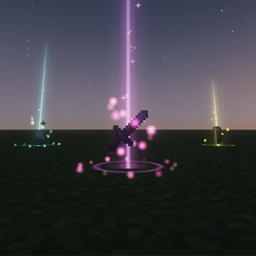
Lootbeams Indicators
Glowing loot beams, rarity auras and name labels for dropped items, fully client-side.
EvilMMO: RPG Experience
EvilMMO is a NeoForge RPG mod that combines leveling, races, classes, fates and dungeons with a Skyrim-style magic, a weight based backpack and a fast-travel world map, plus masteries, map markers and an emerald doublon economy with a shop and more

Warframe Parkour
Brings Warframe's full parkour system to Minecraft: Bullet Jump, double jump, slide, jump kick, roll, aim glide, wall dash, wall latch, wall jump and mantling, all chainable, animated and multiplayer-ready.
Multiversal Worlds
Multiple worlds on one NeoForge server. Create, import, load and delete them at runtime, each with its own rules.
评论
登录后评论和评分