
FluidForge
Configure the block produced when any two fluid types meet, then apply changes with `/reload`
截图
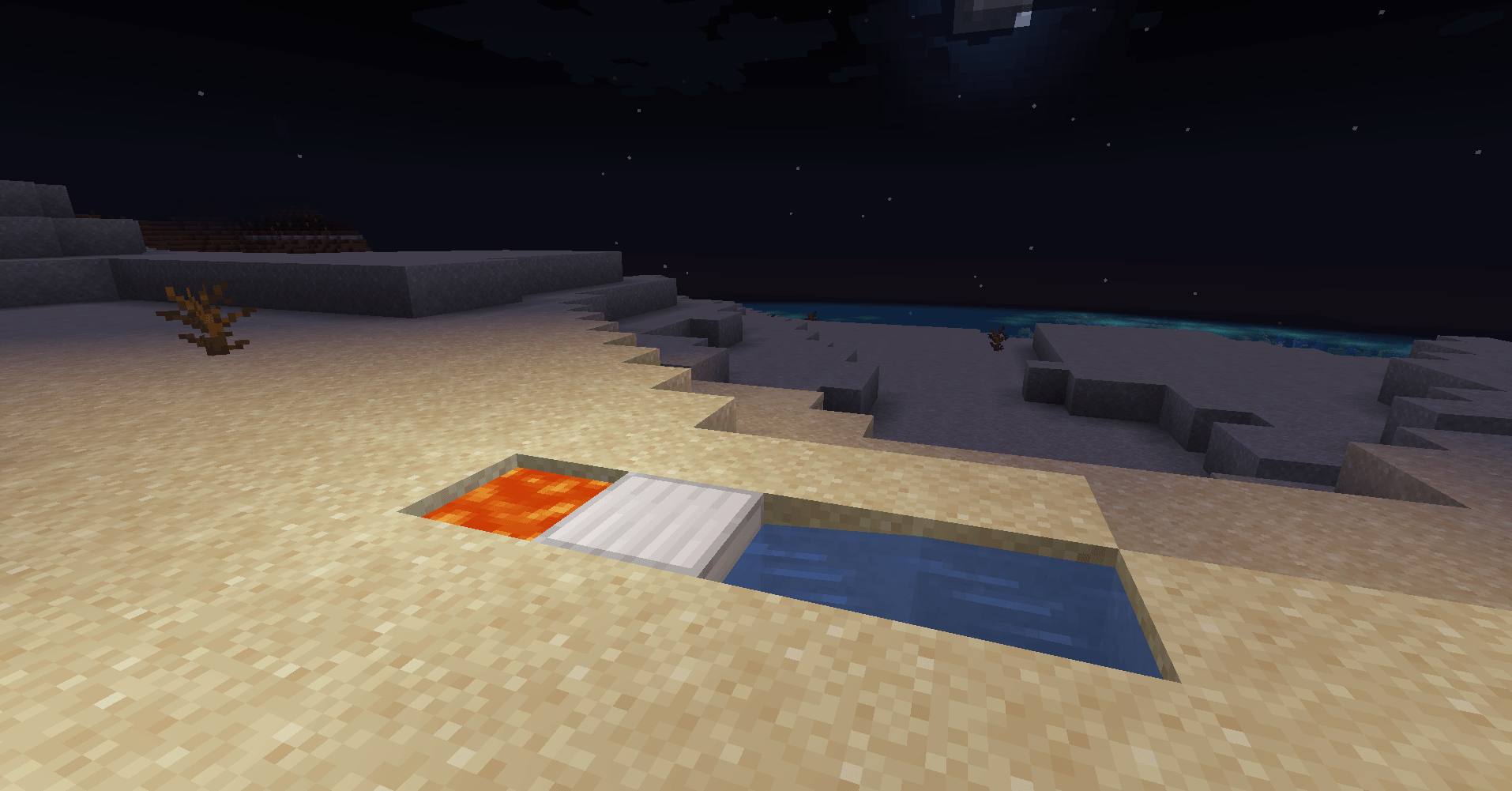
介绍
Description
FluidForge makes fluid interactions configurable. Define pairs of fluids and the block they produce in a simple JSON file, then reload the data in game with `/reload`.
The mod includes a sample water-and-lava reaction that creates an emerald block. Its reaction file is bundled in the mod jar, so no separate datapack is needed to install or use FluidForge. Modpack authors can optionally override the list with a world datapack.
Compatibility
– Minecraft 1.20.1
– Minecraft Forge 47.x
– Java 17
Installation
Install Forge for Minecraft 1.20.1 and place the mod jar in the `mods` folder. On multiplayer servers, install FluidForge on the server and on connecting clients.
Custom reactions
The bundled file is `data/fluidforge/fluid_reactions/reactions.json`. Each entry contains two namespaced fluid registry IDs and a namespaced block registry ID. The fluid order does not matter. Vanilla flowing water and lava use their source-fluid IDs for matching.
To override the defaults for a world, use that same path in an enabled datapack. The override replaces the complete reaction list; include all desired entries, then run `/reload`.
FluidForge reacts when Forge fires its fluid block placement event. Fluid interactions that do not use that event cannot trigger a reaction.
Suggested file metadata
– Display name: `FluidForge 1.0.0 – Minecraft 1.20.1 – Forge`
– Release type: Release
– Game version: Minecraft 1.20.1
– Mod loader: Forge
– Suggested main category: Addons
– Changelog: see [CHANGELOG.md](CHANGELOG.md)
– License: MIT
常见问题
FluidForge 支持哪些 Minecraft 版本?
FluidForge 支持 Minecraft Java 版 1.20.1,可用的加载器:Forge。下载时注意选择和你游戏版本一致的文件。
FluidForge 怎么安装?
先用 PCL2 或 HMCL 启动器安装对应版本的 Forge,再把下载的 .jar 文件放进游戏目录的 mods 文件夹,重新启动游戏即可。开启了版本隔离的,mods 文件夹在 versions/版本名 下面。
评论
登录后评论和评分