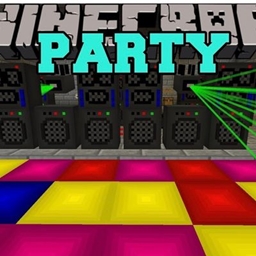
Tobsta’s party pack
This is a party where you can party in Minecraft. To install this mod you extract the zip go to the only file and drag it to the mods folder in Minecraft and you can add .ogg for your music in the folder. Pls enjoy it!
截图
介绍
To Install The Mod:
1) Download and extract the zip file
2) Inside Extracted Zip File, Drag the PartyMod-Alpha-V1.0 folder into the mods folder in your .minecraft
3) Play the game and have a good time!
4) If the game crashes post the logs(No logs – It Didnt Crash)
To install zip go to the project page and scroll down till you see links and click on source or just get the .jar (which I don’t know works I converted it from ChatGPT so I recommend to download the .zip because I’m bedrock.
pls enjoy the party mod. In the bedrock Minecraft page look up party mod for bedrock edition pls enjoy.
Features:
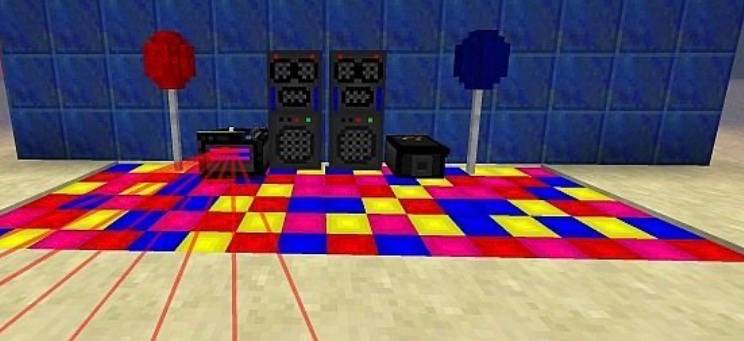
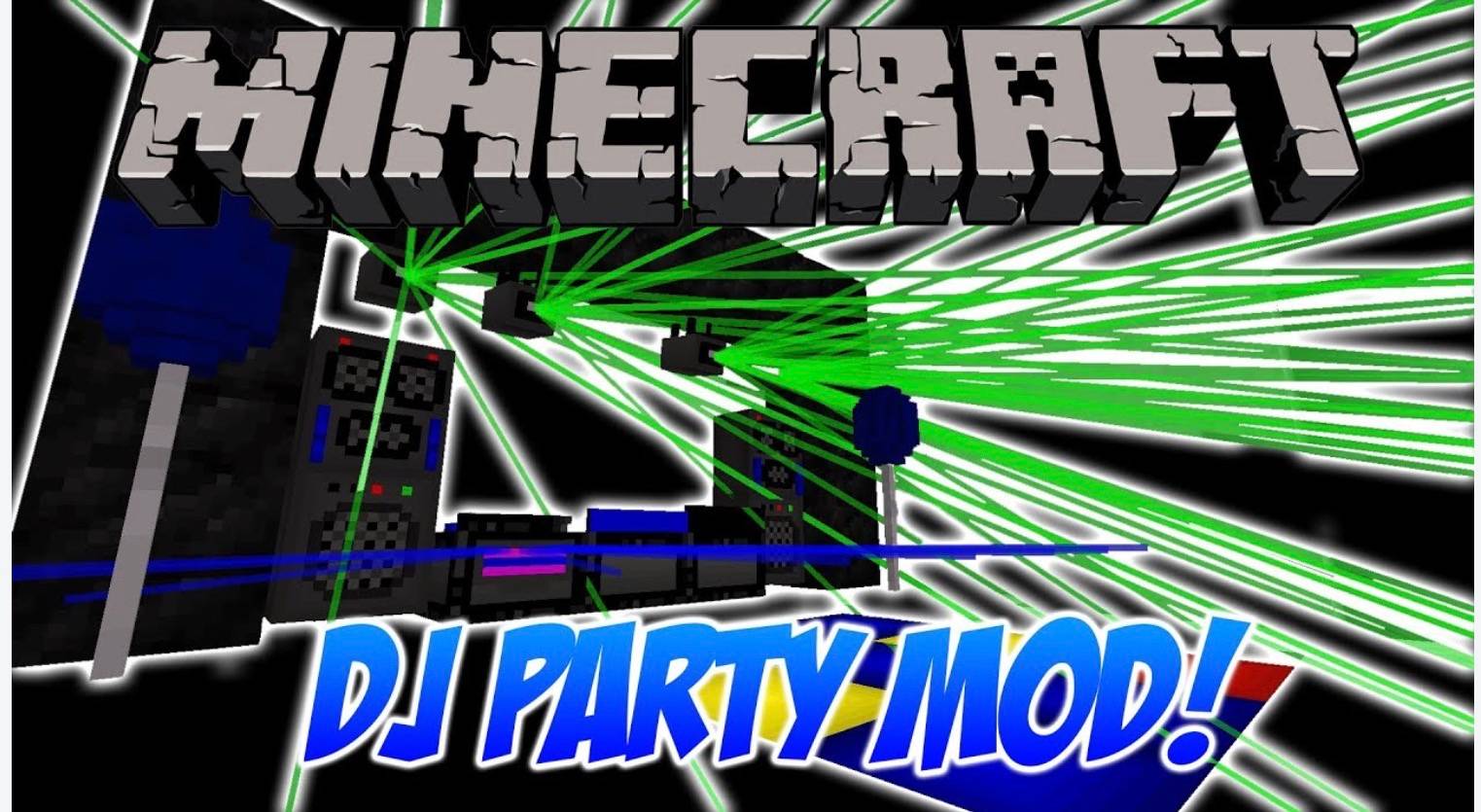
– DJ Deck With Lasers
– Aesthetic Speaker Toweres for Left and Right Sides
– Dance Floor with 2 Modes
– Laser Light
– Smoke Machine
– Recording Unit To Create Up To 50 Songs
– DJ Controls For Altering Laser Properties, And To Turn On/Off Various Other Things
To Install Discs:
1) Grab a free mp3 – ogg Converter(Even Audacity Does This) and convert up to 50 songs.
2) Move the songs into .minecraft/PartyModMusic(Must have run the game with mod once)
3) Record the music onto blank records in game and enjoy the music!
常见问题
Tobsta’s party pack 支持哪些 Minecraft 版本?
Tobsta’s party pack 支持 Minecraft Java 版 26.2,可用的加载器:Forge。下载时注意选择和你游戏版本一致的文件。
Tobsta’s party pack 怎么安装?
先用 PCL2 或 HMCL 启动器安装对应版本的 Forge,再把下载的 .jar 文件放进游戏目录的 mods 文件夹,重新启动游戏即可。开启了版本隔离的,mods 文件夹在 versions/版本名 下面。
评论
登录后评论和评分