
Advanced Enchanting Table – HansEnchant
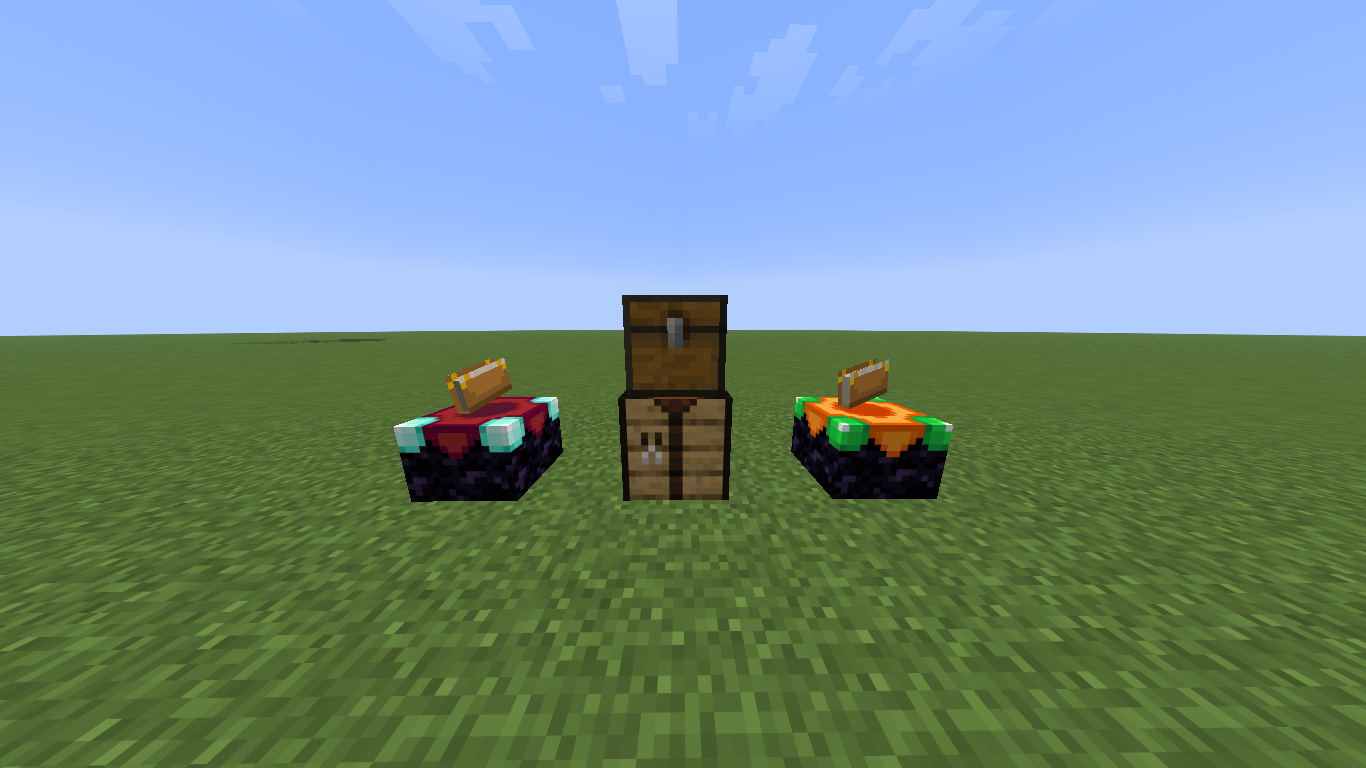
A refined custom enchanting table for Forge featuring point-based XP costs and dynamic multi-level enchantment management
截图
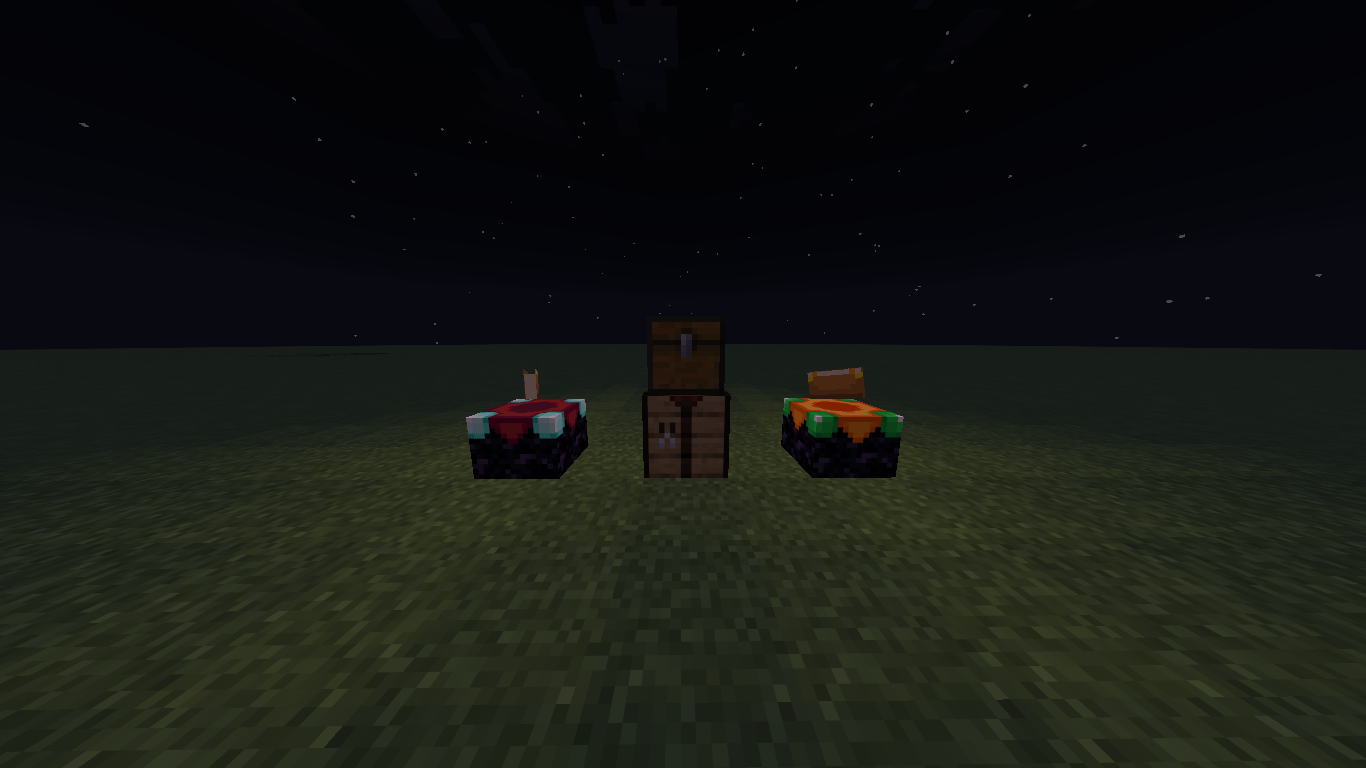
介绍
### About This Mod / Sobre el Mod
[EN] I’m very glad to share this small project I’ve been working on for a few months. It was born out of a personal need when I couldn’t find anything like it for this version. After a lot of trial and error, here is my very first Minecraft mod: **Advanced Enchanting Table – HansEnchant**!
[ES] Con mucho gusto me gustaría compartir este pequeño proyecto en el que trabajé durante unos cuantos meses. Surgió de una necesidad personal al no encontrar nada similar para esta versión. Después de mucho ensayo y error, ¡aquí está mi primer mod para Minecraft: **Advanced Enchanting Table – HansEnchant**!
—
### ✨ Features / Características
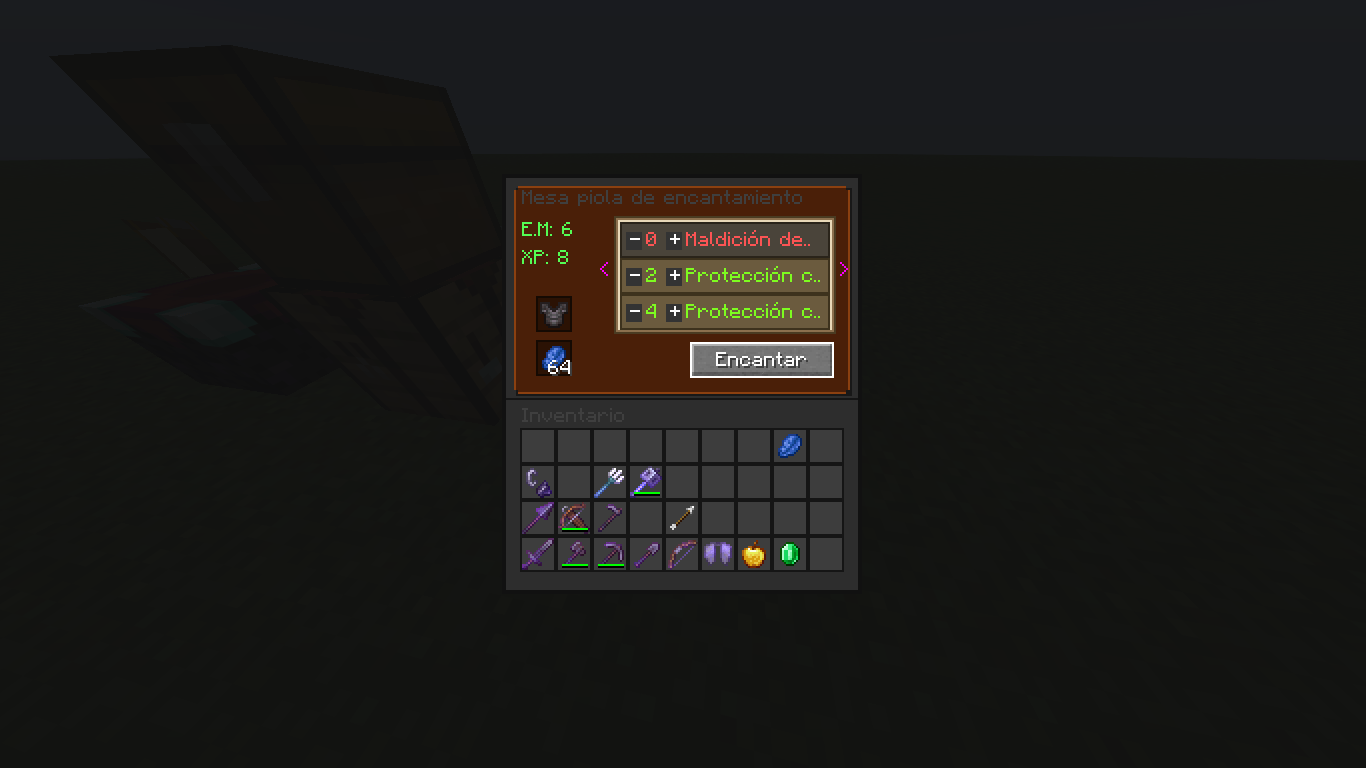
* **Custom Point-Based XP System:** Replaces fixed levels with a balanced 20-point cost per enchantment level.
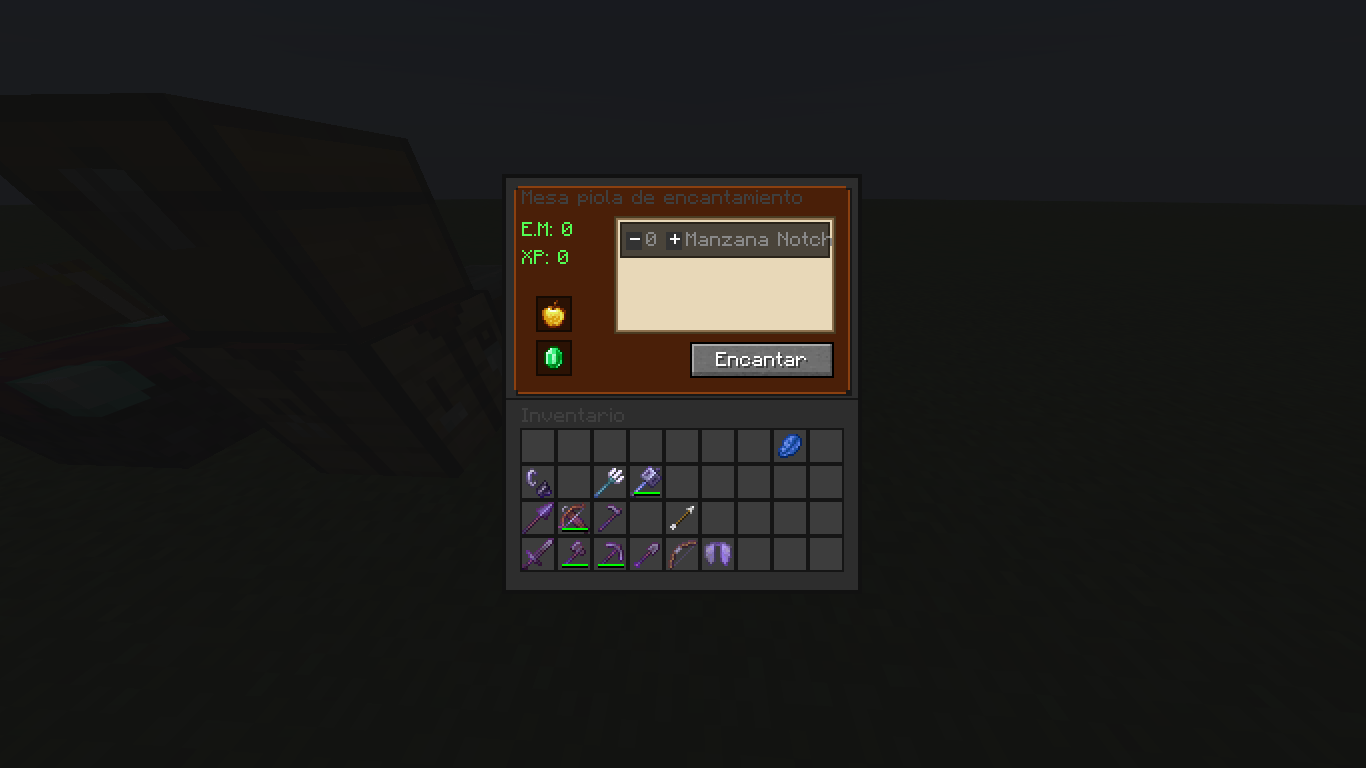
* **Dynamic GUI:** Real-time visual feedback (green/red color coding) that syncs your actual XP with server requirements.
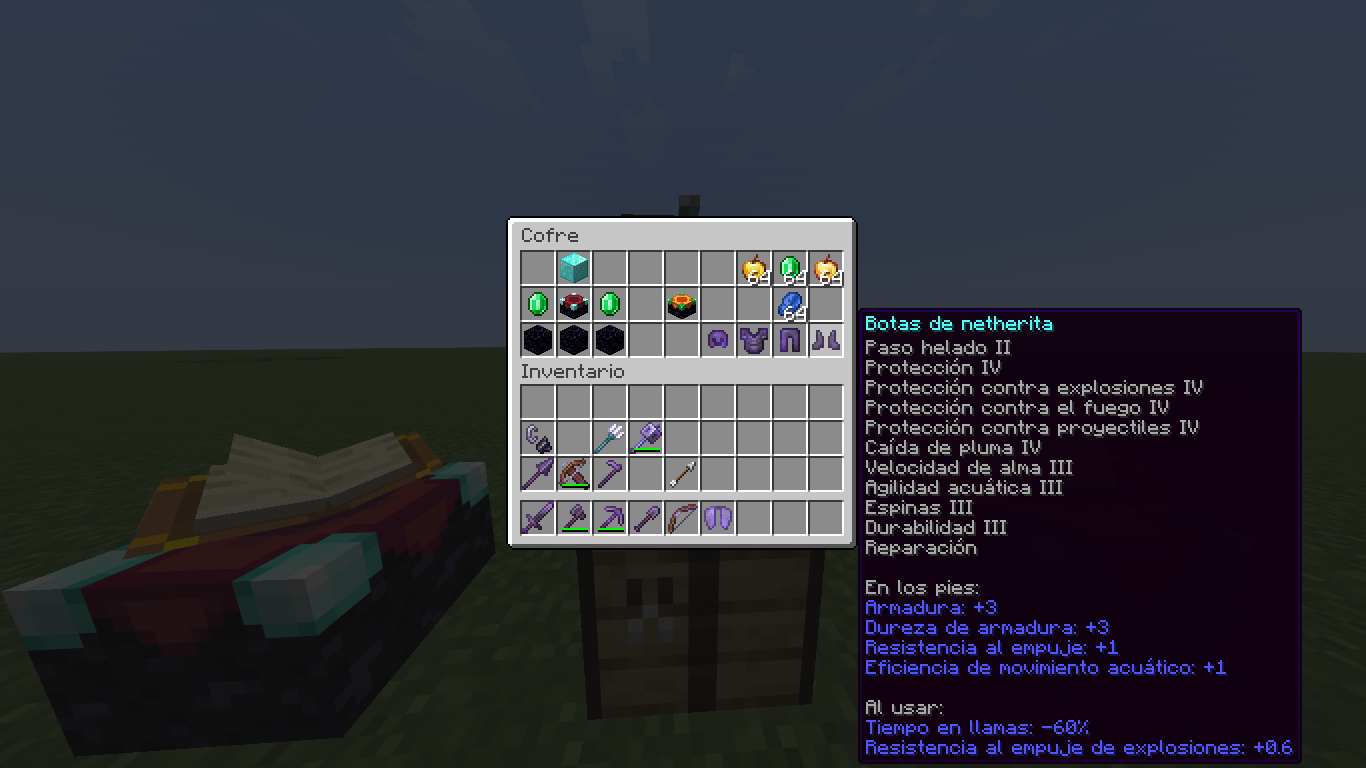
* **Flexible Materials:** Uses Lapis Lazuli by default, or Emeralds when enchanting Golden Apples!
* **Fine-Tuned Control:** Select exact enchantment levels using intuitive `+` and `-` buttons with pagination support.
—
📖 How to Use / Cómo se usar
1. Place the **Advanced Enchanting Table** and open its interface.
2. Put your item (or Golden Apple) in the first slot and your payment material (Lapis/Emeralds) in the second slot.
3. Use the arrow buttons to browse enchantments and adjust the levels you want to add.
4. Check the real-time requirements (Magic Element & XP/Levels) and hit **Enchant**!
cualquier problema consejo o etc escribirme a mi correo
常见问题
Advanced Enchanting Table – HansEnchant 支持哪些 Minecraft 版本?
Advanced Enchanting Table – HansEnchant 支持 Minecraft Java 版 1.21.11,可用的加载器:Forge。下载时注意选择和你游戏版本一致的文件。
Advanced Enchanting Table – HansEnchant 怎么安装?
先用 PCL2 或 HMCL 启动器安装对应版本的 Forge,再把下载的 .jar 文件放进游戏目录的 mods 文件夹,重新启动游戏即可。开启了版本隔离的,mods 文件夹在 versions/版本名 下面。
评论
登录后评论和评分