截图
介绍
中文介绍正在准备中,下面暂时显示原文。

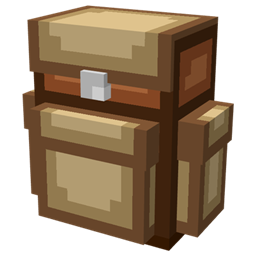
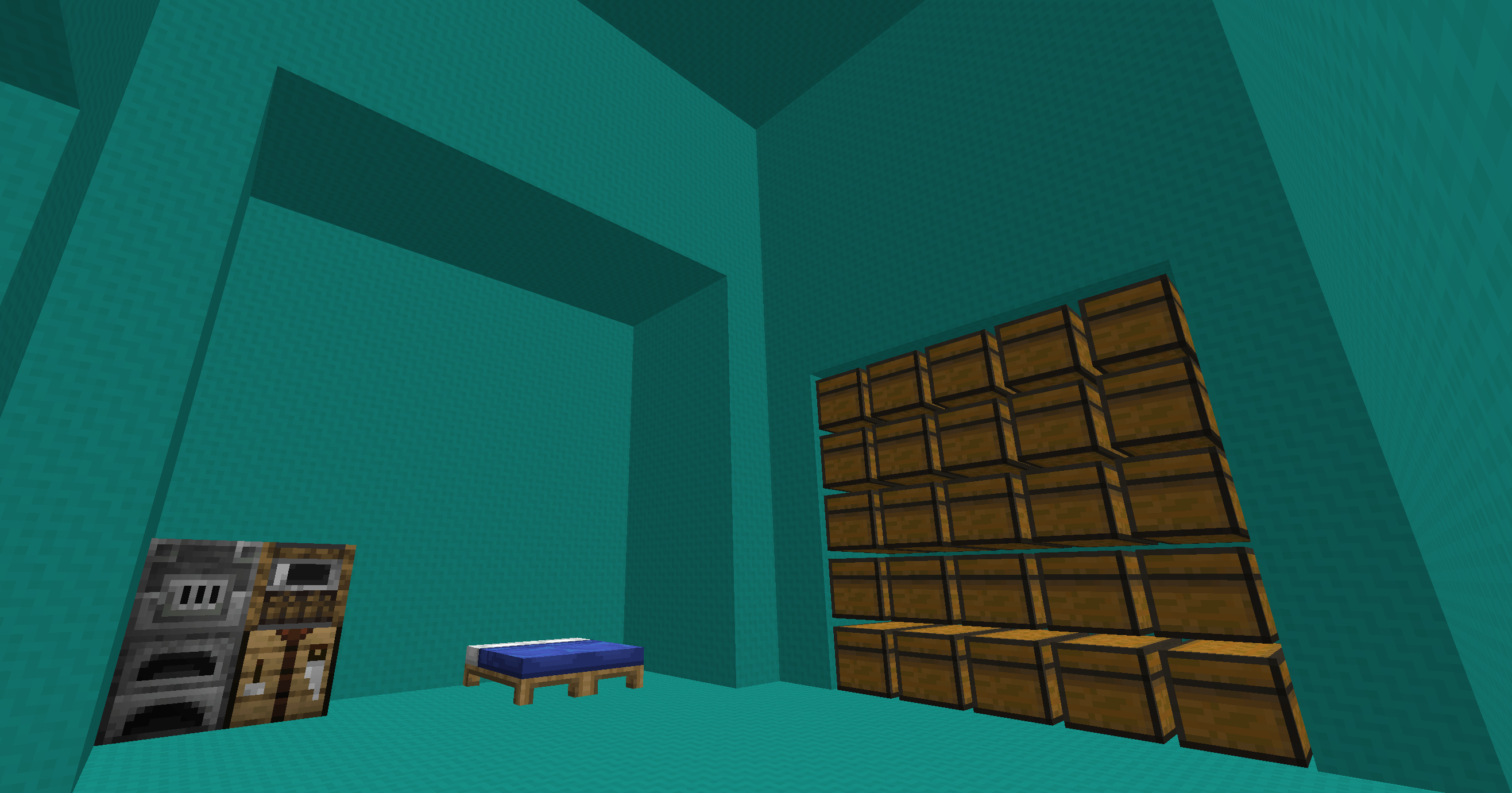
Have you ever wished you could just live out of your backpack? Well now you can! Introducing Dimensional Backpacks! Craft a backpack, build a little base inside it, then pop it on your back. You can even access your chests in the backpack without having to take it off!
Features
- Multiple tiers – Small, medium, and large; each with a larger interior shaped like the backpack
Small: 3x5x5
Medium: 5x9x9 with a 7x5x2 nook
Large: 9x11x7 with a 7x7x3 and two 5x5x2 nooks
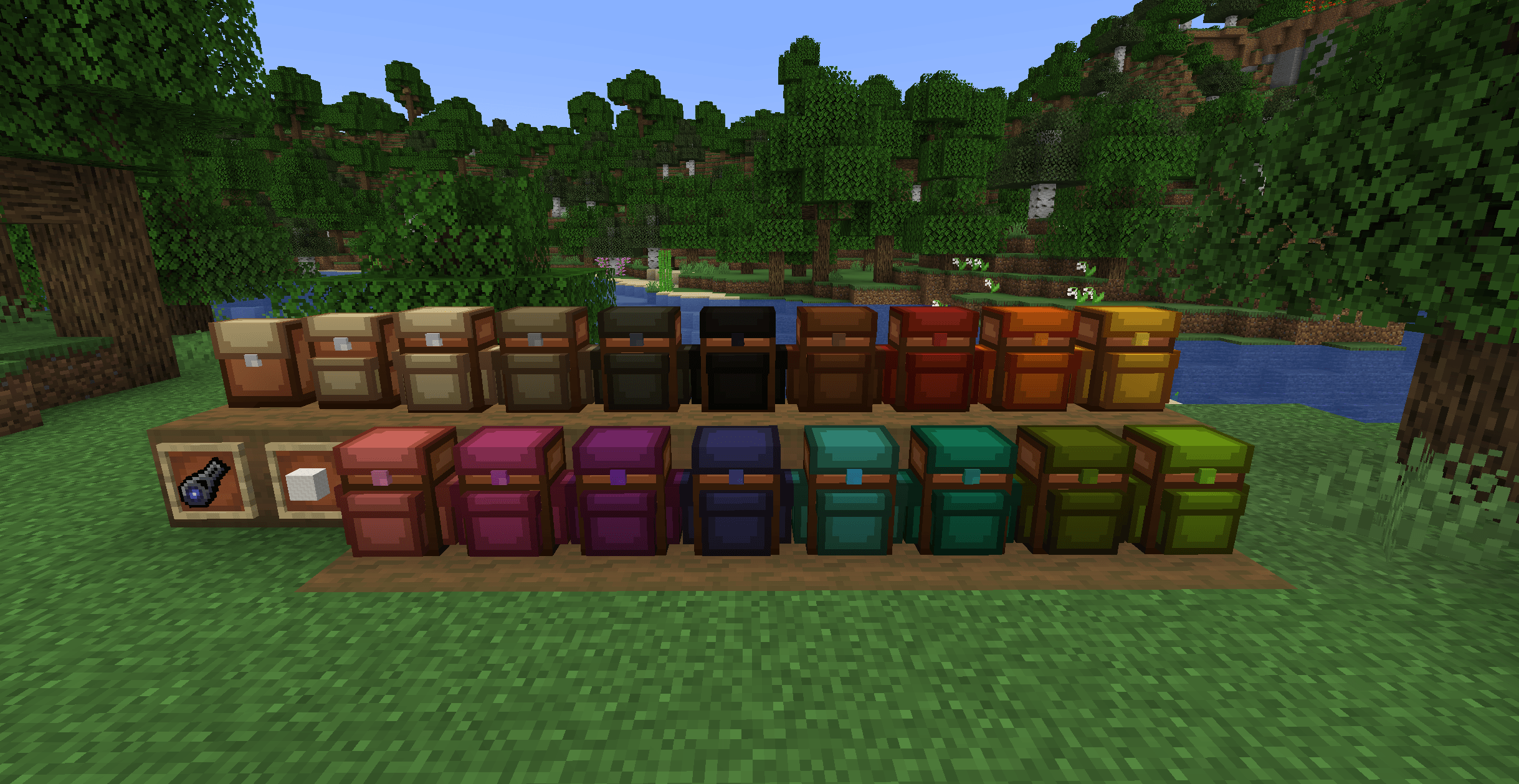
- Dyeable bags – Dye your bag, and the interior walls will match
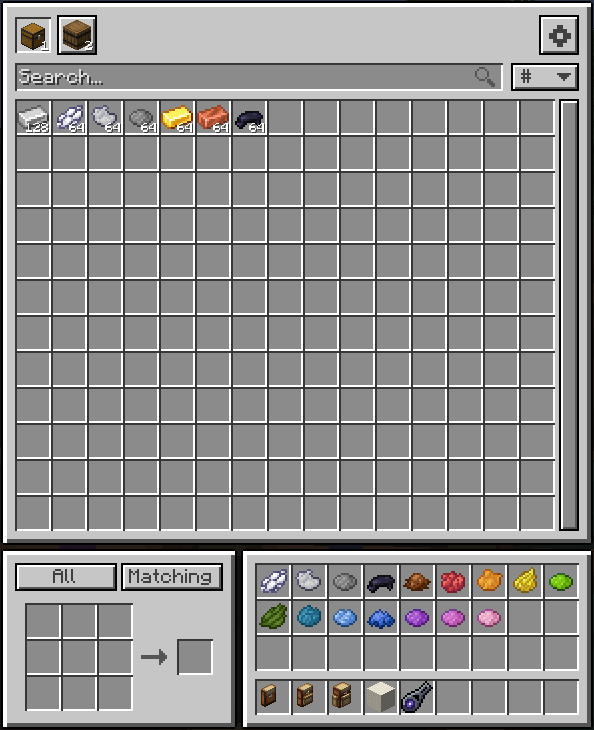
- Access your storage – Deposit and withdraw items from any container placed in the backpack

- Configurable storage groups – Create a bulk storage group, favorite item group, or even an auto smelter input group. The possibilities are endless.

- Worn backpack model – Wear the backpack on your back with a full 3D model. Also compatible with the Curios back slot.

- Shared backpacks – Share a backpack with a friend. Both backpacks will connect to the same interior. This feature can be disabled in the config, if desired.
FAQ
- Can I change where I appear within my backpack?
Yes, craft a dimensional zipper then stand where you want to appear within your backpack then shift right click with it. - What happens if I enter a backpack and my friend picks it up and runs away? Will I exit next to them?
No, you will exit exactly where you were when you entered the backpack - Does the storage access work with modded containers?
Yes, it should work with any item container - How do I open my backpack? How do I leave a backpack?
Open a backpack’s storage by right clicking a placed bag or pressing B while wearing one. Press X to exit the backpack dimension. - Help! I lost my backpack! Is everything I built inside of it lost?
No, everything is not lost. If you remember the backpack plot ID, you can use the `/dbp backpack <id>` command to get it back. You can also craft a duplicate of your backpack, by placing the linked backpack (Has a plot ID in the tooltip) with an unlinked backpack (never worn or placed, no ID in tooltip) in a crafting grid. That way, if your backpack is ever lost, you will still have the backup one.
常见问题
Dimensional Backpacks 支持哪些 Minecraft 版本?
Dimensional Backpacks 支持 Minecraft Java 版 1.21.1,可用的加载器:NeoForge。下载时注意选择和你游戏版本一致的文件。
Dimensional Backpacks 怎么安装?
先用 PCL2 或 HMCL 启动器安装对应版本的 NeoForge,再把下载的 .jar 文件放进游戏目录的 mods 文件夹,重新启动游戏即可。开启了版本隔离的,mods 文件夹在 versions/版本名 下面。
评论
登录后评论和评分