
Locate Menu
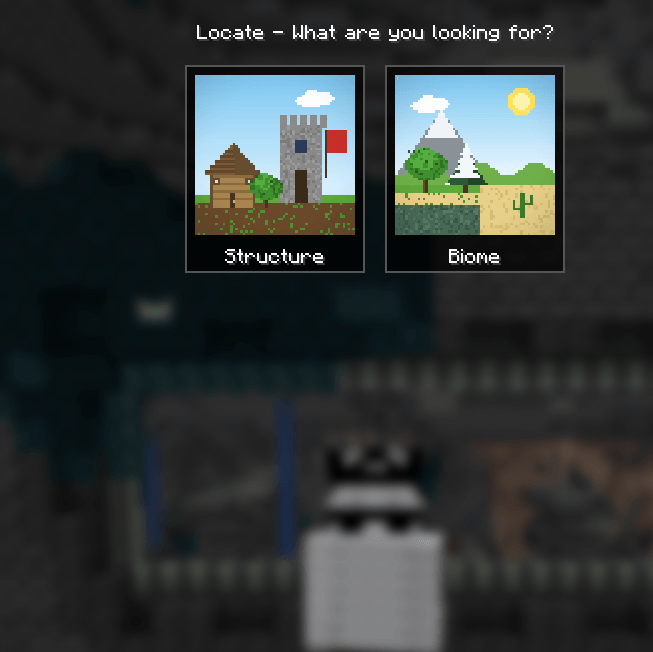
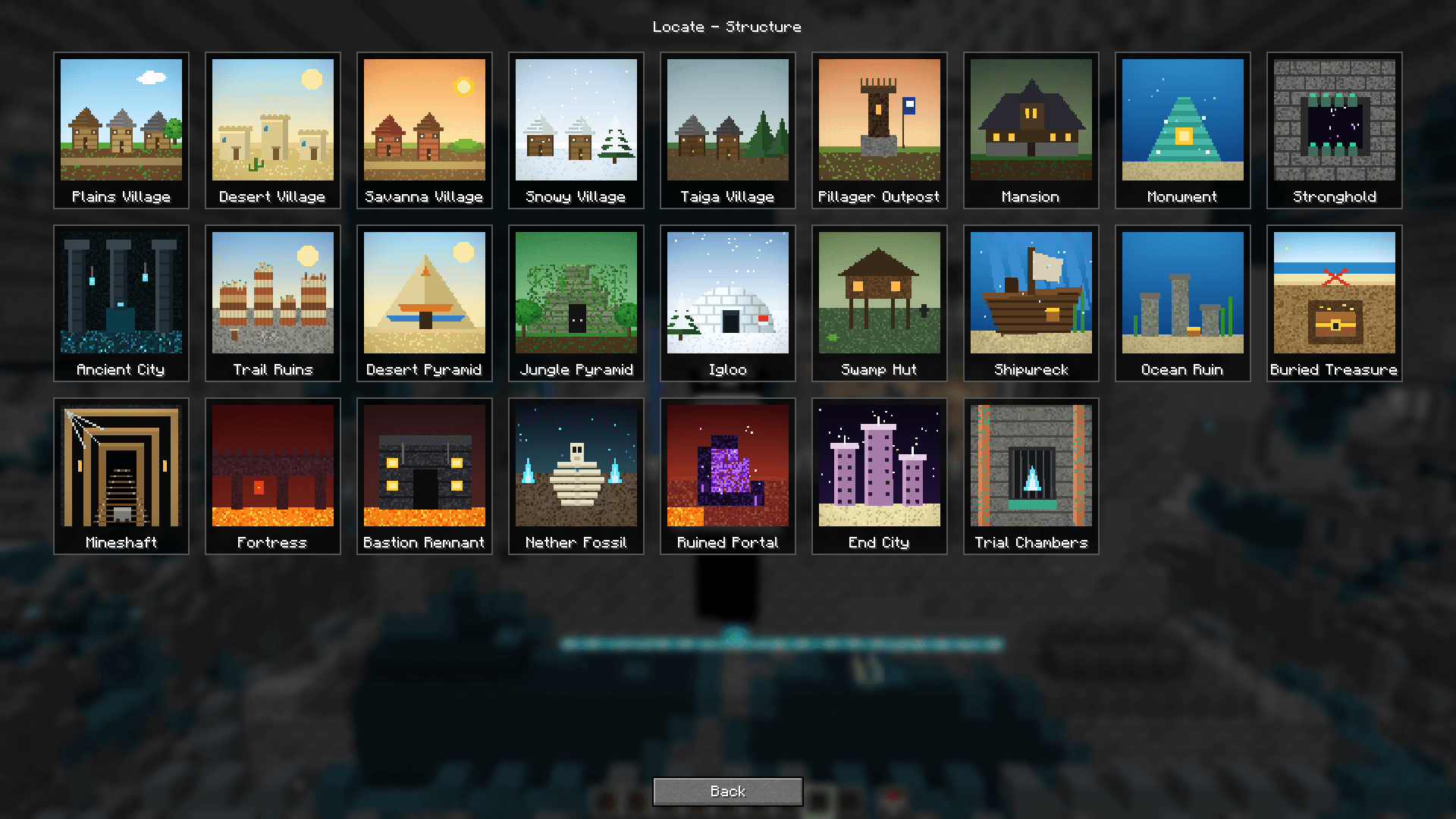
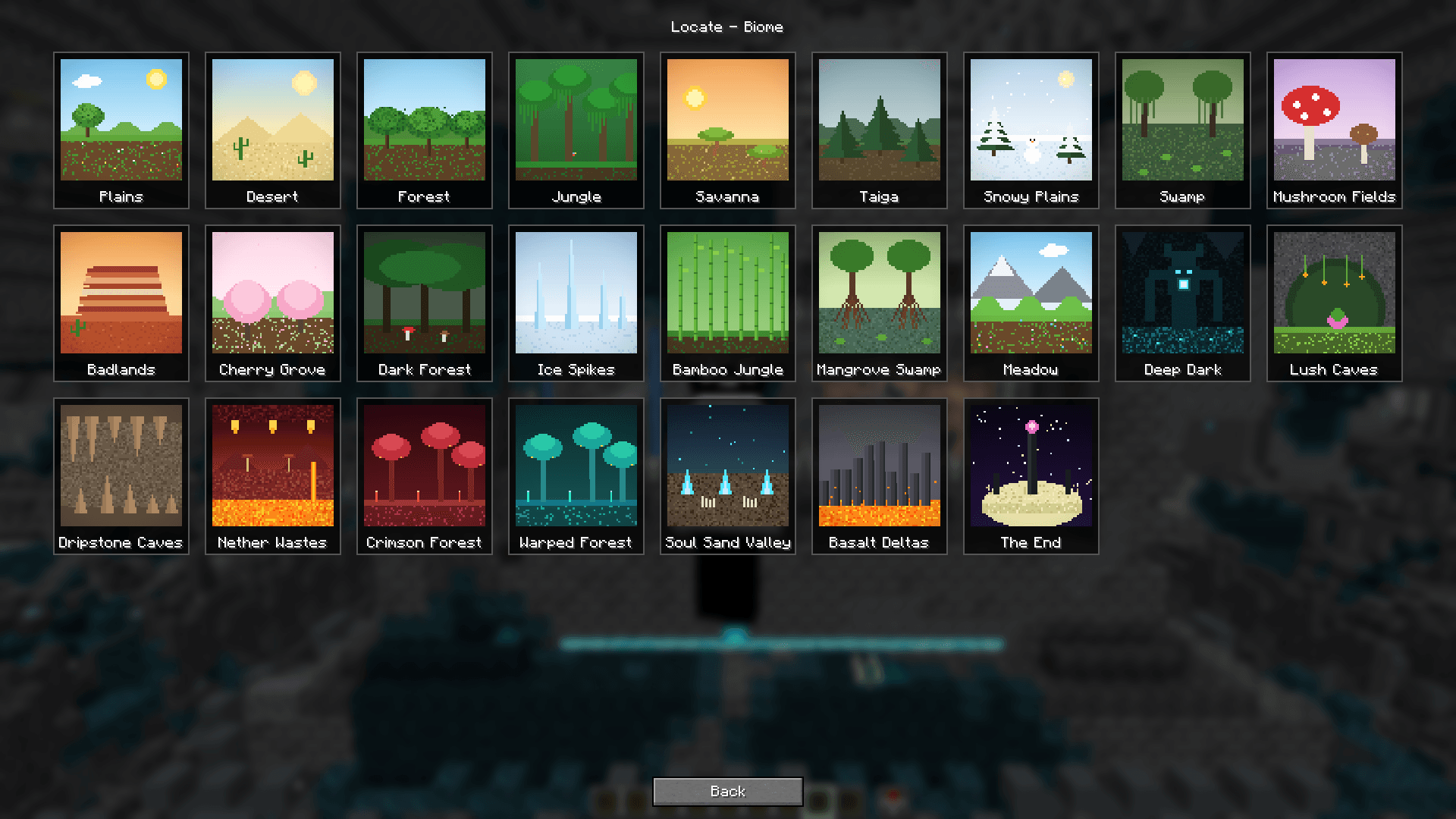
Locate Menu adds a menu that makes Minecraft’s /locate command easier to use. Select a structure or biome from the menu instead of typing a long command.
截图
介绍
Locate Menu makes Minecraft’s /locate command easier to use by providing a menu for choosing what to search for. Instead of remembering and typing a long command, you can open the menu, select a target, and start a locate search.
Use it when you want to find a structure or biome but aren’t sure of the exact command or target name. It offers a more approachable way to use Minecraft’s locate feature, especially for players who prefer selecting from a menu over typing commands.
Locate Menu works with Minecraft’s locate system; the results and available targets depend on your Minecraft version, installed content, and permissions.
常见问题
Locate Menu 支持哪些 Minecraft 版本?
Locate Menu 支持 Minecraft Java 版 1.21.11–26.3,共 3 个版本,可用的加载器:Fabric。下载时注意选择和你游戏版本一致的文件。
Locate Menu 怎么安装?
先用 PCL2 或 HMCL 启动器安装对应版本的 Fabric,再把下载的 .jar 文件放进游戏目录的 mods 文件夹,重新启动游戏即可。开启了版本隔离的,mods 文件夹在 versions/版本名 下面。
评论
登录后评论和评分