截图
介绍
After a few weeks of learning Java and Fabric, I present to you….
Don’tChangeMyoPtions!!
This is a Minecraft mod that lets your friends control your game settings, give you effects, change your attributes, and even switch your language, all while you try to play!
(setup is a bit hefty, be warned…)
Features!!
You can change:
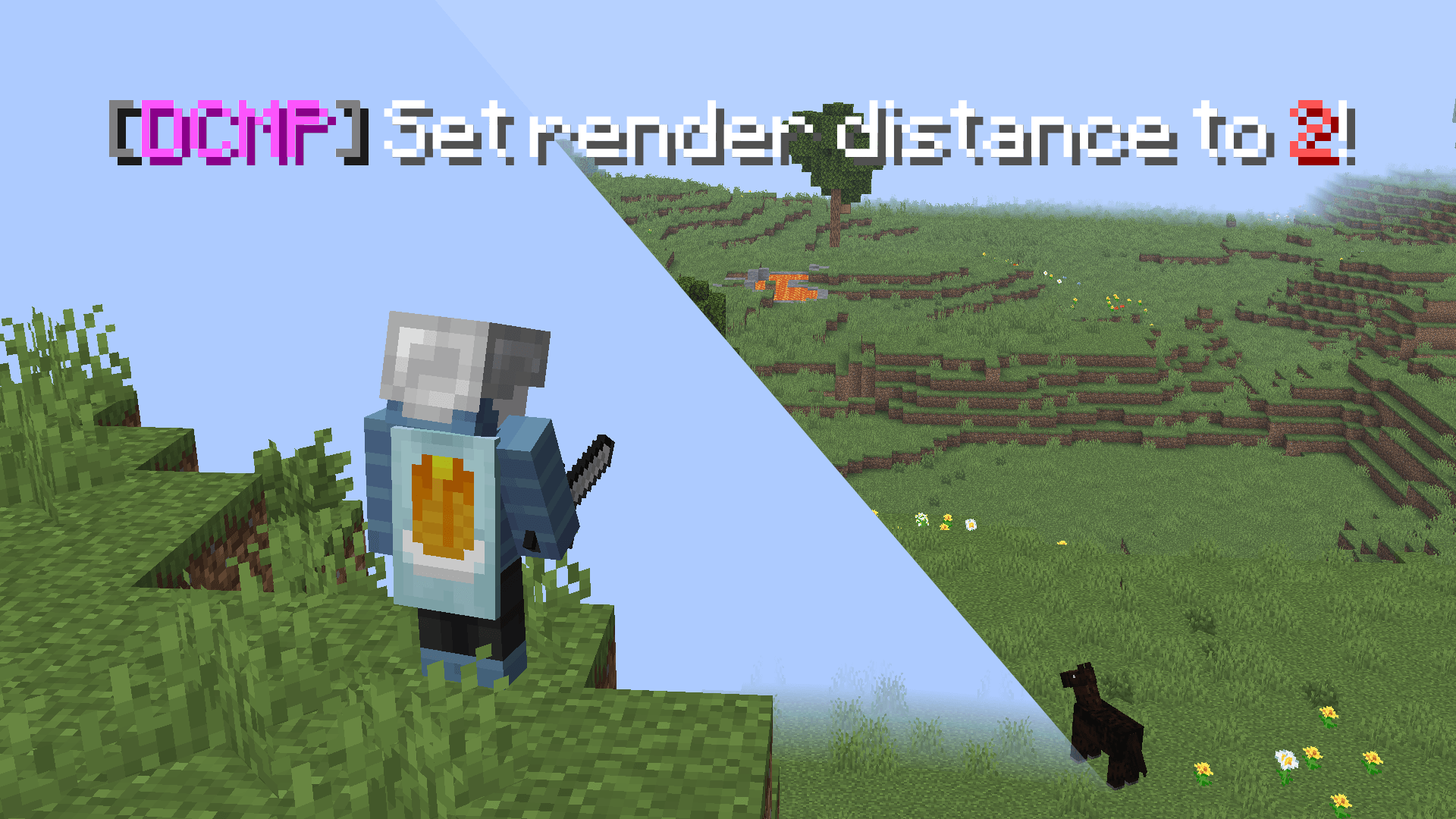
- All game options (render distance, brightness, narrator, etc.)
- Keybinds (remap keys and troll >:) )
- Language (switch between any available language)
- Every sound category’s volume (including master volume!!)
Operator-only (uses commands):
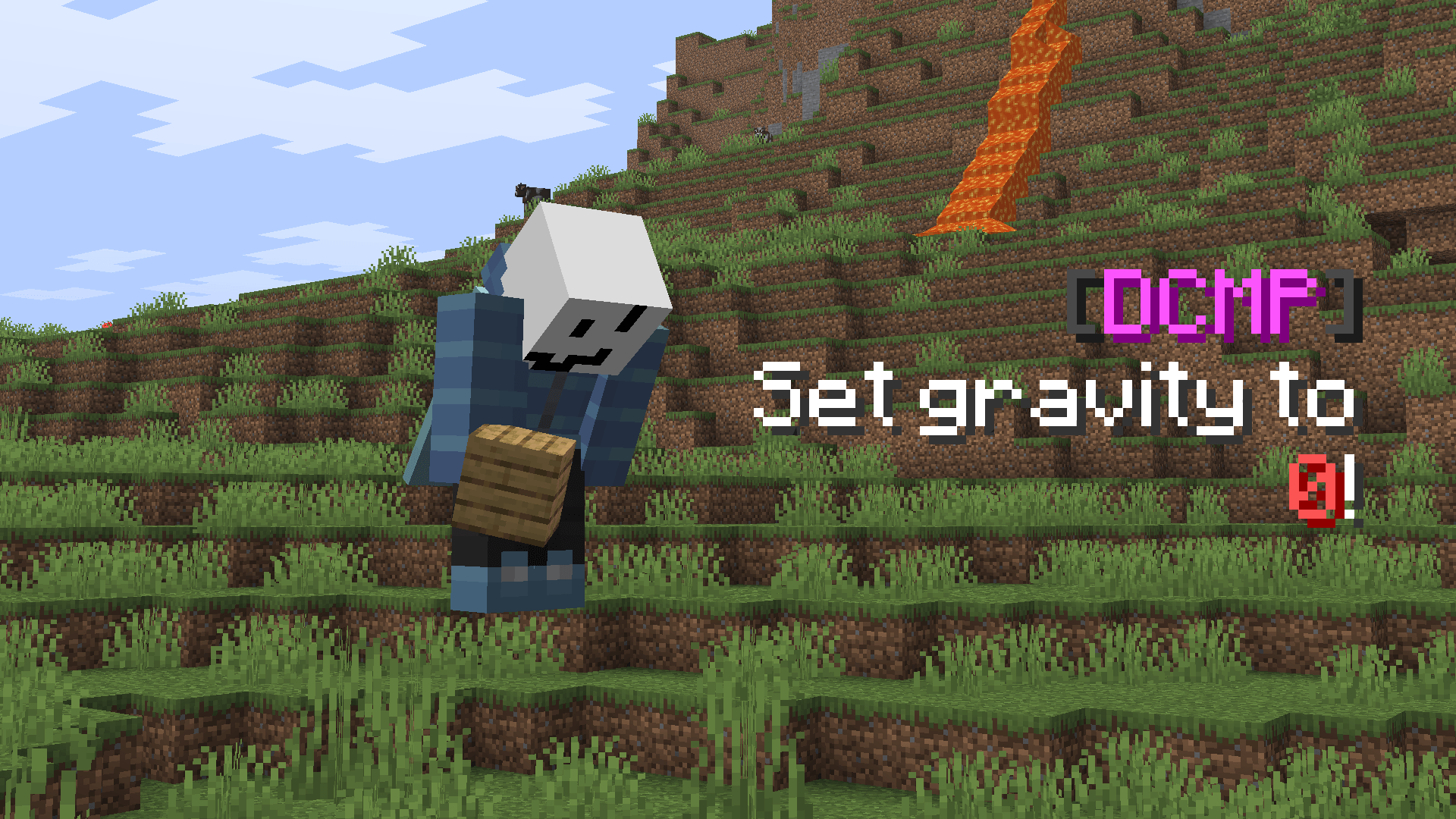
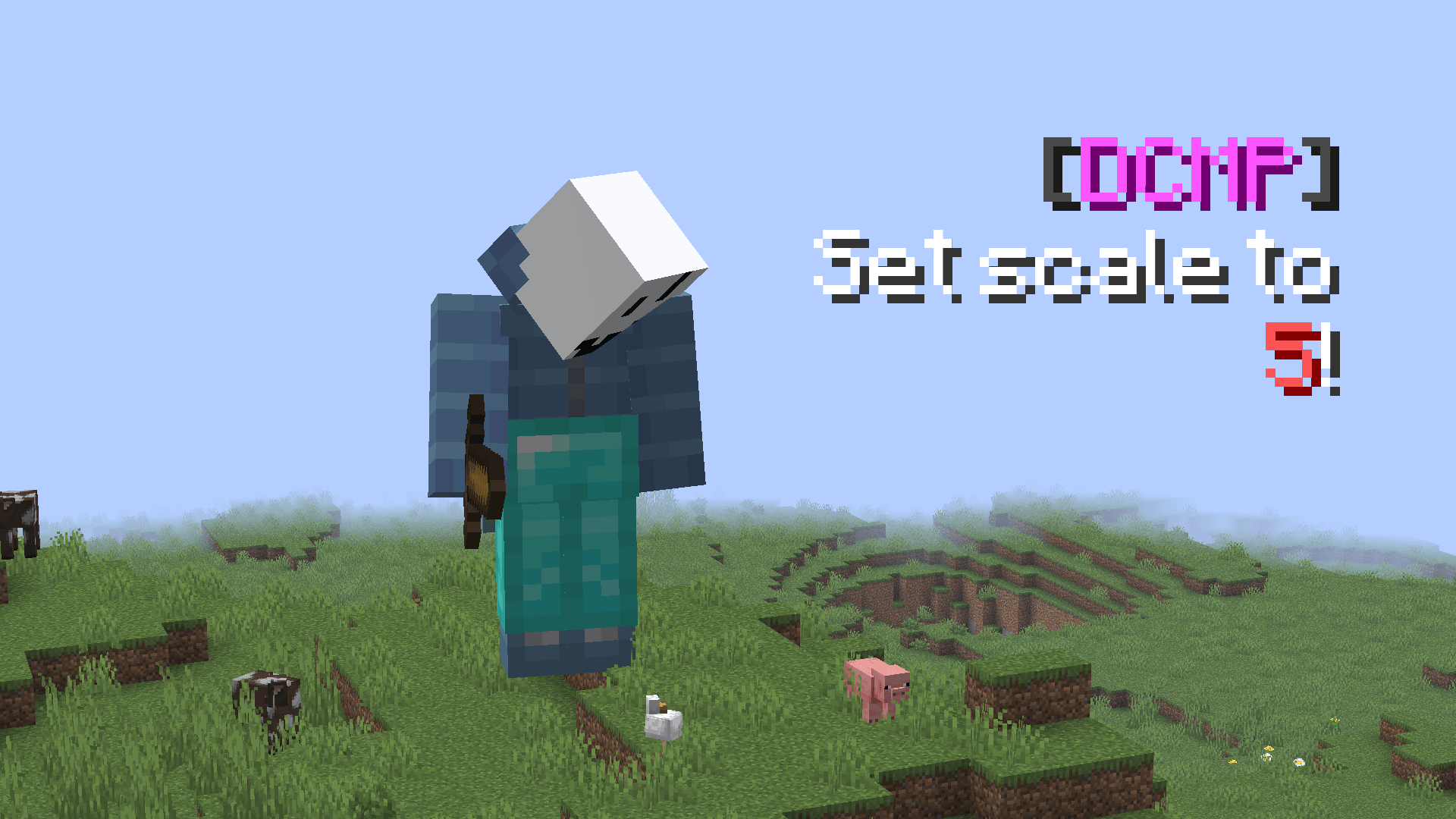
- Attributes (player scale, gravity, etc.)
- Effects (give the player speed, poison, etc.)
Setup!!
The full setup guide is in this Github repository. It MAY look complicated and scary (don’t worry, it is!), but you just need Python, and 10 minutes of your time to set everything up!
IMPORTANT WARNINGS!!
- This mod CAN crash your game or break your options.txt :<. Back up it up before playing!
- Don’t set very extreme values (that impact performance) (like render distance at over 50, max fps to 0…).
- Use at your own risk! If something goes wrong, it’s on you.
Examples!!
/option name:gamma value:10— Set brightness to 1000% (Basically fullbright!!)/attribute id:scale value:5— Make the player 5x bigger/effect id:speed— Give the player Speed for 30 seconds/lang code:ja_jp— Change your game language to Japanese
Feedback
This is my first ever published mod :), so please, leave feedback in the comments, and leave suggestions for new updates!!
To-Do List… (boring!!)
- Make setup easier (maybe automate with another Python script)
- Show actual option display names instead of internal keys
License
This project is under CC BY-NC 4.0. You may distribute modified copies, but credit the original author. (pretty please)
常见问题
Don’tChangeMyoPtions!! 支持哪些 Minecraft 版本?
Don’tChangeMyoPtions!! 支持 Minecraft Java 版 1.21.8,可用的加载器:Fabric。下载时注意选择和你游戏版本一致的文件。
Don’tChangeMyoPtions!! 怎么安装?
先用 PCL2 或 HMCL 启动器安装对应版本的 Fabric,再把下载的 .jar 文件放进游戏目录的 mods 文件夹,重新启动游戏即可。开启了版本隔离的,mods 文件夹在 versions/版本名 下面。
评论
登录后评论和评分