
Block Collapse
Adds physics-based collapses to unsupported blocks, bringing a new layer of danger to mining and building.
截图
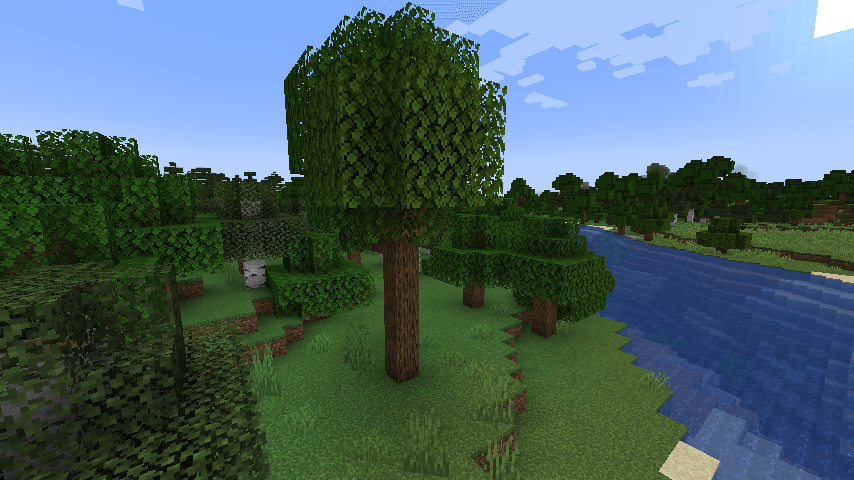
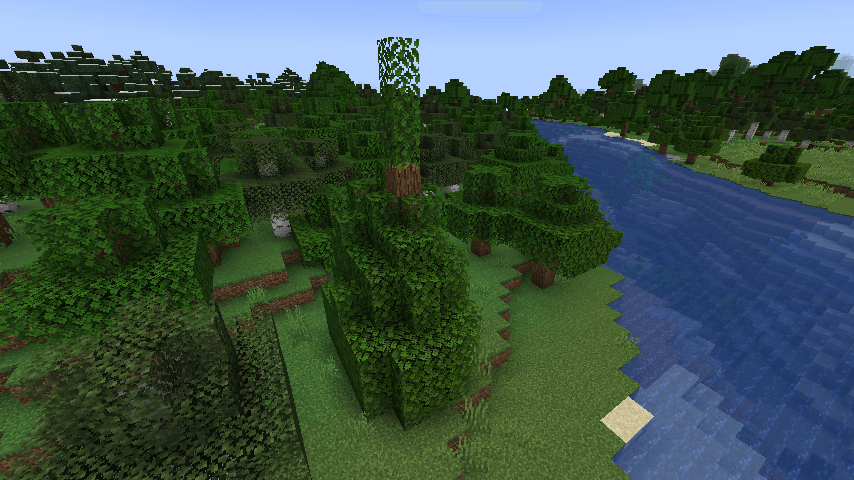
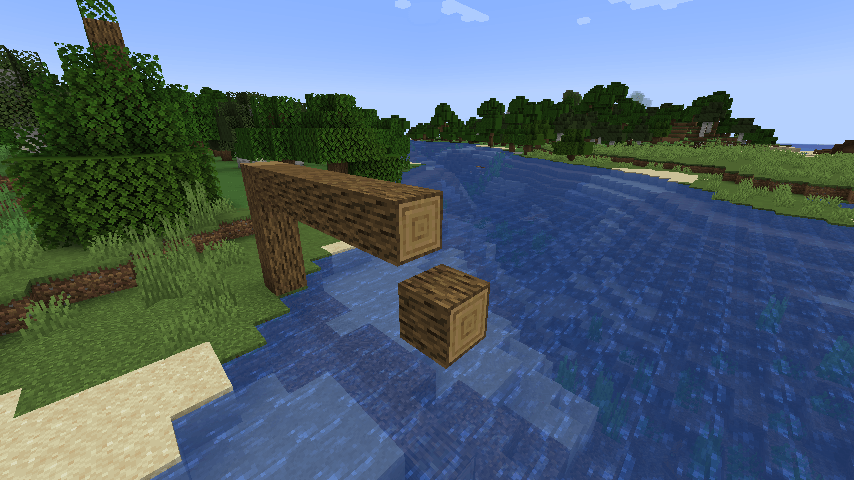
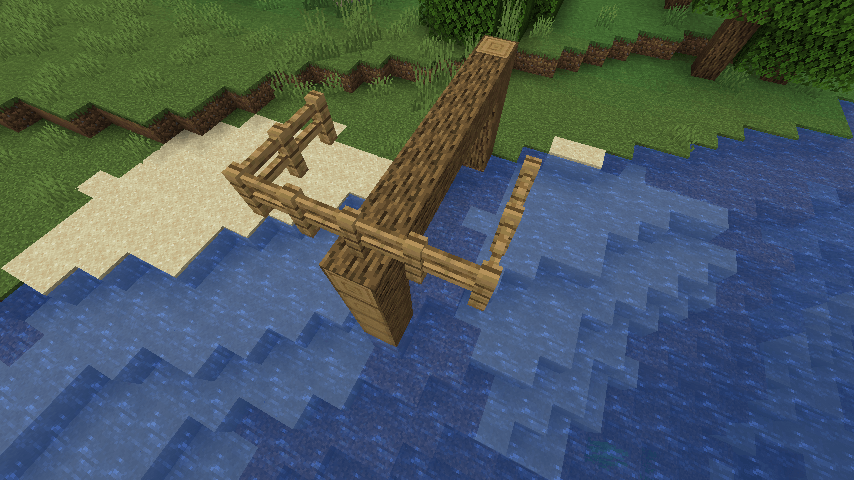
介绍
Block Collapse
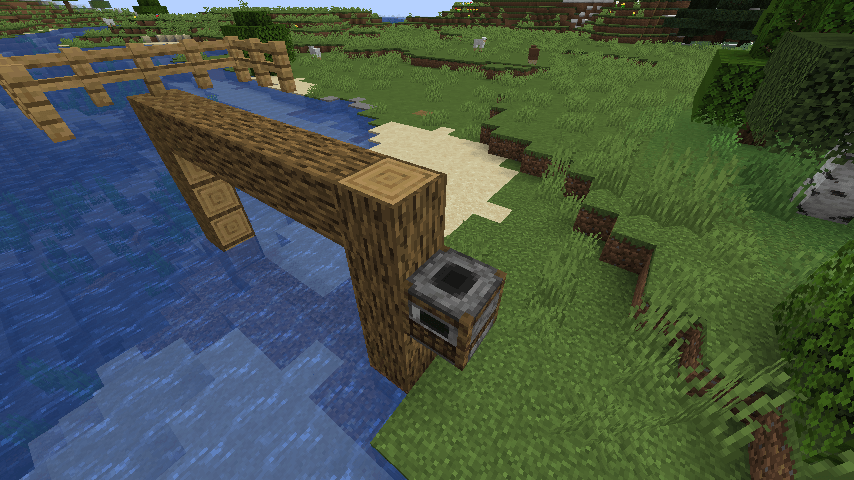
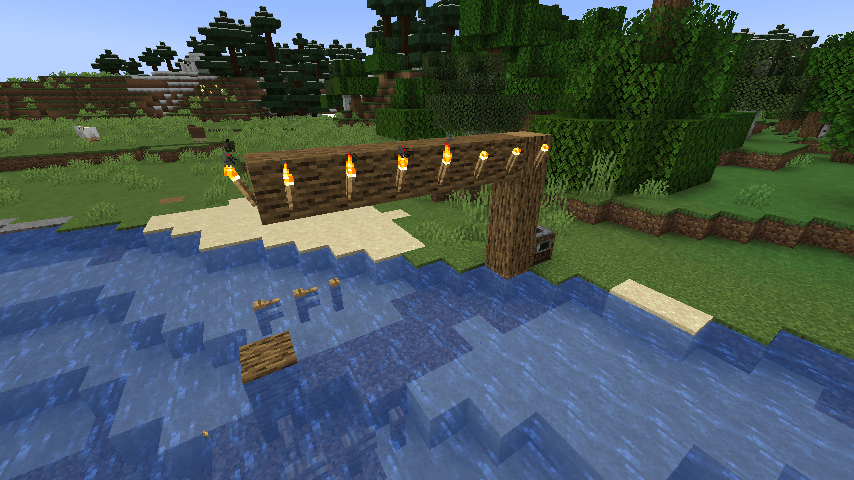
Bring structural failure to your builds. Block Collapse checks nearby blocks when you place or break a block and turns blocks that have lost support into falling blocks.
Features
- Nearby blocks are checked after block placement and breaking.
- Ordinary blocks use a horizontal support search. By default, blocks can collapse when their nearest supported column is 7 or more blocks away.
- Blocks with custom support behavior, such as torches, are excluded from the structural search. They can still break normally if their supporting block falls.
- Block entities and vanilla falling blocks can fall when the block directly below has an empty collision shape, including water.
- Server settings limit the number of collapses per tick and the number of positions checked during a support search.
Requirements
- Minecraft 1.21.1
- NeoForge 21.1.235 or newer
Configuration
Server settings are stored in config/blockcollapse-server.toml.
maxCollapsePerTick(default: 100): maximum number of blocks moved into falling entities per tick.maxSearchNodes(default: 64): maximum number of positions checked during a support search.
The structural distance threshold defaults to 7 and can be set with the MAX_DISTANCE environment variable when the mod starts. It is not currently an in-game config option.
Compatibility
Block entities use Minecraft’s vanilla falling-block behavior. Their inventories or other data may not be preserved in every situation.
Support Development
Block Collapse is completely free to download and use.
If you enjoy the mod and would like to support its continued development, you can make a voluntary donation on Ko-fi. Donations are entirely optional.
Thank you for your support!
常见问题
Block Collapse 支持哪些 Minecraft 版本?
Block Collapse 支持 Minecraft Java 版 1.21.1,可用的加载器:NeoForge。下载时注意选择和你游戏版本一致的文件。
Block Collapse 怎么安装?
先用 PCL2 或 HMCL 启动器安装对应版本的 NeoForge,再把下载的 .jar 文件放进游戏目录的 mods 文件夹,重新启动游戏即可。开启了版本隔离的,mods 文件夹在 versions/版本名 下面。
评论
登录后评论和评分