Custom Item Palettes
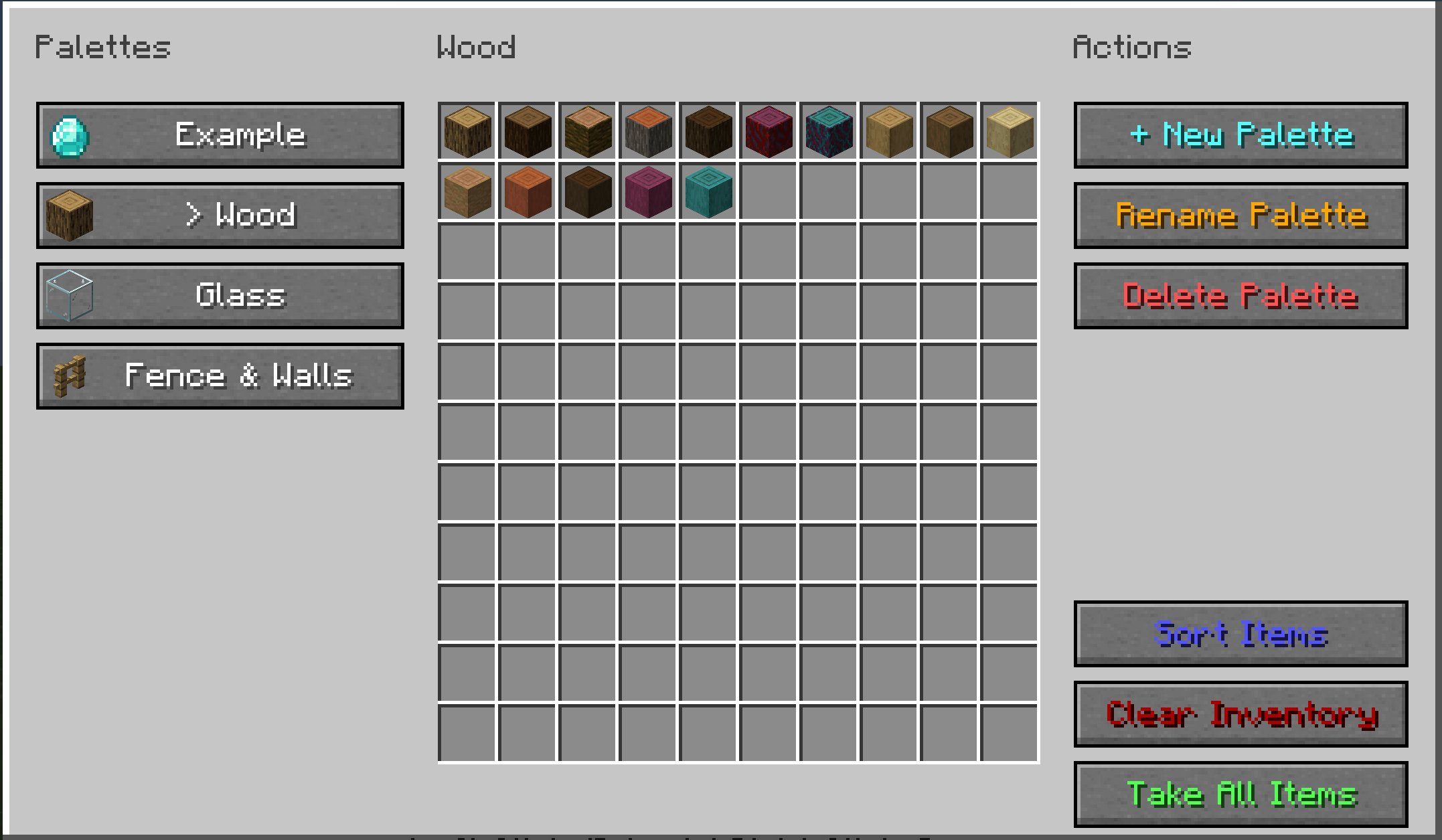
A simple mod that lets you create custom item palettes for your building projects. Save your favorite blocks and access them instantly without searching through the massive creative menu!
截图
介绍
A simple mod that lets you create custom item palettes for your building projects. Save your favorite blocks and access them instantly without searching through the massive creative menu!
✨ Features
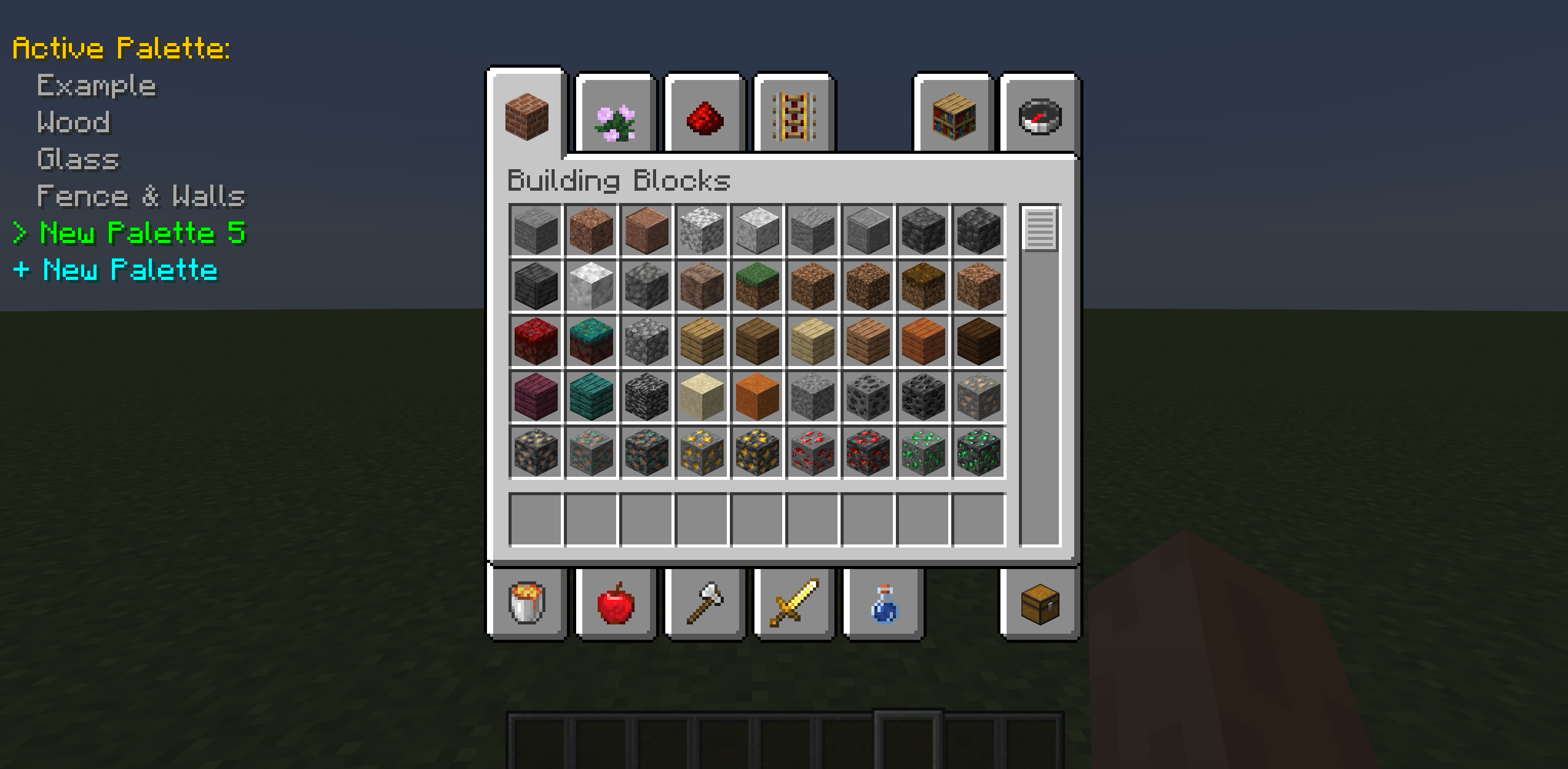
Quick Add/Remove: Hover over any item in creative inventory and press V to instantly add or remove it from your active palette.
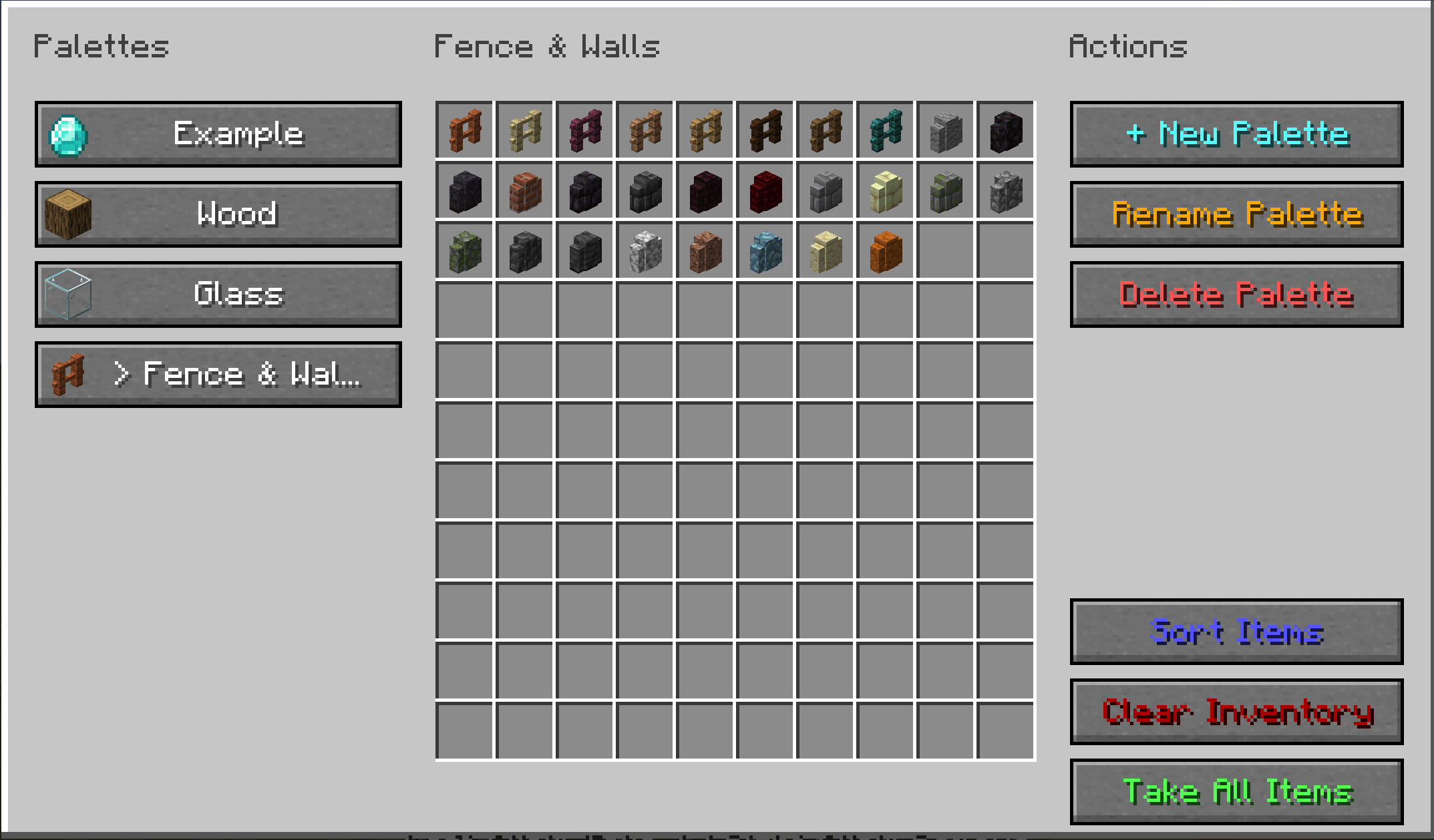
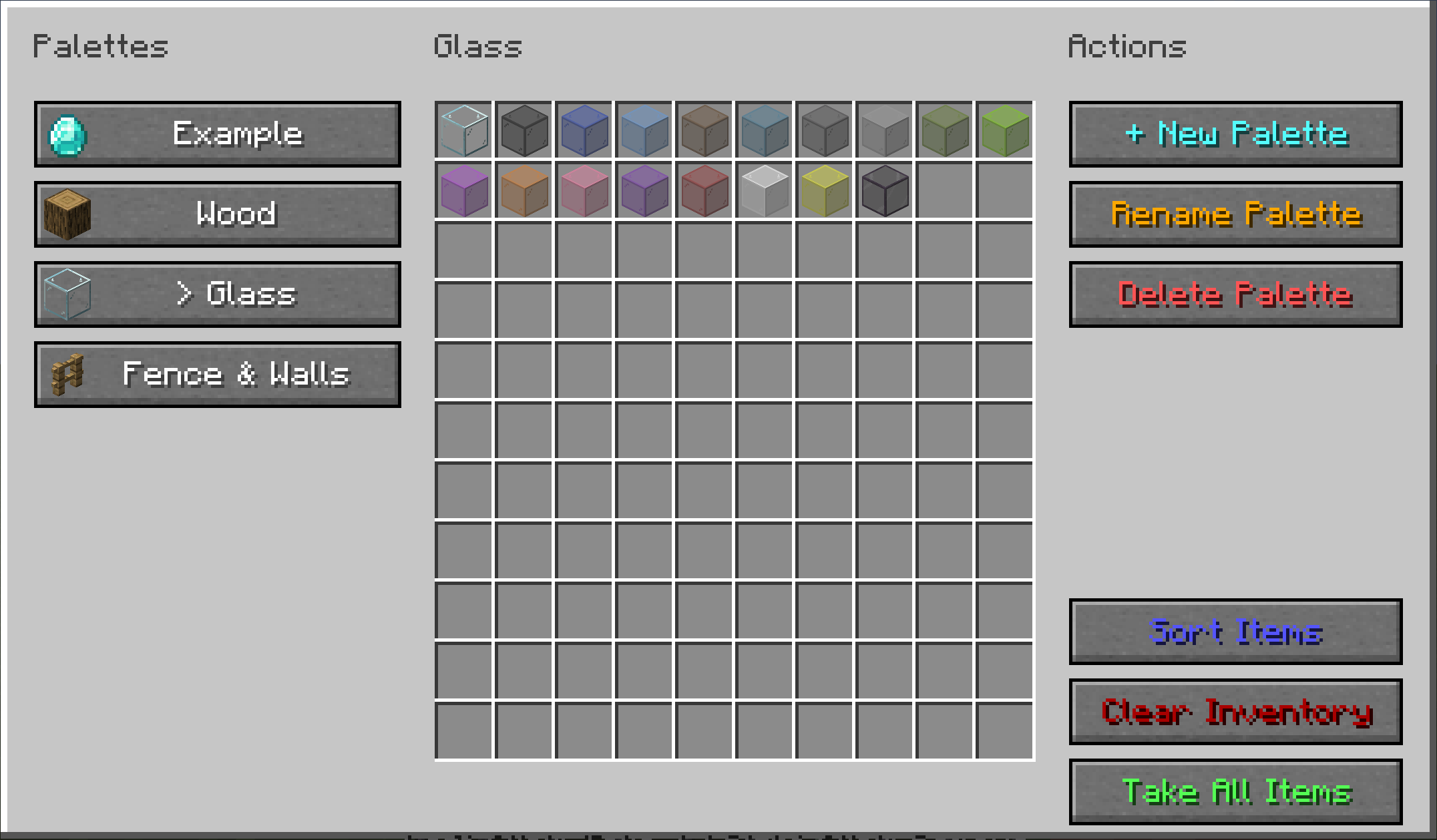
Vanilla-Style GUI: Press R to open the main menu, featuring a native chest-like interface to view and manage your palettes.
Smart Sorting: Automatically groups your palette items by their actual type (e.g., all “Logs” together) with a single click.
Quick Actions: Instantly fill your inventory with the “Take All Items” button, or wipe it clean using “Clear Inventory”.
Multiple Palettes: Create, rename, and manage unlimited palettes for different build styles on the fly.
⌨️ Controls
V : Add or remove the hovered item.
R : Open the Palettes Menu.
- Not designed for survival mode.
- Compatible with other mods.
- Minecraft version 1.18.2, Forge – 40.3.0
- Designed by me, made by Gemini Pro.
常见问题
Custom Item Palettes 支持哪些 Minecraft 版本?
Custom Item Palettes 支持 Minecraft Java 版 1.18.2,可用的加载器:Forge。下载时注意选择和你游戏版本一致的文件。
Custom Item Palettes 怎么安装?
先用 PCL2 或 HMCL 启动器安装对应版本的 Forge,再把下载的 .jar 文件放进游戏目录的 mods 文件夹,重新启动游戏即可。开启了版本隔离的,mods 文件夹在 versions/版本名 下面。
评论
登录后评论和评分