
截图

介绍
Unanchored

“Your HUD is no longer anchored to the screen!“
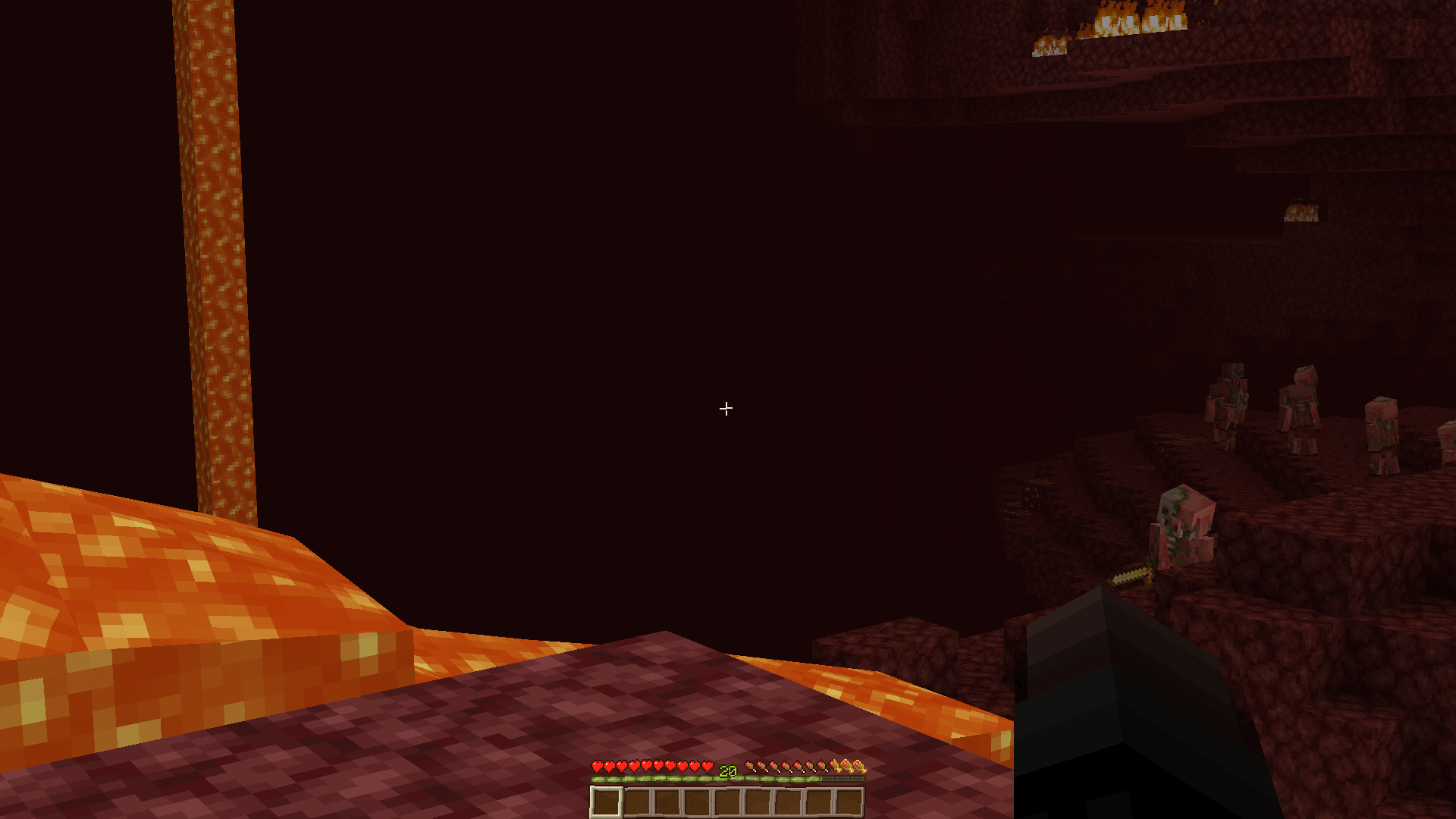
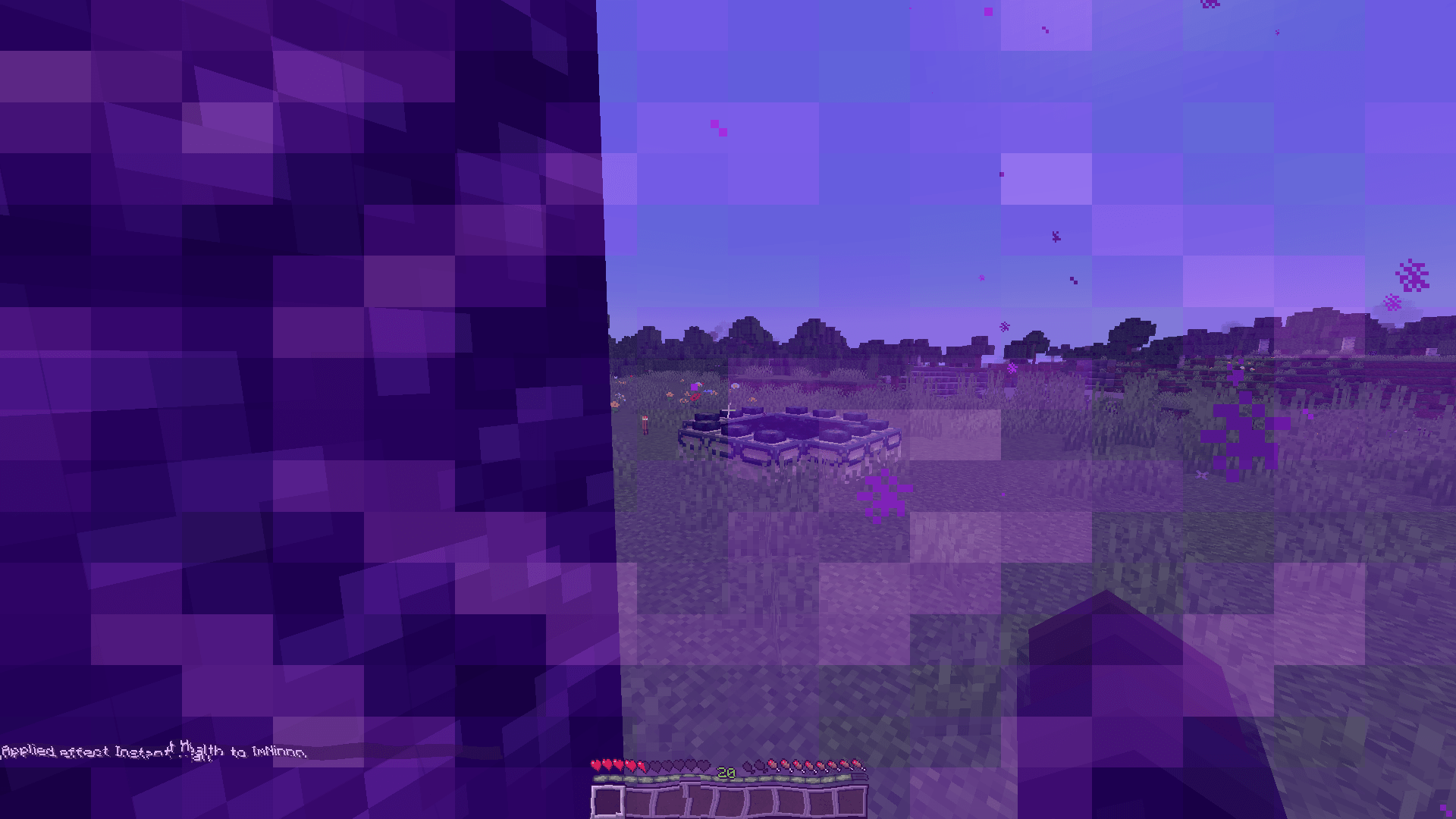
Unanchored brings your Minecraft HUD to life with subtle movements, environmental tints, and atmospheric visual effects. Your interface reacts to how you move, where you explore, and what happens around you!
Choose your experience on first launch:
- Simple Experience – HUD movements only, for a clean but dynamic interface.
- Full Experience – all available effects enabled for the complete immersive experience.
Every effect can be customized in the settings.
HUD movements :
- Walking and running bobbing
- Jumping and landing spring / drift
- HUD camera lag
- Swimming float
- AFK drift
- Mining and attacking shake
- Damage, explosion and thunder shake
- Nether ambient movement
- Hunger shake
- High speed movement
- Elytra gliding tilt
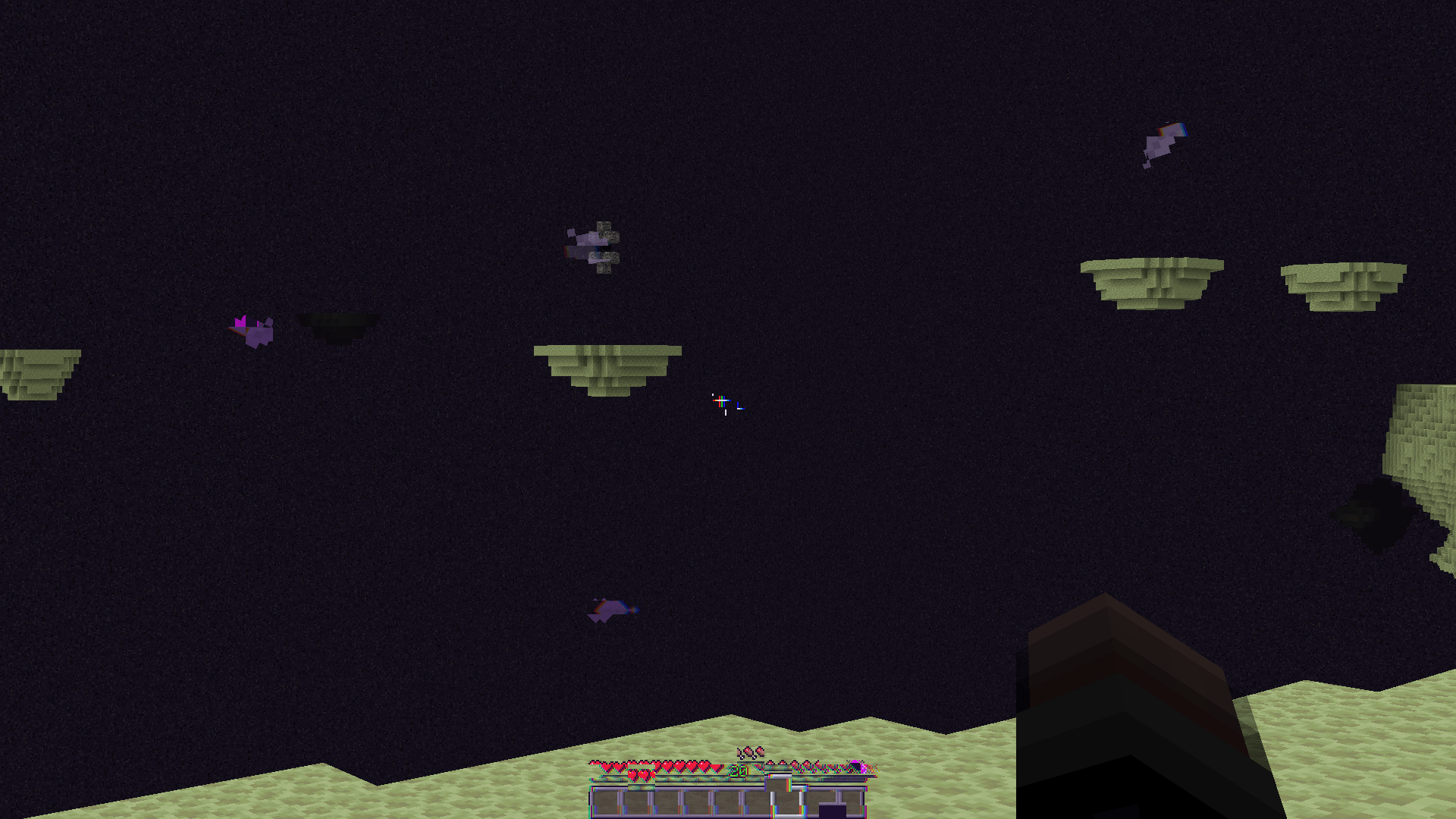
- End and void drift
- Cold weather slowdown
- Vehicle and riding movements
HUD tint :
- Water and lava
- Nether
- End
- Void / Bedrock proximity
- Health and Absorption
- Cold Weather and snow
- Sculk and deep dark
- Portal transition
HUD effects :
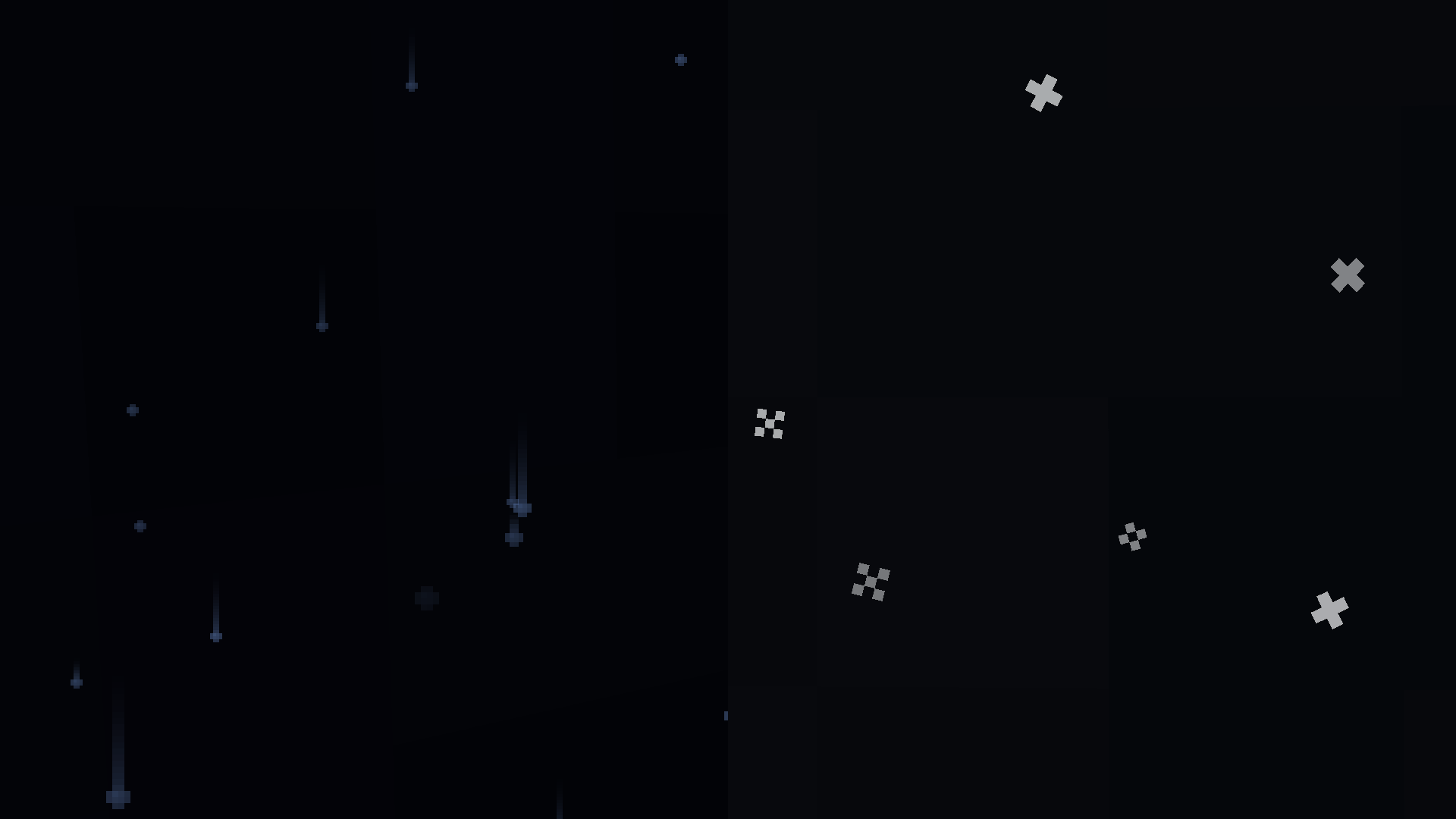
- Rain droplets
- Snowflakes
- Desert sand (pairs well with the “particle weather” mod)
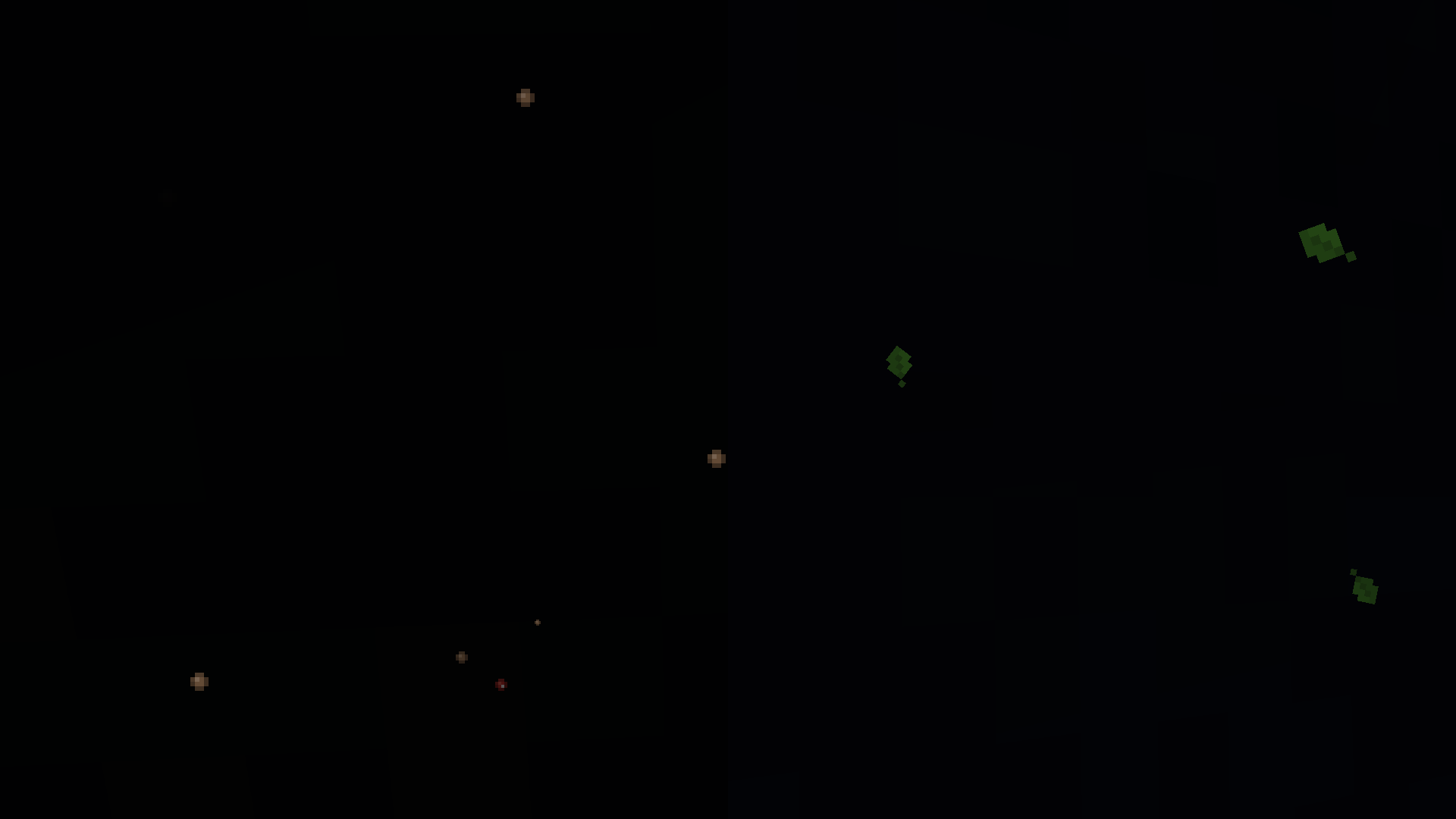
- Deepslate and Basalt dust
- Falling leaves
- Chorus leaves
- Mushroom spores
- Sculk lights
- Lava and Nether heat haze
- Water distortion
- Nether portal distortion
- End glitch effects
- Particle physics
The mod is heavily inspired by another mod, Executive which features similar HUD animations in the void.
Another source of inspiration comes from the OLD Roblox DOORS battle (ranked) mode HUD.
Photosensitivity warning, The “End Glitch” and “Nether portal distortion” effects could potentially be dangerous if the gui scale is on 4x, or you are playing on a small resolution.
常见问题
Unanchored GUI 支持哪些 Minecraft 版本?
Unanchored GUI 支持 Minecraft Java 版 1.21.1–26.3,共 2 个版本,可用的加载器:Fabric。下载时注意选择和你游戏版本一致的文件。
Unanchored GUI 怎么安装?
先用 PCL2 或 HMCL 启动器安装对应版本的 Fabric,再把下载的 .jar 文件放进游戏目录的 mods 文件夹,重新启动游戏即可。开启了版本隔离的,mods 文件夹在 versions/版本名 下面。
ImNinnn 的其他作品
查看全部 →
Forlorn Hollows Inspired Gui
This texture pack changes your gui to an Alex's Caves Forlorn Hollows inspired version !

“” crosshair
changes your crosshair to ""
“” crosshair
changes your crosshair to ""
评论
登录后评论和评分