Ender’s NBT Workshop
Ender's NBT Workshop is a lightweight, in-game NBT and Data Component editor for Minecraft 1.21.1 on Fabric. Easily view and edit items, blocks, and entities in real time with quick presets or a raw NBT tree.
截图
介绍
Ender’s NBT Workshop
A lightweight, in-game NBT and Data Component editor designed for Minecraft 1.21.1 on the Fabric Loader. It brings the functionality of an external NBT editor directly into your gameplay session without requiring external tools or world reloads.
Key Features
-
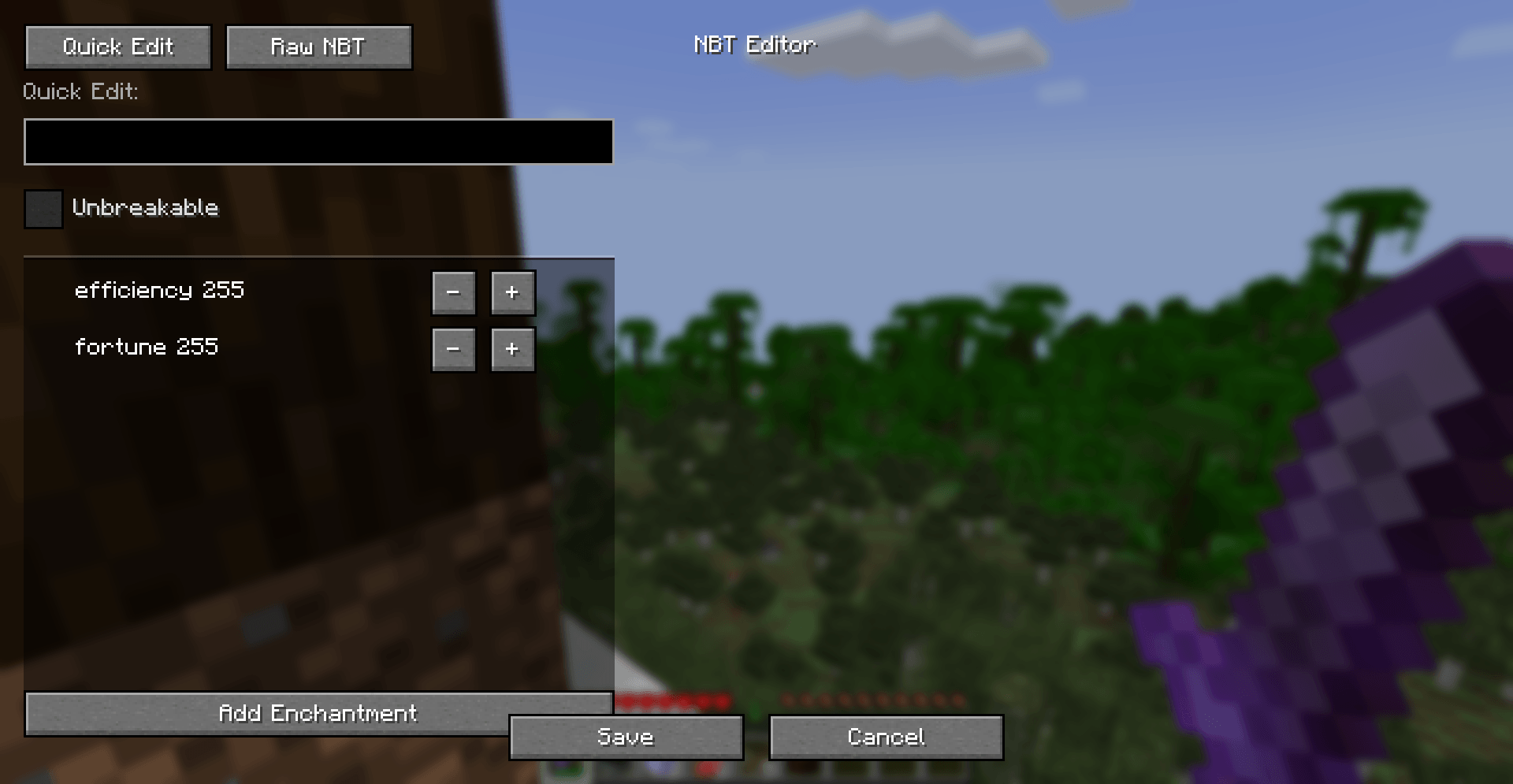
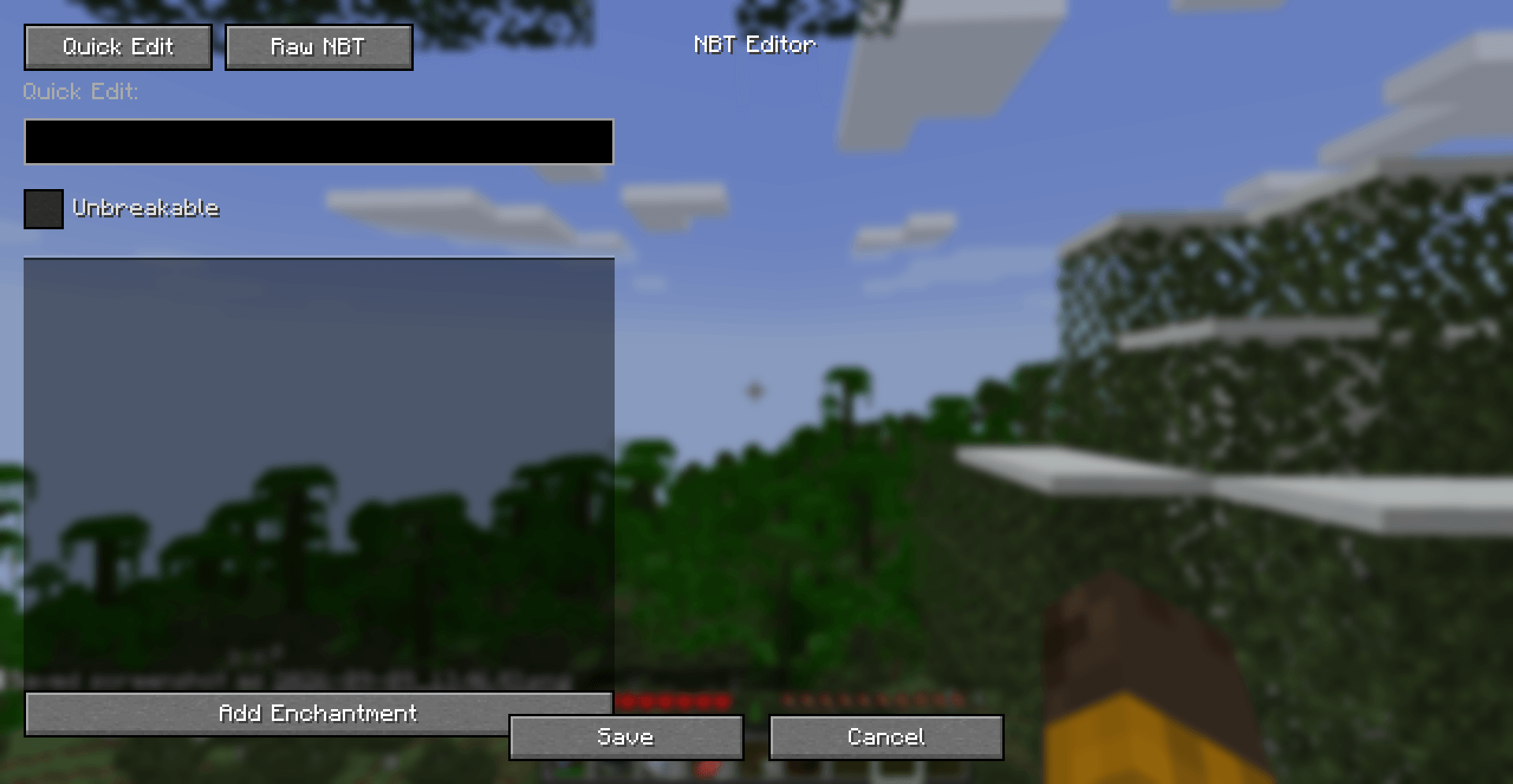
Quick Edit Mode (Items): Intuitive controls for common item modifications—custom names, the
Unbreakabletag, and enchantment management—without typing raw NBT or JSON strings. -
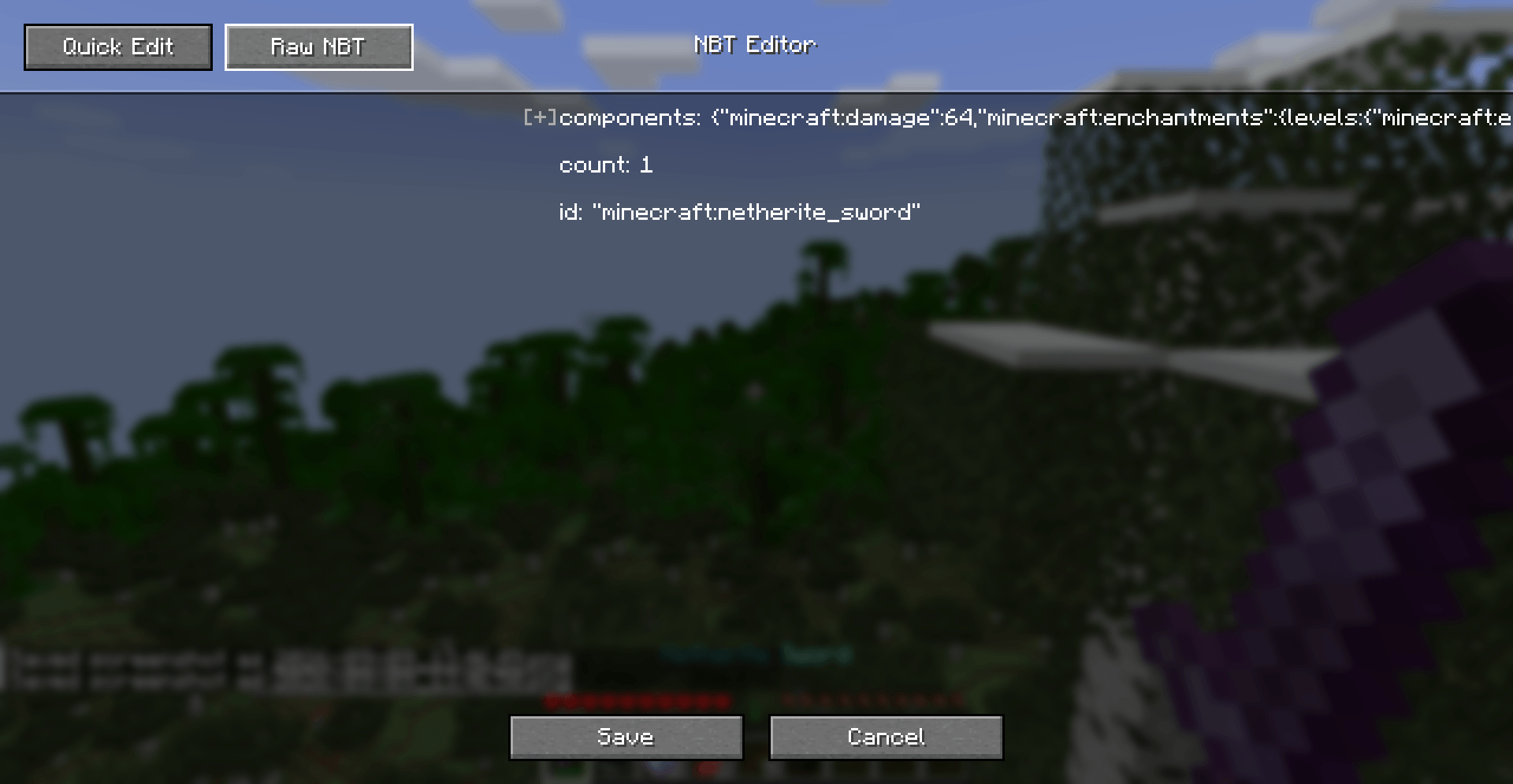
Raw NBT Mode (Advanced): A collapsible tree-view inspector for deep inspection and manual modification of compound tags, lists, and primitive data values across blocks, entities, and items.
-
Context-Aware Raycasting: Inspect what you are looking at with a single keypress, or fall back to your held item.
-
Modern Data Components Support: Built around Minecraft 1.21’s
DataComponentMapformat while preserving a familiar NBT structure for straightforward editing.
How to Open the Editor
You can launch the editor using either a keyboard shortcut or in-game commands:
-
Default Keybind: Press
N(configurable under Options > Controls > Key Binds > Ender’s NBT Workshop).-
Targeting a Block Entity (e.g., Chest, Furnace): Opens the block’s NBT data.
-
Targeting an Entity (e.g., Mob, Armor Stand): Opens the entity’s data.
-
Looking at Air / Non-Tile Block: Automatically targets the item currently held in your main hand.
-
-
Commands:
-
/nbtedit hand— Open the editor for the item in your main hand. -
/nbtedit block <x> <y> <z>— Open the editor for a specific block entity. -
/nbtedit entity <target>— Open the editor for a selected entity.
-
Permission Requirement: Editing world data requires operator permissions (OP level 2 or singleplayer cheats enabled).
Using the Editor
The editor interface consists of two primary tabs:
1. Quick Edit Tab (Held Items)
Designed for fast, error-free tweaks to your equipment:
-
Item Name: Enter your custom title into the text box. Leave it blank to keep the default vanilla item name.
-
Unbreakable: Check this box to prevent tools, weapons, or armor from taking durability damage.
-
Enchantments:
-
Click
+or-beside any applied enchantment to alter its level (supports values up to 255). -
Click Add Enchantment at the bottom of the list to open a searchable menu containing all registry enchantments.
-
2. Raw NBT Tab (Blocks, Entities & Deep Inspection)
Provides an interactive tree representation of the raw data:
-
Click the arrow / folder symbols to expand or collapse compound tags and tag lists.
-
Double-click on any primitive entry (Strings, Integers, Floats, Bytes) to open an inline text field and adjust values directly.
Saving Your Work
-
Complete your adjustments in either the Quick Edit or Raw NBT tab.
-
Click Save in the bottom panel.
-
Your modifications are sent to the server, applied to the entity, tile, or item, and persistent chunk data is updated immediately.
-
If you wish to discard changes, click Cancel or press
ESC.
常见问题
Ender’s NBT Workshop 支持哪些 Minecraft 版本?
Ender’s NBT Workshop 支持 Minecraft Java 版 1.21.1,可用的加载器:Fabric。下载时注意选择和你游戏版本一致的文件。
Ender’s NBT Workshop 怎么安装?
先用 PCL2 或 HMCL 启动器安装对应版本的 Fabric,再把下载的 .jar 文件放进游戏目录的 mods 文件夹,重新启动游戏即可。开启了版本隔离的,mods 文件夹在 versions/版本名 下面。
ENDERKING_Tr20 的其他作品
查看全部 →
Ender’s Vein Mine
A fast, customizable vein mining mod for Fabric with box outlines and 3D shape support.
Purple Totem
Simple Purple Totem of Undying.

Green Totem
Simple Green Totem of Undying.

Blue Totem
Simple Blue Totem of Undying.
评论
登录后评论和评分