UCG´s Crazy Creeper
A very simple and lightweight mod that adds a fun Creeper variant with inverted colors.
截图
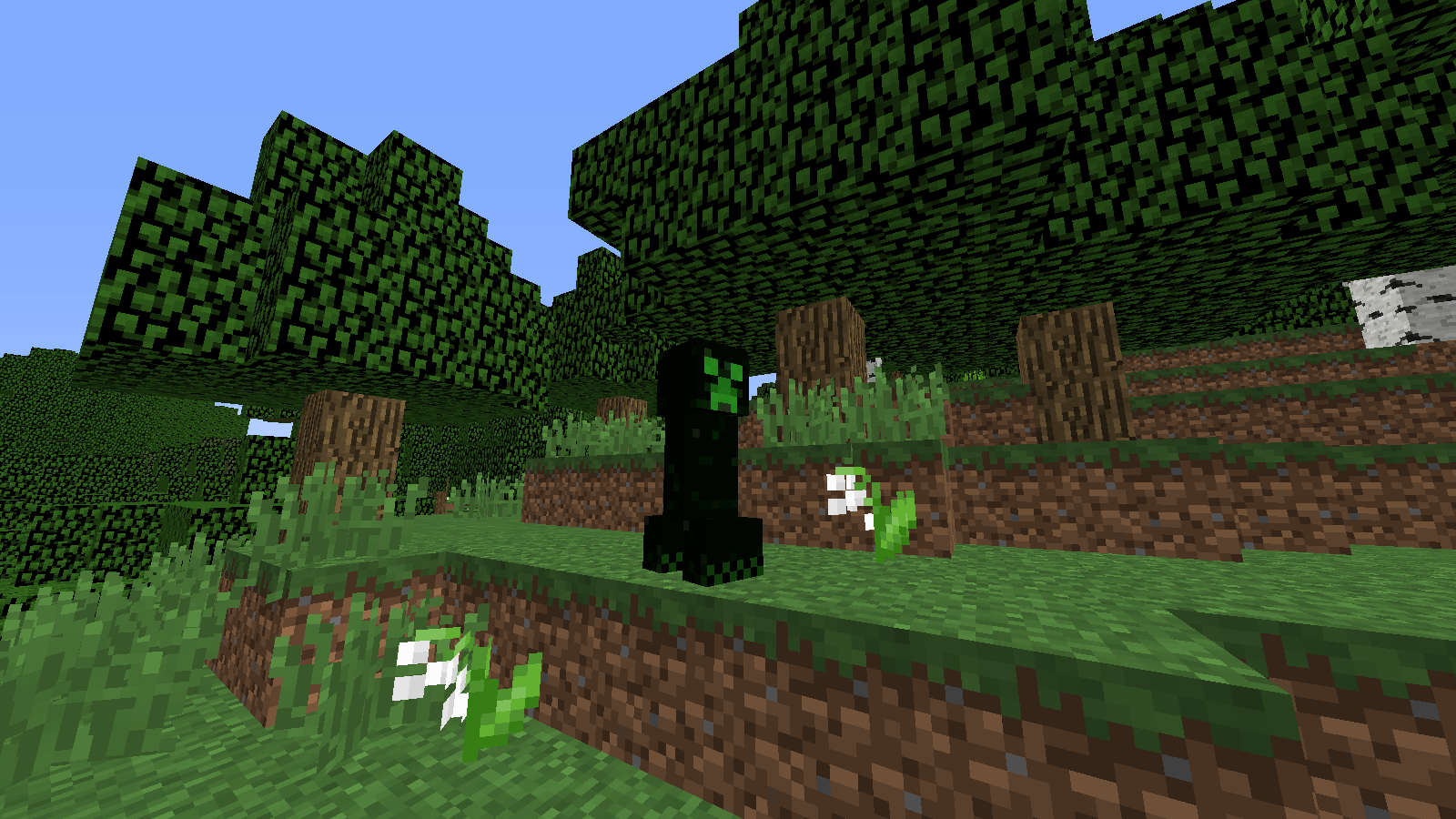
介绍
Crazy Creeper
A simple mod made just for fun.
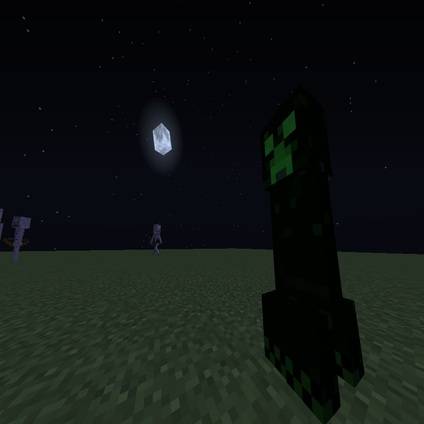
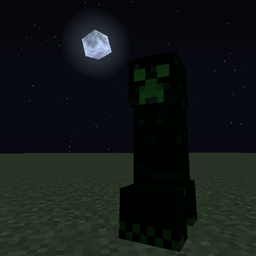
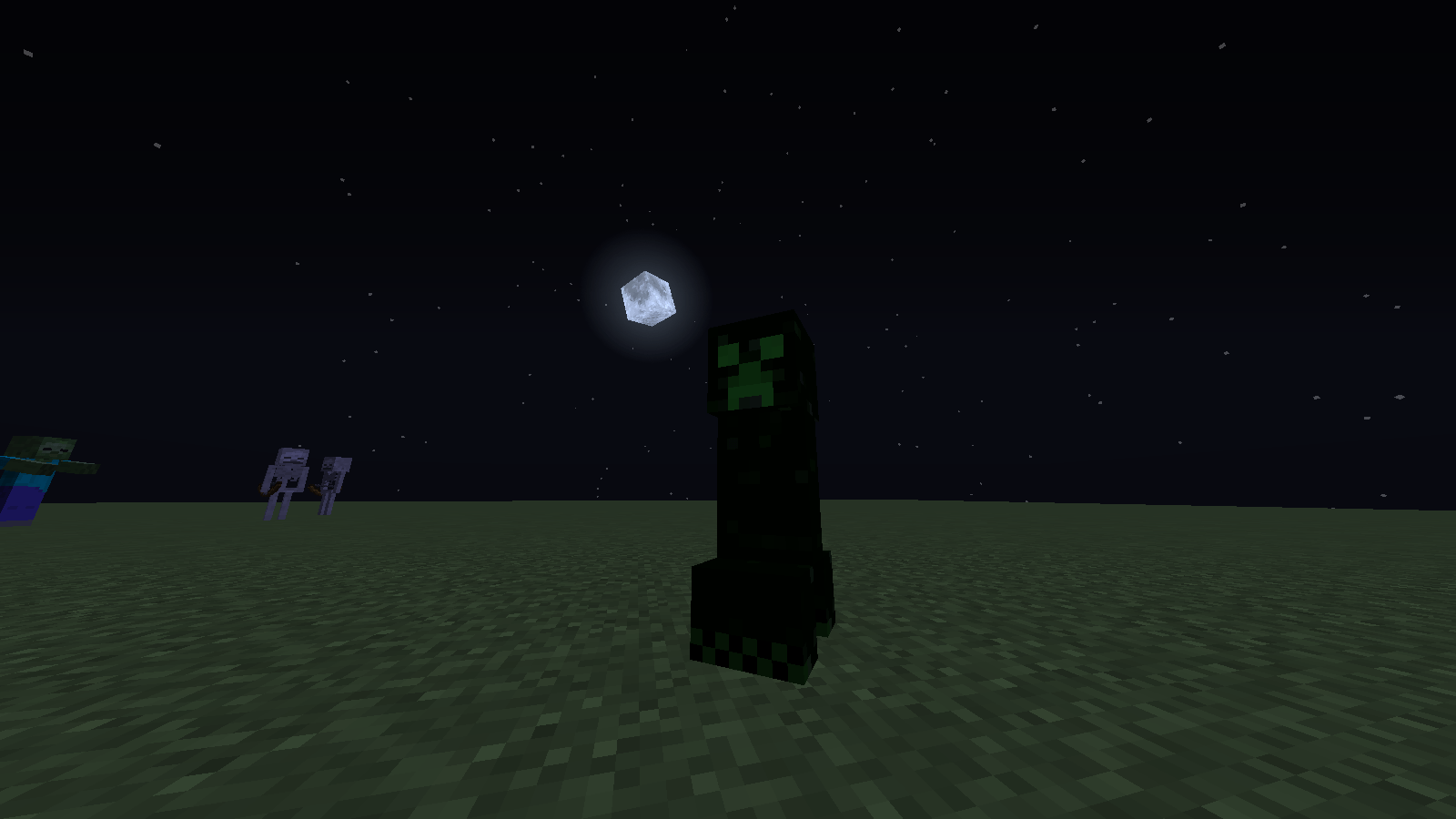
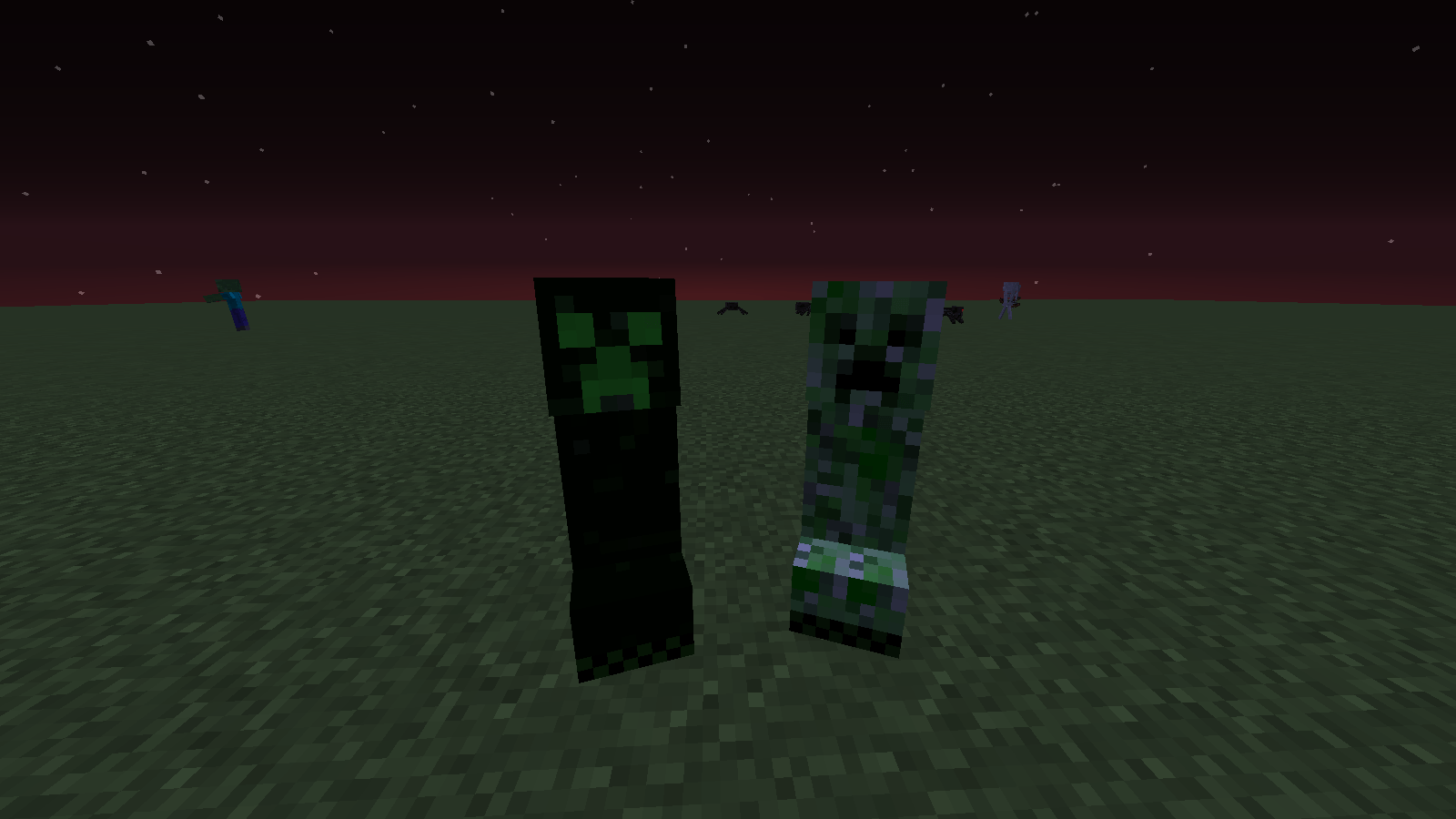
Adds a new hostile mob: the Crazy Creeper (Creeper Loco). It looks almost identical to a normal Creeper, but with inverted colors — a black body and a green face.
Features
- Does not replace the vanilla Creeper
- Spawns naturally (configurable in version 1.1), but roughly 10 times rarer than a normal Creeper (configurable in version 1.1)
- Same swelling and explosion behavior
- Explosion deals no damage (configurable in version 1.1)
- Explosion does not destroy blocks (configurable in version 1.1)
- Explosion launches the player (and nearby entities) with strong knockback (configurable in version 1.1)
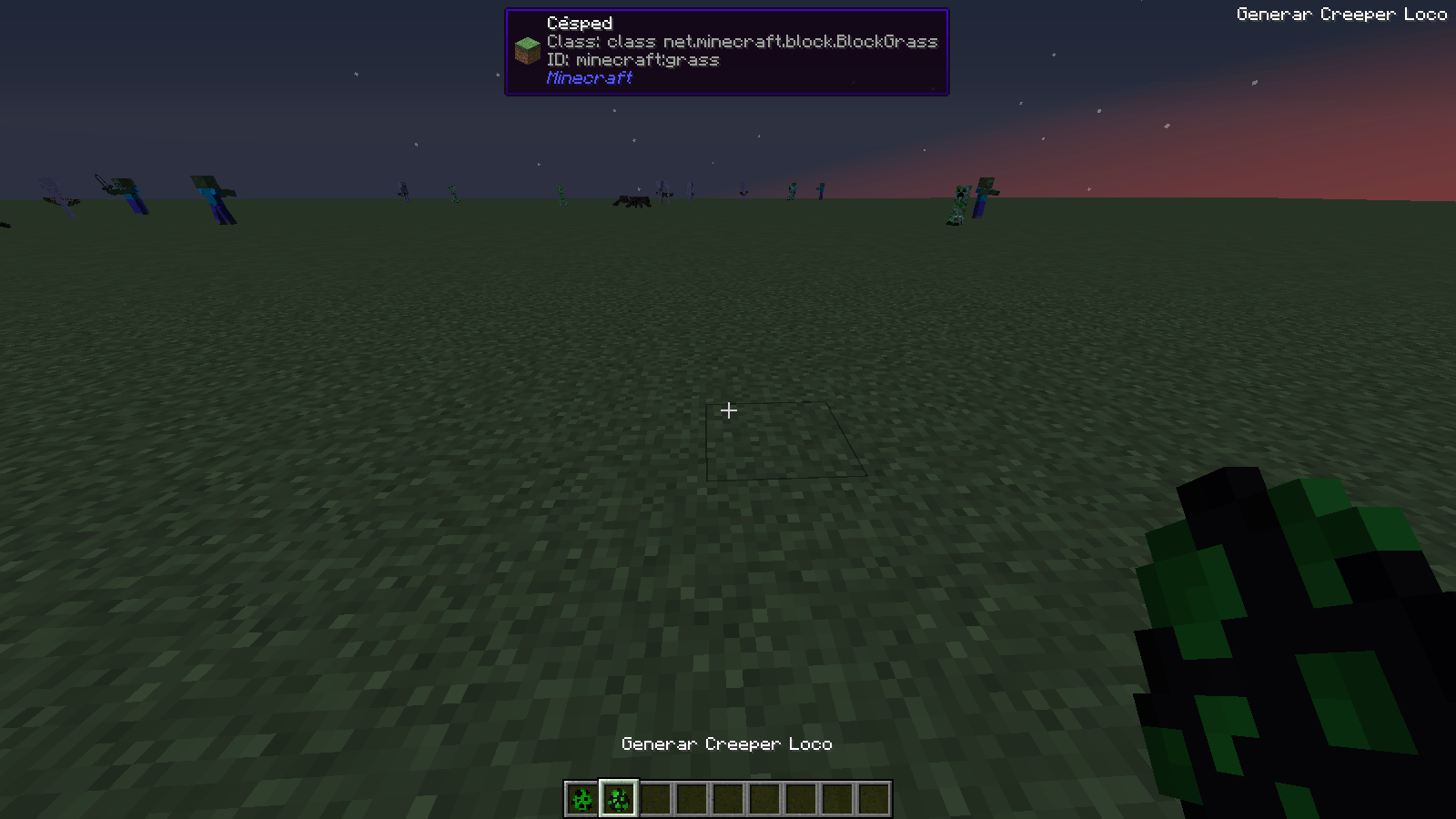
- Has its own spawn egg
- Registered as a hostile mob so other mods can detect it properly
That’s pretty much it. Small, simple, and a bit chaotic.
FAQ
Will you update the mod?
I will, from time to time.
Can I include this in my modpack?
Yes. You don’t need to ask for permission. Feel free to add it to any modpack.
Can I reupload this mod on CurseForge or somewhere else?
It depends. If it’s a compatibility patch, a bugfix, or an improvement to the mod, that’s fine. If you upload it somewhere else, I don’t mind much either — just please credit me as the original creator.
Why is it called “Crazy Creeper”?
It was simply the first name that came to mind.
Is it compatible with other mods?
I’ve tested it in a modpack with over 100 mods and had no issues. It’s an extremely simple mod, so incompatibilities are very unlikely.
Is the mod configurable?
Currently, yes. I might add more configuration options in the future.
常见问题
UCG´s Crazy Creeper 支持哪些 Minecraft 版本?
UCG´s Crazy Creeper 支持 Minecraft Java 版 1.12.2,可用的加载器:Forge。下载时注意选择和你游戏版本一致的文件。
UCG´s Crazy Creeper 怎么安装?
先用 PCL2 或 HMCL 启动器安装对应版本的 Forge,再把下载的 .jar 文件放进游戏目录的 mods 文件夹,重新启动游戏即可。开启了版本隔离的,mods 文件夹在 versions/版本名 下面。
TronelUCG 的其他作品
查看全部 →
Unseen’s Better Stronghold + Elemental End Portal — Unofficial Compatibility Patch
Unseen's Better Stronghold mod, modified for compatibility with the Elemental End Portal mod.

UCG´s Definitive End
A mod that increases the difficulty of the battle against the Ender Dragon and makes it more epic, using the Vanilla mechanics.
评论
登录后评论和评分