
Music Player & Playlists
A client-side music player with custom playlists, shuffle, repeat, seeking, and control over automatic background music.
截图
介绍
Music Player & Playlists
Choose what plays in your game. Music Player & Playlists brings a music library, personal playlists, and playback controls into a familiar Minecraft menu.
Browse available tracks, play a single song, or build a playlist for your next adventure.
Features
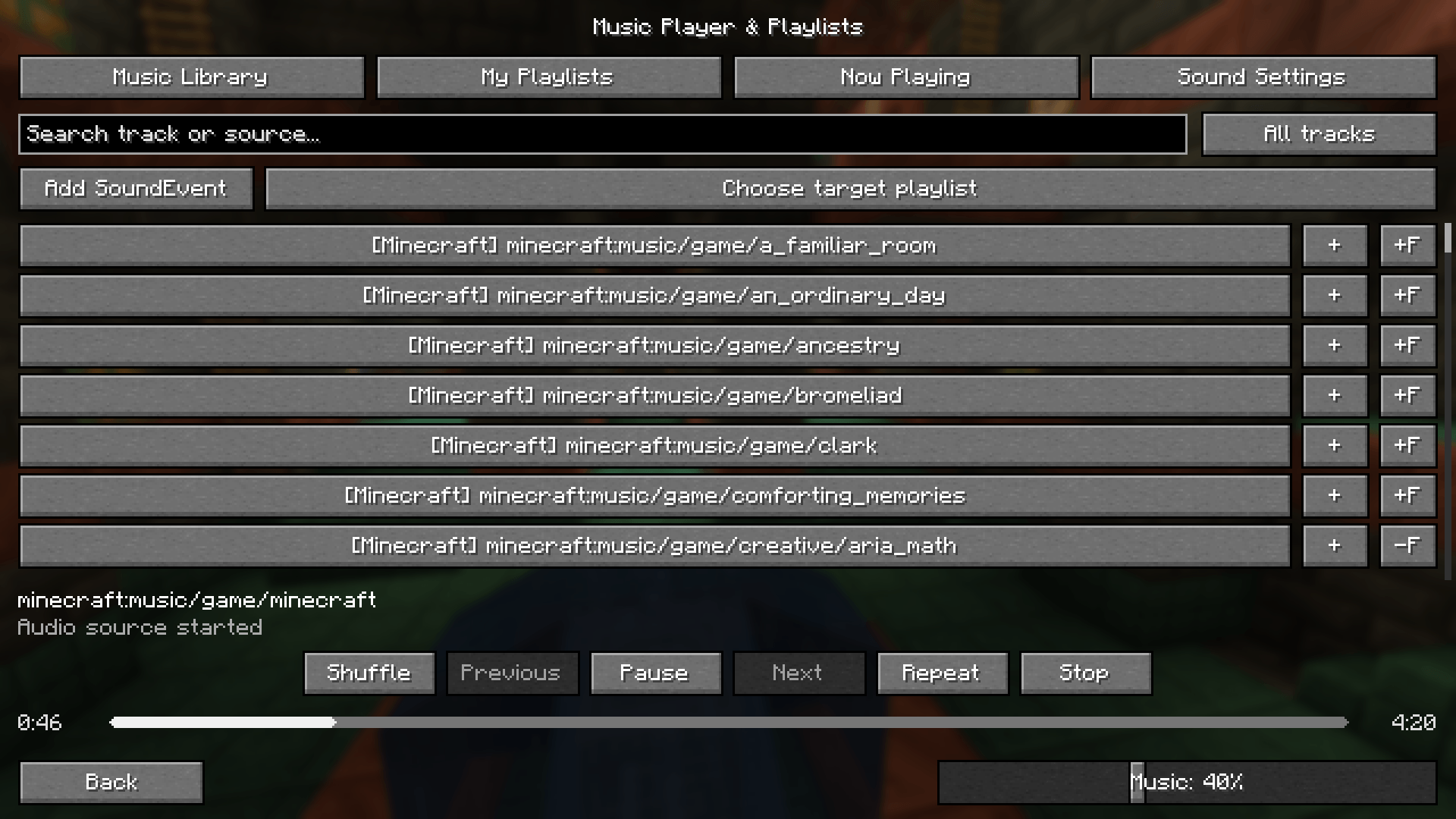
- Music library: Browse music available through Minecraft’s sound and resource system, including compatible mods and resource packs.
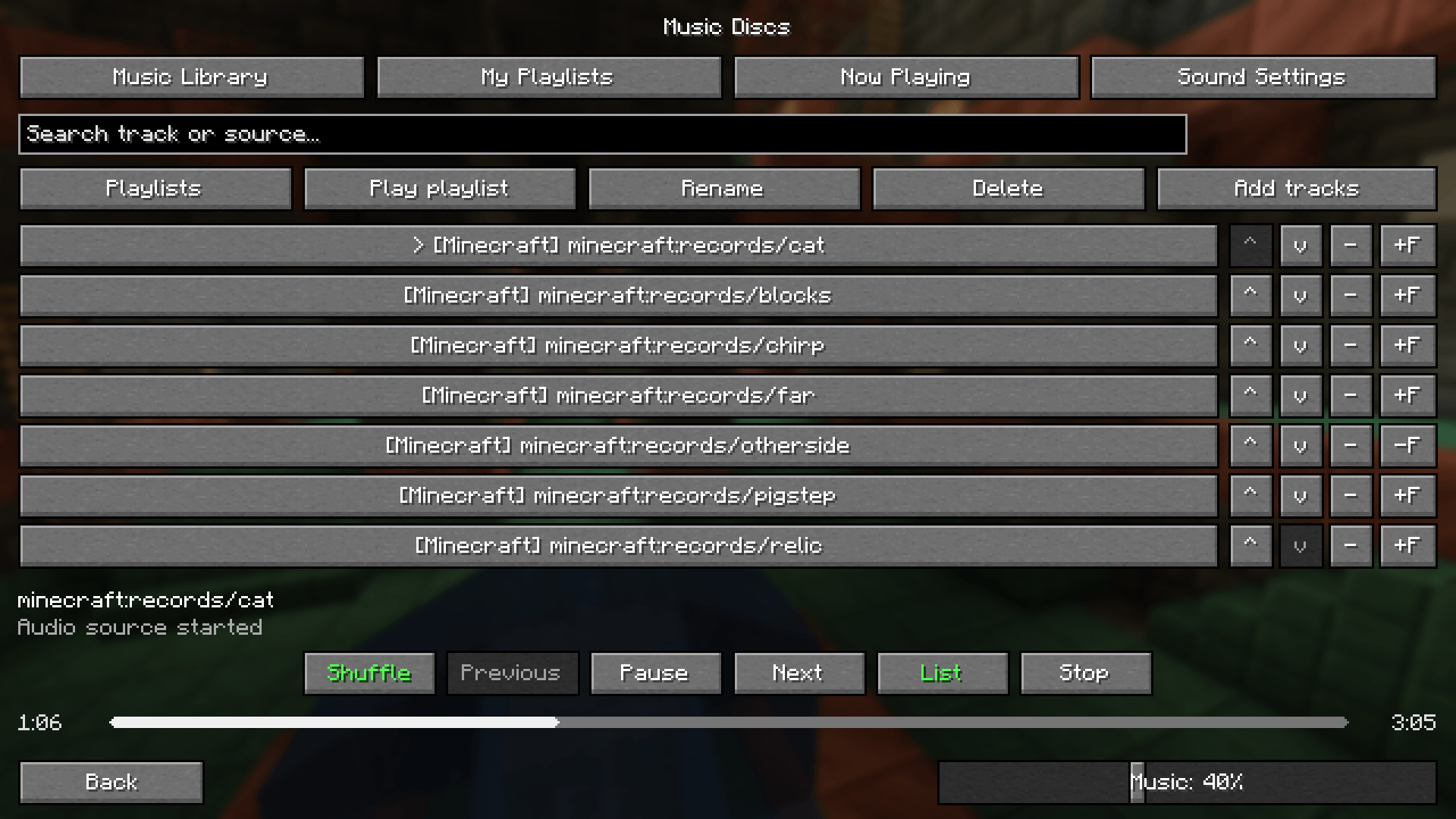
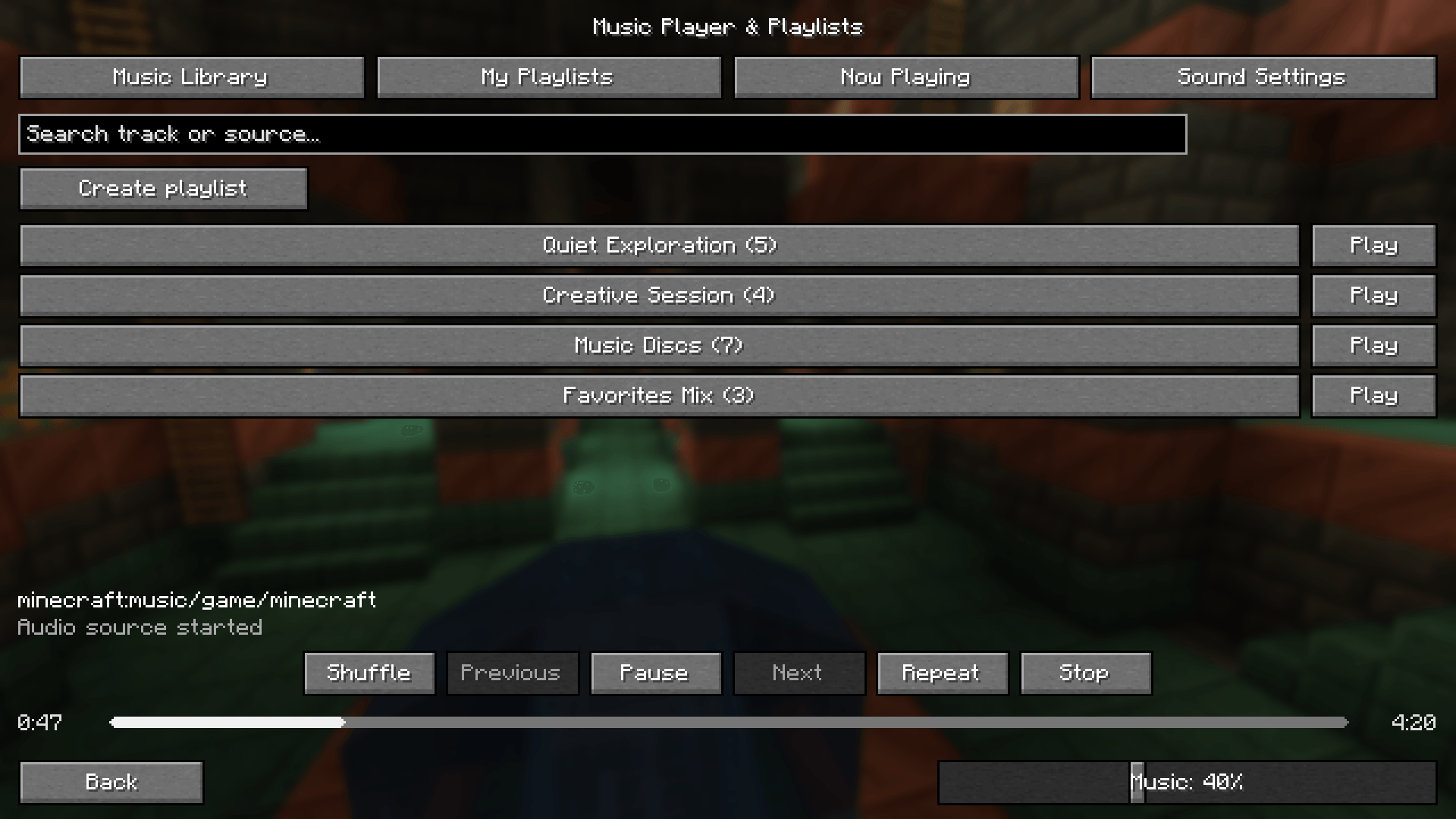
- Personal playlists: Create, rename, delete, and manually reorder playlists. Your lists are saved between sessions.
- Single-track playback: Play an individual track directly from the library.
- Search and favorites: Find tracks and save your favorites.
- Shuffle without repeats: Each track is selected once per shuffle cycle before a new cycle begins.
- Repeat modes: Repeat the current track or the entire playlist.
- Playback controls: Play, pause, resume, stop, and navigate your playback history.
- Draggable progress bar: Seek within supported OGG tracks using a rounded playback bar.
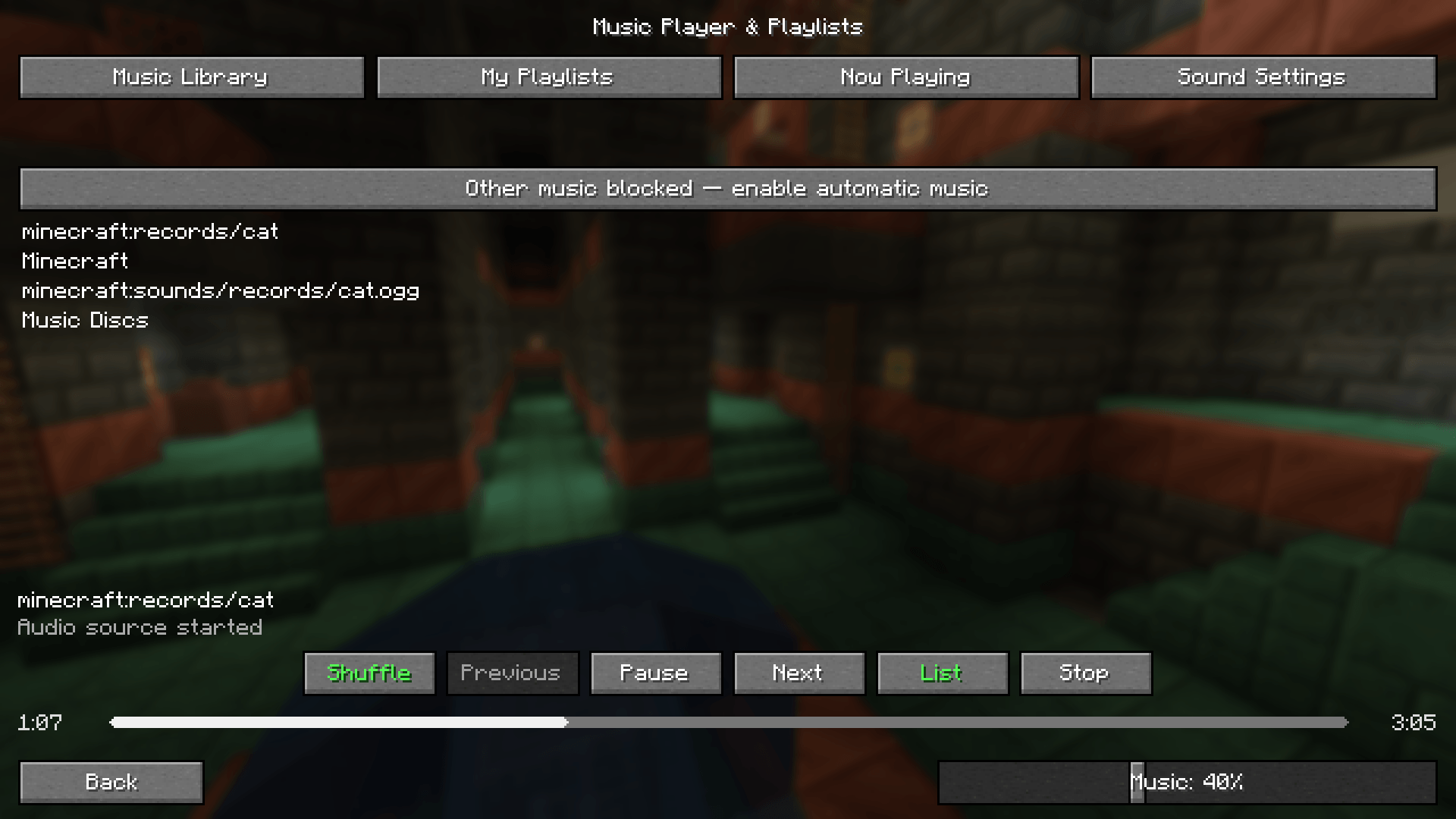
- Background music control: Block competing music while exclusive control is enabled. Includes compatibility hooks for Reactive Music 1.3.5’s independent player.
- Familiar Minecraft controls: Standard Minecraft buttons and access to the original sound settings.
- Background playback: Keep listening when you close the music screen.
Getting Started
- Install the file matching your Minecraft version and mod loader.
- Open Options → Music & Sounds, or press F8.
- Select a track or create a playlist.
- Keep Master Volume and Music volume above zero.
Supported Versions
- Minecraft 1.21.1 — NeoForge — Java 21
- Minecraft 1.20.1 — Forge — Java 17
This is a client-side mod. Playlists and preferences are stored locally, and server-side installation is not required.
Compatibility
Music discovery depends on how each mod exposes its audio. Manual SoundEvent entry is available for tracks that cannot be identified automatically.
Seeking requires supported audio and reliable duration information. Independent audio engines may require a dedicated compatibility integration. Reactive Music’s MP3 songpacks are not imported into the library by the background playback integration.
常见问题
Music Player & Playlists 支持哪些 Minecraft 版本?
Music Player & Playlists 支持 Minecraft Java 版 1.21.1,可用的加载器:NeoForge。下载时注意选择和你游戏版本一致的文件。
Music Player & Playlists 怎么安装?
先用 PCL2 或 HMCL 启动器安装对应版本的 NeoForge,再把下载的 .jar 文件放进游戏目录的 mods 文件夹,重新启动游戏即可。开启了版本隔离的,mods 文件夹在 versions/版本名 下面。
评论
登录后评论和评分