Torch Check
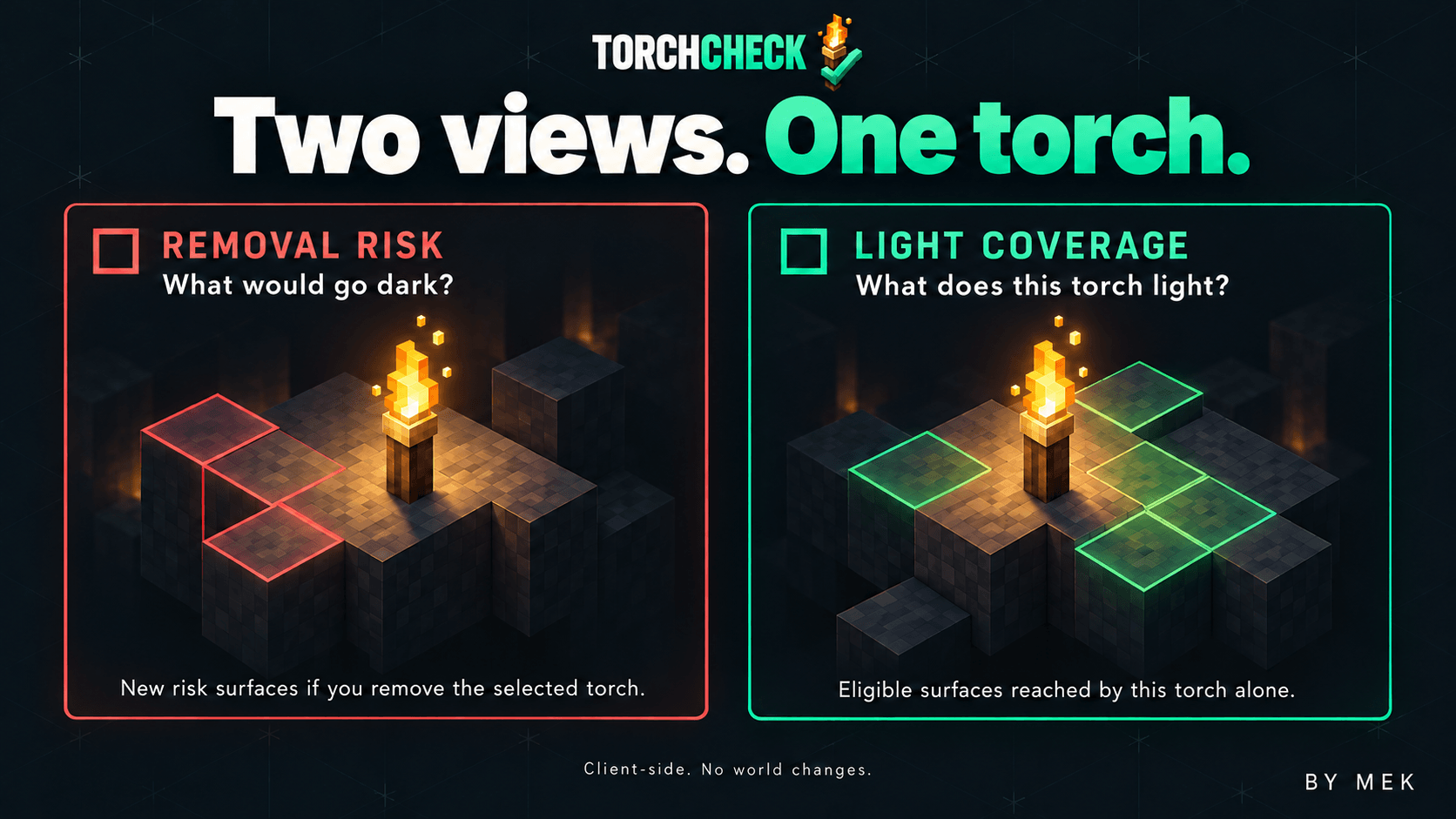
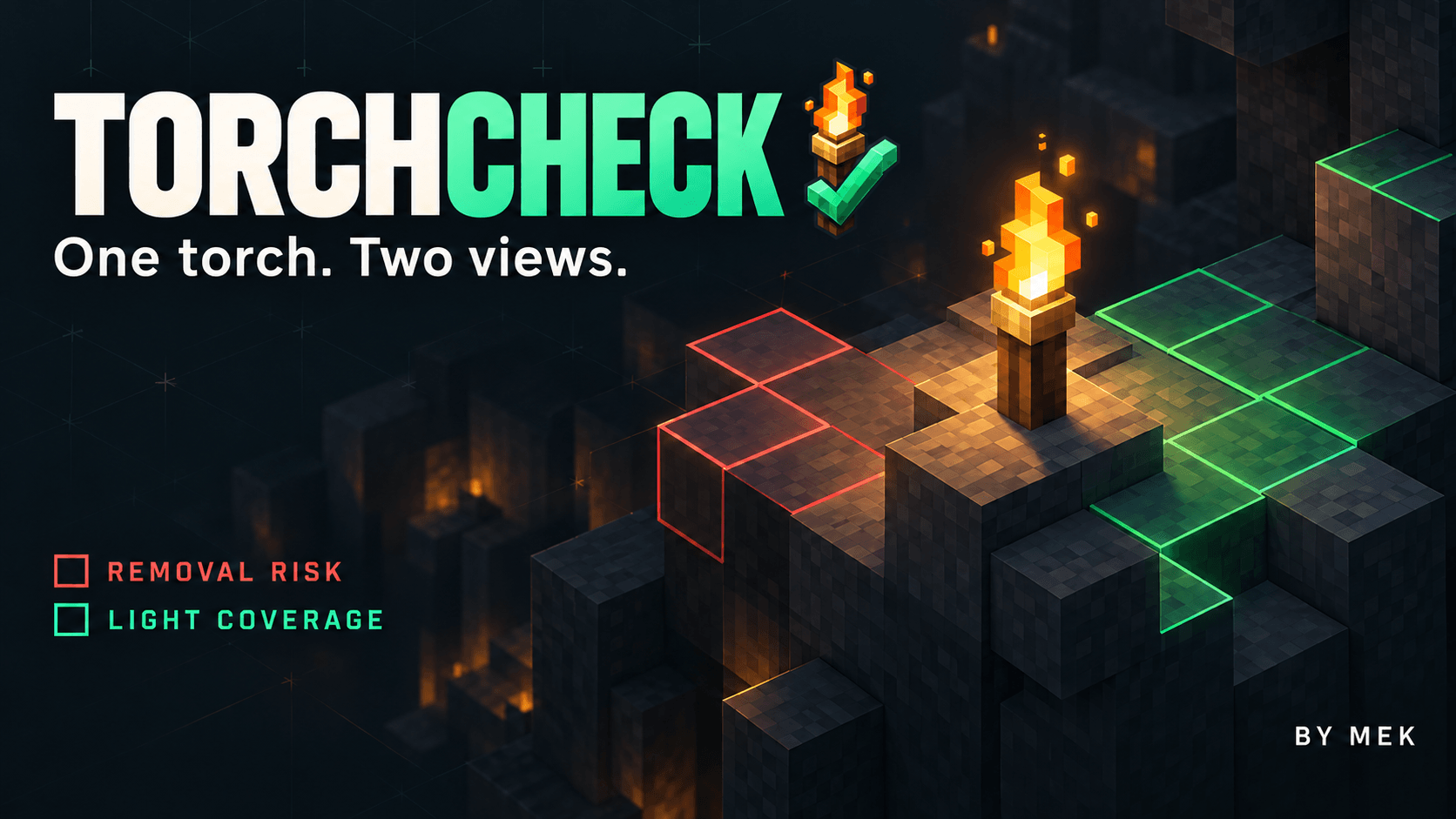
Before you remove a torch, see what its light is doing. Red risk highlights suitable monster-spawn . Green coverage shows suitable surfaces reached by the selected torch's own light.
截图
介绍
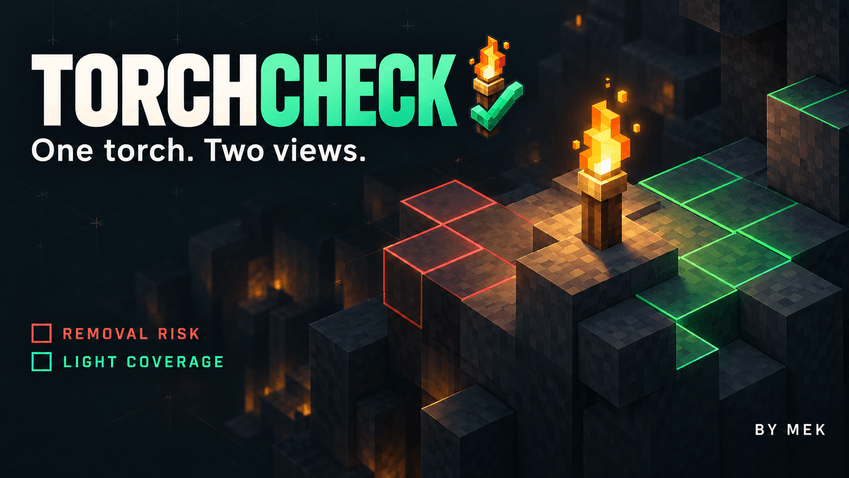
Before you remove a torch, see what its light is doing. TorchCheck adds a clear in-world view of removal risk and light coverage, helping you check a room, path or base without changing a single block. Aim at a normal floor or wall torch in the Overworld to begin.
Two views, one selected torch
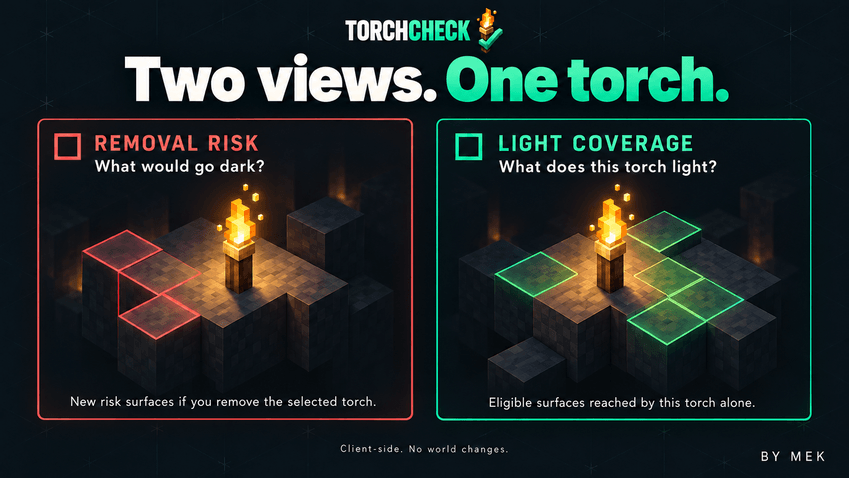
Red risk highlights suitable monster-spawn surfaces that would lose their remaining block light if you removed the selected torch. Other light sources still count, and places that were already dark are not marked as new risks. The check considers possible night-time conditions even when you inspect the area during the day.
Green coverage shows suitable surfaces reached by the selected torch’s own light. Shared areas remain visible even when another torch also lights them. This view excludes sunlight and light supplied only by other sources.
Both views consider surfaces suitable for zombies, skeletons, creepers and spiders. A count and ground markers help you read the result; yellow messages explain when an analysis is unavailable or incomplete.
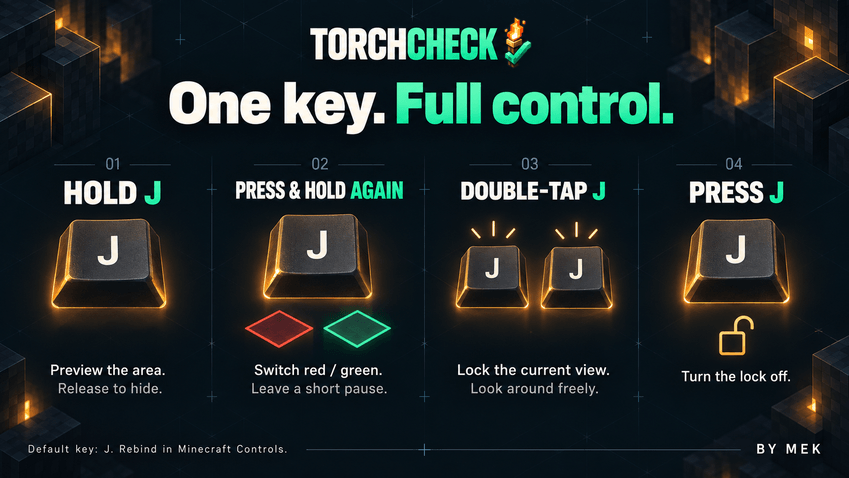
One key, on your terms
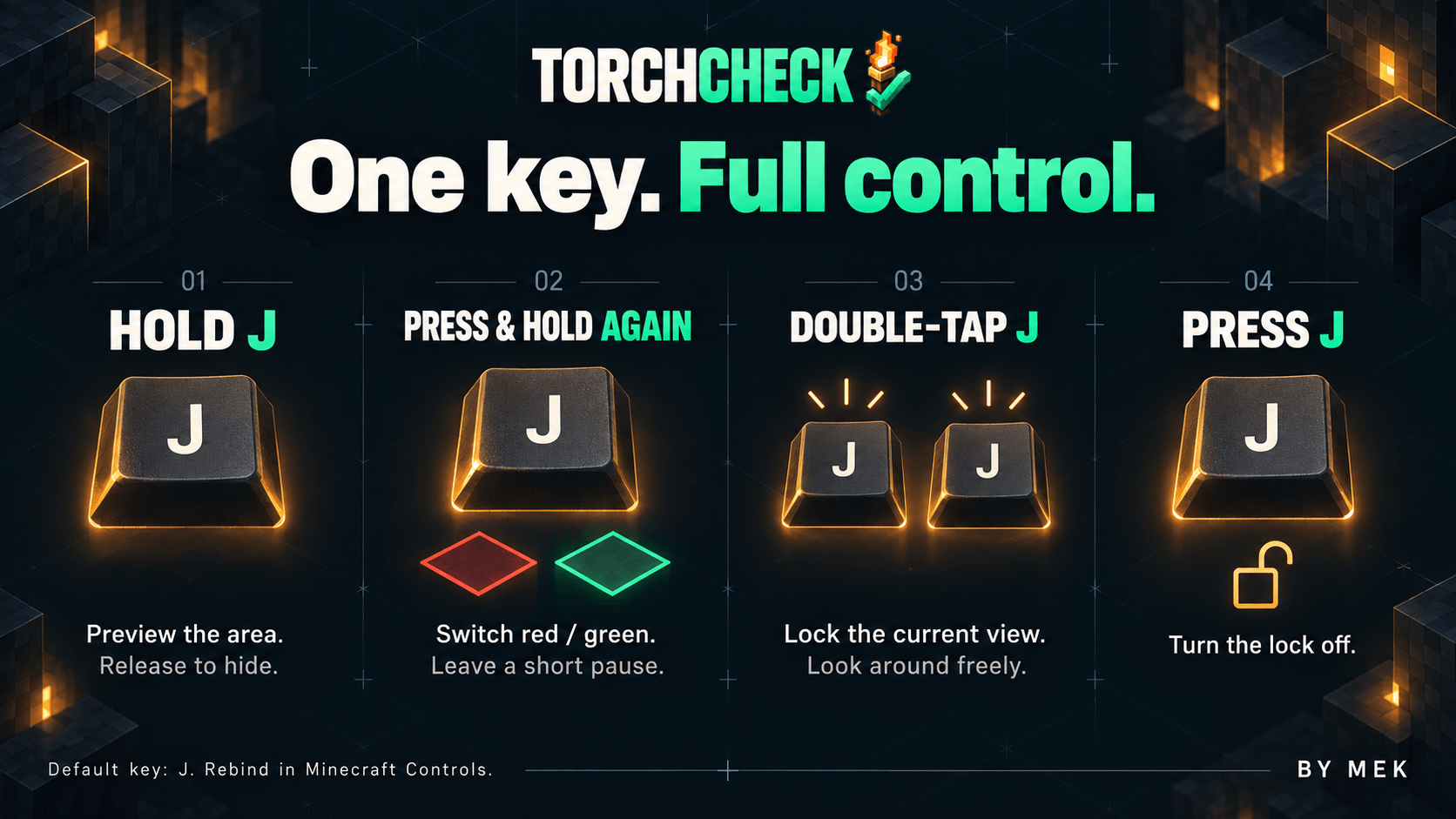
– Hold J for the first risk preview; release to hide it.
– After a short pause, press and hold J again for green coverage. Further holds alternate the two views.
– Quickly double-tap J to lock the mode and torch selected on the first press. The view stays visible when you release the key or look away.
– Press J again to turn the lock off.
J is the default for new installations. Saved bindings are kept, and you can change the key in Minecraft’s Controls. On-screen instructions show your actual binding.
Manual Install and play or use CurseForge App
Requires Minecraft Java Edition 26.3, Fabric Loader 0.19.5, Fabric API 0.162.0+26.3 and Java 25. Place TorchCheck 1.0.jar and Fabric API in your instance’s mods folder.
Install only on the client, including for multiplayer; no server component is needed. Normal Overworld torches are supported. Soul torches, redstone torches and other dimensions are outside this release’s scope.
English, Italian, French, German, Spanish and Russian follow Minecraft’s language setting automatically, with English fallback. No separate language selector is needed.
By Mek
常见问题
Torch Check 支持哪些 Minecraft 版本?
Torch Check 支持 Minecraft Java 版 26.3,可用的加载器:Fabric。下载时注意选择和你游戏版本一致的文件。
Torch Check 怎么安装?
先用 PCL2 或 HMCL 启动器安装对应版本的 Fabric,再把下载的 .jar 文件放进游戏目录的 mods 文件夹,重新启动游戏即可。开启了版本隔离的,mods 文件夹在 versions/版本名 下面。
MasterMek 的其他作品
查看全部 →
Realistic Aurea
Realistic Aurea 为 Minecraft Java 版 26.3 带来细致的材质风格,包含 3,964 张纹理和 63 个动画。
Last Pixel
Weapons and tools become smaller as their durability falls. Worn armor gradually exposes more of the character underneath, while damaged elytra have smaller wings.
Map Anchor
Keep your marker at the map's edge, follow registered banners with a direction and distance HUD, and share marked maps with friends.
Unleash the Rage
Unleash the Rage: a deadly crimson aura, an activation scream, temporary immortality, amplified attacks, faster ground movement and higher jumps.
评论
登录后评论和评分