截图


介绍



Supported Version:

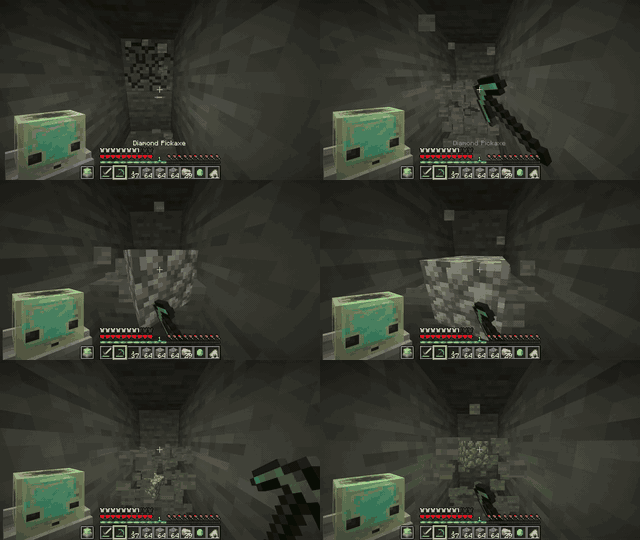 Ingame Footage |
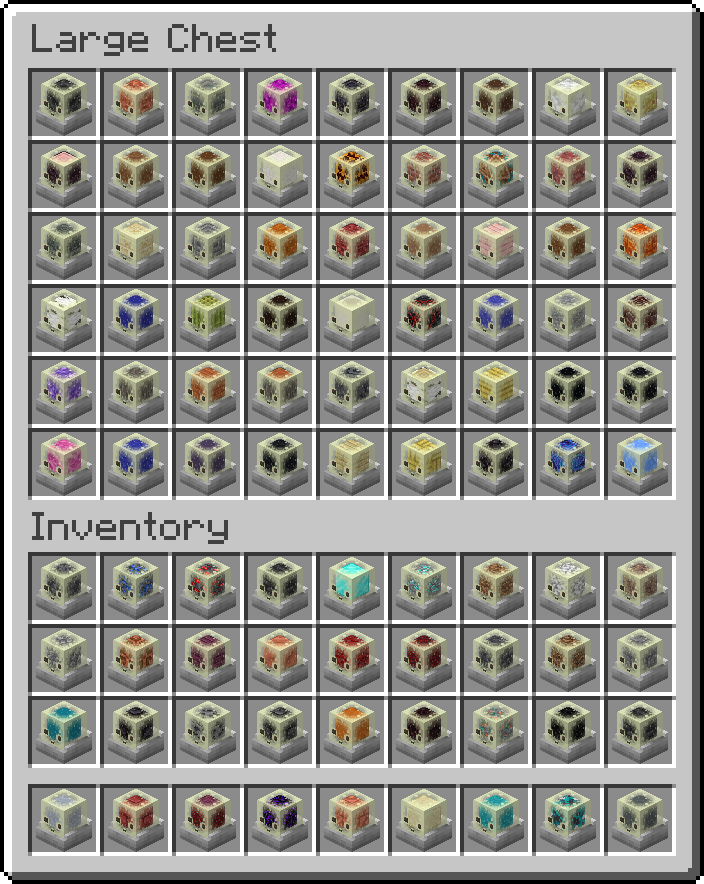
|
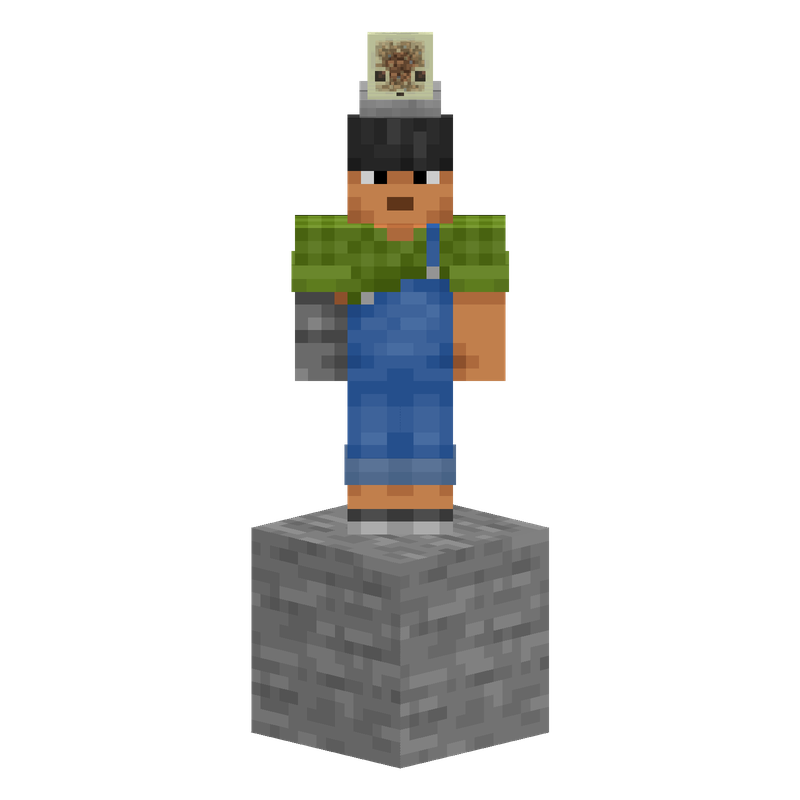 On Head* |
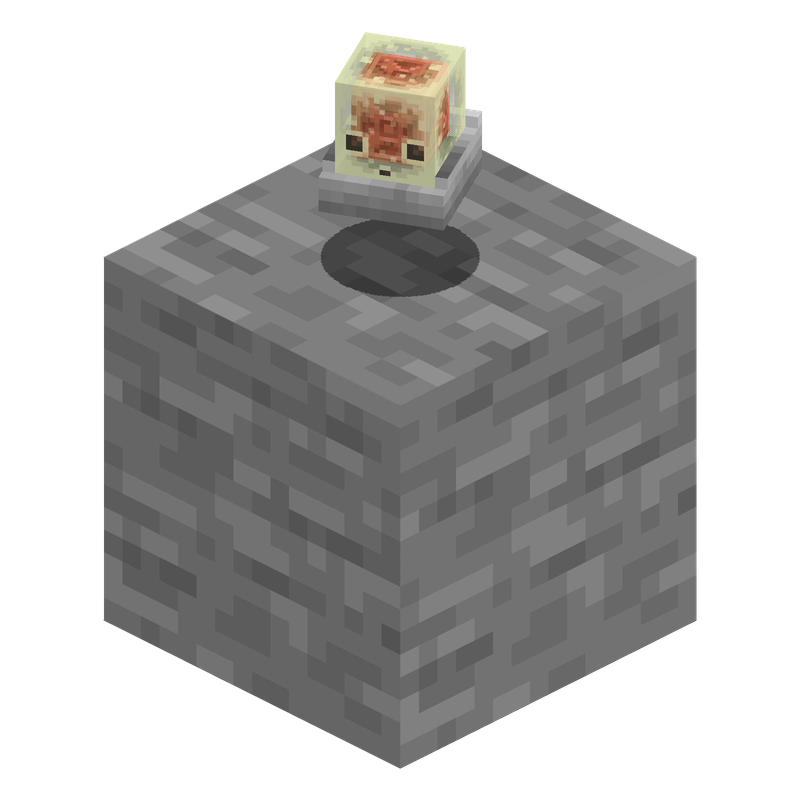 Dropped* |
Decide the Pack
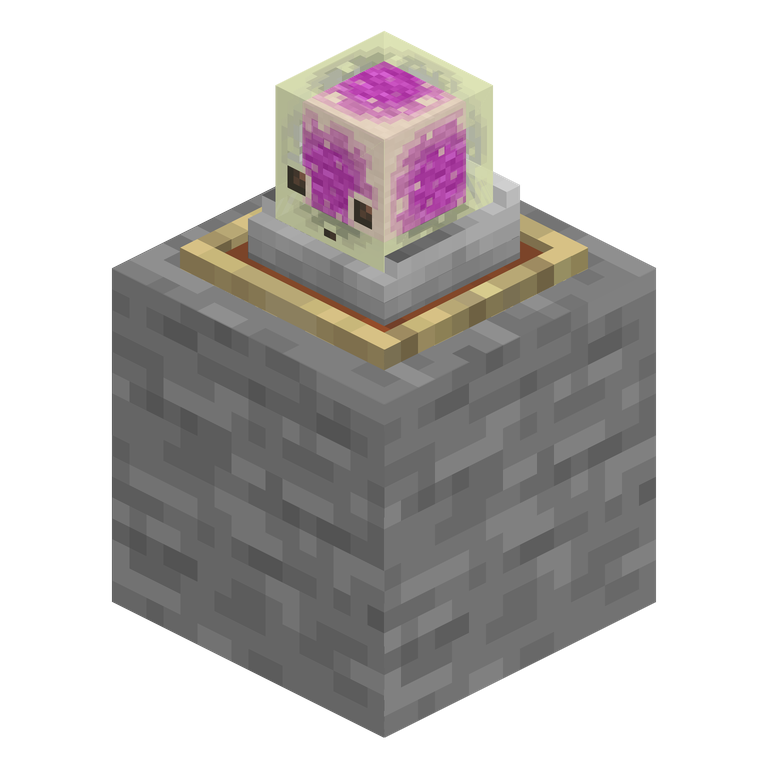 Floor: Default Pack* correct orientation |
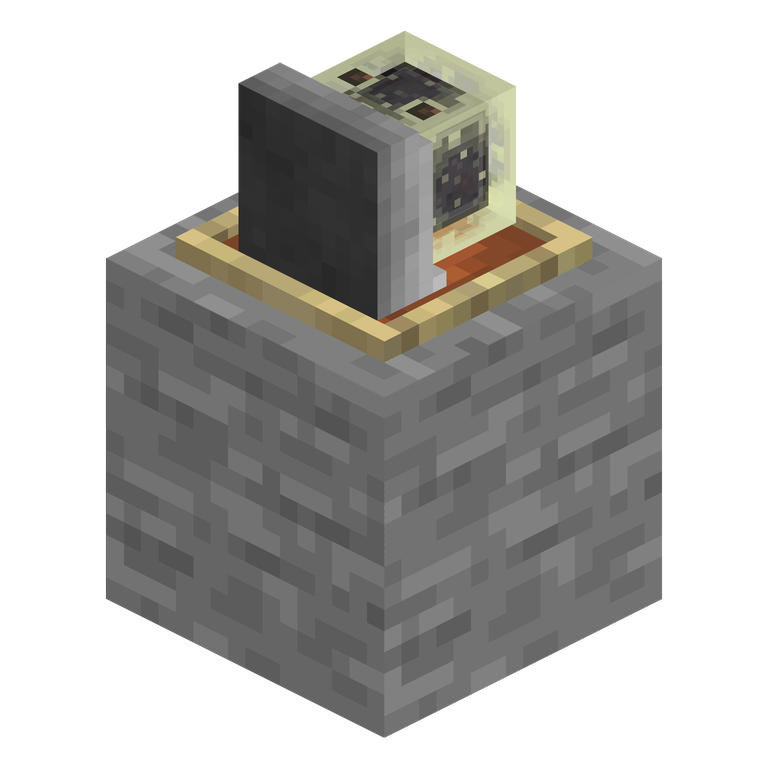 Floor: Wall Pack* wrong orientation |
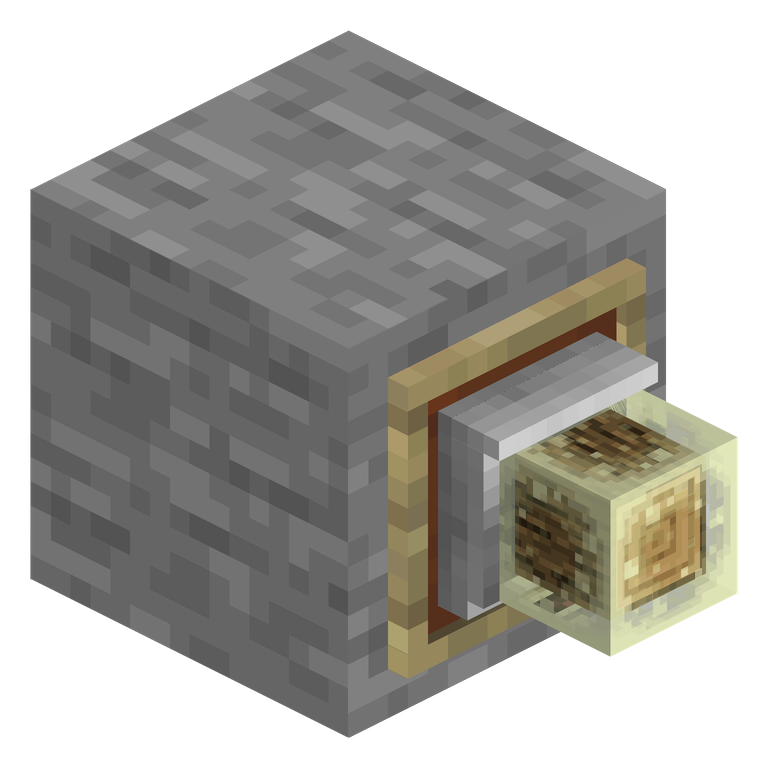 Wall: Default Pack* wrong orientation |
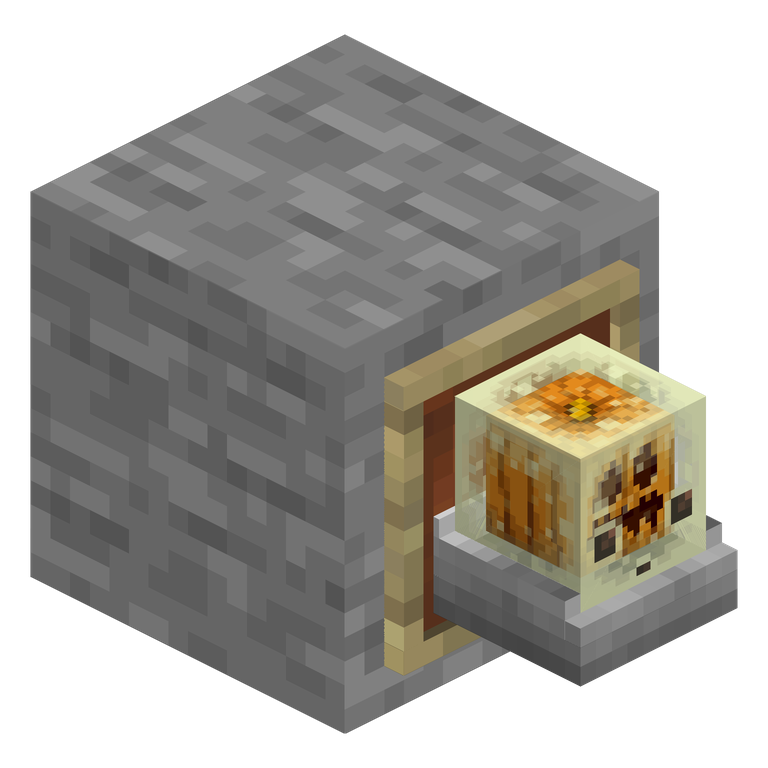 Wall: Wall Pack* correct orientation |
Why are there two resource packs?
Every item frame has a red arrow: this is the direction the item frame points away from the block. The model also has one chosen direction, shown with the red arrow in the pack renders.
Minecraft rotates the model so the model arrow lines up with the item frame arrow. The Default Pack is built with the arrow coming from below the cube, so it stands correctly on floor item frames. The Wall Pack is built with the arrow coming from the side of the cube, so it faces correctly on wall item frames. One pack cannot use both attachment directions at the same time, so both versions are included.
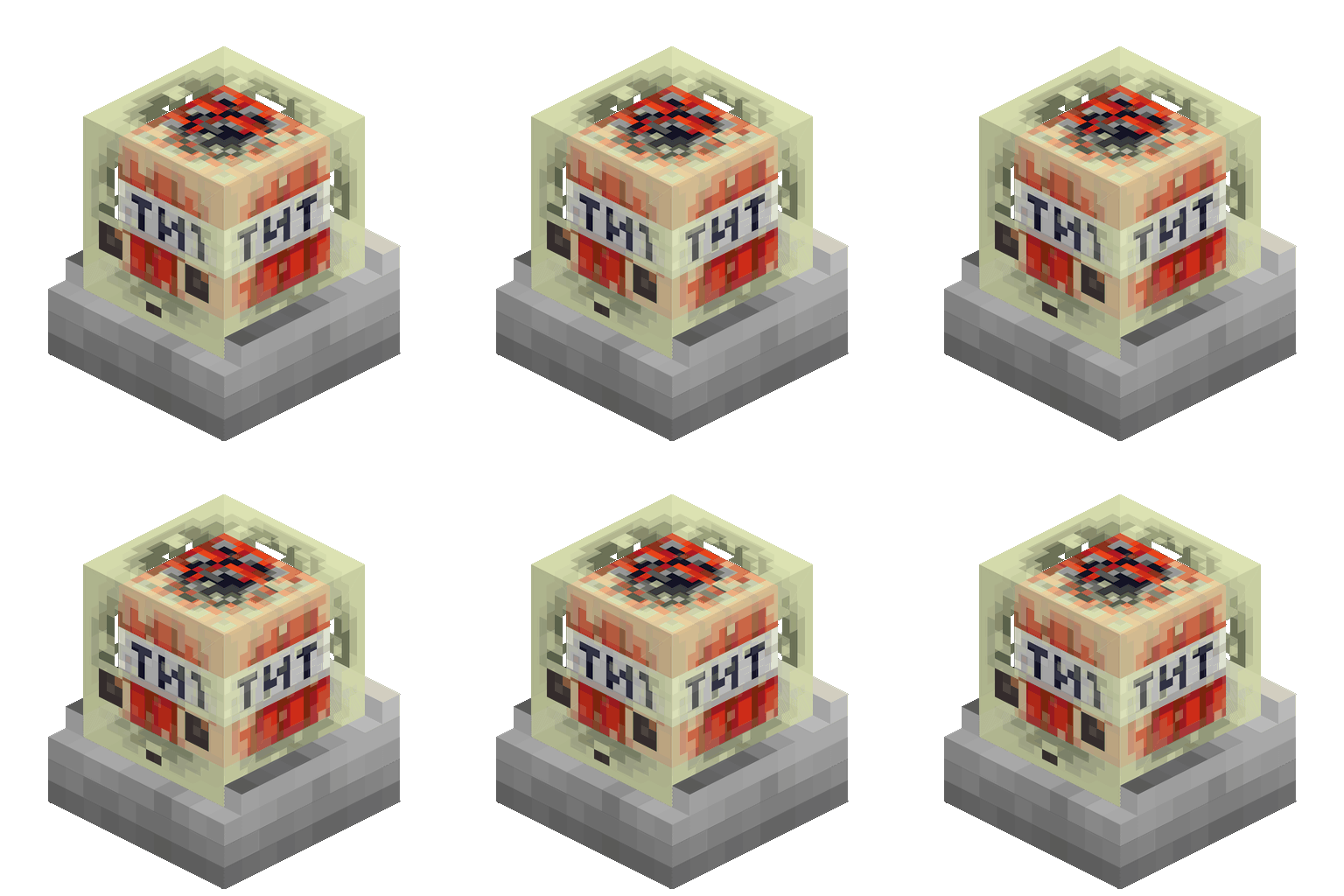
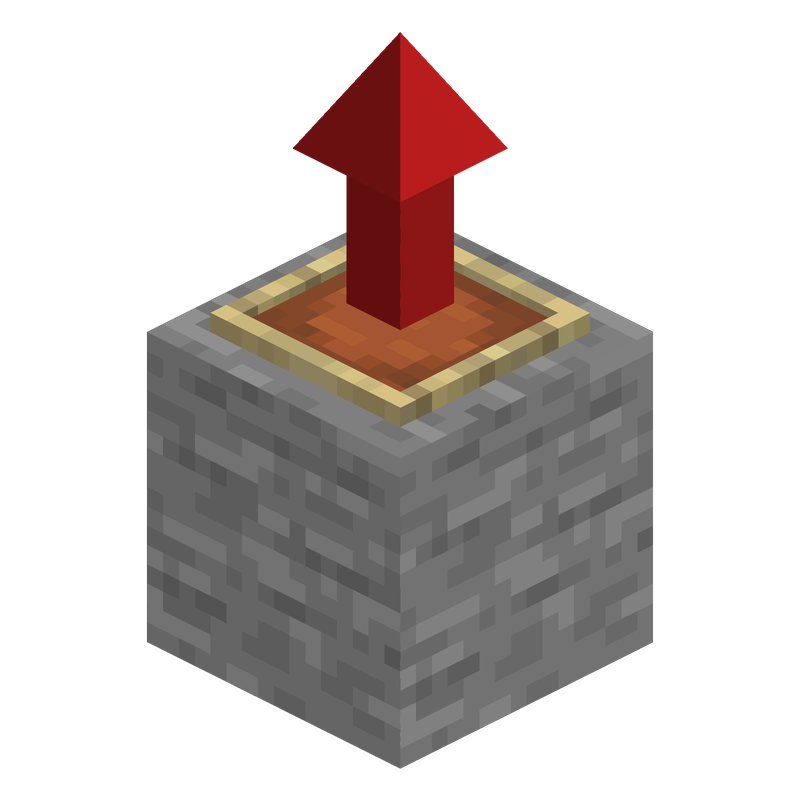 Floor Frame* |
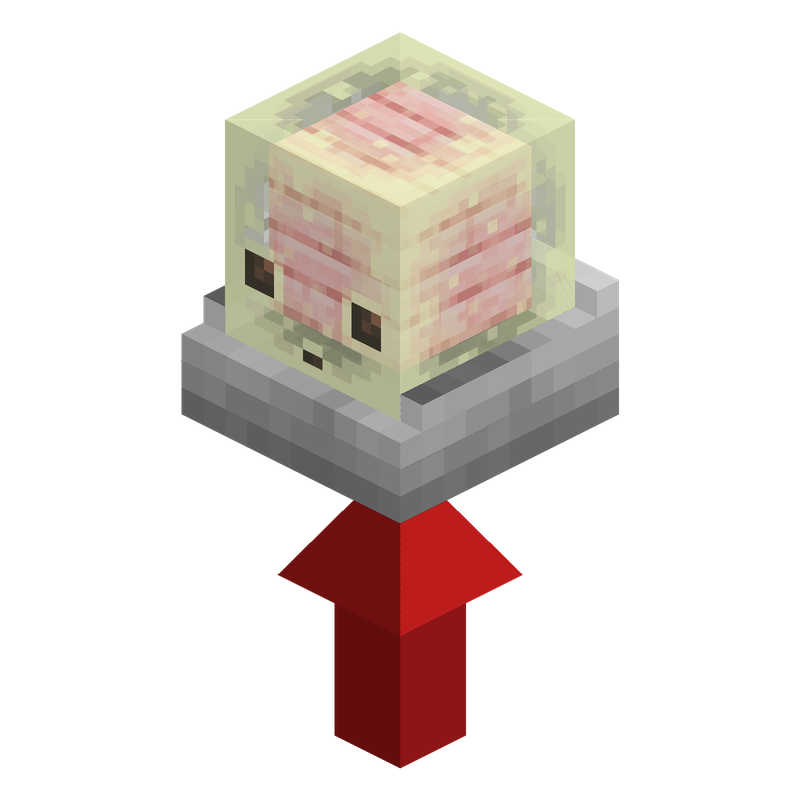 Default Pack* |
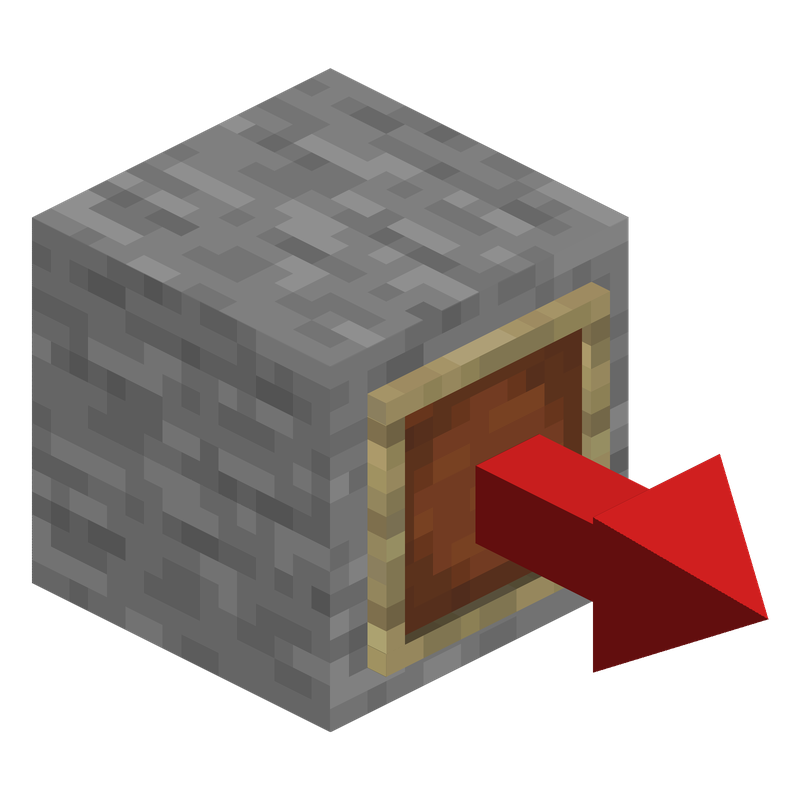 Wall Frame* |
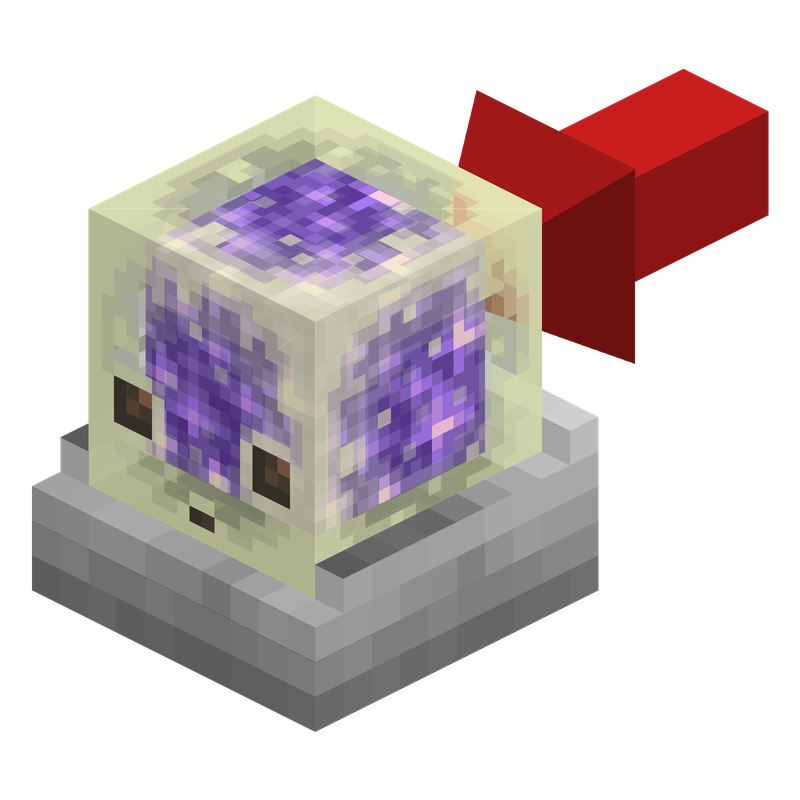 Wall Pack* |
* All images except the ingame footage and chest screenshot are renders.
Useful Commands
Invisible item frame
/give @p item_frame[entity_data={id:"minecraft:item_frame",Invisible:true}]Glowing invisible item frame
/give @p glow_item_frame[entity_data={id:"minecraft:glow_item_frame",Invisible:true}]Wear a cube on your head
/item replace entity @s armor.head with minecraft:sulfur_cube_bucket[sulfur_cube_content={id:"minecraft:tnt"}]常见问题
Sulfur Buckets 支持哪些 Minecraft 版本?
Sulfur Buckets 支持 Minecraft Java 版 26.2–26.3,共 2 个版本。下载时注意选择和你游戏版本一致的文件。
Sulfur Buckets 怎么安装?
把下载的 .zip 文件(不用解压)放进游戏目录的 resourcepacks 文件夹,进游戏后在「选项 → 资源包」里把它移到右边启用。
fweigel-dev 的其他作品
查看全部 →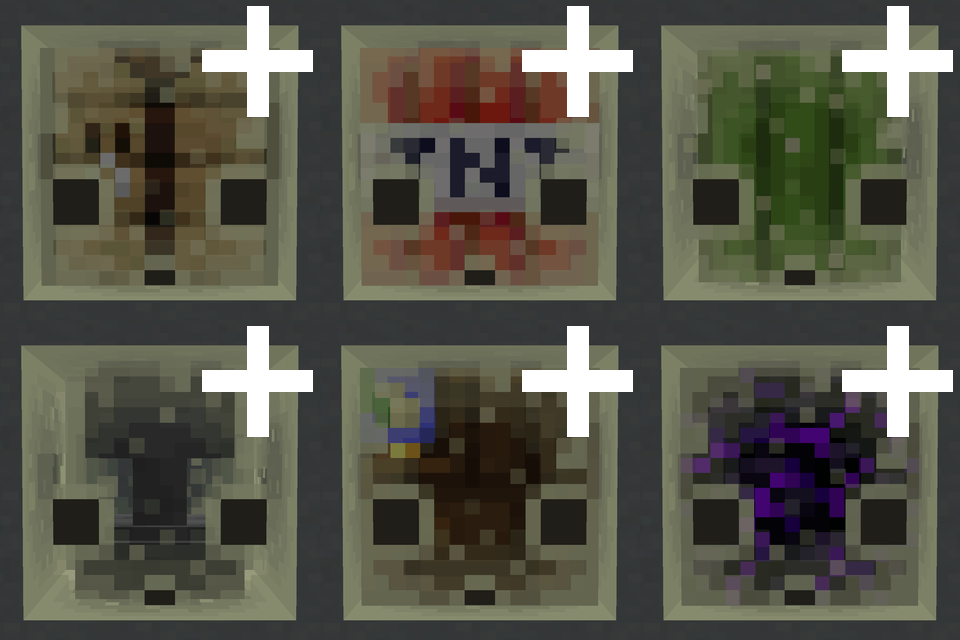
SulfurCubes+
为 Minecraft 26.2 扩展硫磺方块机制的 Fabric 模组;这是 Mojang 不会加入的内容。

fweigel-util-lib
为我的 Fabric 模组提供共享客户端工具的轻量级前置库,包含常用的渲染、存储、界面和音效工具。

FullbrightUtils
Client-side Fabric mod for full control over brightness and visual effects: gamma boost, night vision, darkness resistance, and blindness resistance.

ShulkerBoxUtils
Shulker Box Utils mod with floating item icon on placed boxes, view content in inventory and fill indicator bar.
评论
登录后评论和评分