
Utils Adder
Adds a lot of useful features related to the interface, gameplay and more
截图

介绍
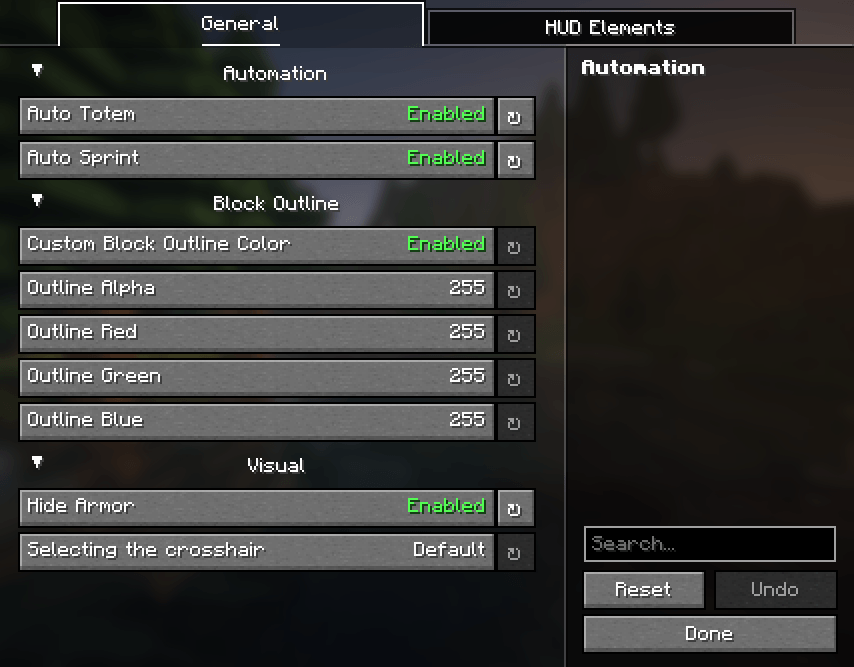
This mod adds a lot of useful features, such as:
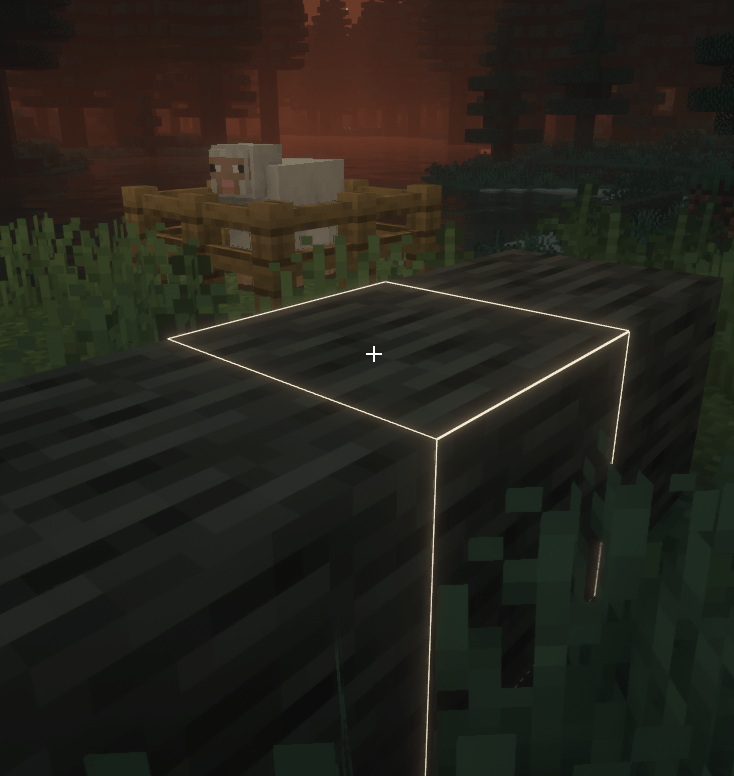
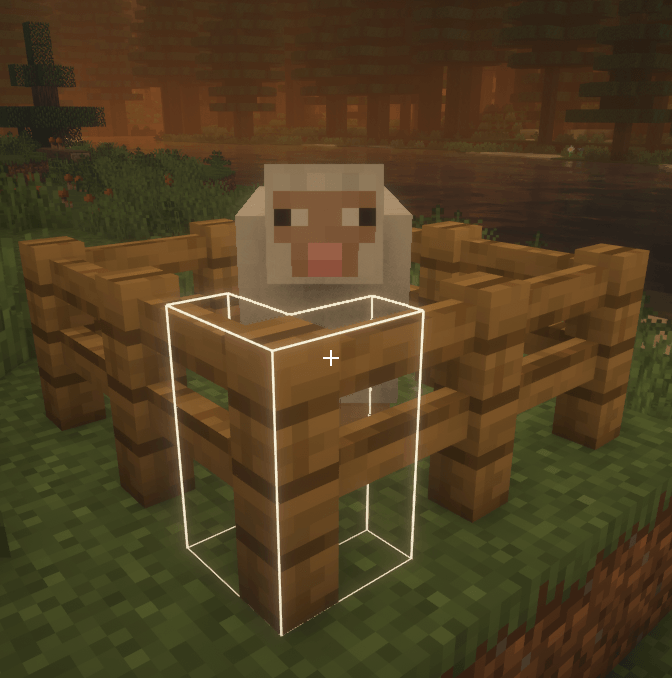
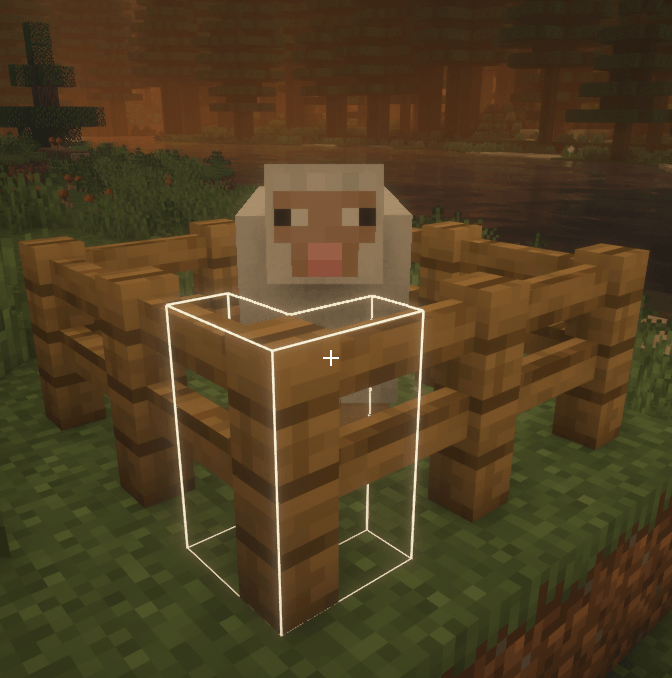
Changing the color and opacity of the block outline
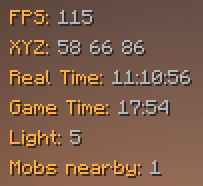
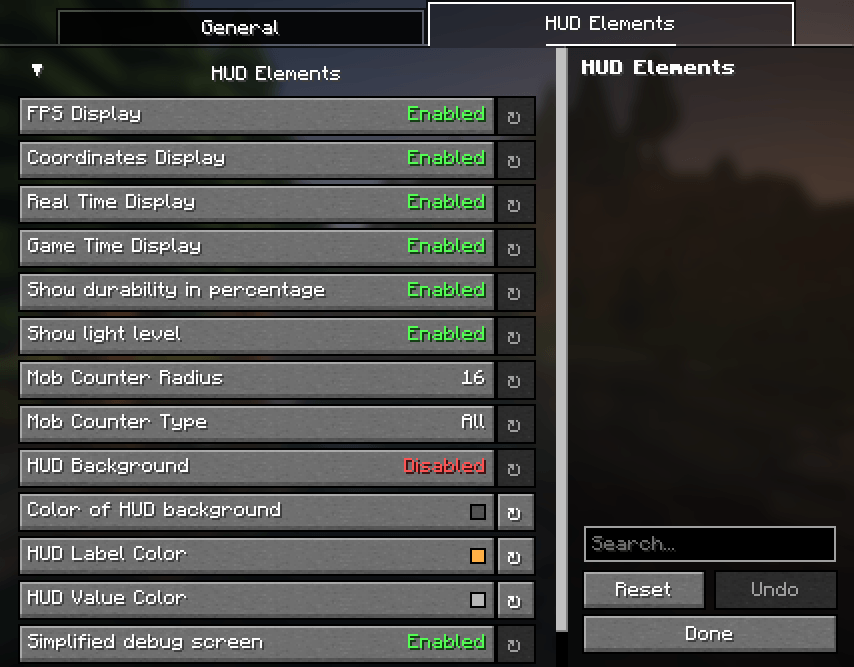
Some HUD elements that you can move anywhere on the screen
Current HUD elements list
- FPS
- Coordinates
- Real time
- Game time
- Level of lighting in the current block
- Number of mobs nearby
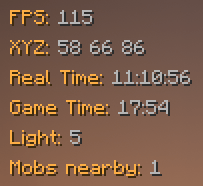
Simplified debug screen

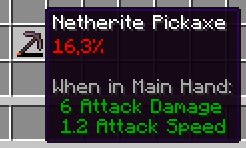
Showing durability in percentage
Autototem (automatically place an existing totem in your hand after you just used another one)
Autosprint (you dont have to press sprint key to sprint)
There are the following features in the mod, but they are in beta:
- Set a different crosshair instead of the standard one
- Disabling the armor rendering for all players (useful for screenshots)
To open settings screen, press U,
to drag items to another place on the screen, press F6
Dependency for UtilsMod mod is YACL
Other info
I’m going to add more features to this mod later, now I just ran out of ideas.
Now, UtilsMod is available for only two versions of the game (1.21.4 and 1.21.5), in the future, perhaps the mod will be released for older versions, like 1.20.1.
I have not completed the development of this mod to the end, one of the consequences of this is that now it has ARR license.
I really hope you enjoy this mod!
常见问题
Utils Adder 支持哪些 Minecraft 版本?
Utils Adder 支持 Minecraft Java 版 1.21.4–1.21.5,共 2 个版本,可用的加载器:Fabric。下载时注意选择和你游戏版本一致的文件。
Utils Adder 怎么安装?
先用 PCL2 或 HMCL 启动器安装对应版本的 Fabric,再把下载的 .jar 文件放进游戏目录的 mods 文件夹,重新启动游戏即可。开启了版本隔离的,mods 文件夹在 versions/版本名 下面。


评论
登录后评论和评分