Ages Progression
Ages adds configurable progression with milestones to advance and gain access to selected equipment, items, and workstations
截图
介绍
Ages: Milestone Progression
(⚠️ WIP: Feel free to leave your suggestions or mention any issues you encounter with the mod in the comments section. Thank you so much!!)
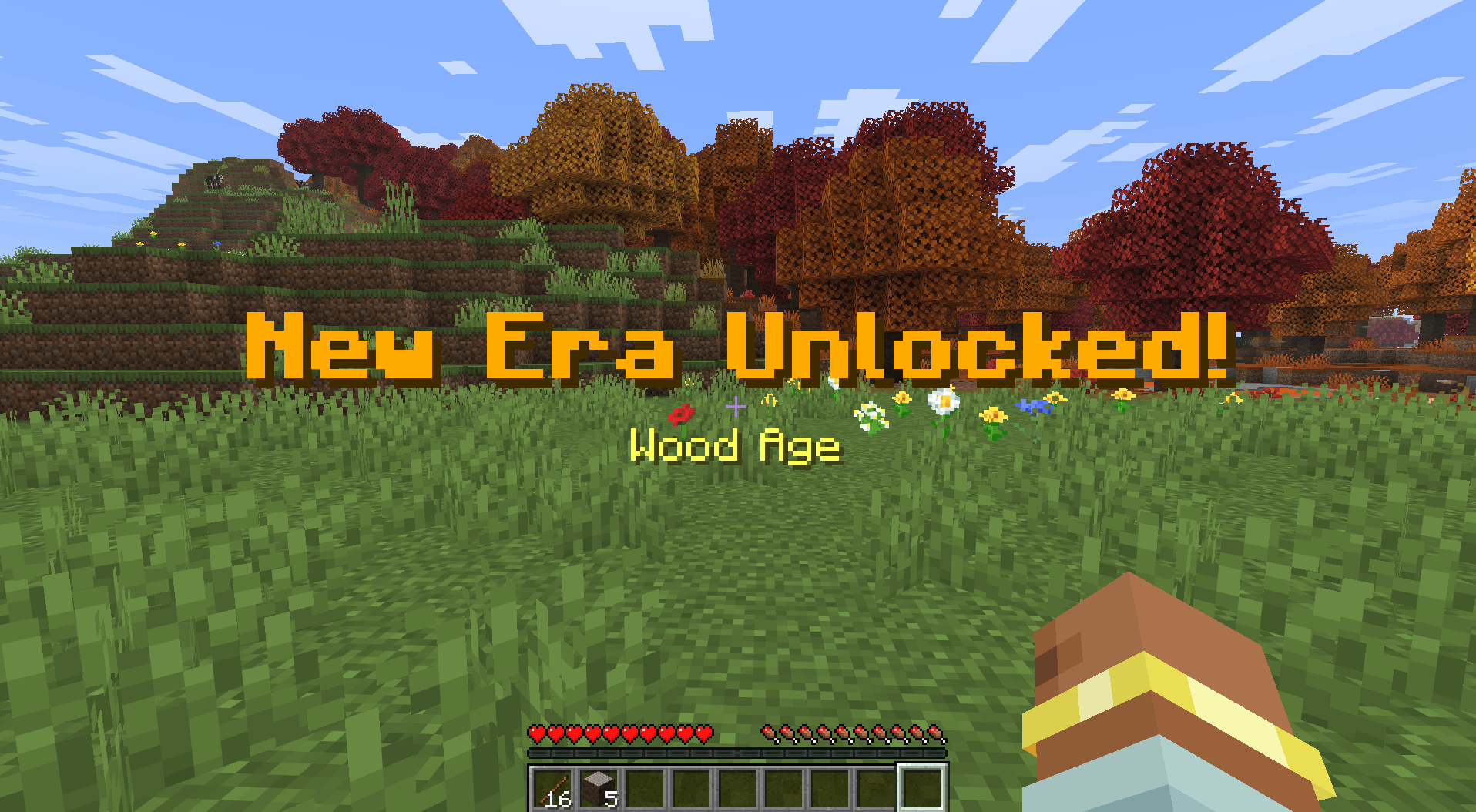
Shape your Minecraft world around a journey through the ages. Ages adds configurable progression to a world: players complete milestones to advance, while access to selected equipment, items, and workstations is limited by their current age.
The default progression moves through the Initial, Wood, Stone, Copper, Iron, Gold, Redstone, Diamond, and Netherite ages. Modpack creators can change the ages, milestones, requirements, and restrictions to fit their gameplay.
✅ Progress Through Milestones
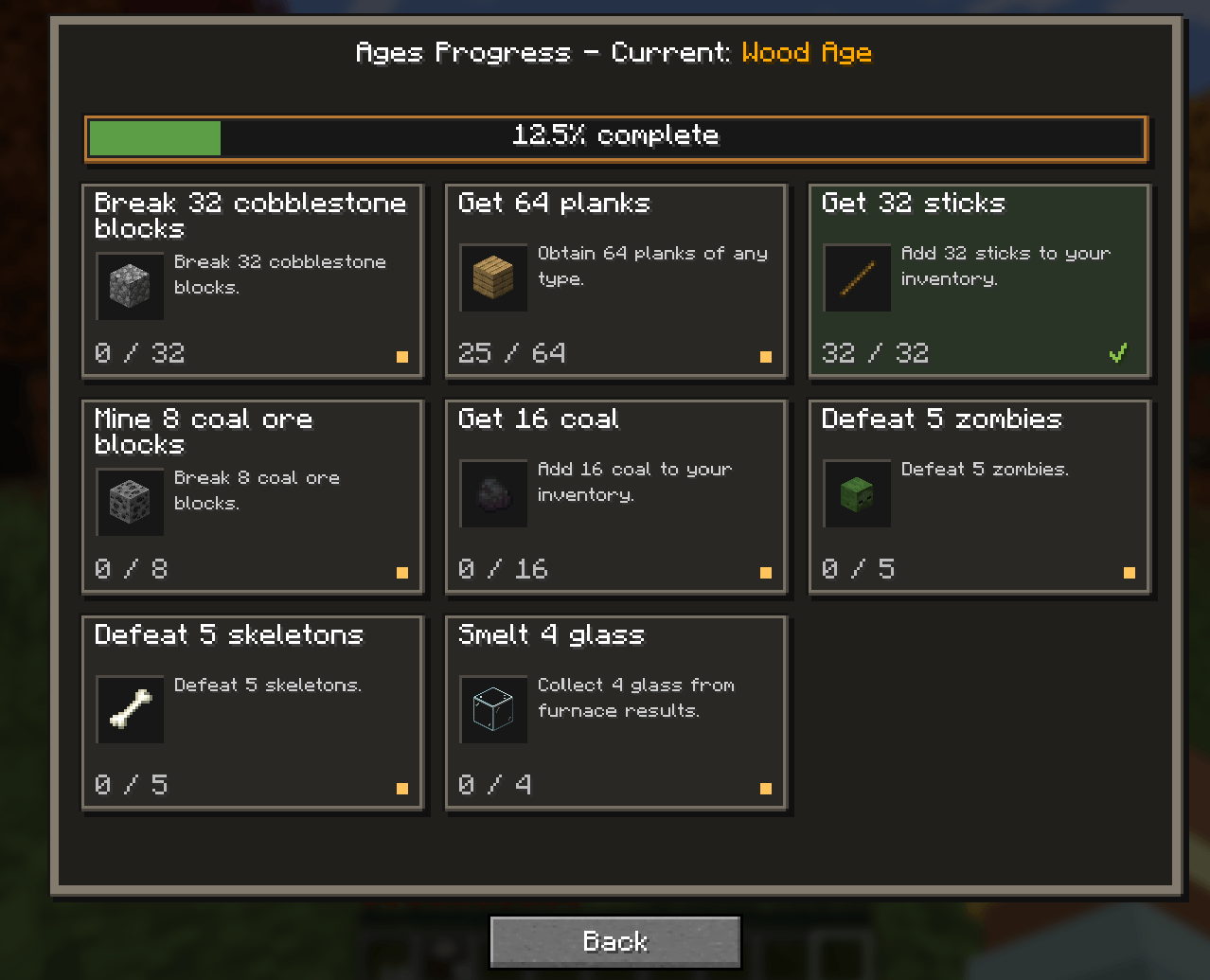
Each age has its own goals. Depending on the milestones configured for your world, you might gather materials, mine ores, smelt ingots, craft items, or defeat specific creatures. Complete enough of the current age’s milestones to unlock the next one. The required number can be adjusted, so a pack can ask players to complete every milestone or give them a choice.
Progress is tracked individually for each player. Milestone goals are tied to the age you are in, so actions completed before reaching an age do not count toward its milestones.
🚫 Age-Based Restrictions
Ages definitions set which items and workstations belong to each age. which items and workstations belong to each age. Until you reach the required age, you cannot use or craft restricted items, or access restricted workstations. You can still pick up, carry, move, and store those items; Ages does not take them away.
🔍 View Your Progress
Press H to open the Ages Progress screen. You can change this key in Minecraft’s Controls settings. You can also open the screen with /ages or /ages gui.
The screen shows your current age, your progress toward its requirements, and its milestones.
⚙️ Admin Commands
These commands require operator permission level 2. Player-targeting commands require the target player to be online.
| Command | Description |
|---|---|
/ages progress <player> |
View the player’s current age and completed milestones. |
/ages set <player> <era_id> |
Move the player to the specified age and clear their milestone progress. |
/ages reset <player> |
Return the player to the initial age and clear their milestone progress. |
/ages reload |
Reload the selected datapacks and Ages definitions. |
✏️ How to Customize
On first launch, Ages creates editable configuration files in the config folder. Modpack creators can customize the progression in config/ages/progression.json, including eras, milestones, advancement requirements, and age-based item and workstation restrictions. Selectors support individual items and blocks, Minecraft tags, and custom groups of modded content.
Supported milestone goals include breaking blocks, defeating entities, obtaining items, collecting furnace output, and crafting items in the vanilla inventory or crafting table. Keep era and milestone IDs stable to preserve player progress, and run /ages reload after editing the progression file.
Resource packs can provide translations and custom milestone icons.
常见问题
Ages Progression 支持哪些 Minecraft 版本?
Ages Progression 支持 Minecraft Java 版 26.1.2–26.3,共 3 个版本,可用的加载器:Fabric / NeoForge。下载时注意选择和你游戏版本一致的文件。
Ages Progression 怎么安装?
先用 PCL2 或 HMCL 启动器安装对应版本的 Fabric / NeoForge,再把下载的 .jar 文件放进游戏目录的 mods 文件夹,重新启动游戏即可。开启了版本隔离的,mods 文件夹在 versions/版本名 下面。
PedriJoe 的其他作品
查看全部 →
Friendly or Not
《Friendly or Not》会改变生物被攻击时的反应方式。

Ultra Easy Menu
UltraEasyMenu 是一款适用于 Fabric 和 NeoForge 最新版本的模组,专注于简洁的主菜单自定义。

DropVersion – Odyssey [FA]
为 Minecraft 最新版本带来终极 RPG 与冒险体验的整合包【FABRIC】。

Omenwake
Discover, track, and master encounters that are triggered by your everyday gameplay actions.
评论
登录后评论和评分