
截图


介绍
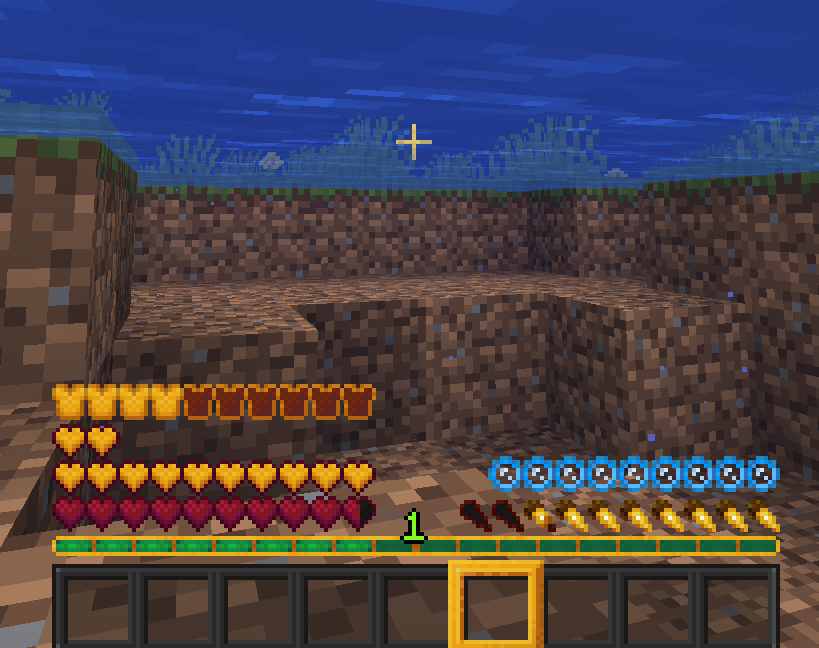
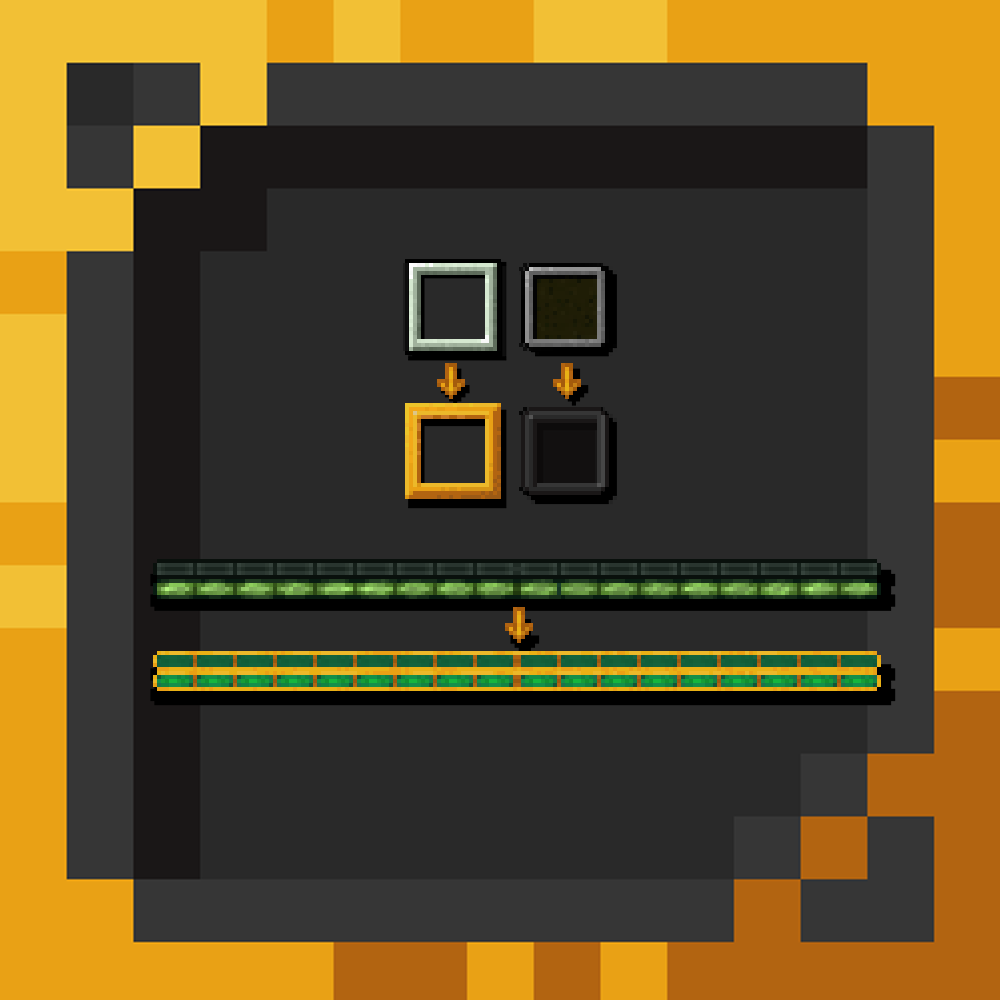
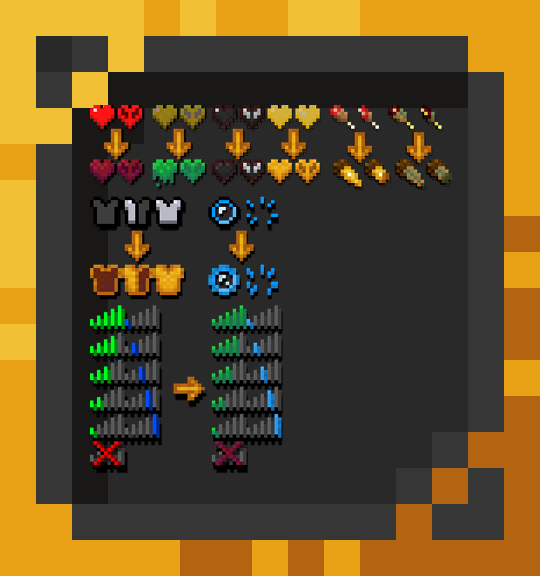
If you tired of vanilla hearts or some other icons, you can download a Glory GUI!
To see how it looks in a game, you can go in to “Images”
– This Resource Pack work on all 1.14, 1.15, 1.16, 1.17 and 1.18 versions!
How to install resoursepack?
1 – Download GloryGUI.zip
2 – Go to %appdata%
3 – Copy .zip to /Roaming/.minecraft/resourcepacks
4 – Load game and select the Glory GUI Texture Pack
5 – Enjoy the textures!
Usage
– You may not redistribute this pack and claim it as your own
– You may not redistribute this pack without a link to this thread
– You may use this pack as a part of any Minecraft-related video including those which are created for commercial purposes or are monetized by advertising
常见问题
Glory GUI 支持哪些 Minecraft 版本?
Glory GUI 支持 Minecraft Java 版 1.14–1.18.2,共 19 个版本。下载时注意选择和你游戏版本一致的文件。
Glory GUI 怎么安装?
把下载的 .zip 文件(不用解压)放进游戏目录的 resourcepacks 文件夹,进游戏后在「选项 → 资源包」里把它移到右边启用。
评论
登录后评论和评分