Craft History
Never re-search your recipes: an instant craft history panel to repeat, pin, and recraft any item in one click.
截图
介绍
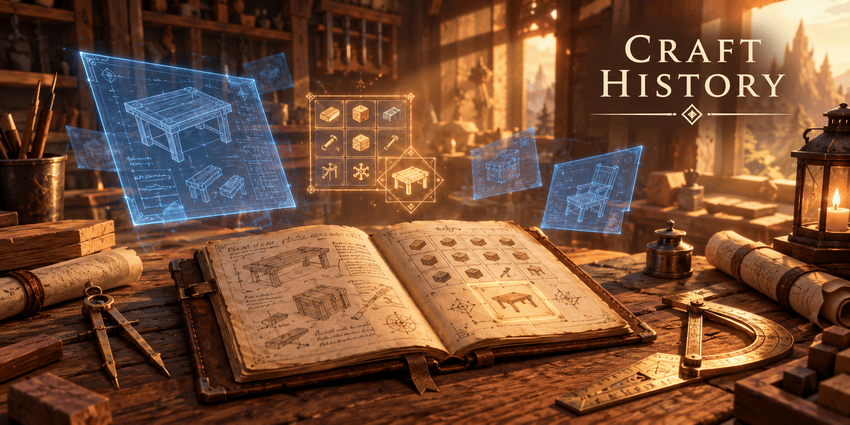
Searching through recipe books or remembering complex ingredient layouts every time you craft wastes valuable building and survival time.
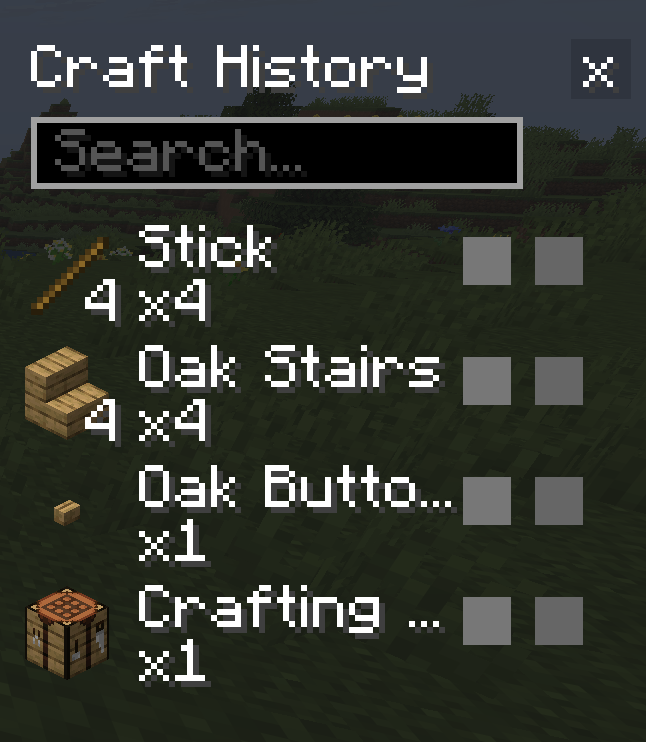
Craft History solves this by adding an intuitive side panel to your crafting table that acts as an automatic crafting log of everything you make.
Need to quickly remake recipe patterns you use frequently? Pin your favorite items to the top so they are never evicted from your recent list.
With a single click you can instantly refill the grid, or use Shift-click to recraft and repeat last craft operations in bounded bulk loops.
Every singleplayer world and multiplayer server maintains its own isolated craft history, safely persisted across game sessions and immune to file corruption.
The in-game configuration menu lets you tweak history size, bulk repeat speed, sound cues, and smart panel side-switching for small or high-GUI screens.
Developed with precision and optimized for NeoForge with the assistance of AI.
常见问题
Craft History 支持哪些 Minecraft 版本?
Craft History 支持 Minecraft Java 版 26.2–26.3,共 2 个版本,可用的加载器:NeoForge。下载时注意选择和你游戏版本一致的文件。
Craft History 怎么安装?
先用 PCL2 或 HMCL 启动器安装对应版本的 NeoForge,再把下载的 .jar 文件放进游戏目录的 mods 文件夹,重新启动游戏即可。开启了版本隔离的,mods 文件夹在 versions/版本名 下面。
Kaelll 的其他作品
查看全部 →
Vespera
体积云、彩色阴影、物理吸收水体——一个完整的现代光影包。
Gravemist
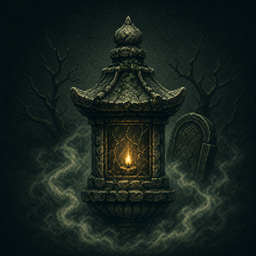
Gravemist 是一款适用于 Minecraft 26.2 的恐怖光影包:浓雾会将生物隐藏到最后一刻,火把光线忽明忽暗,而你在地下待得越久,画面就会悄然变得越发失真。

Inkboil
卡通光影,按二拍动画——画面保持流畅,同时每秒重绘十二次。
Lucky Geode
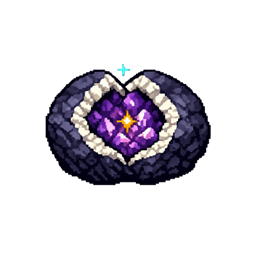
撬开命运:51 种加权结果和一个真正能扭转掷骰结果的幸运系统。
评论
登录后评论和评分