
ElijahDoesMC’s Red GUI
The vanilla GUI of Minecraft: Java Edition re-coloured to a nice red.
截图
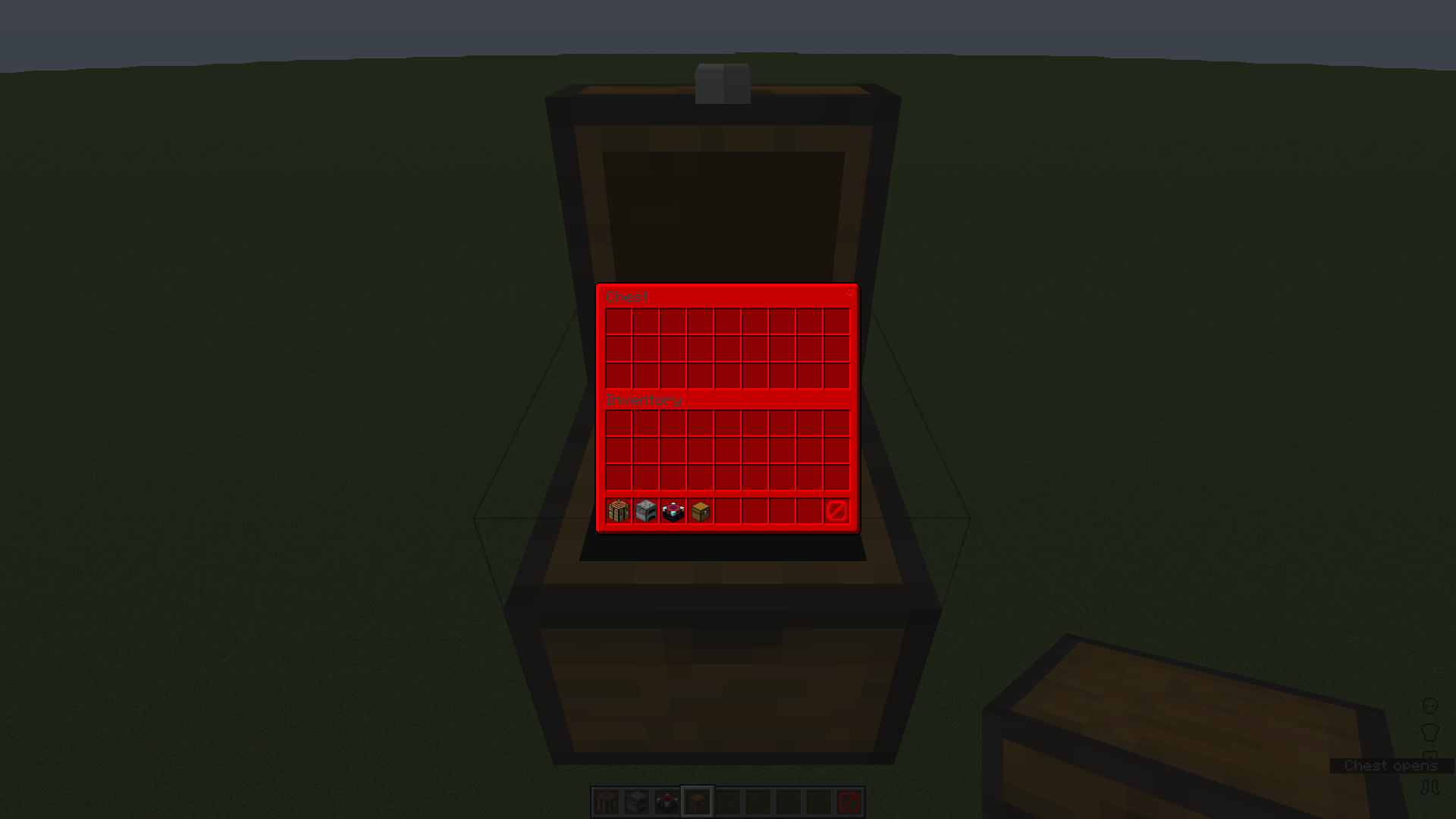
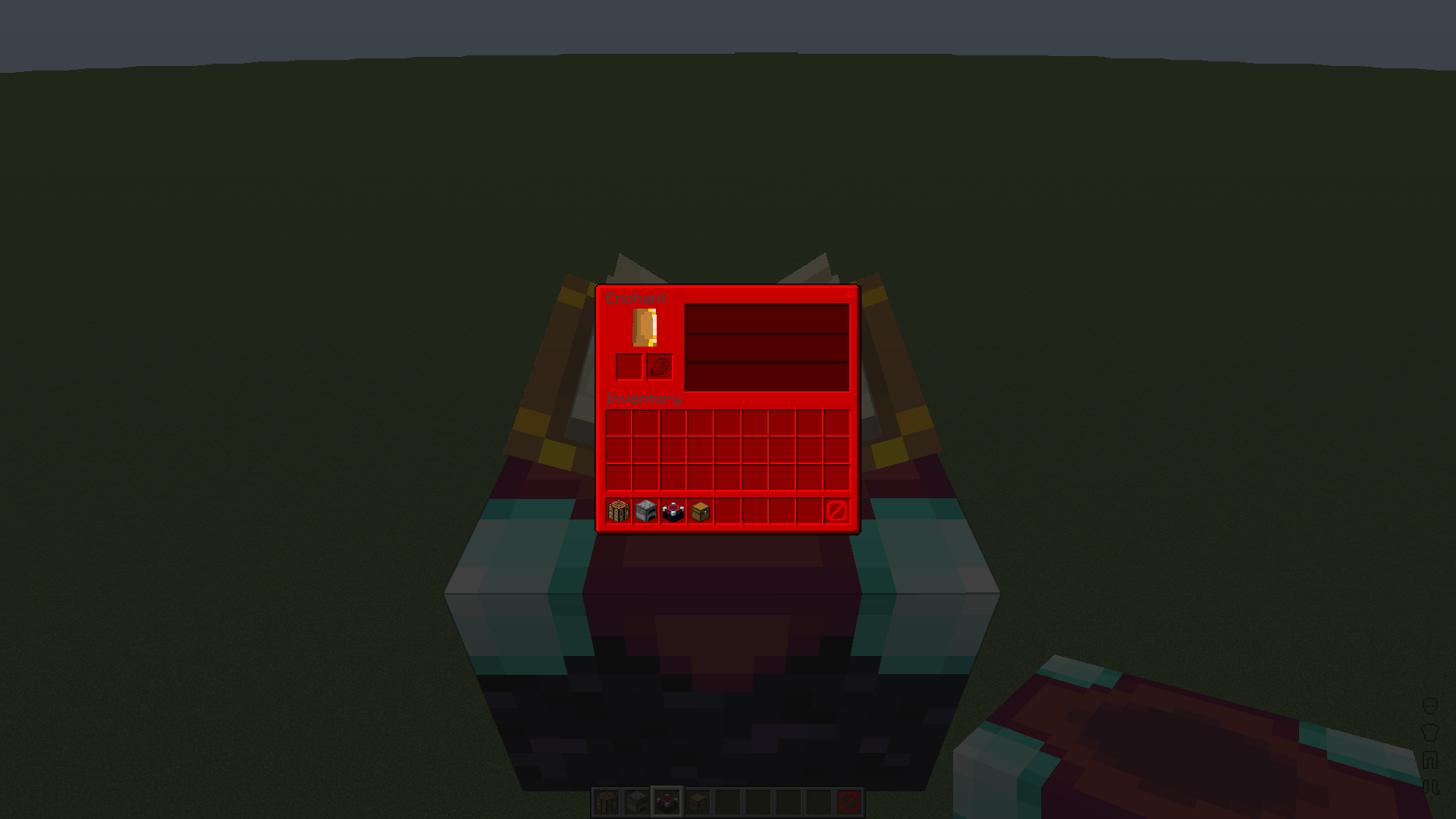
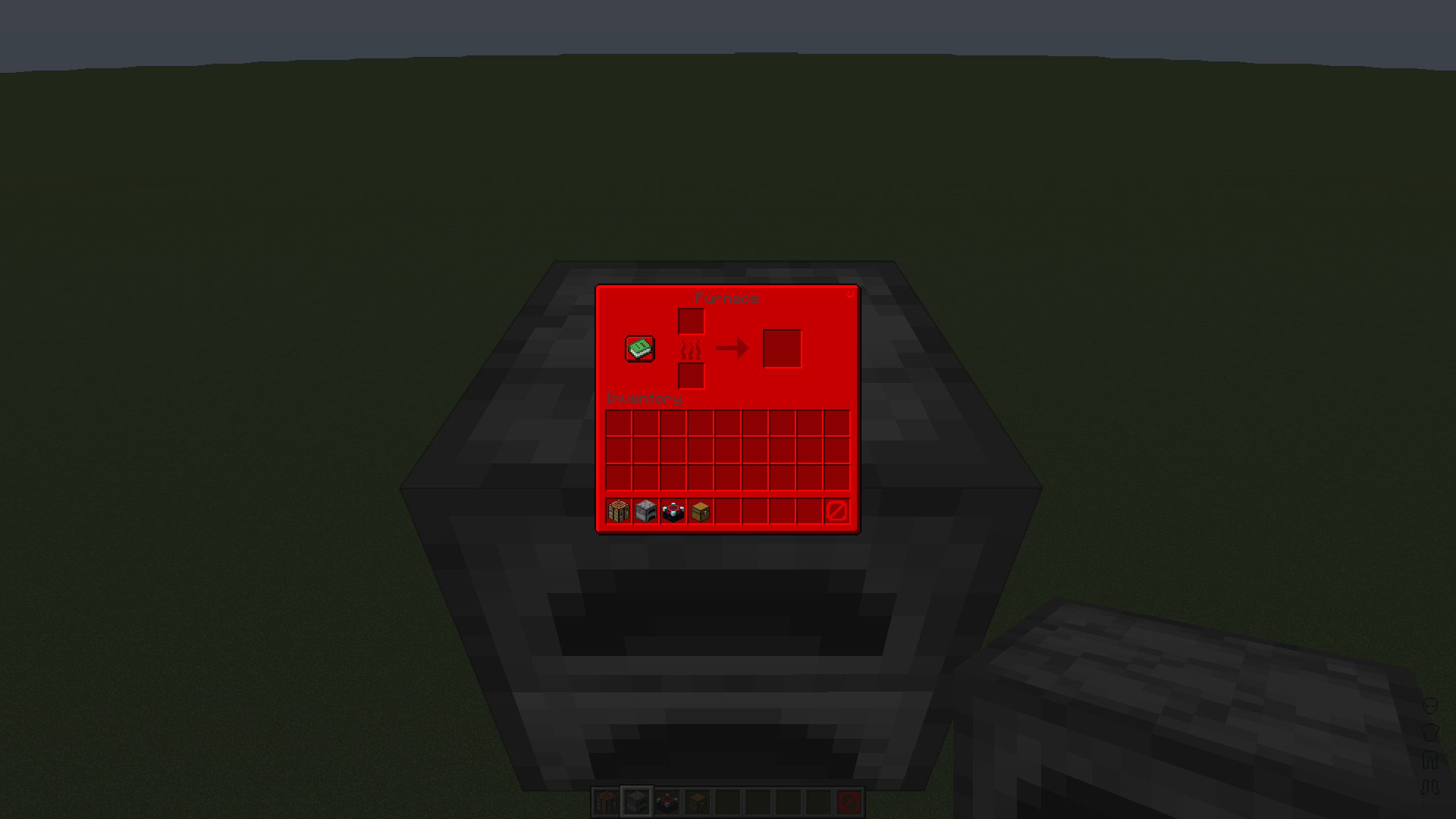
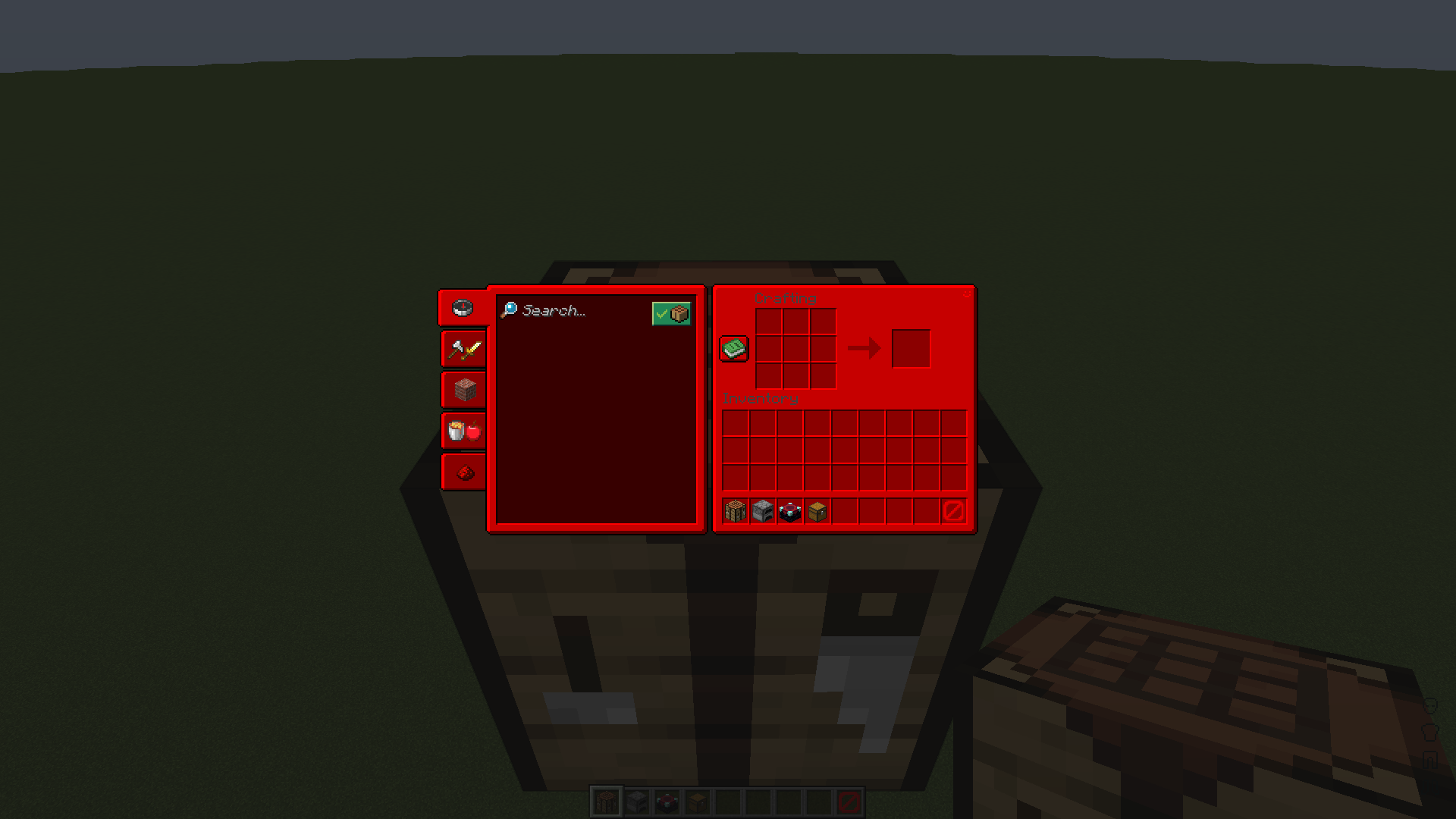
介绍
This is a pretty simple GUI recolour. I made a blue pack which can be found here, someone requested a red version so I made it. There should be more info in the file found inside the .zip called “readme.txt”.
A blue version of this pack can be found here.
How I made the pack:
Making this pack was pretty simple; Photoshop made it pretty easy, here is what I did.
1. Get the vanilla GUIs.
2. Add a colour layer (HEX: ff0000) above the GUI and mask it.
3. Use the blend mode ‘multiply’ to colour the GUI easily.
More of me:
YouTube: https://youtube.com/ElijahDoesMC
Discord: https://discord.gg/XsadkFuY3n
Carrd: https://elijahdoesmc.carrd.co

常见问题
ElijahDoesMC’s Red GUI 支持哪些 Minecraft 版本?
ElijahDoesMC’s Red GUI 支持 Minecraft Java 版 1.19.3。下载时注意选择和你游戏版本一致的文件。
ElijahDoesMC’s Red GUI 怎么安装?
把下载的 .zip 文件(不用解压)放进游戏目录的 resourcepacks 文件夹,进游戏后在「选项 → 资源包」里把它移到右边启用。

评论
登录后评论和评分