
CrystalScope
Review your own Crystal and Anchor PvP fights with local health, totem and inventory timelines.
截图
介绍
CrystalScope
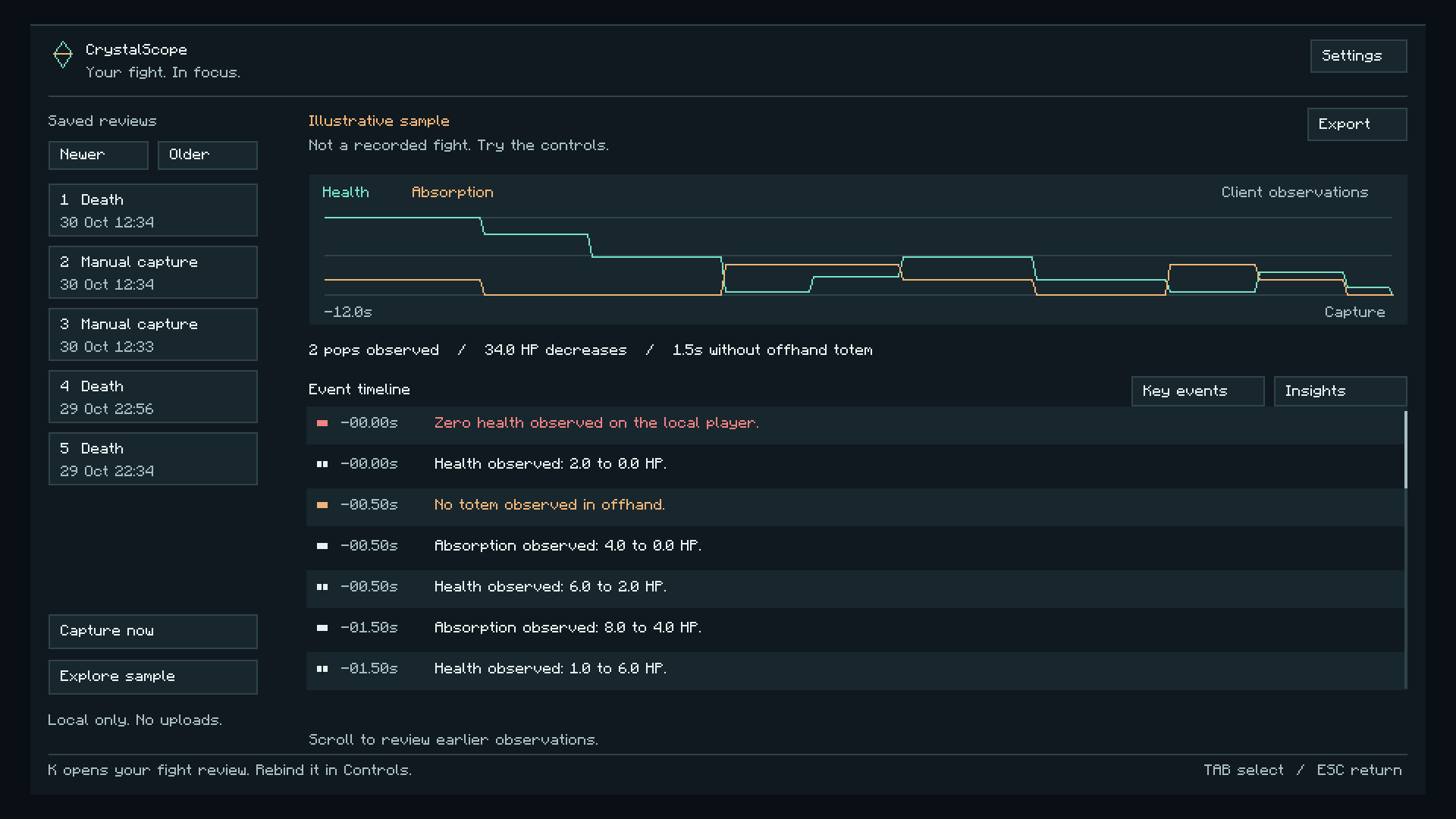
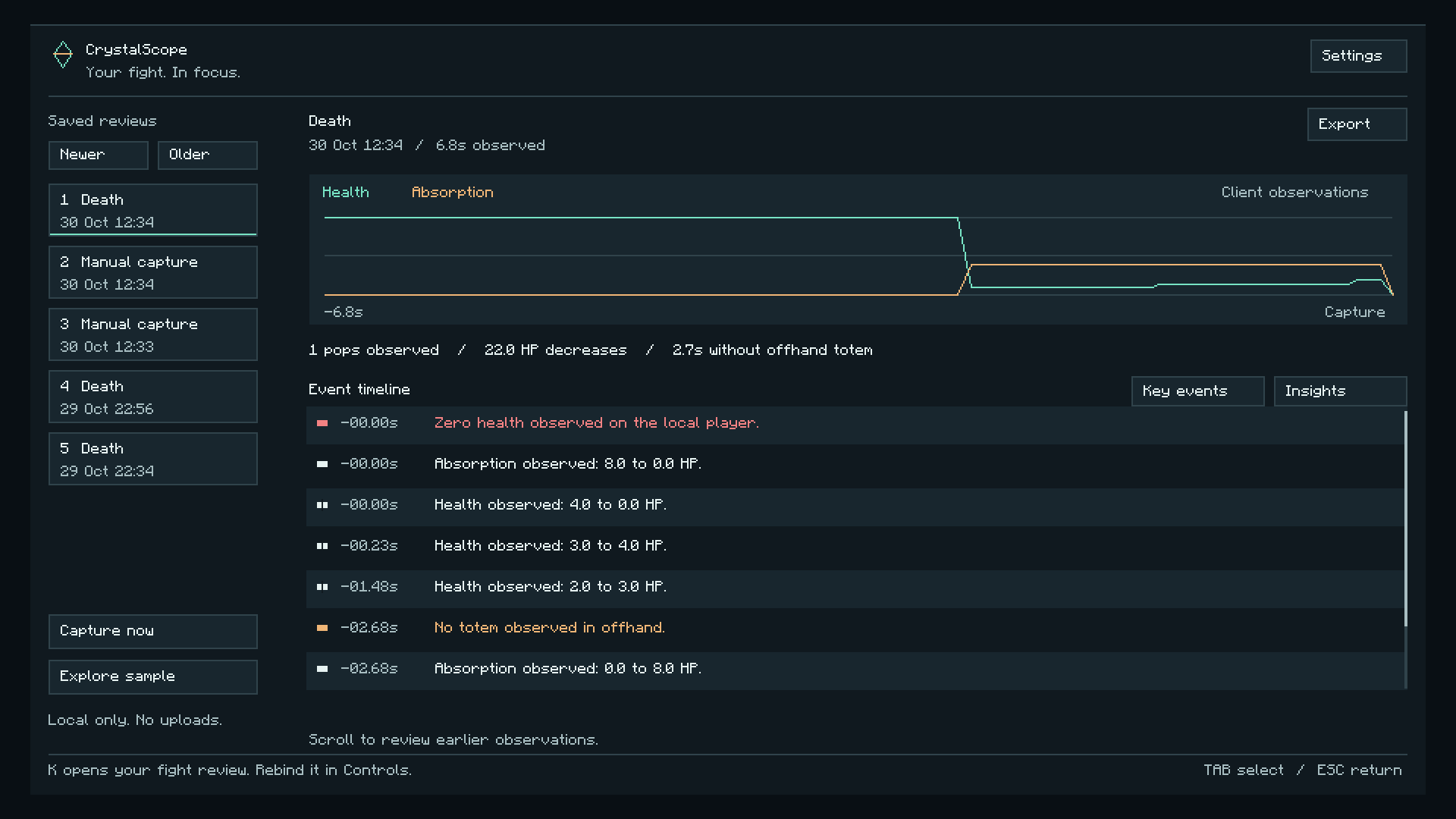
Review what your client saw. CrystalScope turns the last seconds of your own Crystal and Anchor PvP fights into a local, readable review. Open the timeline after a fight to inspect health changes, totem observations and inventory state without scrubbing a video.
What it shows
- Your health and absorption on separate chart traces.
- Observed local-player totem pops and your totem count.
- Offhand totem presence and observed time without one, inventory open/close and held-item changes.
- Armor condition, expressed as the minimum remaining durability percentage.
- Timestamped events in a scrollable review timeline.
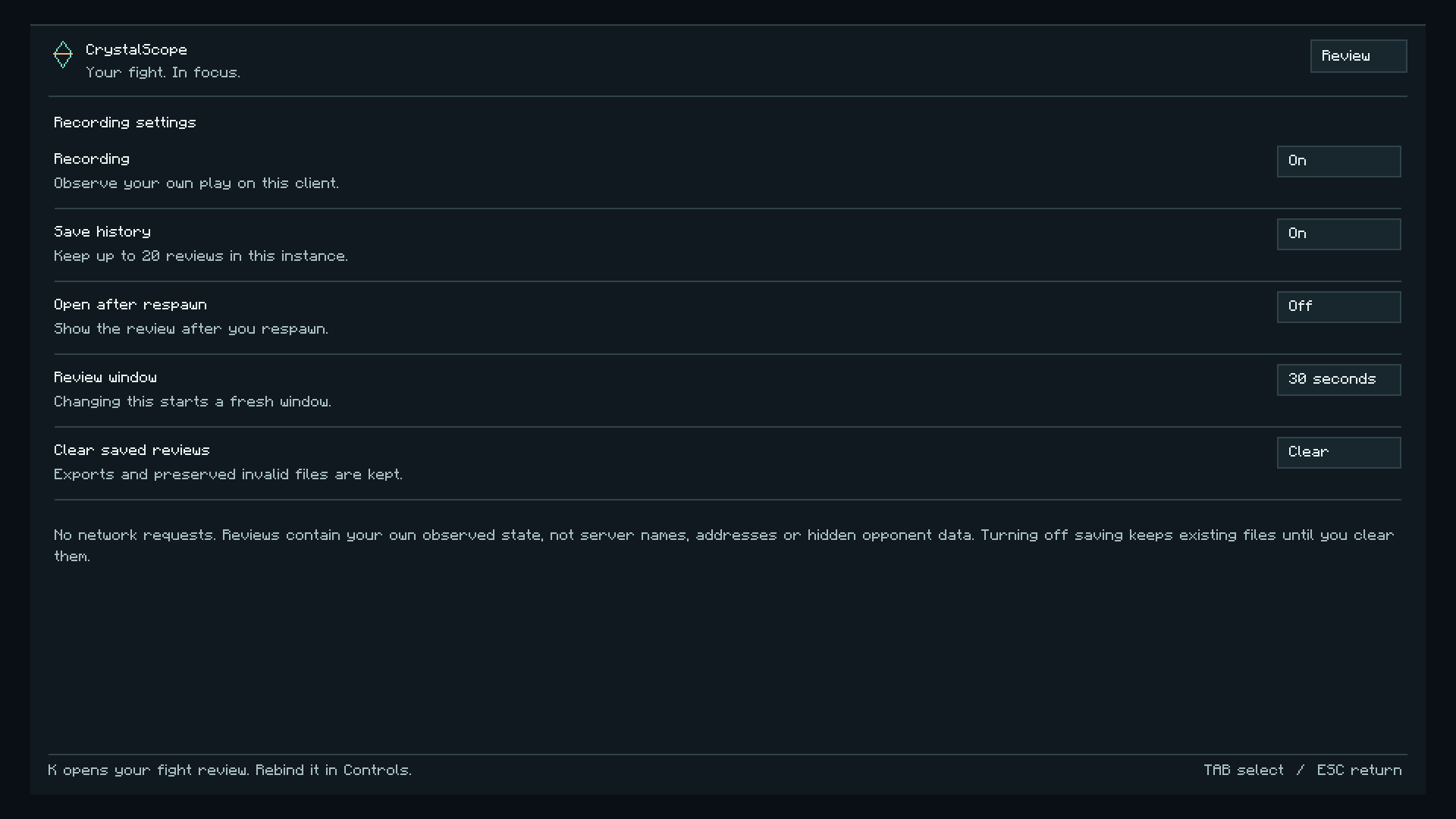
Capture manually or inspect a death capture. The default rolling window is 30 seconds; choose 15, 30 or 60 seconds in settings. Up to 20 reviews are retained. Export a selected review as JSON and readable Markdown. A labelled sample review is included so you can explore the screen before recording a fight.
The timeline starts with Key events. Switch to All events to include inventory, held-item, totem-count and armor changes.
Quick capture
Bind Capture CrystalScope review in Minecraft Controls to save the current rolling window during play without opening the review screen. The shortcut is unassigned by default and reports the result in chat.
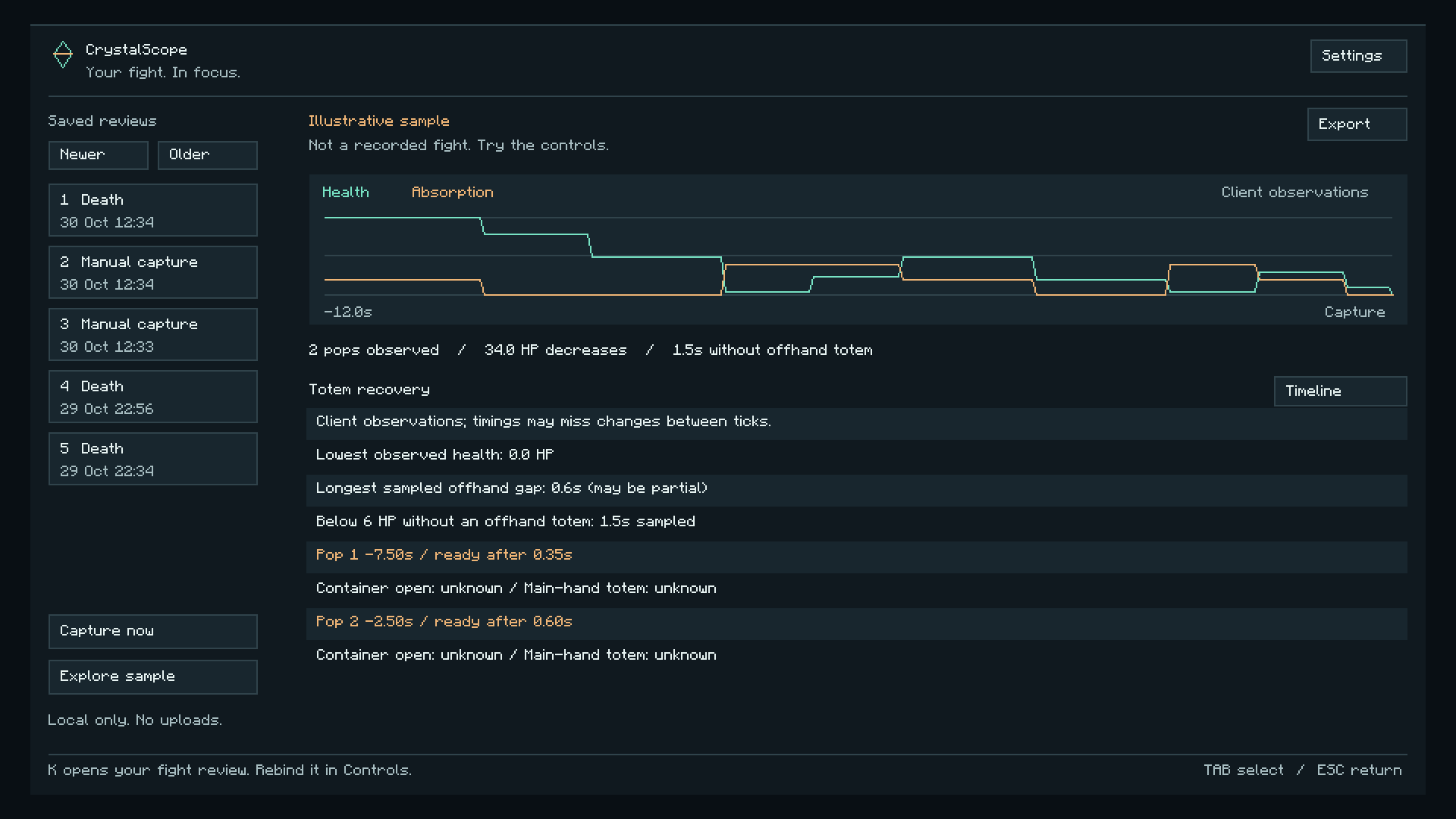
New: totem recovery insights
Open Insights to review each observed totem pop, the next observed offhand refill where measurable, and nearby container-screen and main-hand-totem context. See sampled low-health/offhand exposure and the longest observed gap. Missing or ambiguous data is labelled; these are client observations, not server-confirmed reaction times or a verdict on how you died.
Installation
- Install Fabric Loader 0.20.1 or newer for your exact Minecraft version.
- Install Fabric API for that version.
- Put one matching CrystalScope jar in the client instance’s
modsfolder. - Optional: install Mod Menu to open settings from the mod list.
- Enter a world and press K. Rebind “Open CrystalScope” in Controls if needed.
The separate target jars are for 1.20.1, 1.21.1, 1.21.4, 1.21.11 and 26.2. Use the file marked for your exact version and read its release notes for actual test coverage. Java requirements are 17+ for 1.20.1, 21+ for the three 1.21 targets and 25+ for 26.2. A server companion is not required.
Local control
Recording and local history saving start enabled. Automatic opening after respawn starts disabled. Change these inside CrystalScope or through Mod Menu.
Settings are in config/crystalscope.json; retained reviews are in crystalscope/history.json; manual JSON/Markdown exports are in crystalscope/exports/, all below the Minecraft instance directory. The mod makes no network requests and stores no server address, IP address, server name, player name or opponent identity.
Read the evidence accurately
The timeline describes client observations. It cannot prove the exact server-side cause of death, damage source, crystal ownership, hidden opponent inventory or a connection fault. It is an event review, not a video or whole-world replay. Sample data remains labelled as illustrative.
CrystalScope does not automate combat or inventory actions. No FPS gain, latency reduction, universal anticheat approval, or tested Sodium/Iris compatibility is claimed. Follow your server’s rules and check the selected file’s compatibility notes.
License: MIT. Original project artwork is included under the same license.
Not an official Minecraft product. Not approved by or associated with Mojang or Microsoft.
常见问题
CrystalScope 支持哪些 Minecraft 版本?
CrystalScope 支持 Minecraft Java 版 1.20.1–26.2,共 5 个版本,可用的加载器:Fabric。下载时注意选择和你游戏版本一致的文件。
CrystalScope 怎么安装?
先用 PCL2 或 HMCL 启动器安装对应版本的 Fabric,再把下载的 .jar 文件放进游戏目录的 mods 文件夹,重新启动游戏即可。开启了版本隔离的,mods 文件夹在 versions/版本名 下面。

评论
登录后评论和评分