IR (Immersive Railroading) – RTLC Railroad Addon
Locomotives, Trains, and Rail Vehicles made by RTLC
截图
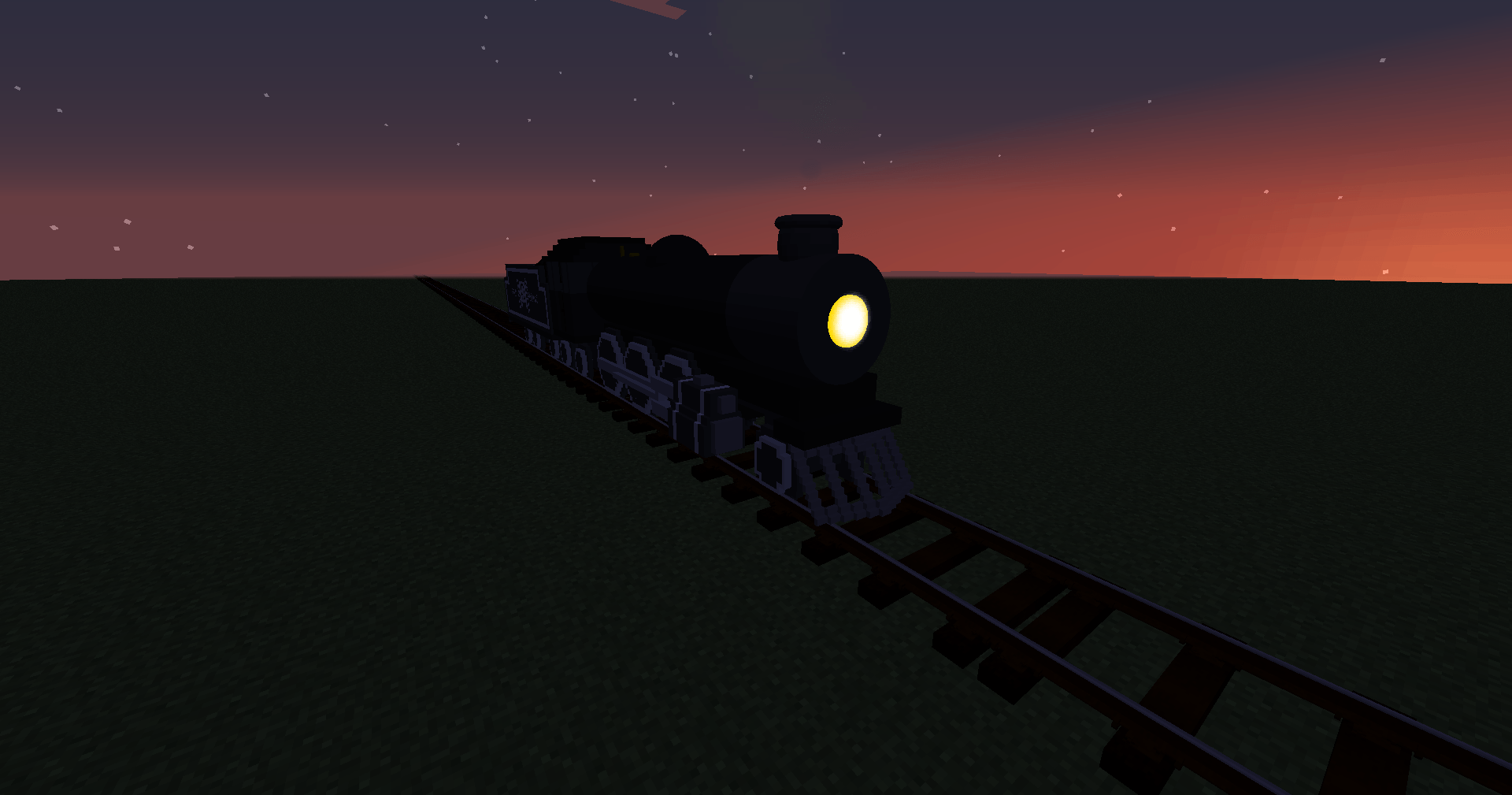
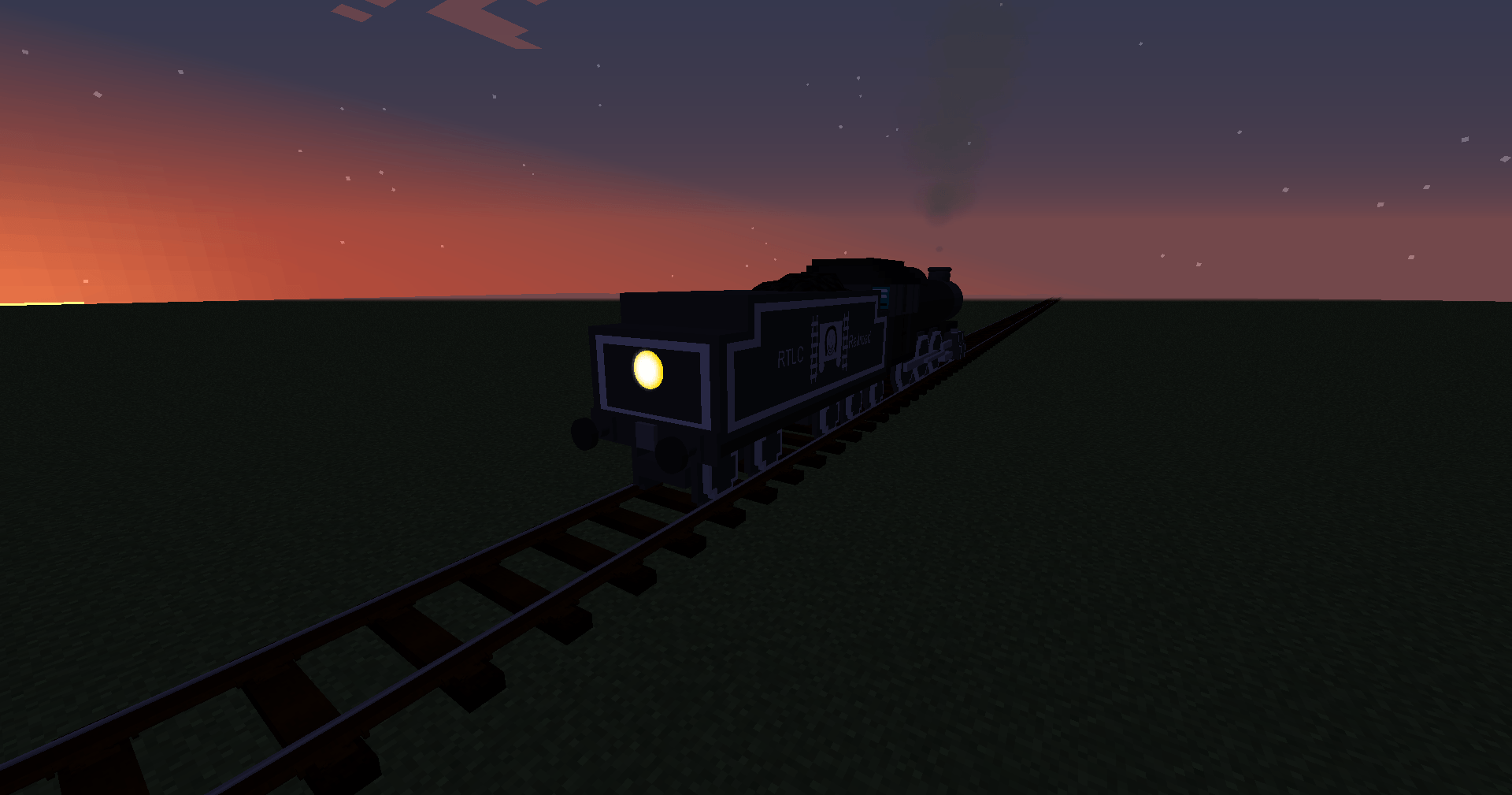
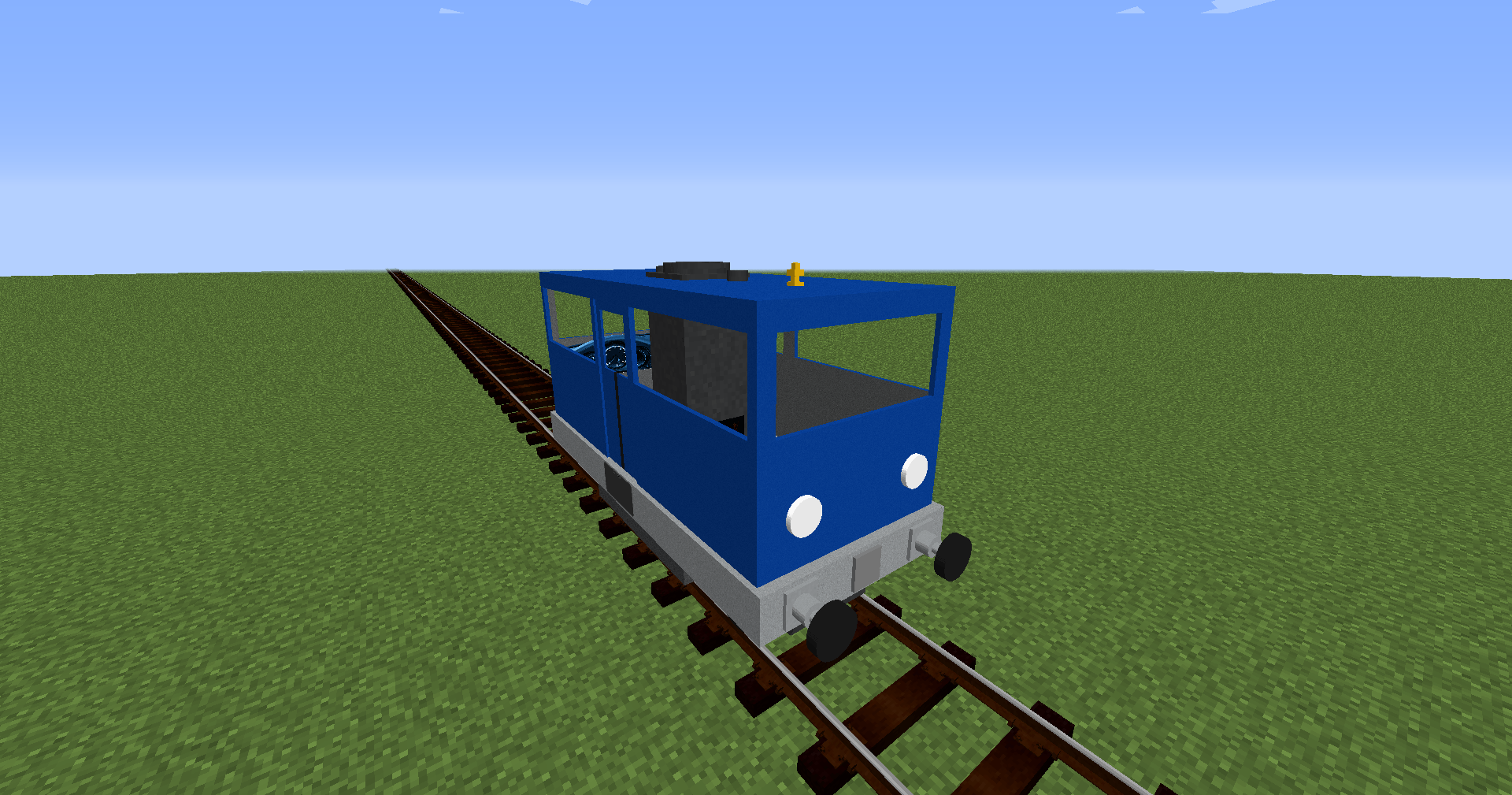
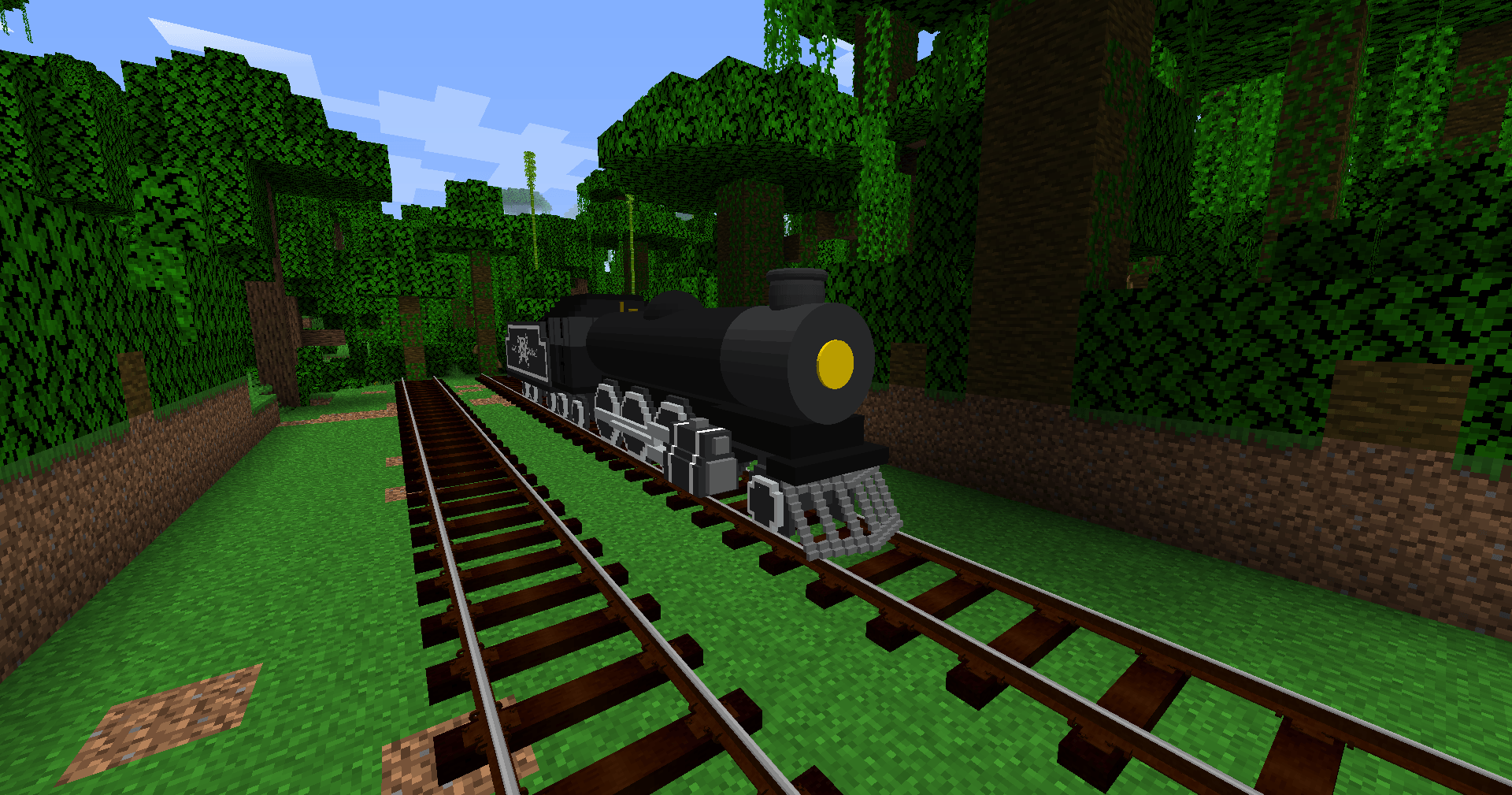
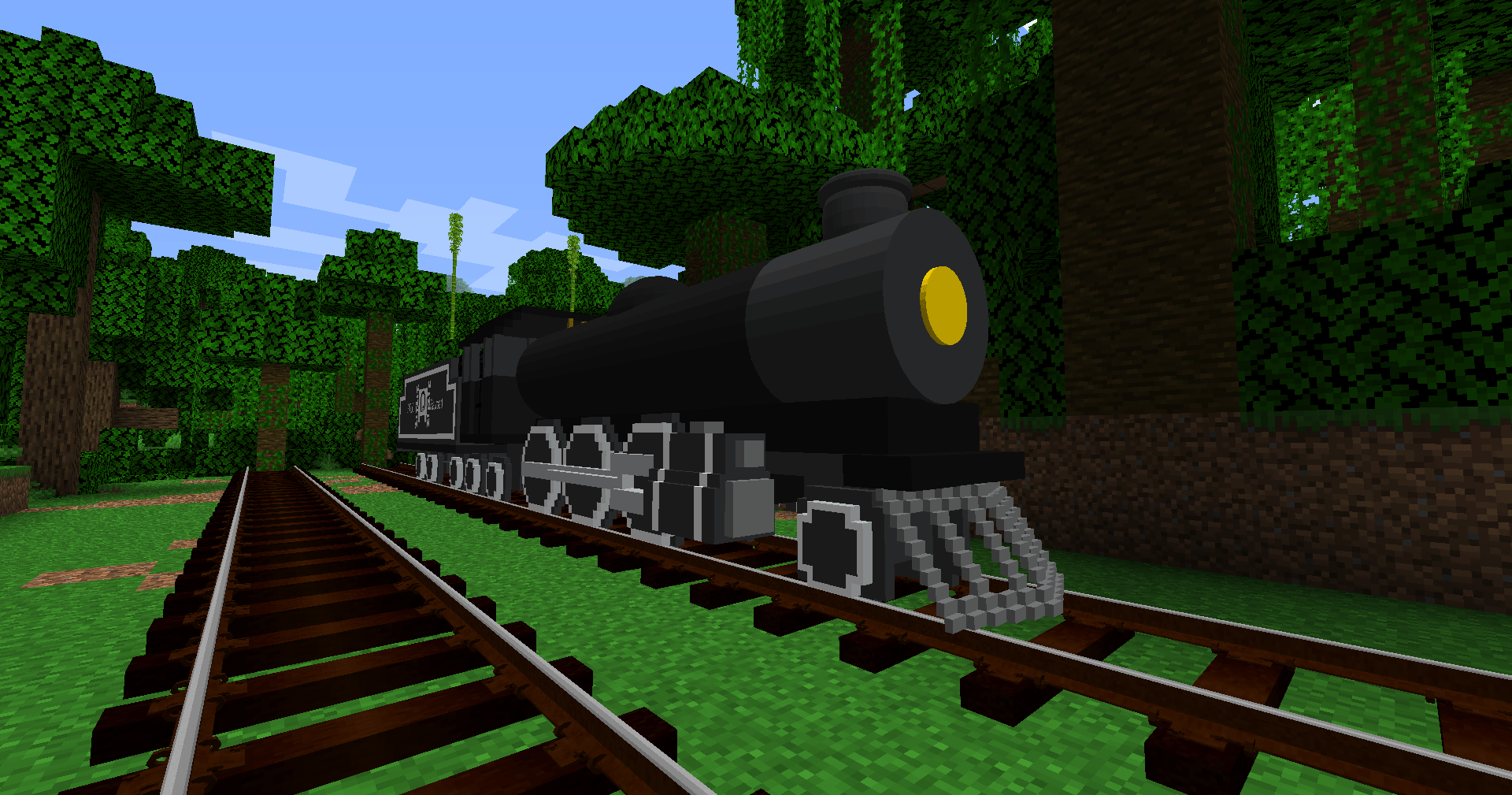
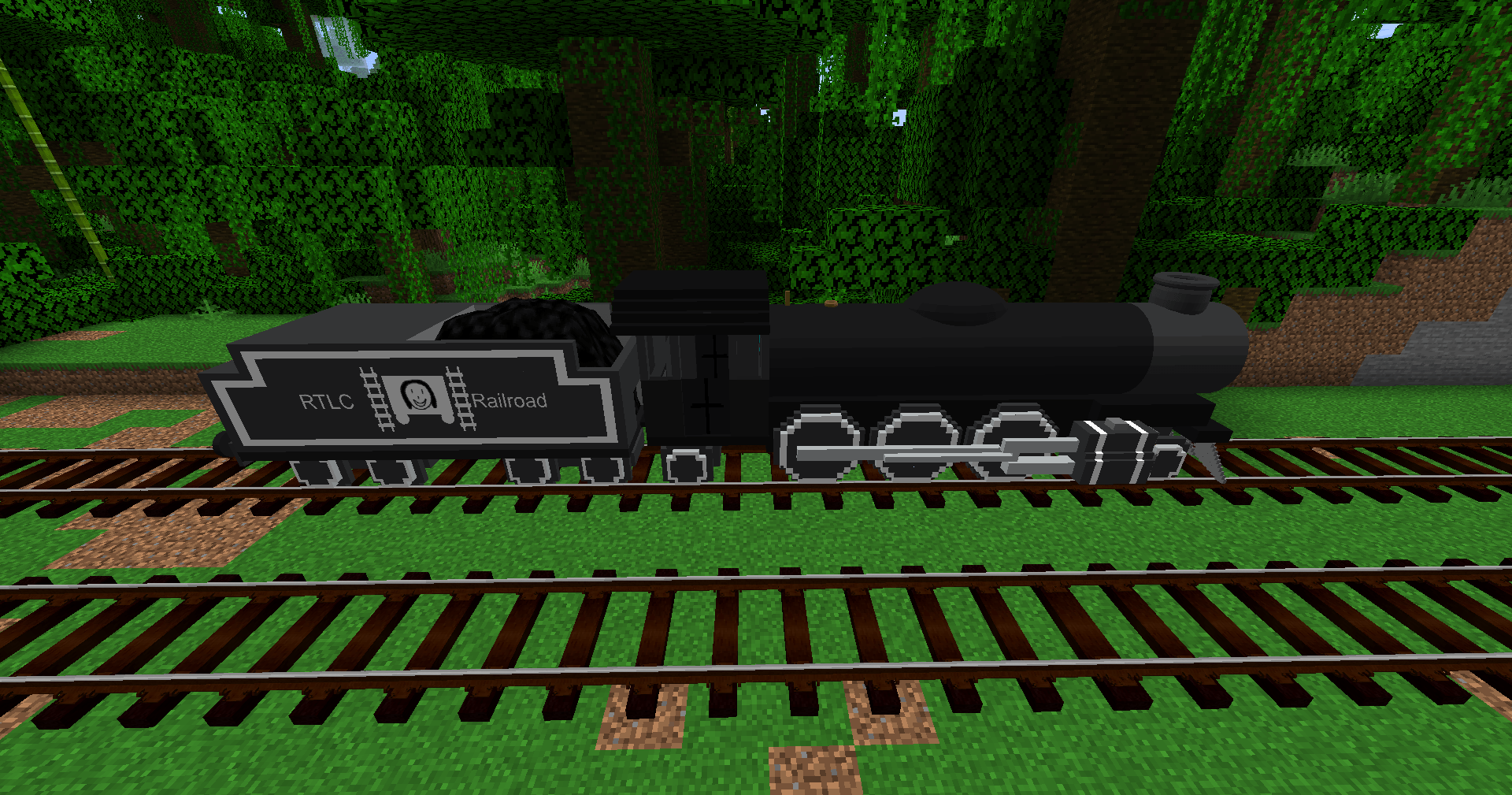
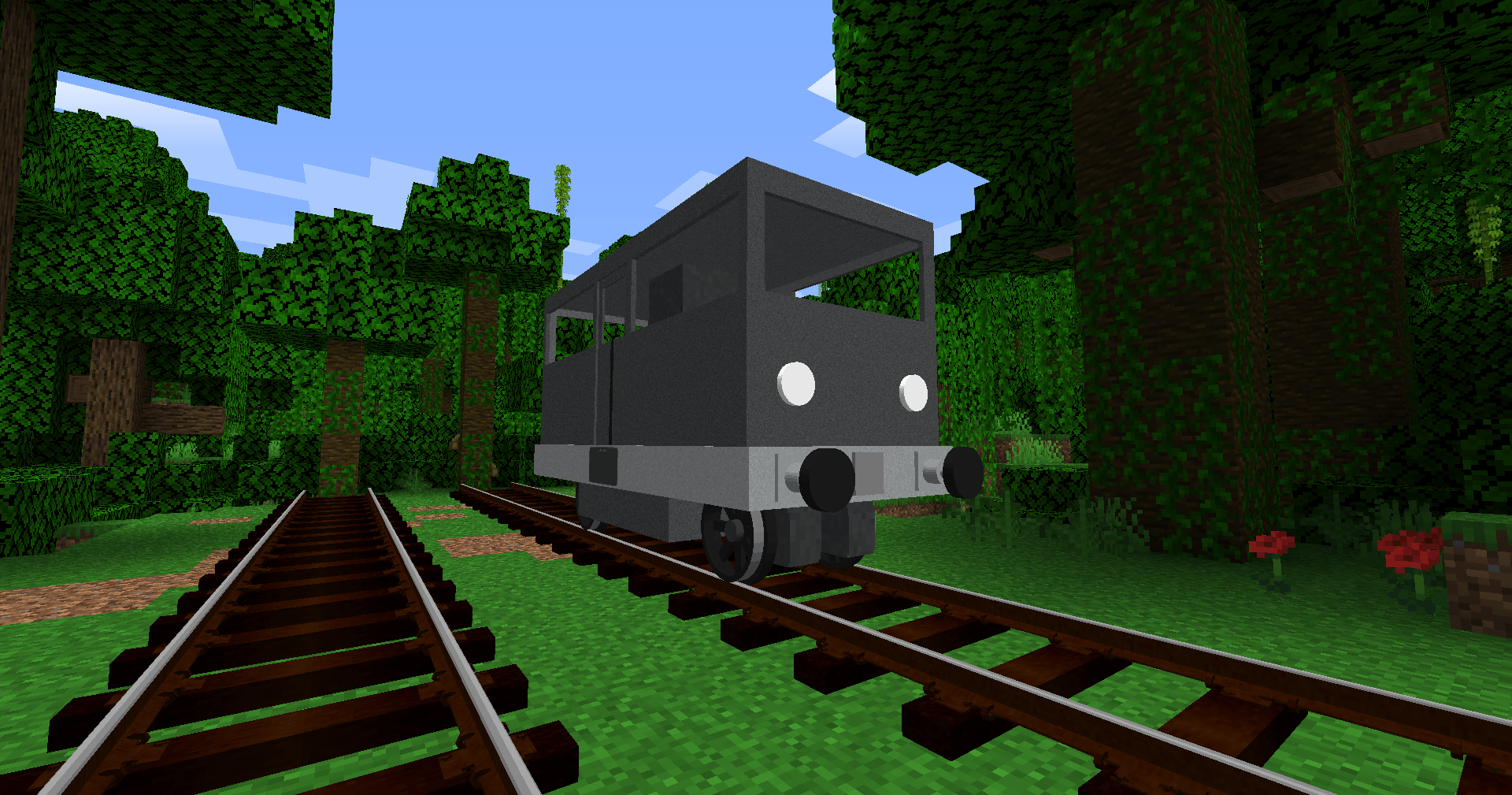
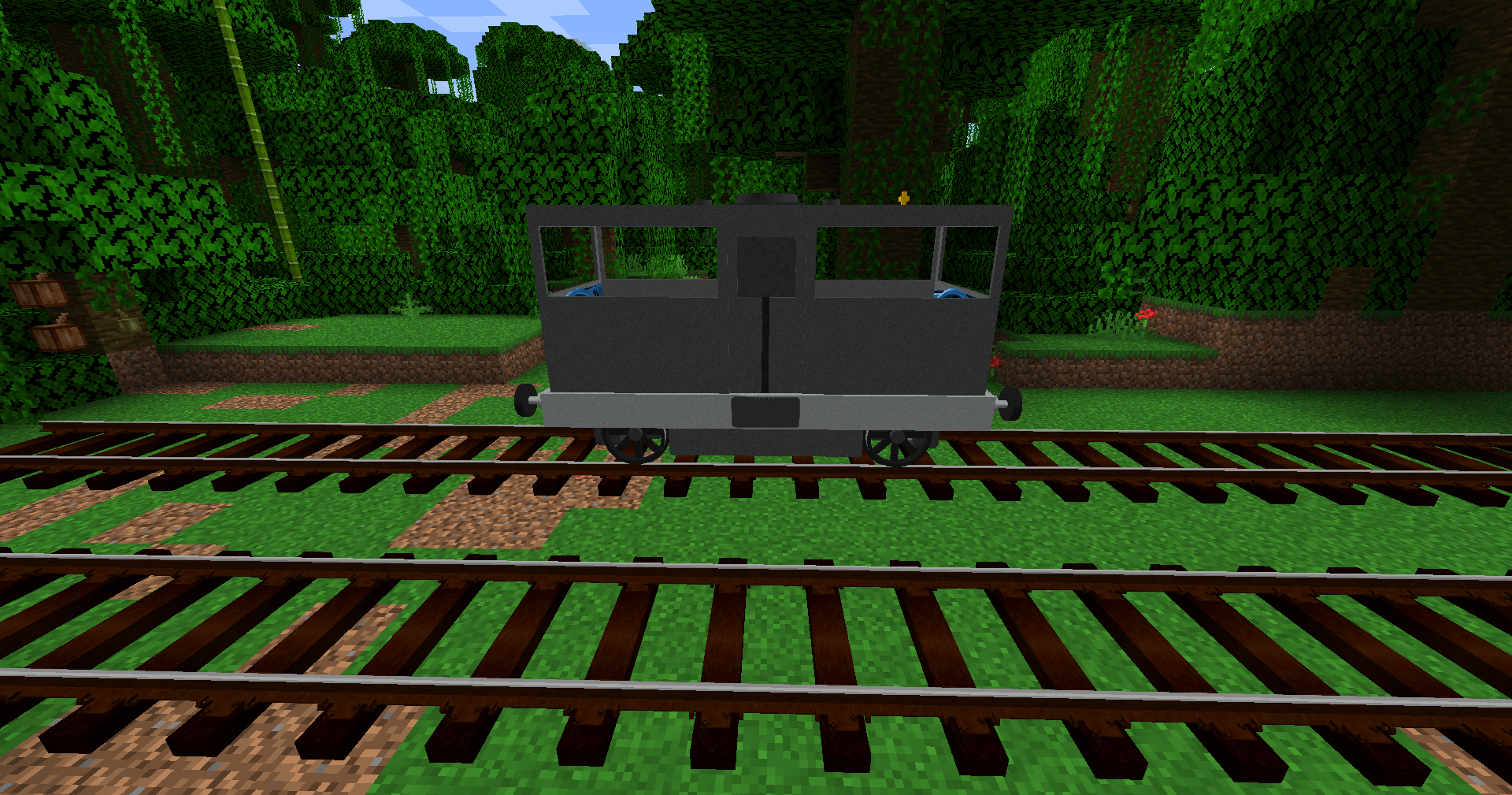
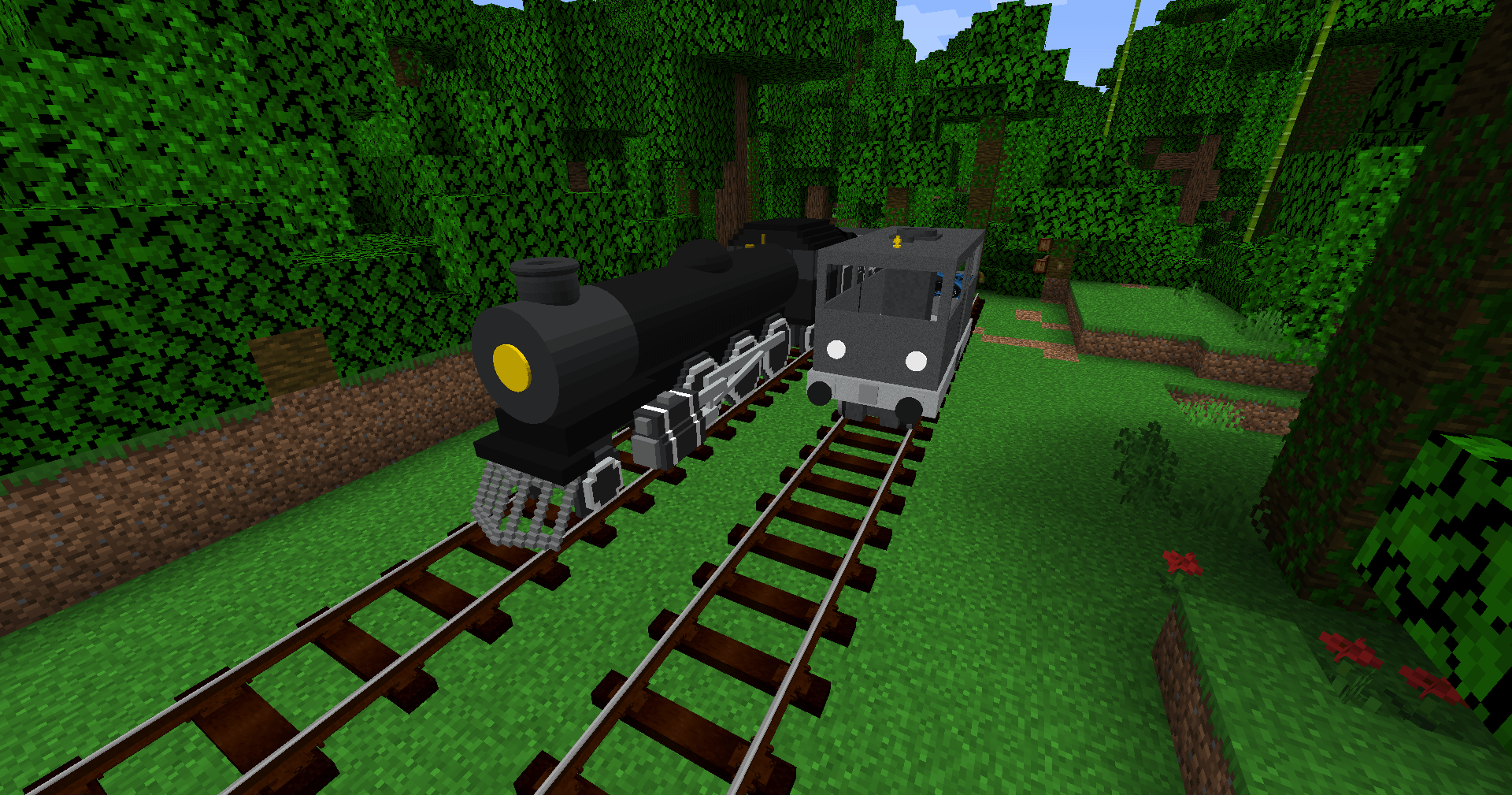
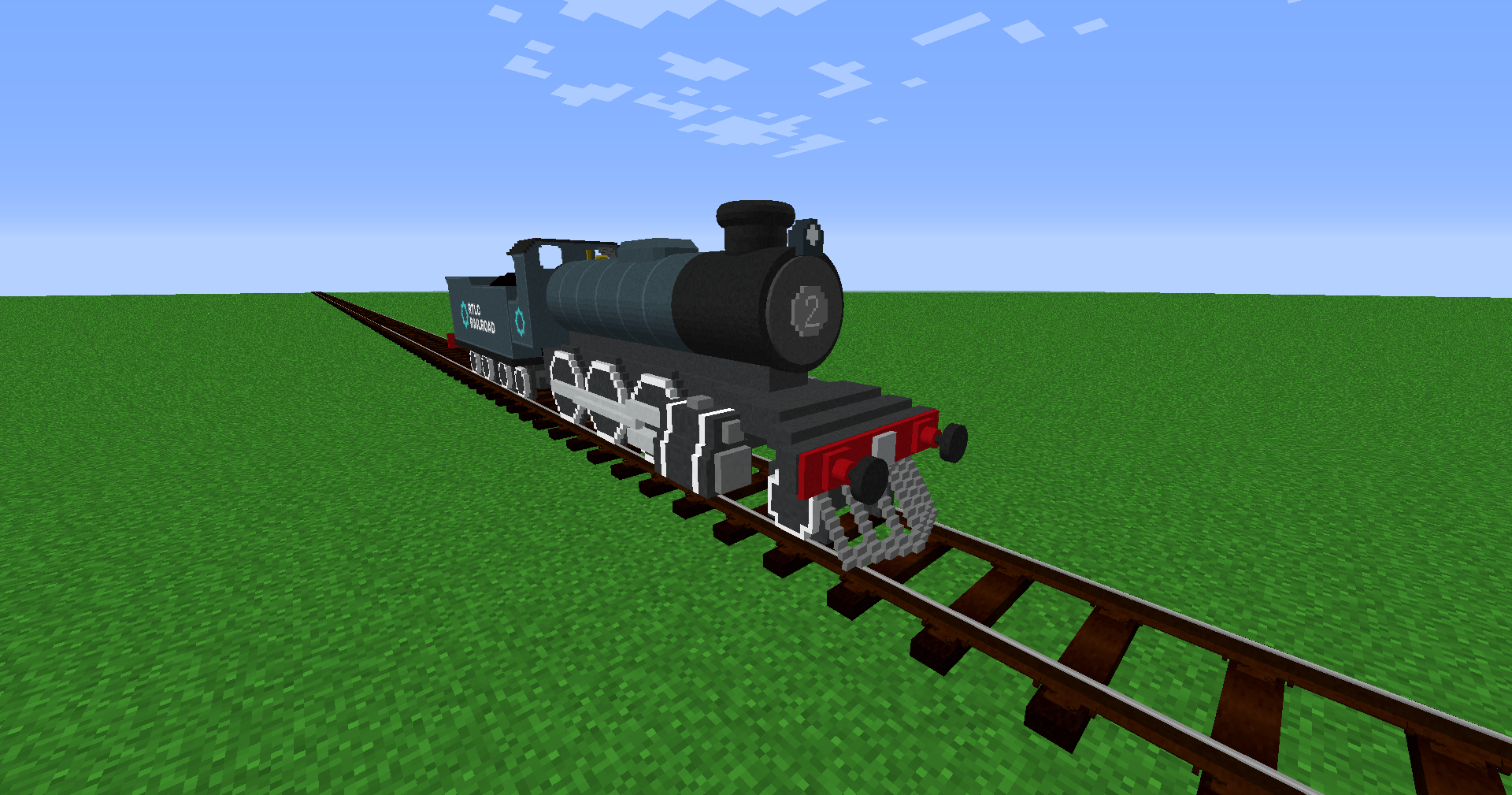
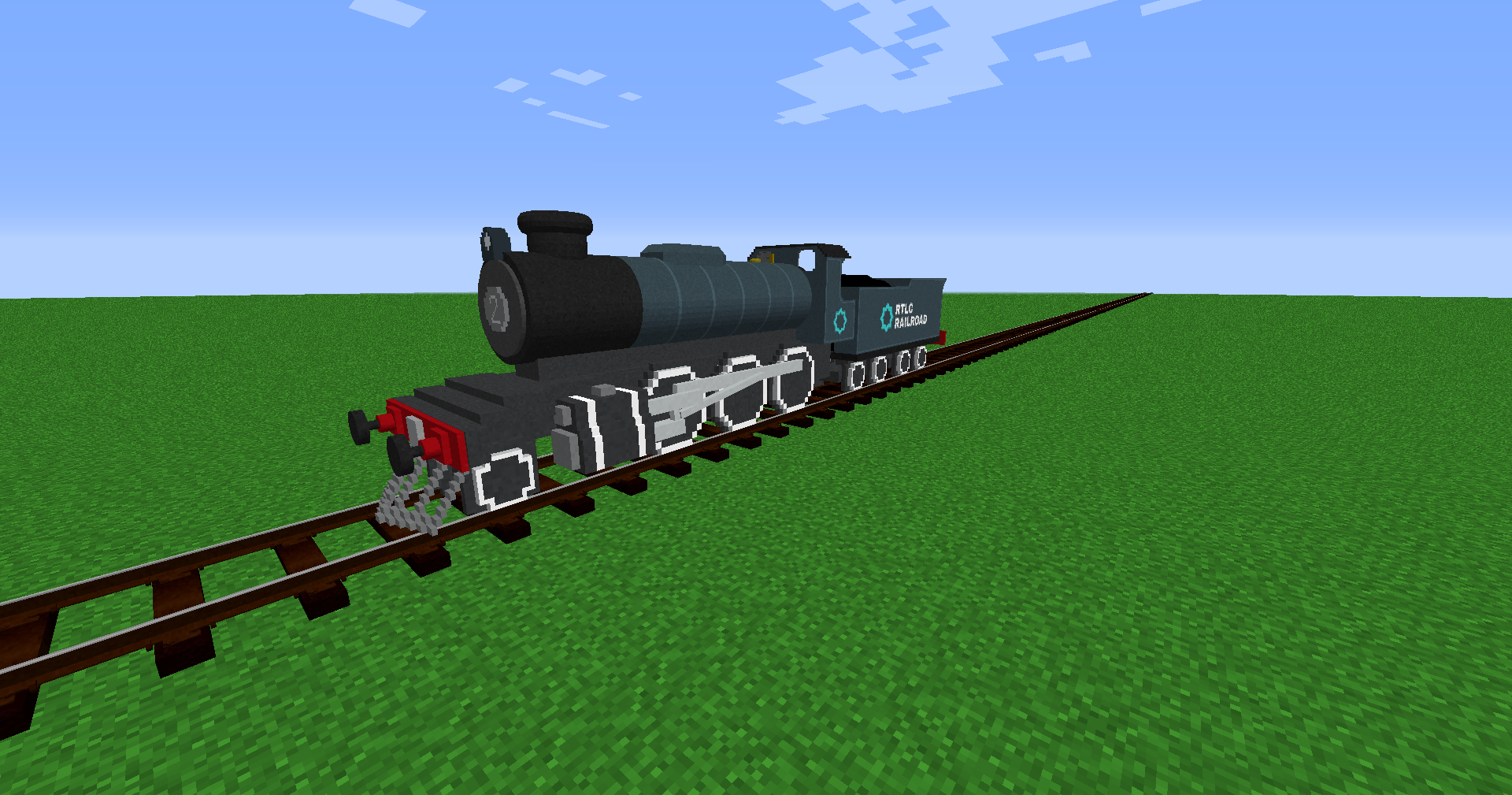
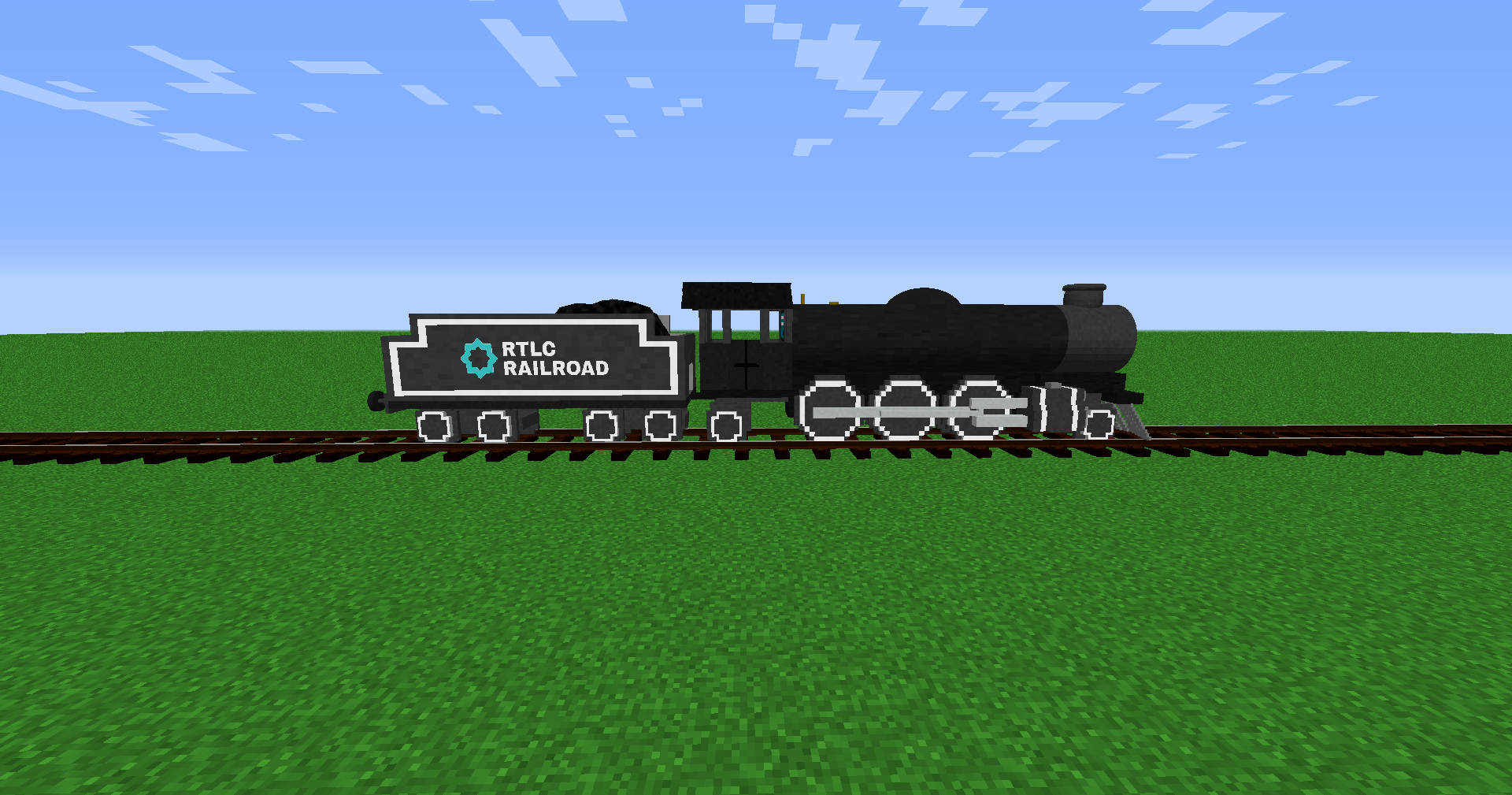
介绍
This Addon for Immersive Railroading is centered around some fun and useful locomotives with varying pros and cons depending on what you use them for.
Includes
Locomotives
————–
RTLC-01 (2-6-2) – A mixed traffic tender locomotive.
RTLC-02 (2-6-0) – A freight tender locomotive
RTLC-03 (4-6-0) – A passenger tender locomotive
RTLC-04 (2-8-0) – An 8f style freight locomotive
RTLC-05 (BO-BO) A “Car Body” Diesel Locomotive
RTLC-06 (4-8-4) A 3ft Narrow Gauge Locomotive
RTLC-07 (4-6-2) A Multi Gauge (Minecraft & Miniature) Steam Locomotive
RTLC-08 (2-8-4) A large heavy freight locomotive
91904 Class (0-2-0+0-2-0) An Omnidirectional Steam Locomotive Who Can Traverse The Sharpest Corners And Curves With Ease, Can Also Travel Backwards Just As Well As Forwards Like A Double Fairlie Locomotive
91904x (0-2-0+0-2-0) A More Balanced & More Powerful Enhanced Version Of The 91904 Class
50226 Class (2-6-2) A Simplified Omnidirectional Steam Locomotive
RTLC Manager Class (4-6-2) A Mixed Traffic Tender Locomotive Capable Of High Speeds, Fast Freight Or Express Passenger Services Also Fancy
RTLC Motorcoach – An Electric Multiple Unit (EMU) For Use In Commuter & Express Passenger Services With The RTLC Mainline Coach
Passenger
————
RTLC Coach (Variant #1) – A typical passenger car
RTLC Mainline Coach (Variant #1) A passenger car for express passenger service
Freight
——–
RTLC Flatcar
RTLC Tankcar
RTLC 3ft NG Flatcar
RTLC Boxcar
RTLC 3ft NG Boxcar
RTLC Wagon Truck
RTLC Brakecar
Others
——–
RTLC Railroad Auxiliary Tender
Coupling Adapter (European To American)
————————————
More Features are Coming Soon.
常见问题
IR (Immersive Railroading) – RTLC Railroad Addon 支持哪些 Minecraft 版本?
IR (Immersive Railroading) – RTLC Railroad Addon 支持 Minecraft Java 版 1.7.10–1.20.1,共 4 个版本。下载时注意选择和你游戏版本一致的文件。
IR (Immersive Railroading) – RTLC Railroad Addon 怎么安装?
把下载的 .zip 文件(不用解压)放进游戏目录的 resourcepacks 文件夹,进游戏后在「选项 → 资源包」里把它移到右边启用。
评论
登录后评论和评分