BloodBane
RPG style mod, Extended progression after Netherite, Custom items with abilities
截图
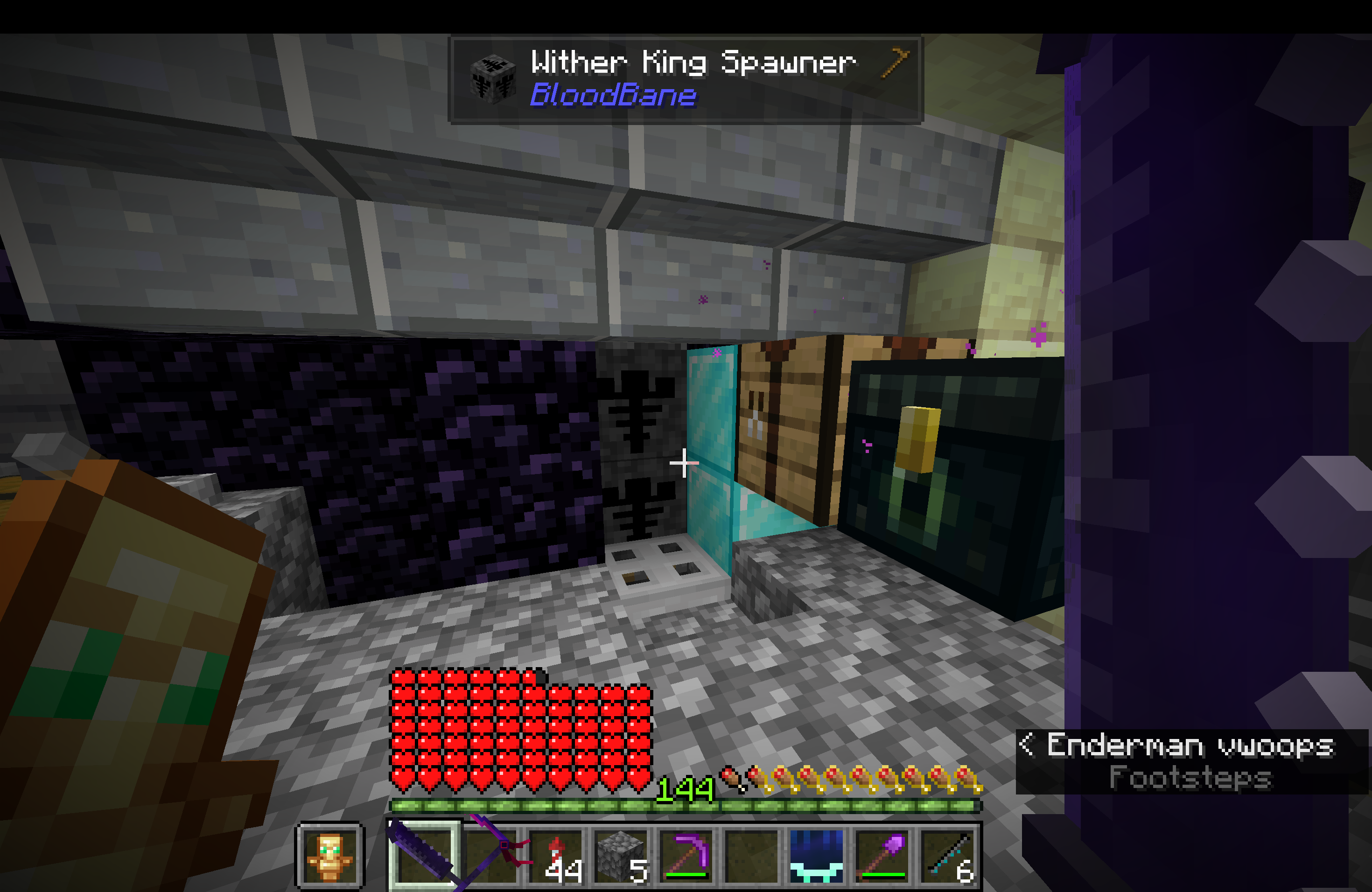
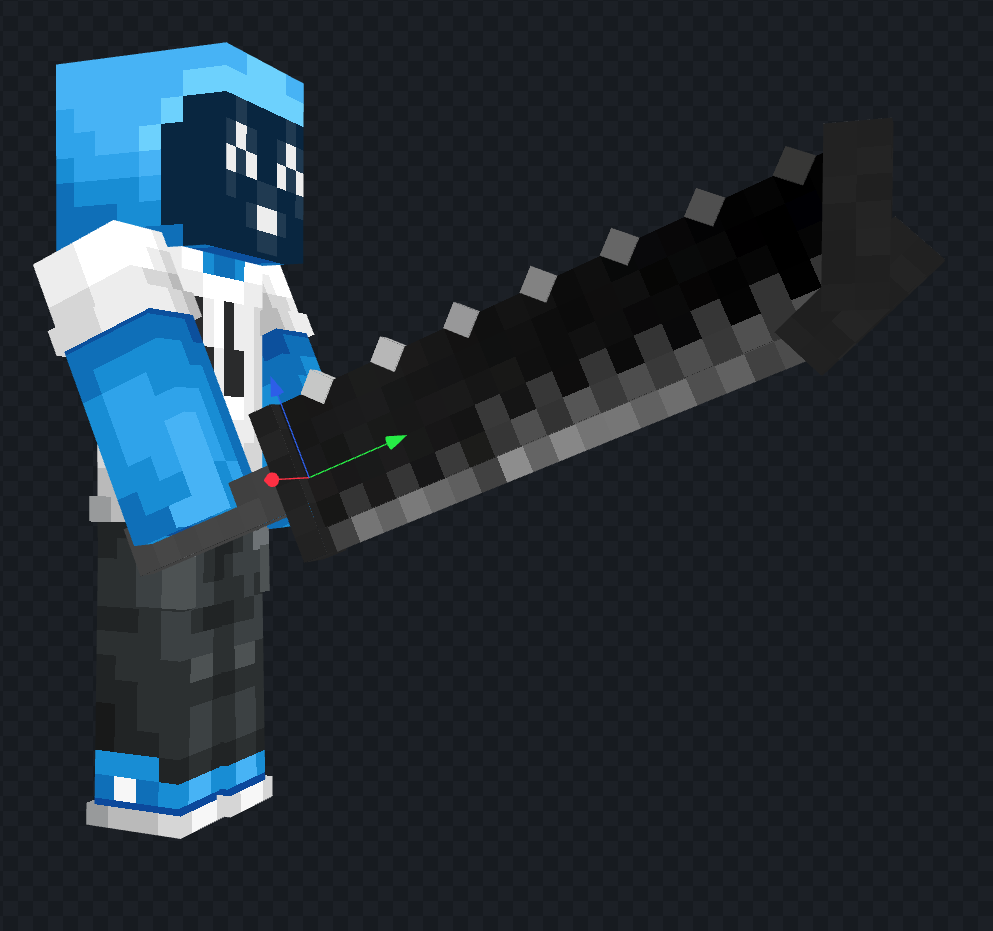
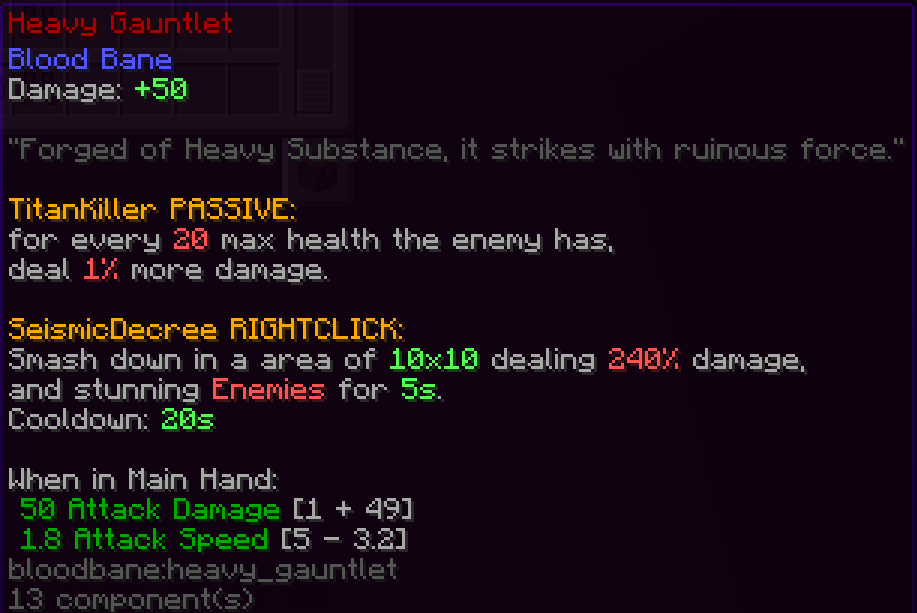
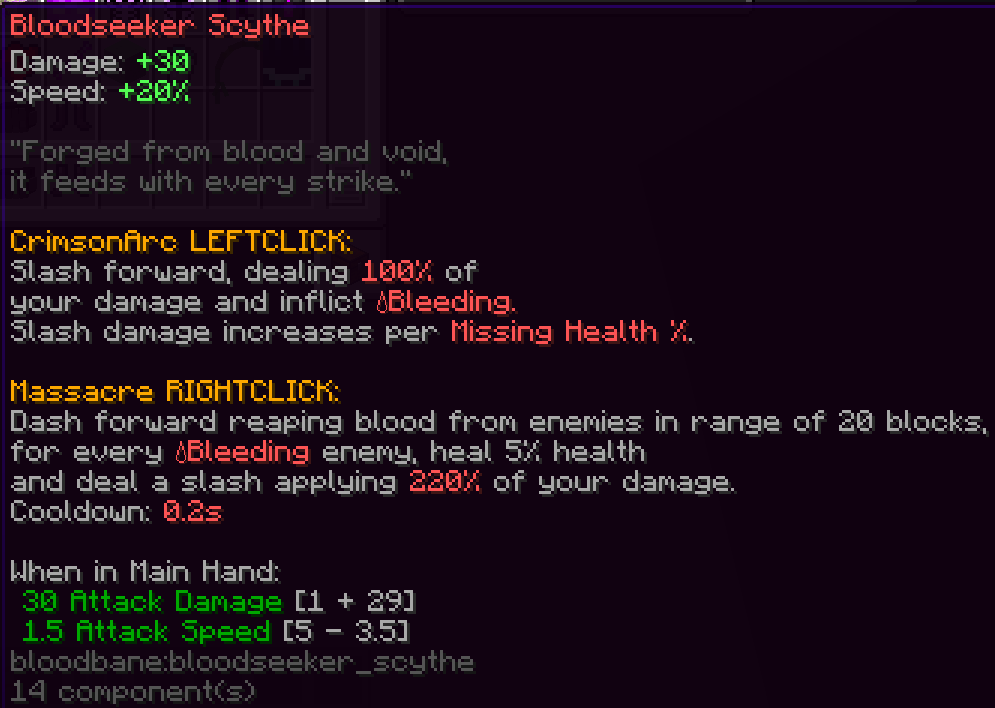
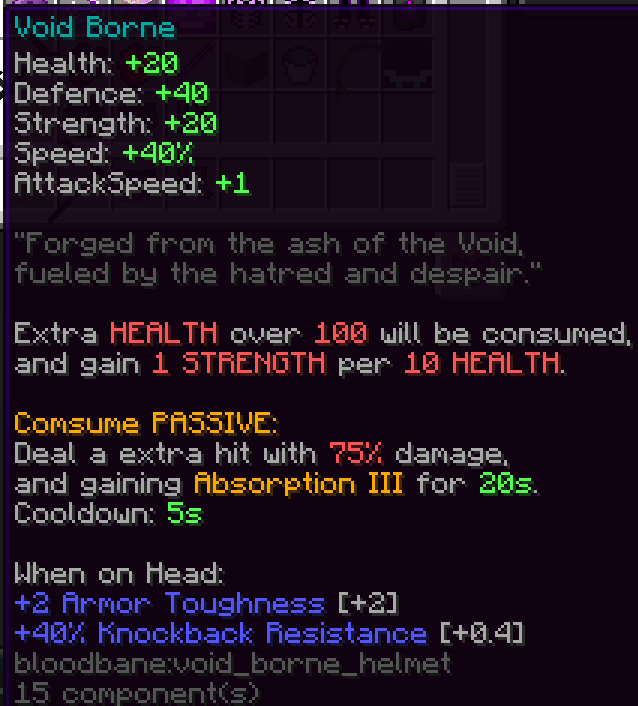
介绍
BloodBane extends Minecraft’s end-game by adding new gear tiers, custom weapons with left-click/right-click abilities, and armor sets with passive effects.
The mod focuses on simple ability combat, strong items, and a smooth but grind-heavy progression that starts after Netherite.
After Netherite, players advance into the Enderite tier:
- New materials obtained from the End
- Noticeable stat increases compared to Netherite
- Introduces players to the mod’s progression system
Enderite acts as the gateway tier before entering more dangerous content.
After Enderite, players can access Chaos Realms, high-level zones designed for late-game progression:
- Stronger mobs
- Rare crafting materials
- Components for advanced armor and late-game weapons
- High-risk zones and advanced custom bosses
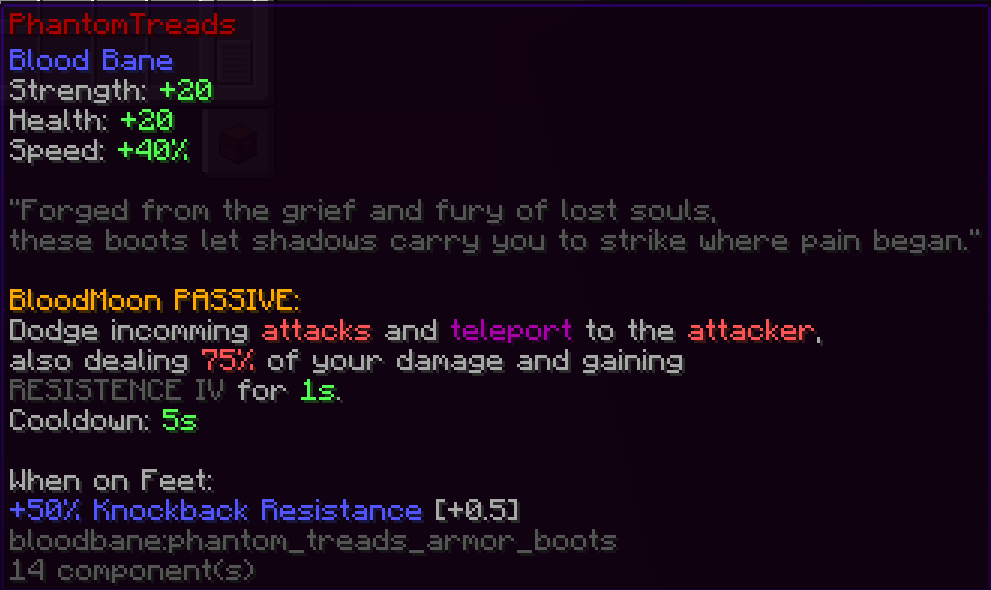
Armor sets provide passive bonuses that always stay active, such as:
- Extra damage
- Bonus health
- Damage reduction
- Movement or attack buffs
- Special passive abilities
Pair different items together to form your own combo
BloodBane is designed around upgrading, into stronger tiers:
- You work from Netherite → Enderite → Chaos gear
- Each upgrade gives a big jump in power
- Endgame armor and weapons feel extremely strong
Progression is grind-focused, but every step feels meaningful.
With BloodBane installed, players can expect:
- A longer end-game after Netherite
- Ability-based combat without complicated systems
- Powerful, rewarding weapon and armor upgrades
- Grind-focused advancement through Chaos Realms
This mod also works with server really well, instead of pure PVE the system is also balanced with PVP.
Download and play with your friends!
常见问题
BloodBane 支持哪些 Minecraft 版本?
BloodBane 支持 Minecraft Java 版 1.21.4,可用的加载器:NeoForge。下载时注意选择和你游戏版本一致的文件。
BloodBane 怎么安装?
先用 PCL2 或 HMCL 启动器安装对应版本的 NeoForge,再把下载的 .jar 文件放进游戏目录的 mods 文件夹,重新启动游戏即可。开启了版本隔离的,mods 文件夹在 versions/版本名 下面。


评论
登录后评论和评分