Create: Construction Site
Construction machinery for Create and Create Aeronautics: dig, push and move real blocks with the machines you build yourself.
截图
介绍
Create: Construction Site
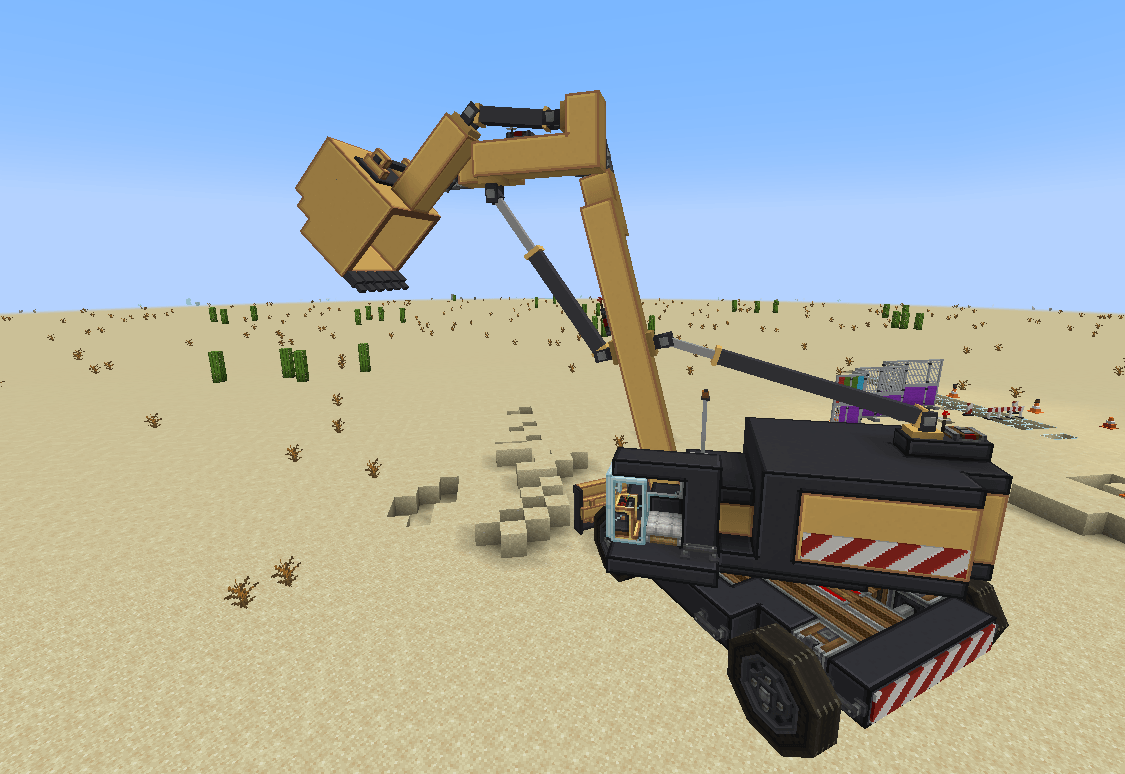
is an addon for Create that brings construction work to your machines. You build the excavator, bulldozer or dump truck yourself; the tools from this mod make it dig, push, carry and tip real blocks in the world. With Create Aeronautics installed, all of it also works on physics vehicles.
Earthmoving tools
Work on Create’s contraptions (bearings, pistons, carts, trains) and on Create Aeronautics vehicles.
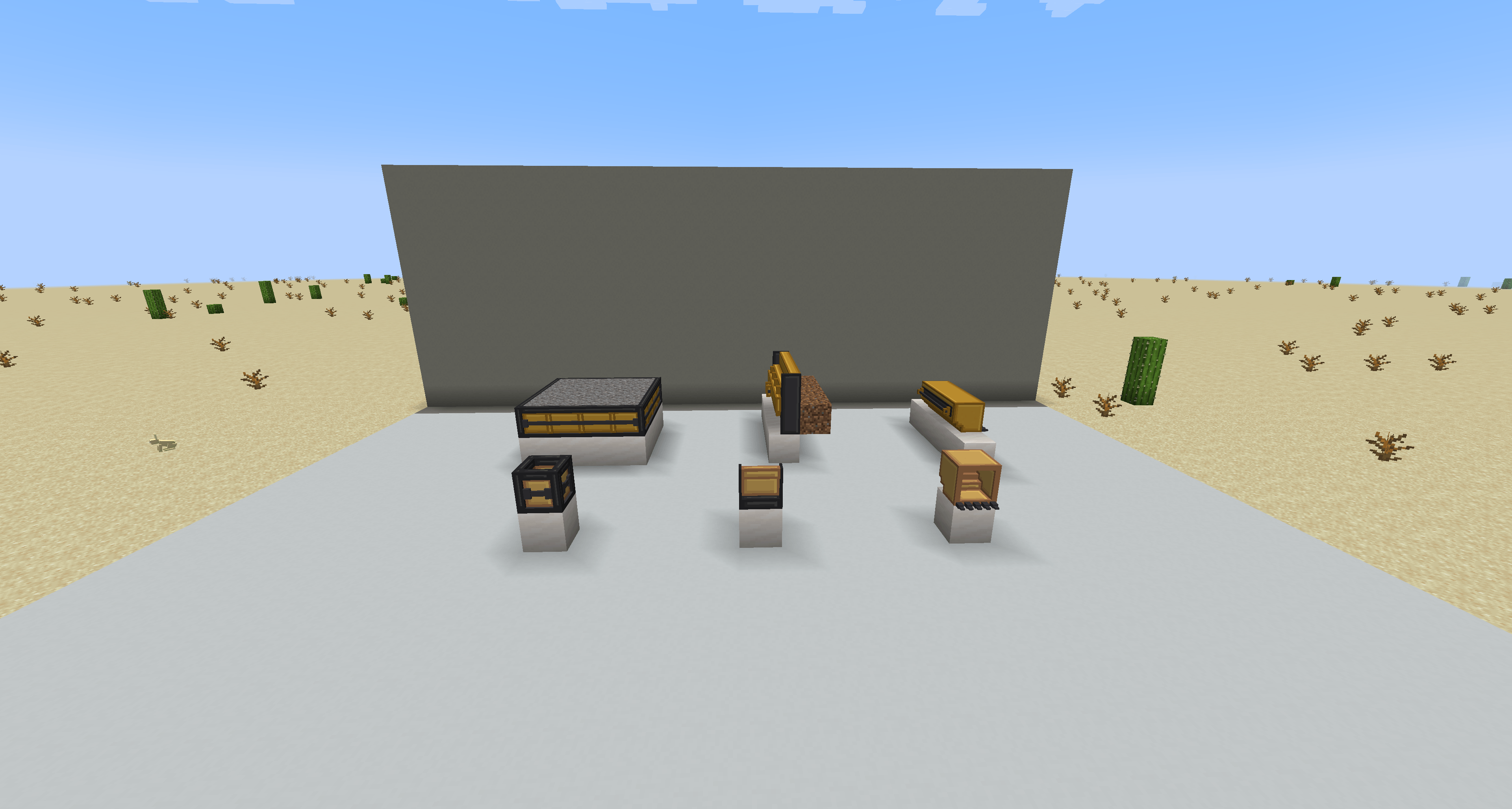
Excavator Bucket
- Digs dirt, sand, gravel, clay, snow and similar blocks when a machine pushes its open side into them, and keeps every block exactly as it was.
- Bucket blocks placed together join into one bigger bucket, up to 3 high, 3 deep and 7 wide.
- Tip it to empty it: dumped material falls, lands as blocks and forms a heap.
- With Create Aeronautics: takes ropes at its teeth, so a machine can tow and lift.
Bulldozer Blade
- Pushes loose material along as a pile and fills holes on the way; when the pile is full, the rest spills off its end.
- Blade blocks placed together join into one bigger blade.
Dump Body
- Catches material that falls in and holds it; tilt it to empty it over its lowest open side.
- Create’s wrench opens and closes each side; placing one on another adds a whole layer.
All three can be painted with dye, show their contents through Create’s goggles, and are adjusted with Create’s wrench.
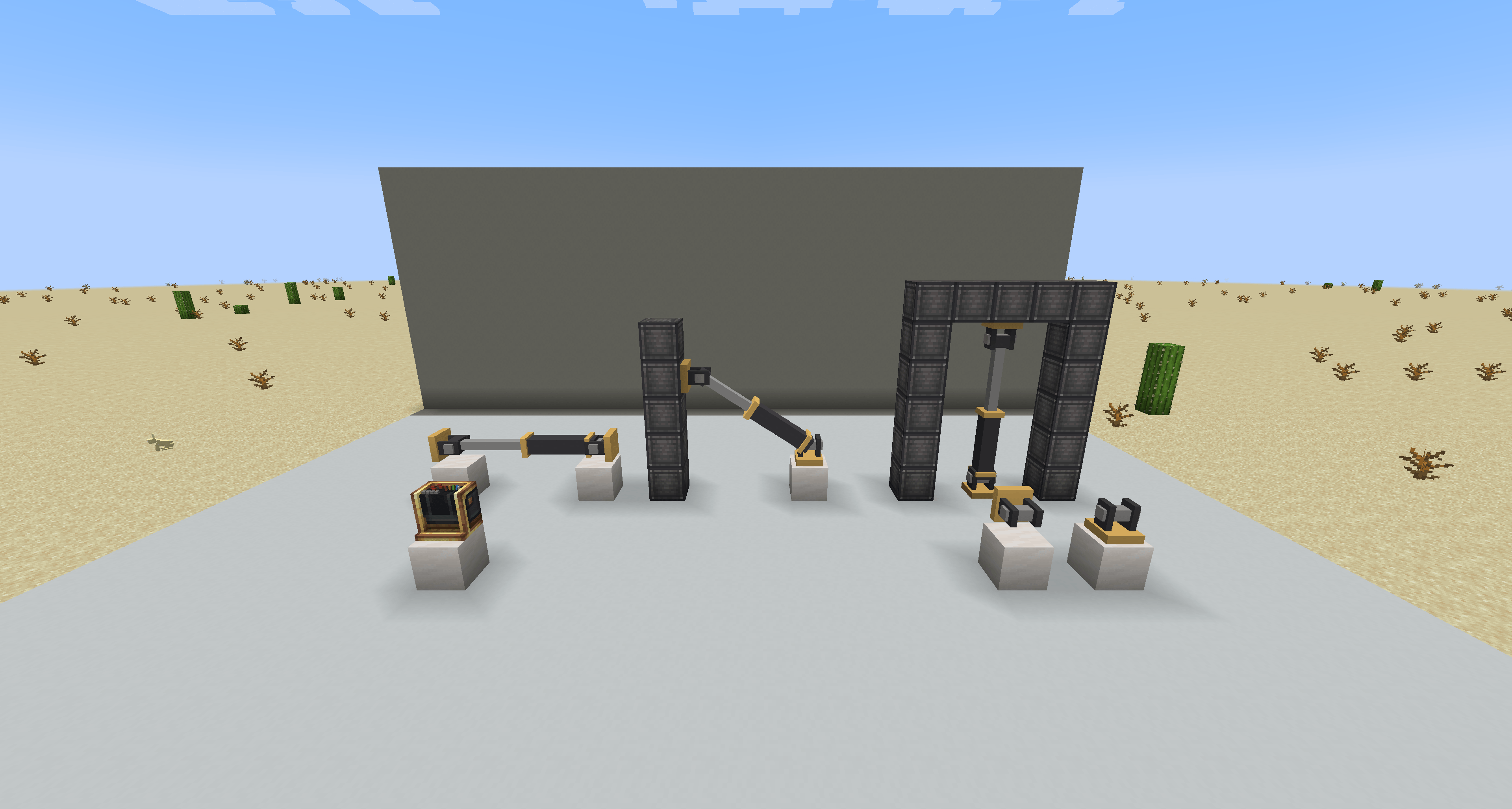
Hydraulic Cylinder
Link two Cylinder Mounts with a Hydraulic Cylinder and set it up in its window: decorative or driven, tube length, speed and redstone direction. A driven cylinder (needs Create Aeronautics) follows a redstone signal from fully in to fully out and pushes the parts it sits on with their real weight, so it can raise a boom or tip a bucket arm.
Operator Console
A control desk for your vehicles with a cross of four buttons, four bonus buttons and five levers. Every control sends on its own Redstone Link frequency. Take control and drive with your keyboard (all keys can be changed in Controls), or scroll on a lever to move it. A lever position becomes a cylinder position.
Decoration and building blocks
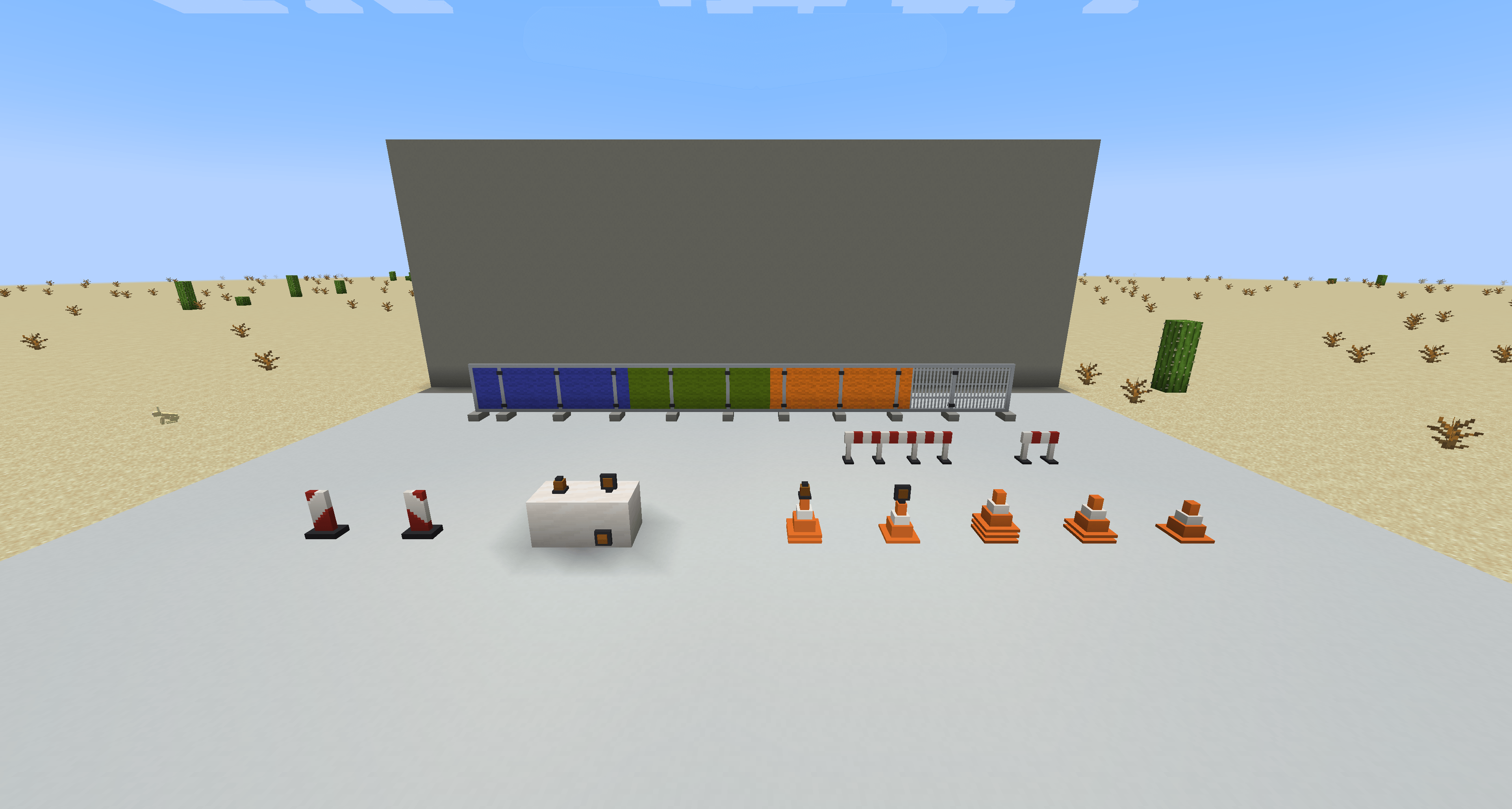
- Traffic Cone, Warning Flasher, Warning Beacon, Delineator Post, Barrier Board and Site Fence (with coloured tarps).
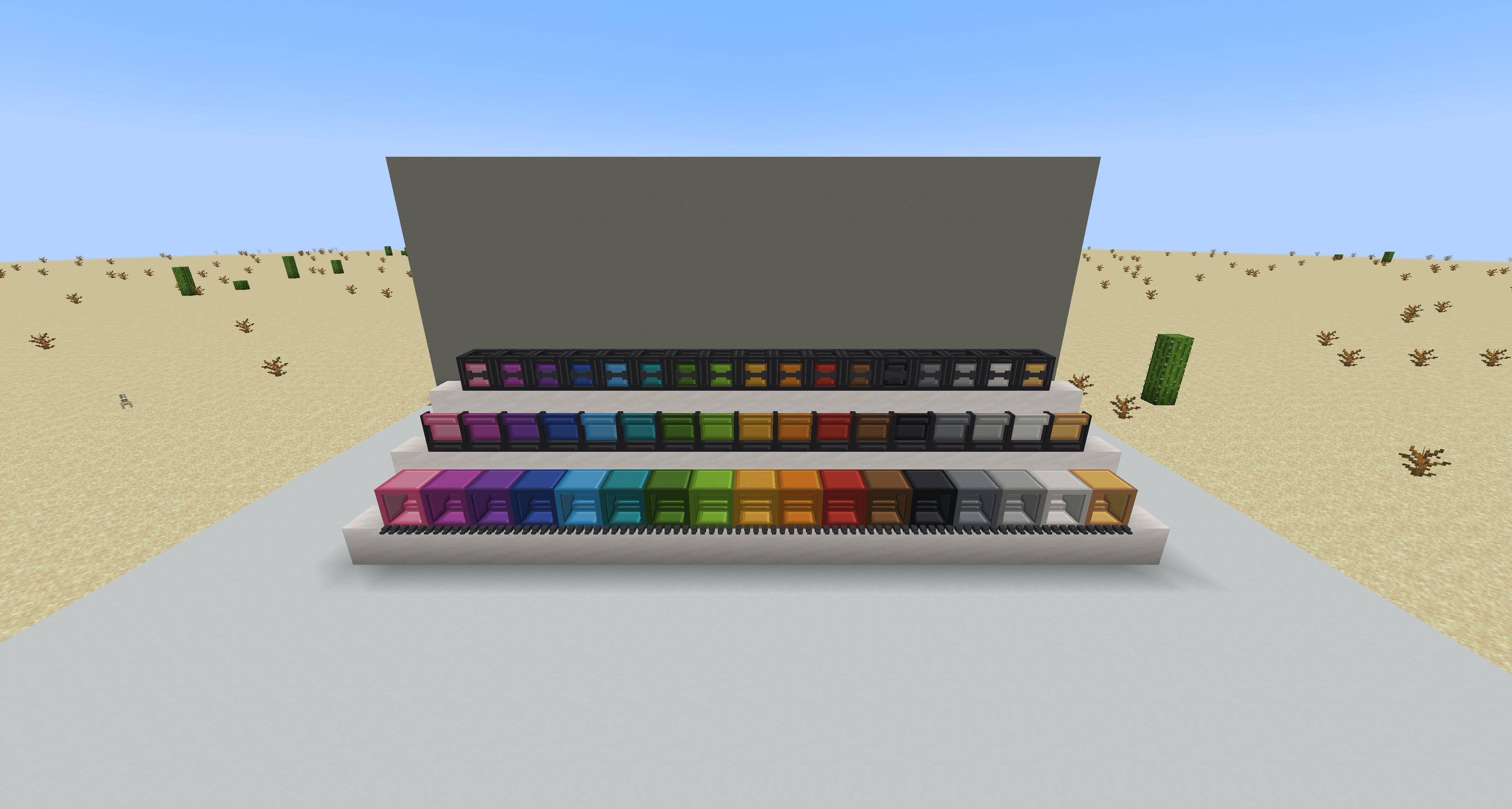
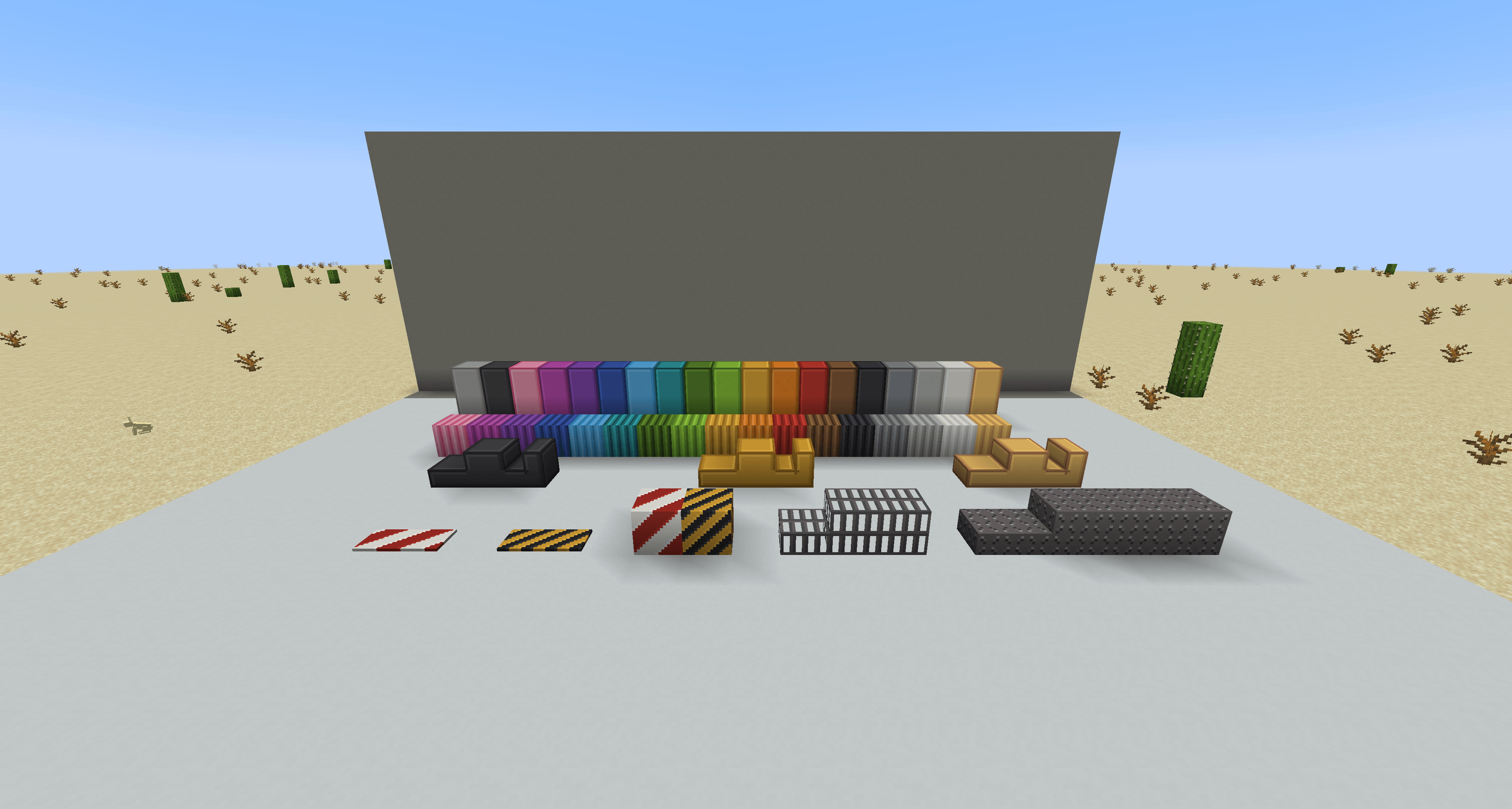
- Brass Plating in 16 colours, Dark Steel and Polished Iron Plating, Tread Plate, Grating, Hazard Stripes, Hazard Plate and Corrugated Brass Sheet, several with slabs and stairs.
Requirements
| Version | ||
|---|---|---|
| Minecraft | 1.21.1 | required |
| NeoForge | any 1.21.1 version (21.1.x) | required |
| Create | 6.0.10 or newer | required |
| Create Aeronautics (with Simulated and Sable) | 1.3.0 or newer | optional |
Links
Source code and issue tracker: https://github.com/Rawrland/create-construction-site
常见问题
Create: Construction Site 支持哪些 Minecraft 版本?
Create: Construction Site 支持 Minecraft Java 版 1.21.1,可用的加载器:NeoForge。下载时注意选择和你游戏版本一致的文件。
Create: Construction Site 怎么安装?
先用 PCL2 或 HMCL 启动器安装对应版本的 NeoForge,再把下载的 .jar 文件放进游戏目录的 mods 文件夹,重新启动游戏即可。开启了版本隔离的,mods 文件夹在 versions/版本名 下面。
评论
登录后评论和评分